Template details
Millikyl
A Jekyll theme based on the super minimal Milligram CSS framework
About this template
Millikyl is a Jekyll theme built on the super minimal CSS framework Milligram, offering a lightweight foundation for static blogs and personal websites.
What is Millikyl?
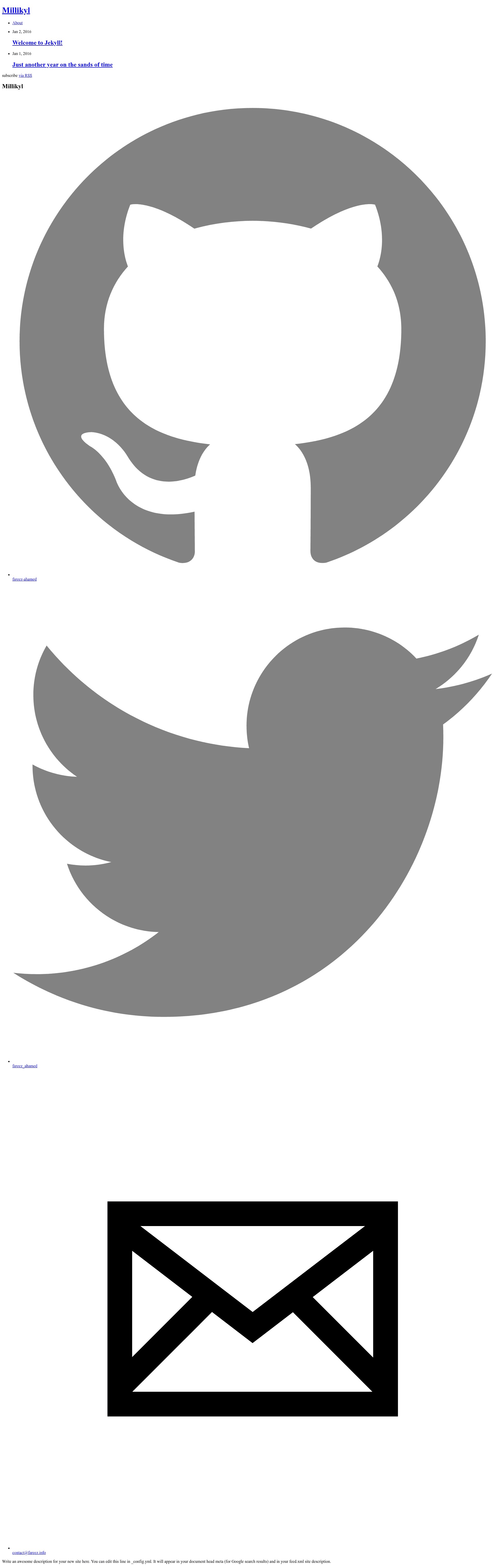
Millikyl is a Jekyll theme that pairs the static site generator Jekyll with the minimalist CSS framework Milligram. It takes Markdown content and Liquid templates as input and outputs a static HTML site with a clean, low-footprint design. The theme is maintained under the fareez-ahamed GitHub account, as indicated by its demo URL, and the repository has 12 stars.
Key Features
- Milligram-based styling — Built on the super minimal CSS framework Milligram, the theme keeps its CSS footprint very small and provides a clean, typography-first look.
- Jekyll integration — Fully compatible with Jekyll, so content is authored in Markdown and compiled into plain HTML with no database or backend dependencies.
- Live demo — A working example is available at http://fareez-ahamed.github.io/millikyl, letting you preview the default layout before installing.
- Open source on GitHub — The theme's source is publicly available, and the repository currently has 12 stars, indicating early community interest.
- Standard Jekyll structure — Uses standard layouts, includes, and config files, making it easy to deploy on GitHub Pages or any static hosting service.
Who is it for?
- Bloggers — Set up a fast, minimal blog with Jekyll and Markdown-based writing.
- Developers — Use the theme as a clean starting point for custom Jekyll projects, then modify the HTML and CSS to fit your needs.
- Static site enthusiasts — Build a lightweight personal site without the overhead of a larger framework or CSS library.
What can you do with Millikyl?
- Personal blogging: Write posts in Markdown and publish them through Jekyll's build process, with the theme handling the presentation.
- Portfolio page: Use the minimal layout to showcase projects or work samples, relying on the simple grid and typography from Milligram.
- Learning Jekyll: Study the theme's file structure to understand how Jekyll themes are organized and how Liquid templates work.
FAQ
Is Millikyl free to use?
Yes, the theme's source code is publicly available on GitHub, so you can download and use it without charge. As with any open source project, check the repository for license terms, though nothing on the page indicates any usage restrictions.
Does Millikyl require Jekyll?
Yes, Millikyl is a Jekyll theme, so you need Jekyll installed locally, or you can host the site on GitHub Pages, which supports Jekyll natively.
What CSS framework does Millikyl use?
Millikyl uses Milligram, a super minimal CSS framework. Milligram provides a minimal reset and base styles, keeping the theme's overall CSS very light.
Can I customize the theme?
Yes, because it follows Jekyll's standard theme structure, you can edit layout files, partials, and the style sheets. You can also override the theme's styles by adding custom CSS in the Jekyll project.
Where can I see a live demo?
The demo is hosted at http://fareez-ahamed.github.io/millikyl, where you can see the default theme in action.