Template details
Breeze
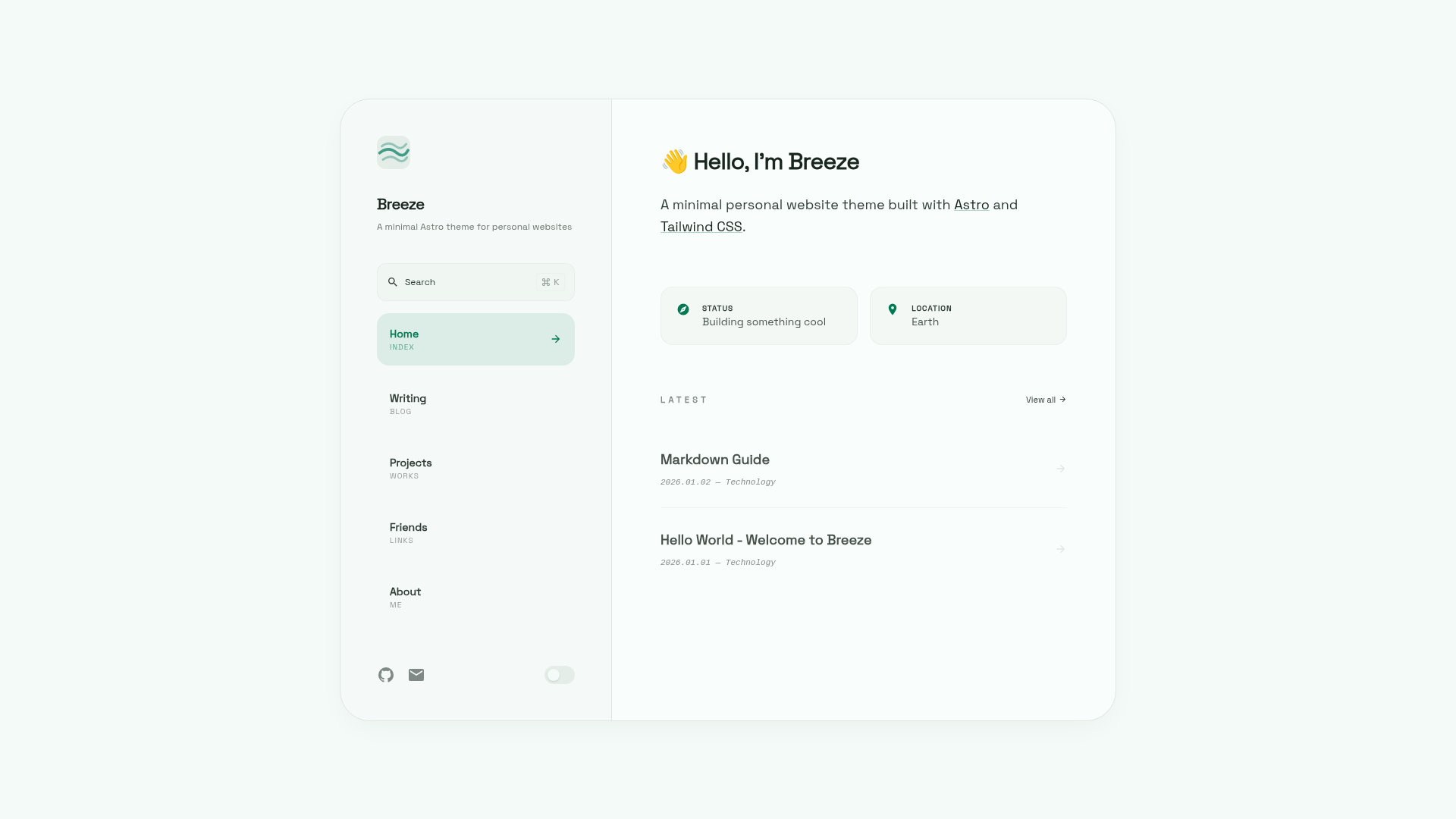
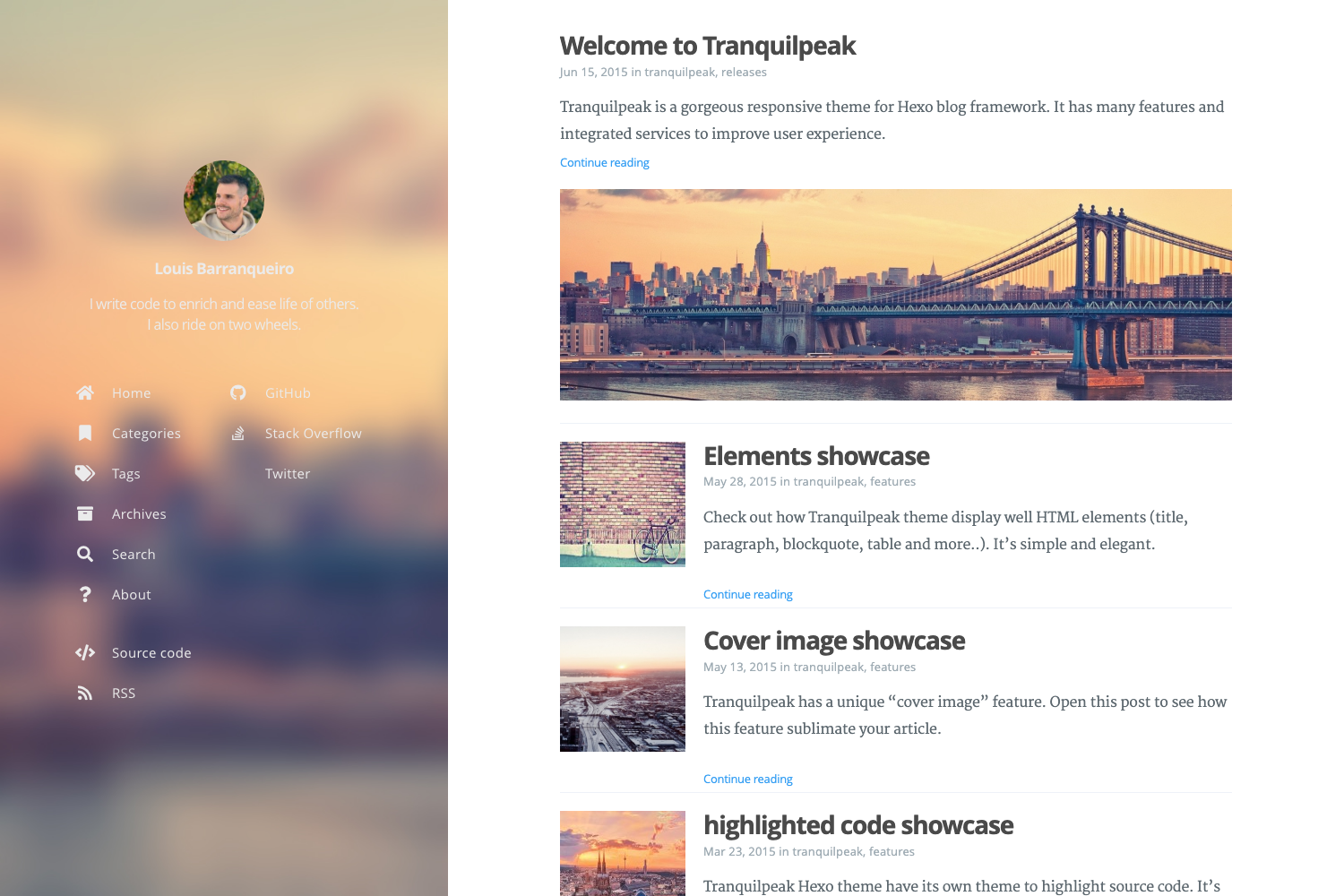
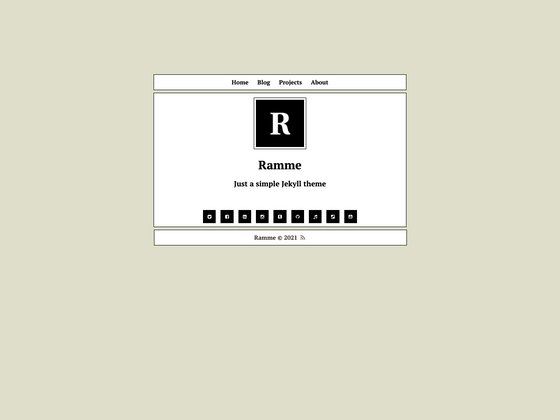
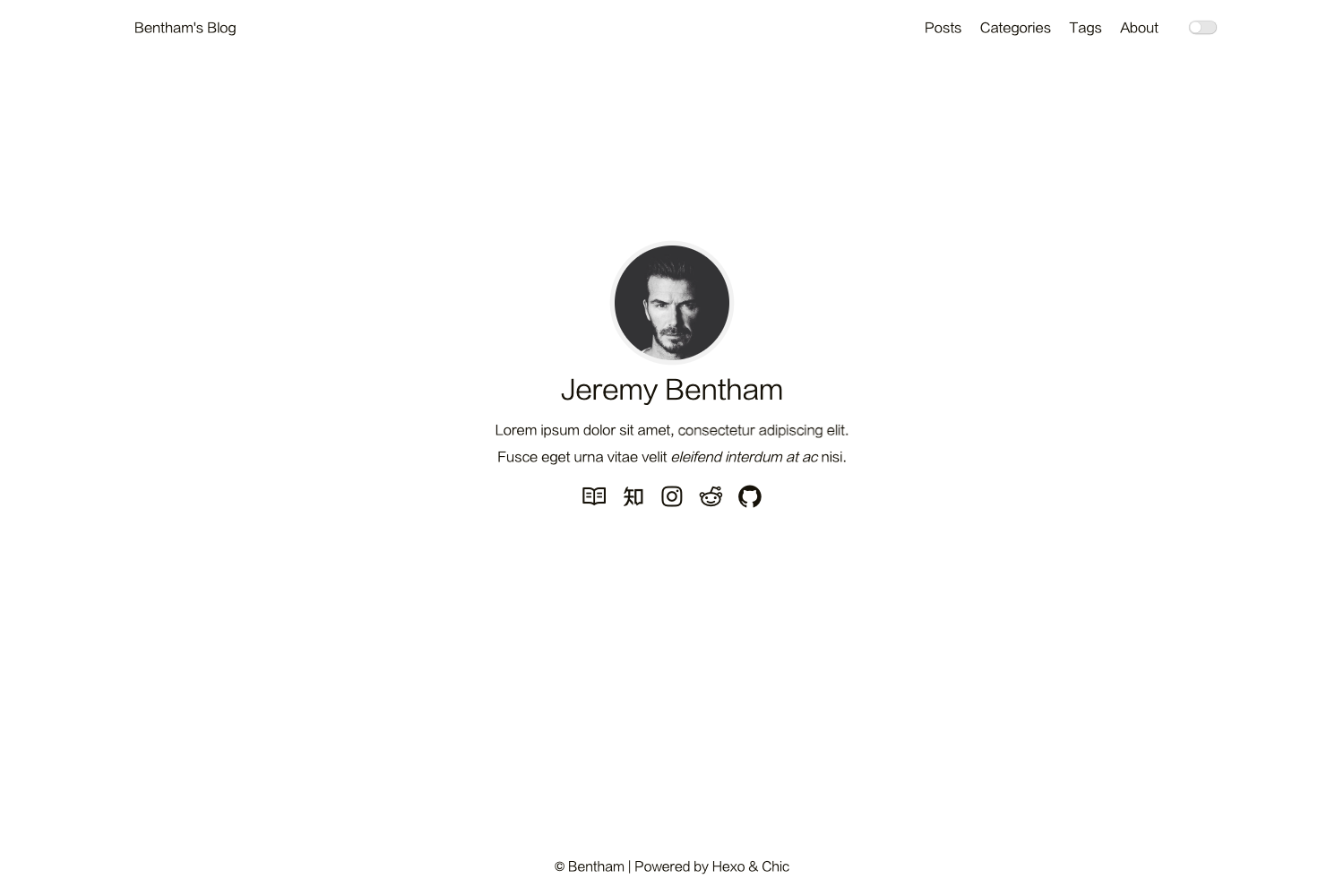
A minimal, clean Astro theme for personal websites and blogs. Built with Astro 5, Tailwind CSS v4, and TypeScript.
About this template
Breeze is an open-source Astro 5 theme that generates fast, minimal personal websites and blogs from Markdown or MDX content, with search, dark mode, and optional comments and analytics.
What is Breeze?
Breeze is a minimal, clean blog theme for personal websites and blogs, built on Astro 5 with Tailwind CSS v4 and TypeScript. It takes content files written in Markdown or MDX and a single TypeScript configuration file, and produces a fully static site in a dist/ folder ready for any static hosting service. The project is released under the MIT license and maintained on GitHub as astro-theme-breeze.
What makes Breeze stand out?
- Full-text search with Pagefind — built-in Cmd+K search interface; no external search service needed.
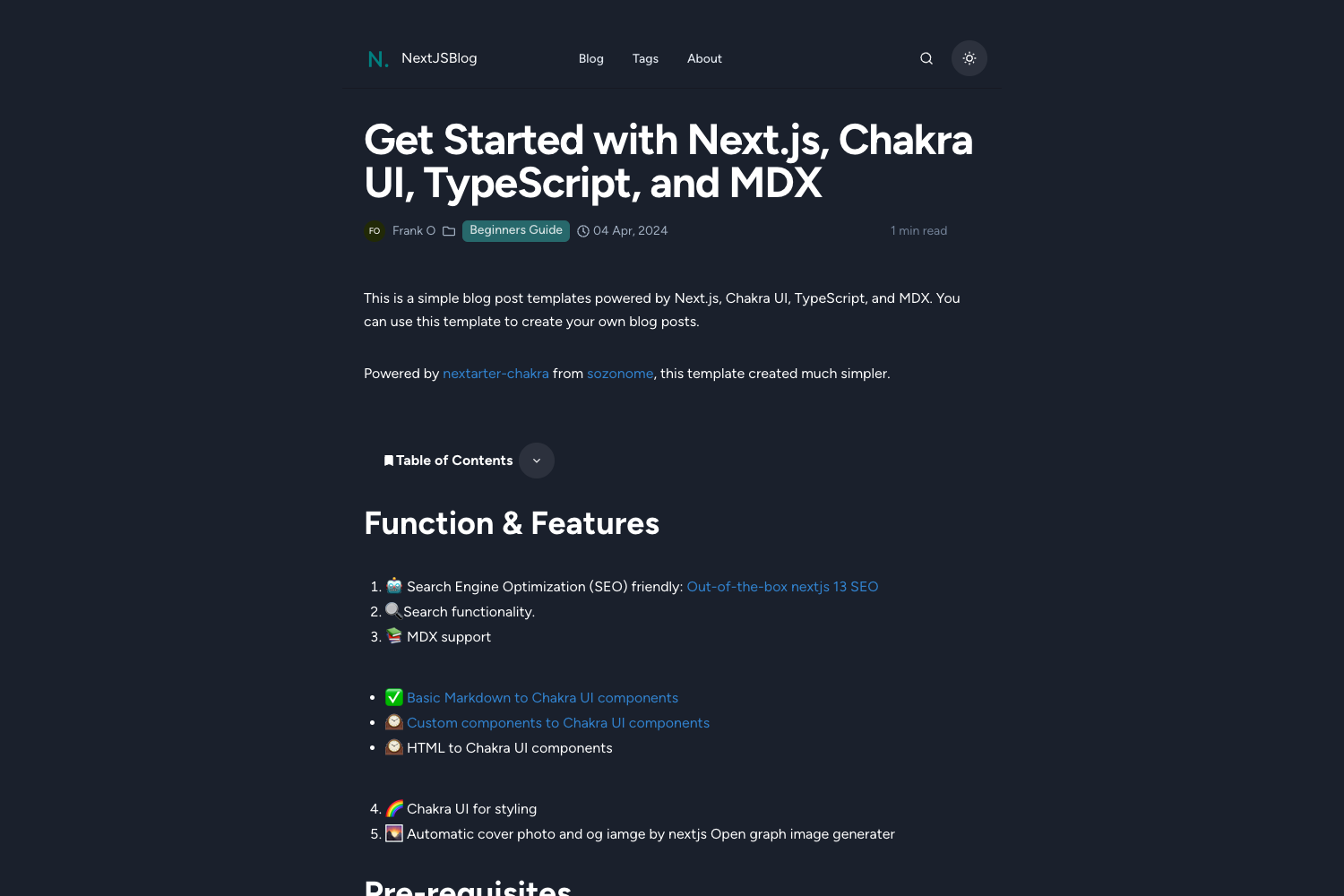
- Dark/Light mode — smooth toggle between themes using the OKLch color system.
- OKLch color customization — change the entire palette by replacing a single hue value; defaults include Sage Green (165), Ocean Blue (250), Lavender Purple (280), Rose Pink (330), and Warm Orange (30).
- Content collections — built-in schemas for posts, projects, categories, tags, and friends; manage everything through Markdown frontmatter and JSON files.
- RSS feed and sitemap — automatically generated for SEO and syndication.
- Optional Artalk comments — plug in your own Artalk server via environment variables; works on Cloudflare Pages with no code changes.
- Optional Umami analytics — privacy-friendly analytics via UMAMI_URL and UMAMI_WEBSITE_ID env variables.
- Expressive Code syntax highlighting — beautiful code blocks for technical posts.
- View Transitions — smooth page transitions between routes, plus a responsive layout with table of contents for posts.
Who should use Breeze?
- Personal bloggers who want a clean, focused reading experience and full-text search without relying on JavaScript-heavy frameworks.
- Developers who want to publish technical articles with syntax-highlighted code snippets and automatic tables of contents.
- Freelancers or portfolio owners who need a small site to showcase projects (using the built-in projects collection) alongside blog posts.
- Static-site enthusiasts who prefer a single TypeScript config file and known Astro/Tailwind tooling over a complex CMS.
What can you do with Breeze?
- Start a blog in minutes: clone the repository, run pnpm install, and add Markdown/MDX files under src/content/posts/ — frontmatter fields include title, createdAt, category, tags, and summary.
- Launch a personal homepage: customize the hero section, navigation menu labels, social links, and footer text from src/config/site.ts.
- Showcase projects: add project entries to src/content/projects/ with title, description, tech stack, link, and status.
- Create a friends page or link directory: edit src/content/miscs/friends.json with name, description, link, and avatar.
How does Breeze work?
Breeze follows a standard Astro content-collections workflow. Start by cloning the repository and installing dependencies with pnpm, then run pnpm dev for local development and pnpm build to generate the static site in dist/. All site settings live in src/config/site.ts — the only file you need to edit for personalization — and you update astro.config.mjs to set your site URL. Optional features like Artalk comments and Umami analytics are enabled by copying .env.example to .env and setting the corresponding environment variables; on Cloudflare Pages you can add them directly in the project settings.
Pricing
Breeze is free and open source under the MIT license. There are no paid tiers, subscriptions, or feature gating; you can use the theme for personal or commercial projects and modify it as needed.
FAQ
Does Breeze support search?
Yes, Breeze includes full-text search powered by Pagefind, triggered with Cmd+K. No external search service is required; search is generated at build time.
How do I change the accent color?
Edit src/styles/theme.css and replace the hue value used by the OKLch colors. The default hue is 165 (Sage Green); examples include 250 for Ocean Blue, 280 for Lavender Purple, 330 for Rose Pink, and 30 for Warm Orange.
Can I add comments to my posts?
Yes, Breeze supports Artalk comments. You need to run an Artalk server, then set PUBLIC_ARTALK_SERVER in your .env file or Cloudflare Pages environment variables. An optional PUBLIC_ARTALK_ENABLED flag can force comments on or off.
What hosting services work with Breeze?
Breeze produces a static dist/ folder after pnpm build, so it works with any static host such as Vercel, Netlify, or Cloudflare Pages. For Cloudflare Pages, you can configure environment variables in the dashboard without changing code.