Template details
Fuwari
A clean, minimalist static blog template built with Astro and Tailwind CSS.
About this template
Fuwari is a static blog template built with Astro and Tailwind CSS, designed for fast, minimal, and responsive personal blogs. It is maintained by saicaca and released under the MIT License.
What is Fuwari?
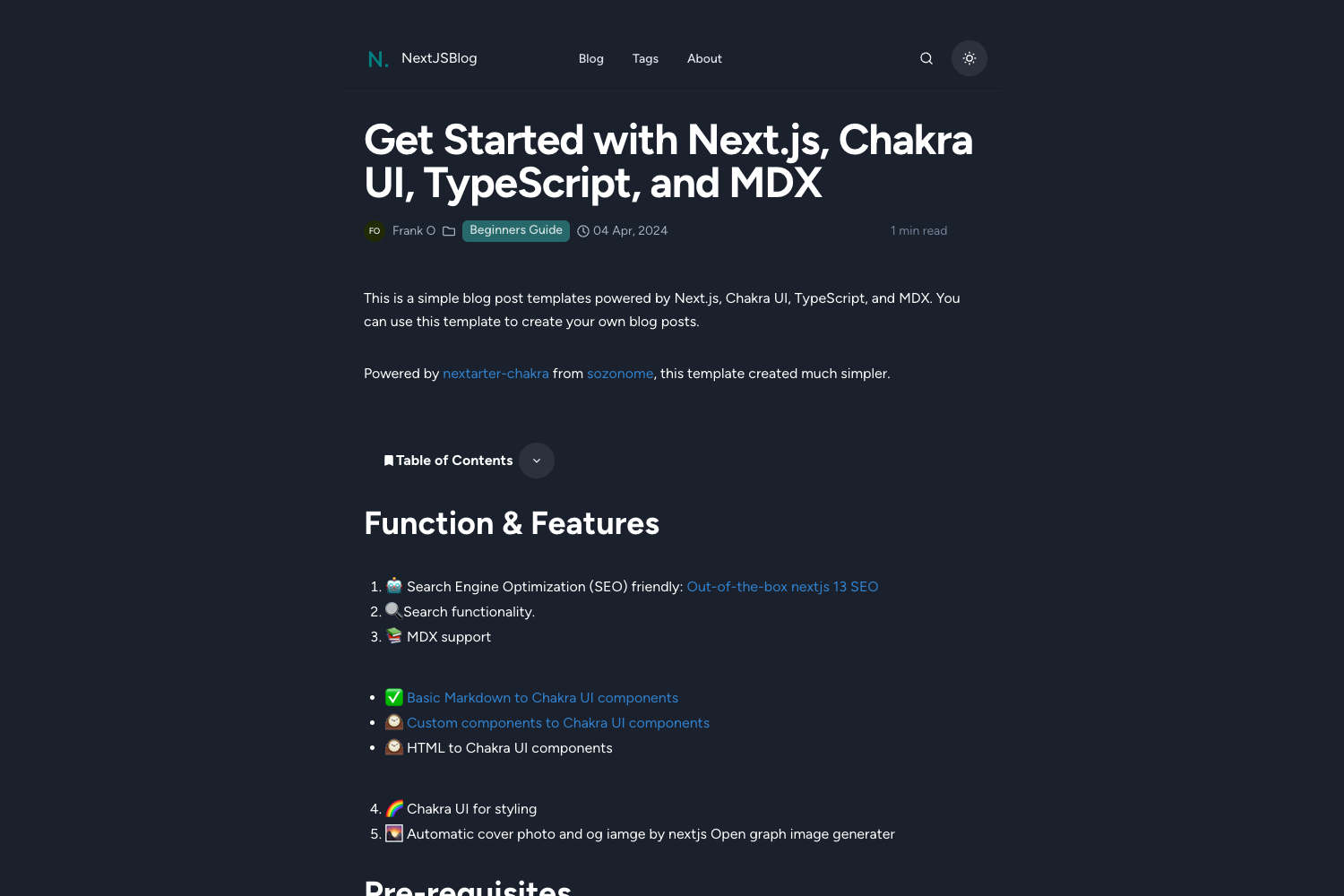
Fuwari is a static blog template built with the Astro framework and styled with Tailwind CSS. It takes Markdown files with frontmatter as input and generates a fully static website with light/dark mode, search, RSS, and a table of contents. The template requires Node.js 20 or higher and pnpm 9 or higher to build, and it can be deployed to Vercel, Netlify, or GitHub Pages. The project is developed by saicaca and open-sourced on GitHub.
Key Features
- Astro + Tailwind CSS — Built on the Astro framework with Tailwind CSS for styling, giving you a modern static site generation pipeline.
- Light / dark mode — Users can switch between light and dark themes, and the blog persists the preference.
- Customizable theme colors & banner — You can adjust the accent colors and the banner image directly from the config file
src/config.ts. - Pagefind search — Full-text search for your posts is powered by Pagefind, no external search service required.
- Markdown extended syntax — Includes admonitions, GitHub repository cards, and enhanced code blocks via Expressive Code, in addition to standard GitHub Flavored Markdown.
- Table of contents — Automatically generated TOC for posts, improving navigation on longer articles.
- RSS feed — Generates an RSS feed out of the box so readers can subscribe to your blog.
- Responsive design — The layout adapts to mobile, tablet, and desktop screen sizes.
Who is it for?
Fuwari is suited for personal bloggers who want a lightweight, speedy site with minimal setup. Developers who already know Astro or Tailwind will find it easy to customize the source. It also fits writers who want built-in search and RSS without configuring external services.
What can you do with Fuwari?
- Personal bloggers: Publish Markdown posts with per-post frontmatter (title, description, tags, category, draft status) and get a static site with automatic TOC and RSS.
- Multilingual writers: Set a
langfield in a post's frontmatter to publish posts in a different language from the site's default. - Developers: Run
pnpm new-post <filename>to scaffold a new post, editsrc/config.tsto change site metadata, and deploy to Vercel, Netlify, or GitHub Pages.
How does Fuwari work?
The Getting Started guide outlines a simple workflow: first, click "Generate a new repository" from the GitHub template or run npm create fuwari@latest to scaffold a project. Then, install dependencies with pnpm install, edit the config file src/config.ts to set your blog name and theme, and add posts by running pnpm new-post <filename> or by placing Markdown files in src/content/posts/. Finally, build the site with pnpm build and deploy the dist/ folder to any static host.
FAQ
Is Fuwari free?
Yes, Fuwari is released under the MIT License, so you can use, modify, and distribute it freely, including for commercial projects.
What are the prerequisites to use Fuwari?
You need Node.js 20 or higher and pnpm 9 or higher. The template also supports Yarn, Bun, and Deno for creating a new project.
How do I create a new blog post?
Run pnpm new-post <filename> in the project root. This creates a Markdown file in src/content/posts/ where you can write content using frontmatter for title, published date, description, tags, and more.
Can I change the language of my site?
Yes, edit the language setting in src/config.ts. For individual posts, you can override the site language by setting a lang field in the frontmatter.
Does Fuwari support search?
Yes, Fuwari includes client-side search powered by Pagefind, which indexes your posts during the build process. No external search service is needed.