Template details
Tiffany
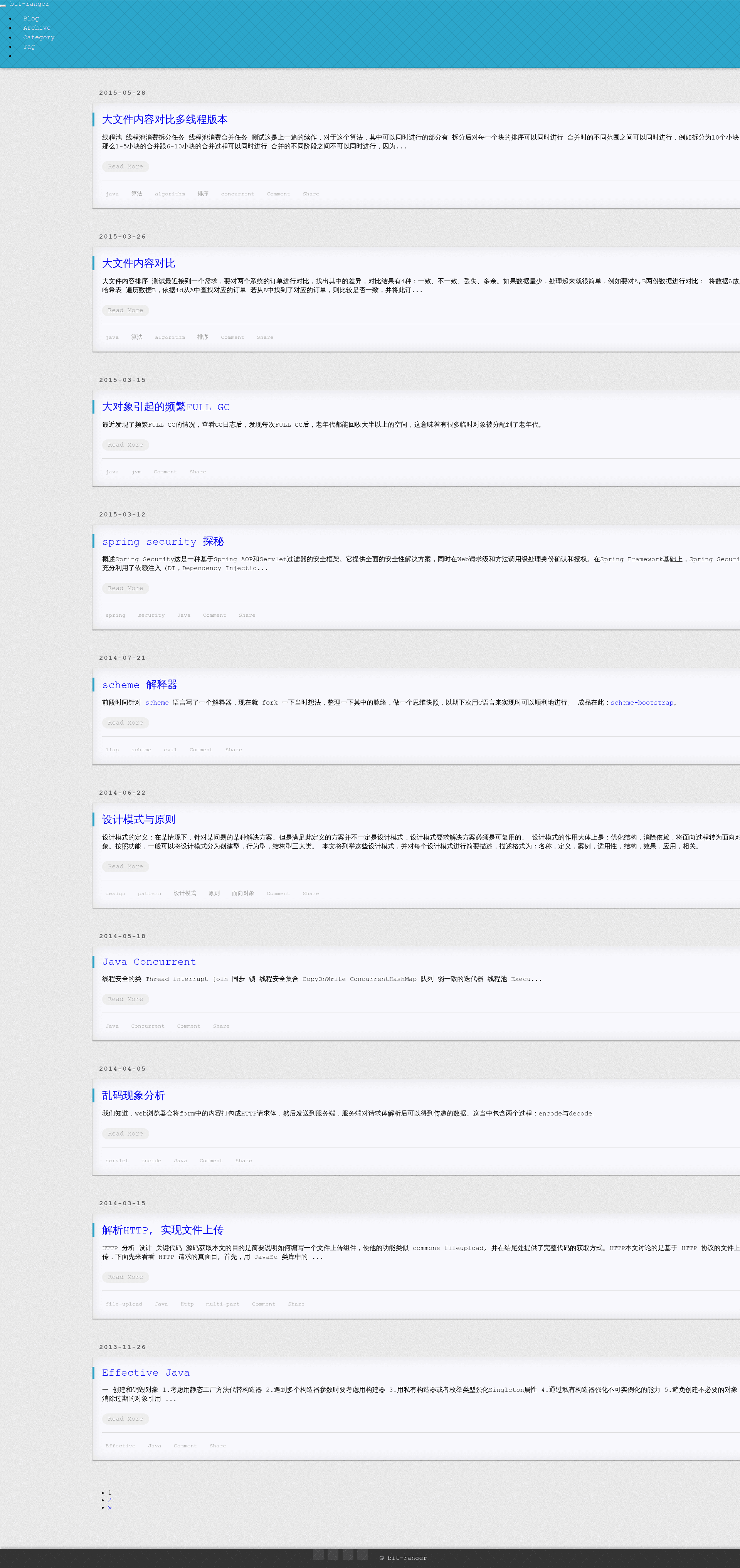
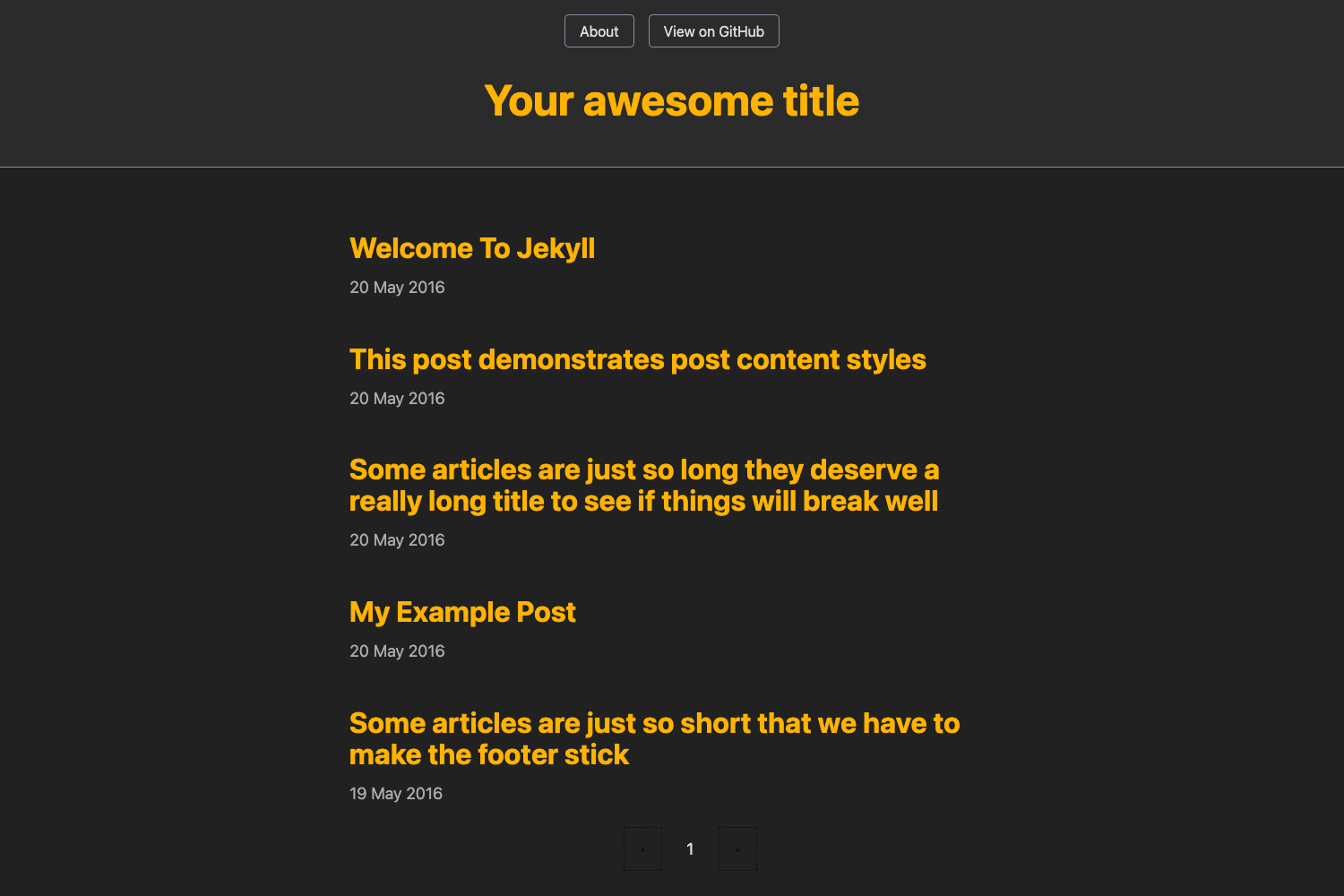
A Jekyll blog theme for GitHub Pages with Swiftype site search and Gitalk comment integration.
About this template
Tiffany is a Jekyll blog theme built for GitHub Pages that combines Swiftype-powered site search with Gitalk comments.
What is Tiffany?
Tiffany is a Jekyll blog theme created by bit-ranger, published on GitHub and hosted at https://bit-ranger.github.io/blog/. It takes Markdown files as input and generates a static blog site with a built-in search box and comment section. The theme requires configuration of two external services: Swiftype for site search and Gitalk for comments, both set through the _config.yml file.
Key Features
- Swiftype on-site search — Adds a search box to the blog; you must create a Swiftype engine and paste its install ID into the
swiftype.searchIdsetting in_config.yml. - Gitalk comment system — Comments are powered by GitHub Issues; configure the
commentsection in_config.ymlwith your GitHub repository and OAuth credentials. - GitHub Pages ready — The theme is designed to be deployed on GitHub Pages, so the site is served from a
github.iodomain. - Bilingual setup instructions — The repository includes a Chinese README (README_zh_CN.md) alongside the English instructions.
- Open-source repository — The project is publicly available on GitHub, with 111 stars and the topics
jekyll,jekyll-theme, andjekyll-themes.
Who is it for?
- Personal bloggers — Publish posts written in Markdown to a static blog without managing a database or server.
- Jekyll users — Developers comfortable editing
_config.ymlwho want a working theme with search and comments already wired up. - GitHub Pages users — Anyone who wants a blog that updates by pushing commits to a GitHub repository.
What can you do with Tiffany?
- Launch a personal blog — Write Markdown posts, push them to GitHub, and get a live blog with search and comments.
- Add site search — Connect a Swiftype engine so visitors can search your posts from the blog.
- Add comments — Enable Gitalk so readers can leave comments that are stored as GitHub Issues in your repository.
How does Tiffany work?
The theme is set up by editing _config.yml and adding two service integrations. First, create a Swiftype account and an engine, then copy the engine's install ID into swiftype.searchId. For comments, set up a GitHub OAuth app and fill in the Gitalk parameters in the comment section. After these changes, the Jekyll site builds with search and comment widgets enabled.
FAQ
Is Tiffany free?
Yes, the theme itself is open source on GitHub with no license fee. The external services Swiftype and Gitalk are not part of the theme; their usage is subject to their own terms.
How do I set up Swiftype search?
Create a Swiftype account, create an engine for your site, and go to the "Install Search" section in the engine dashboard. Copy the install string that contains swiftype.searchId and replace the value in _config.yml with your engine's ID.
How do I set up Gitalk comments?
Set up a GitHub OAuth application, then fill in the Gitalk configuration fields (client ID, client secret, and repository) in the comment section of _config.yml. Gitalk will then attach comments to issues in that repository.
Where is the blog hosted?
The theme is hosted on GitHub Pages at https://bit-ranger.github.io/blog/. The repository is located at https://github.com/bit-ranger/blog.