Template details
Hexo Theme Melody
A simple, beautiful, and fast Hexo blog theme with support for comments, search, analytics, MathJax, and more.
About this template
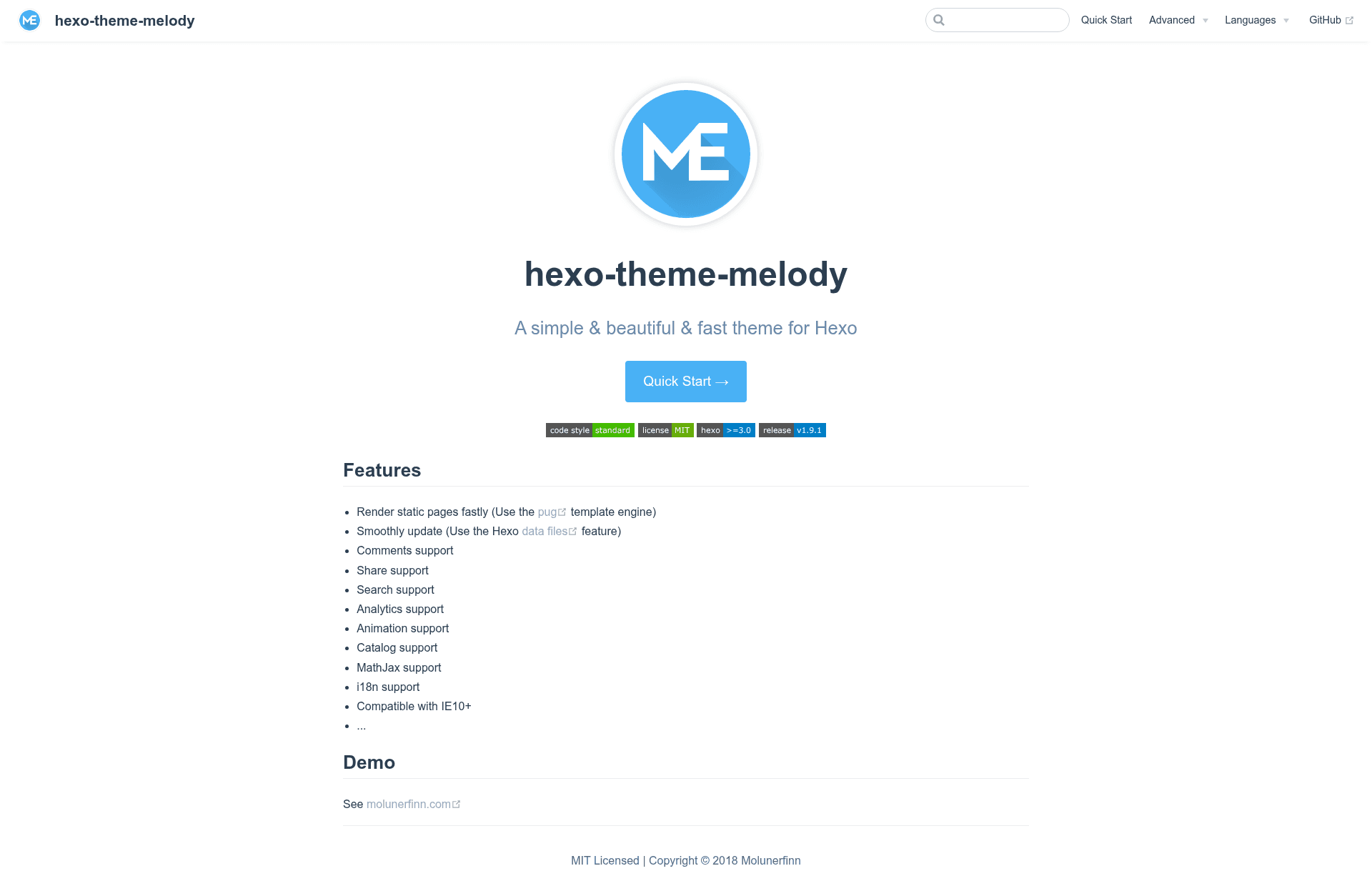
hexo-theme-melody is a Hexo theme for static blogs that uses the Pug template engine to render pages quickly and bundles comments, share, search, analytics, animation, catalog, MathJax, i18n, and IE10+ support.
What is hexo-theme-melody?
hexo-theme-melody is a theme for the Hexo static site generator, turning Markdown posts into a static website. Its documentation is published in this GitHub repository, and a live demo runs at molunerfinn.com. The theme outputs HTML, CSS, and JavaScript files from a standard Hexo project, and the repo lists the feature set and browser compatibility notes.
Key Features
- Pug template engine — Uses the Pug template engine to render static pages fast.
- Hexo data files — Stores theme configuration in Hexo data files so updates can be made smoothly without overwriting settings.
- Comments support — Adds comment functionality to posts and pages.
- Share support — Includes social sharing options for content.
- Search support — Provides a built-in search feature for the site.
- Analytics support — Integrates web analytics to track visitors.
- Animation support — Adds animations to page elements.
- Catalog support — Creates a catalog (table of contents) for posts.
- MathJax support — Renders LaTeX mathematics in Markdown content.
- i18n support — Supports multiple languages for the theme interface.
- IE10+ compatibility — Works on Internet Explorer 10 and newer.
Who is it for?
- Hexo bloggers — Anyone running a Hexo blog who wants a fast, feature-rich theme without installing many separate plugins.
- Technical writers — Writers who publish math formulas in posts benefit from built-in MathJax rendering.
- Multilingual site owners — i18n support lets the theme UI appear in multiple languages.
- Performance-conscious developers — Pug-based rendering keeps static generation fast, and data-file storage simplifies theme maintenance.
What can you do with hexo-theme-melody?
- Start a personal blog — Set up a Hexo blog with comments, search, analytics, and sharing configured from the start.
- Publish a technical blog — Display LaTeX equations in posts, with a catalog to help readers navigate long articles.
- Run a multilingual site — Use i18n features to serve the theme UI in several languages.
- Keep pages light — Take advantage of the Pug renderer to output static HTML without heavy client-side frameworks.