Template details
Nau's Next.js Boilerplate
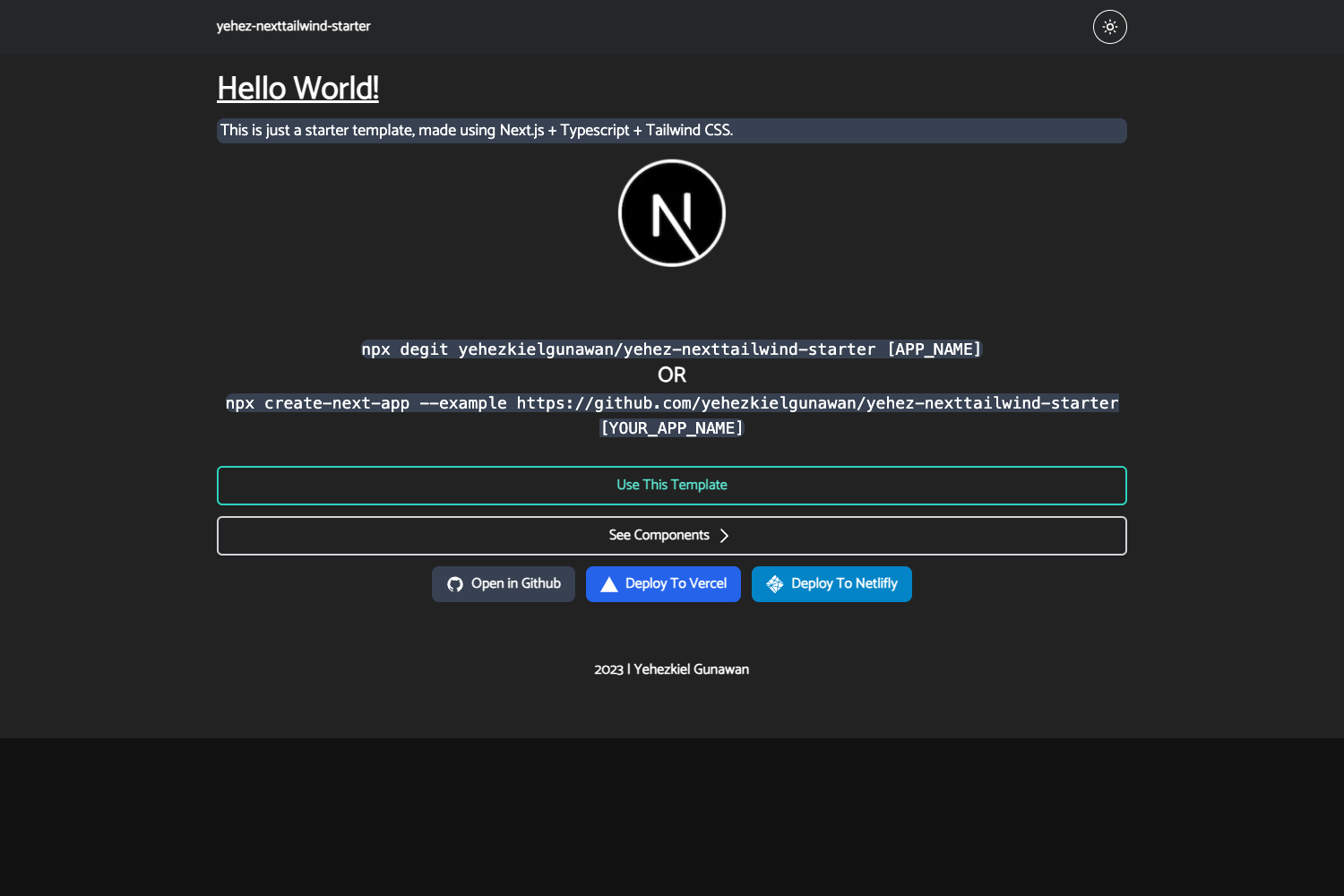
A small Next.js 13 App Router boilerplate with Tailwind CSS, Next Themes, Playwright, and commit hooks preconfigured.
About this template
Nau's Next.js Boilerplate is a minimal Next.js 13 App Router starter that ships with Tailwind CSS, Next Themes, Playwright, and commit hooks preconfigured, so you can start building without assembling tooling.
What is Nau's Next.js Boilerplate?
This boilerplate is a GitHub-published starting point for Next.js 13 applications using the App Router. It takes no input—you clone or download the repository—and produces a working Next.js project with styling, testing, and code-quality tooling already wired up. It runs on Node.js 16 or higher (Node 20+ recommended) and targets any platform Next.js supports, such as Vercel or a self-hosted server.
Key Features
This boilerplate preconfigures the essentials while leaving the UI stack open, so you get a fast start without being forced into a specific component library. The main features include:
- App Router — Uses Next.js 13's file-based App Router for layouts, pages, and nested routes out of the box.
- Tailwind CSS preconfigured — Utility-first styling is ready to use immediately, with no UI component library imposed so you can choose your own.
- Next Themes provider — Preconfigured theme handling for light/dark mode switching in your UI.
- Playwright E2E testing — End-to-end testing infrastructure is ready; write tests in the standard Playwright format and run them with the included commands.
- Husky and Commitlint — Git hooks enforce conventional commit message style on every commit, so project history stays consistent.
- Lint-staged — ESLint and Prettier run only on staged files before each commit, keeping checks fast and focused.
- Framer Motion — The animation library is already installed, so you can add motion effects without adding a dependency.
- @antfu/ni — Use
ni,nr, andnlxinstead of memorizing package-manager-specific commands for install, run, and execute.
Who is it for?
This boilerplate suits Next.js developers who want a clean slate with essential tooling preconfigured. It works well for individual developers and small teams who want consistent commit messages, linting, and E2E tests from the first commit. It's also ideal for developers who prefer to bring their own UI framework or component library and won't be distracted by a pre-installed design system.
What can you do with it?
You can use this boilerplate to jump straight into building a Next.js project without spending time on setup. Here are concrete use cases:
- Prototype a new Next.js app: Scaffold a project with Tailwind, dark mode support, and Framer Motion animations already in place, then start building pages immediately.
- Set up E2E testing early: With Playwright preconfigured, you can write end-to-end tests from day one without setting up test runners or browsers manually.
- Enforce commit standards: The built-in Husky and Commitlint hooks automatically check commit messages, so teams can keep a uniform git history without extra CI setup.
How does it work?
After cloning the repository, install dependencies with pnpm i (or the universal ni command), then start the development server with pnpm run dev or nr dev. The boilerplate requires Node 16 at minimum and recommends Node 20 or higher; you can adjust the pinned version in the project configuration if needed.
Pricing
The boilerplate is free to use—it's published as a public GitHub repository, so anyone can clone or download it and use it in their own projects.
Alternatives
If you prefer a more official starting point, create-next-app is the default Next.js scaffolding tool that generates a similar App Router project. Another option is the T3 Stack, a more opinionated Next.js starter that includes tRPC and Prisma, for developers who want those integrations from the start.
FAQ
Is Nau's Next.js Boilerplate free?
Yes, the boilerplate is hosted as a public GitHub repository, making it free to clone, modify, and use in personal or commercial projects. There are no paid tiers or licensing fees mentioned in the README.
What versions does it use?
The README specifies Next.js 13 with the App Router. It also includes Tailwind CSS, Next Themes, Framer Motion, Playwright, and TS Reset. The required Node version is 16 or higher, though Node 20+ is recommended.
Does it include a UI framework?
No, the boilerplate deliberately avoids bundling any UI framework or component library. Tailwind CSS is preconfigured so you can style your own components or integrate any UI kit that works with Tailwind.
How do I install dependencies?
Run pnpm i to install dependencies using pnpm, or use the alternative ni command provided by @antfu/ni, which detects your package manager automatically. For running the project, use pnpm run dev or nr dev.
What commit hooks are included?
Husky is configured to run lint-staged on staged files before commits, and Commitlint checks that commit messages follow conventional commit style. These hooks help maintain code quality and consistent git history automatically.