Template details
Nevel
Minimalist boilerplate for Next.js with Tailwind CSS
About this template
Nevel is a minimalist Next.js boilerplate created by natainditama that combines Tailwind CSS, TypeScript, ESLint, Prettier, and next-sitemap to produce a static-site-ready project structure.
What is Nevel?
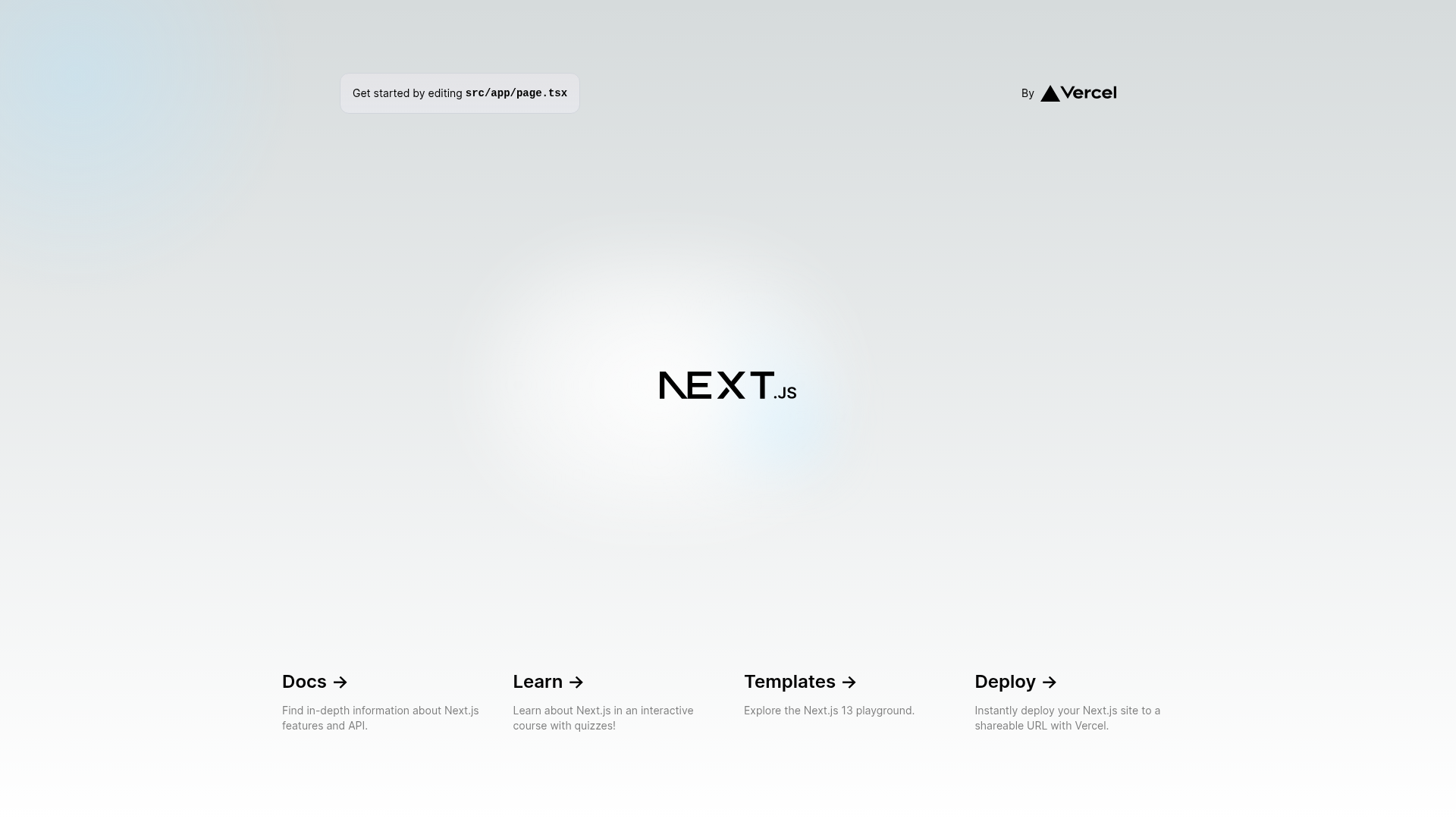
Nevel is a pre-configured Next.js starter template that outputs a static site built with Tailwind CSS and TypeScript. It takes a standard Next.js project and adds linters, formatters, and SEO helpers, so developers can clone it and immediately begin writing pages. The project is maintained under the MIT License on GitHub by natainditama.
Key Features
Nevel includes a pre-configured development environment for building static sites. Its core features are:
- Next.js Static Site Generation — Builds the project into static HTML, CSS, and JavaScript files using Next.js, ready to deploy to any static hosting service.
- Tailwind CSS — The utility-first CSS framework is already configured, with a documented color palette using black, white, and gray tones.
- TypeScript — The codebase is fully typed with TypeScript, enabling compile-time checking as you develop.
- ESLint — A pre-configured linter catches code-quality and style issues during development.
- Prettier — Automated code formatting keeps the project consistently styled across contributors.
- next-sitemap — Generates sitemap.xml and robots.txt automatically during the build process, with the public site URL taken from the NEXT_PUBLIC_SITE_URL environment variable.
Who is it for?
Nevel is aimed at developers who want a minimal, ready-to-use Next.js foundation. It suits the following roles:
- Solo developers who want a clean starting point for a static Next.js site without spending time configuring tools like ESLint and Prettier.
- Small teams building a simple marketing page or blog that needs SEO basics like a sitemap and robots.txt out of the box.
- Developers learning Next.js who want to see a minimal, readable project structure with TypeScript and Tailwind CSS in place.
What can you do with Nevel?
With Nevel, you can quickly turn a fresh Next.js project into a deployable static site. Typical use cases include:
- Launch a blog: Use the static-site generation and pre-configured sitemap to publish a blog that is fast and SEO-friendly.
- Build a portfolio site: Customize the bare layout with Tailwind utilities to create a personal portfolio without app router complexities.
- Create a documentation site: Use the minimal structure and TypeScript to document a project while keeping code consistent.
How does Nevel work?
Nevel is installed by cloning the GitHub repository and then running yarn install to fetch dependencies. The development server starts with yarn run dev, and running a production build via Next.js executes the next-sitemap plugin to generate sitemap.xml and robots.txt. The README requires NEXT_PUBLIC_SITE_URL to be set before deployment.
FAQ
The most common questions about Nevel concern its setup and configuration.
Is Nevel free?
Yes. Nevel is open source under the MIT License, so it can be used, modified, and redistributed without charge.
What environment variable does Nevel require?
Nevel needs the NEXT_PUBLIC_SITE_URL environment variable set to your site's public URL. This value is used by next-sitemap when generating sitemap.xml and robots.txt.
Does Nevel come with a linter and formatter?
Yes. ESLint and Prettier are both pre-configured, so you can run the normal Next.js lint commands and keep formatting consistent with a single command.
How do I run Nevel locally?
After cloning the repository, navigate into the directory, run yarn install to install dependencies, and then yarn run dev to start the development server. Node.js and Yarn are required prerequisites.