Template details
Next Clean Starter
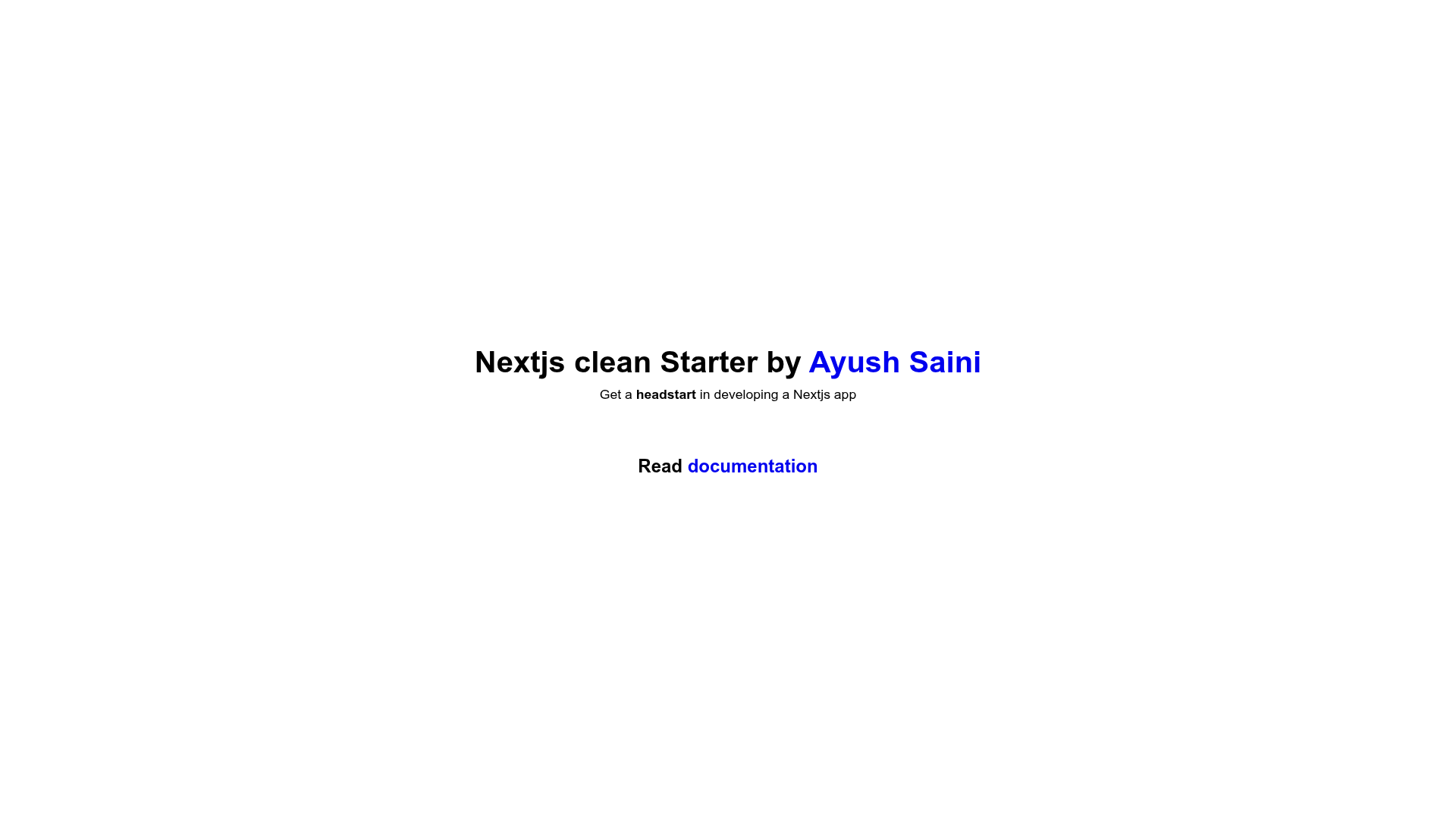
Next.js clean starter template with prebuilt layout components, Sass styling, and Prettier configured.
About this template
Next Clean Starter is a minimal Next.js boilerplate template that combines the Next.js framework with Sass styling, prebuilt layout components, and an organized file structure for quickly bootstrapping new apps.
What is Next Clean Starter?
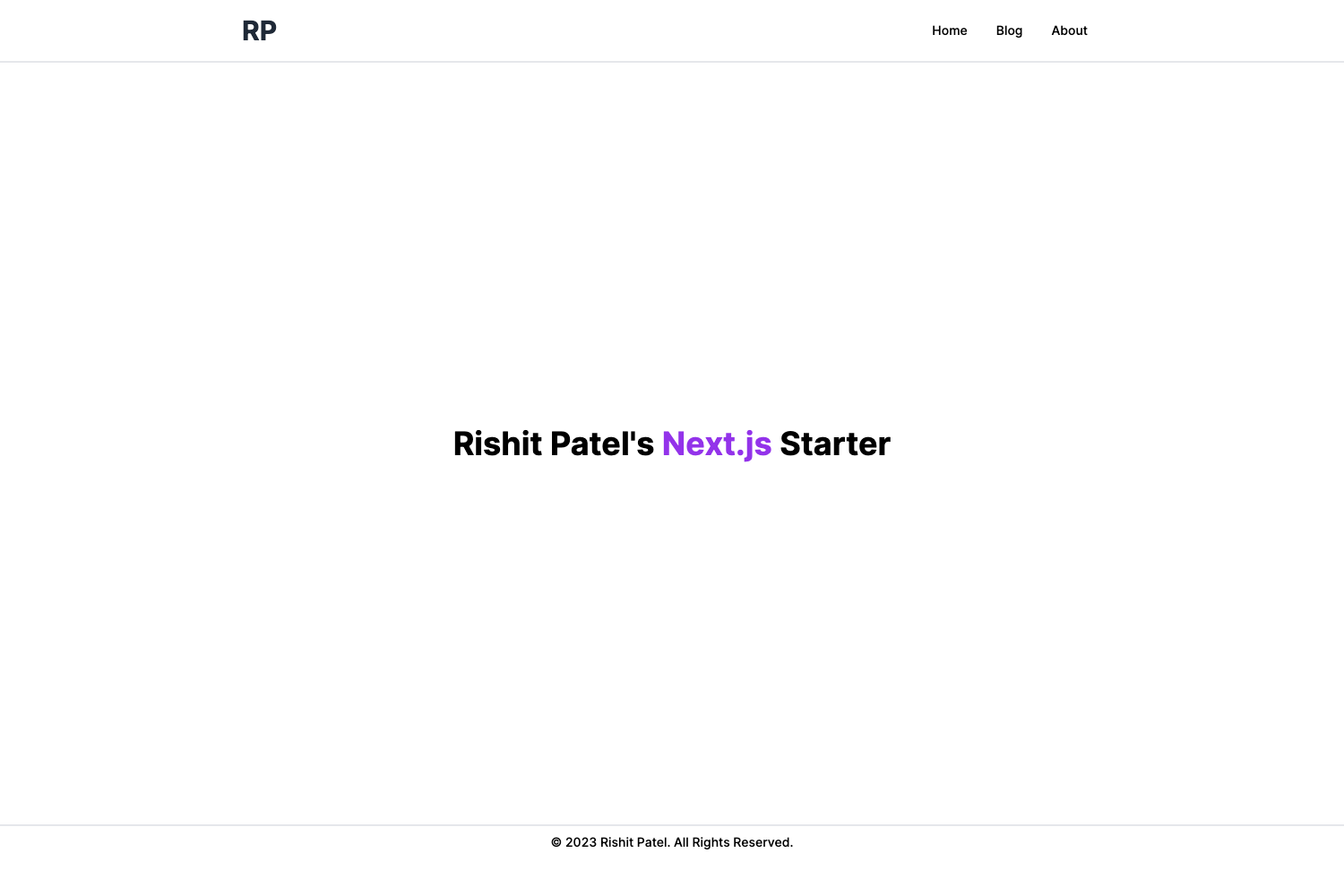
Next Clean Starter is an open-source starter template for Next.js projects created by AyushSaini00, built with Next.js and Sass. It takes a project setup through the create-next-app command and produces a ready-to-develop Next.js application with prebuilt Layout, Navbar, and Footer components, a CustomLink component that handles both internal and external links, a basic CSS reset, responsive media queries for tablet, laptop, and desktop breakpoints, and a styled folder structure. The template runs on Node.js via npm or yarn commands and can be previewed on StackBlitz without local installation.
Key Features
- Next.js and Sass — The template pairs the Next.js React framework with Sass for styling, using SCSS syntax for component styles.
- Prebuilt layout components — Ships with Layout, Navbar, and Footer components so users can start building pages without creating common UI scaffolding.
- CustomLink component — A reusable link component that automatically detects whether a URL is internal or external and applies the appropriate Next.js Link or anchor behavior.
- Basic CSS reset — Includes a foundational CSS reset to normalize browser default styles across elements.
- Responsive media queries — Default breakpoints for tablet, laptop, and desktop are included, giving a structured starting point for responsive design.
- Organized styles structure — Styles are arranged in a defined folder structure to keep SCSS files manageable as a project grows.
- Prettier as dev dependency — Prettier is configured as a dev dependency to enforce consistent code formatting from the start.
Who is it for?
Next Clean Starter is aimed at developers who want a simple, readable starting point for a Next.js project rather than a feature-heavy framework. It suits people who prefer to add their own tooling and components instead of removing preinstalled ones.
- Next.js beginners — People learning Next.js who want a minimal, working setup with Sass already configured instead of starting from an empty project.
- Developers prototyping apps — Builders who need a quick scaffold for a new project and prefer to delete or modify the prebuilt components rather than creating them from scratch.
- Freelancers and studios — Teams that want a consistent internal starter for client projects, with Prettier and organized styles already in place.
- Portfolio builders — Since the template is inspired by the creator's portfolio, developers can adapt the provided components to quickly launch a personal portfolio site.
What can you do with Next Clean Starter?
- Kick-start a new Next.js app — Run the one-line create-next-app command with the template URL to generate a project with the starter files already in place.
- Build a landing page — Use the Layout, Navbar, and Footer components as a base to assemble a marketing or personal landing page without writing common UI from zero.
- Experiment with Sass in Next.js — Use the template to learn how SCSS files and breakpoints are structured inside a Next.js application.
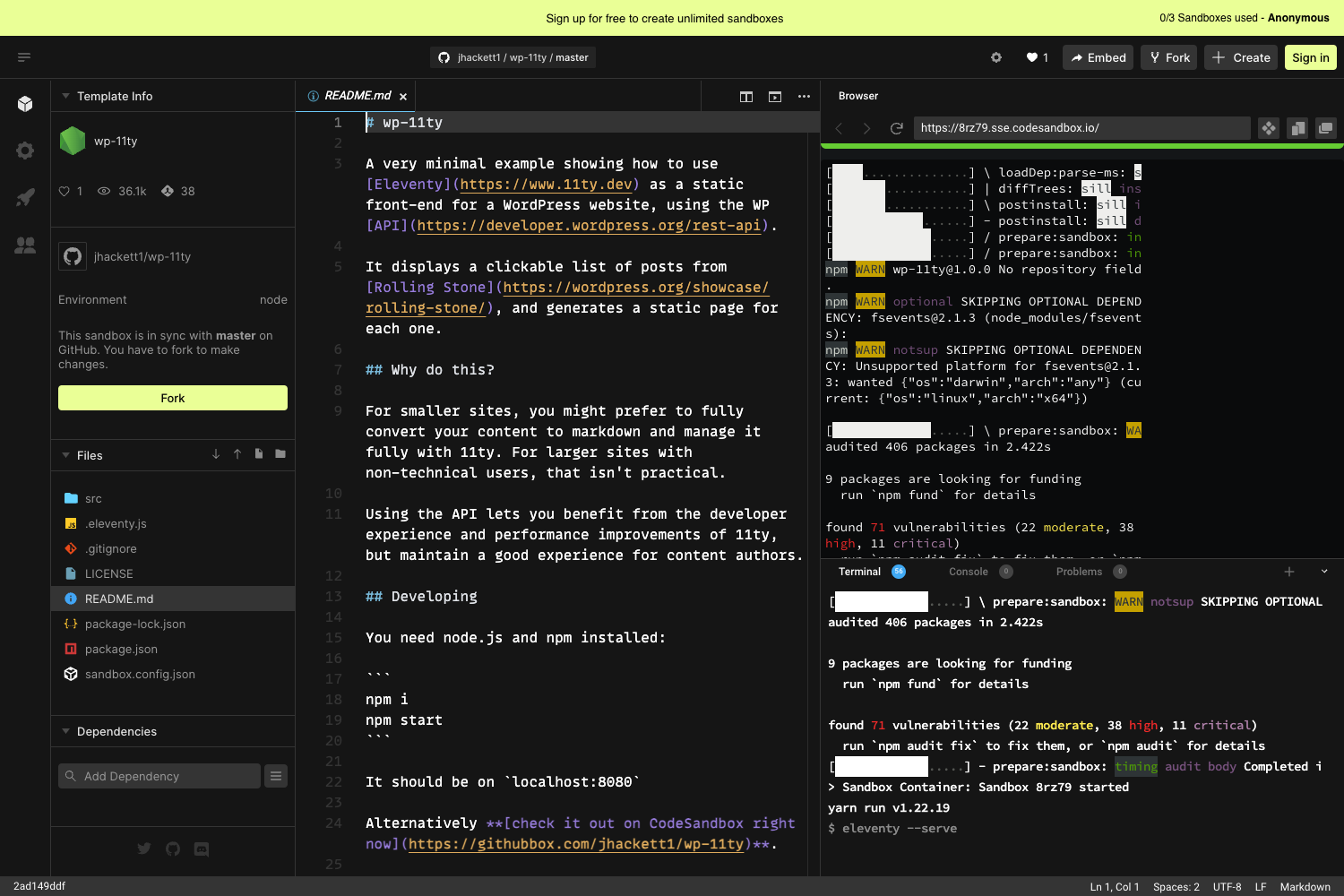
- Preview code in the browser — Open the StackBlitz sandbox link to try the template live before installing anything locally.
How does Next Clean Starter work?
After creating a project with npx create-next-app my-app -e https://github.com/AyushSaini00/next-clean-starter (or the yarn equivalent), users navigate into the directory and run npm run dev or yarn dev to start the development server at http://localhost:3000. The starter's components and styles are ready to edit immediately.
FAQ
Is Next Clean Starter free to use?
Yes, the template is open-source and available on GitHub, and it uses the standard create-next-app flow so there are no paid tiers or licensing fees to get started.
What styling does Next Clean Starter use?
The template uses Sass with SCSS syntax for all styles. It includes a basic CSS reset and default responsive media queries for tablet, laptop, and desktop breakpoints.
Does Next Clean Starter include a CustomLink component?
Yes, the repository includes a CustomLink component that handles both internal and external links, so developers don't need to write the link-type detection logic themselves.
What components come with the template?
The template prebuilds Layout, Navbar, and Footer components. These are meant to serve as a starting point and can be edited or removed as needed.
How do I start the development server?
Once the project is installed, run npm run dev or yarn dev in the project directory and open http://localhost:3000 in your browser to see the app.