Template details
Next.js Django Boilerplate
Barebones example of a Next.js SPA backed by a Django REST Framework API with JWT auth.
About this template
nextjs-django-boilerplate is a boilerplate template that pairs a Next.js single-page application (SPA) with a Django REST Framework API using JWT authentication.
What is nextjs-django-boilerplate?
nextjs-django-boilerplate is a barebones reference project that demonstrates a full-stack architecture where a Next.js frontend (in the www subfolder) consumes a Django REST Framework backend API. It includes JWT authentication, SQLite for development, and production deployment instructions for Heroku and Vercel.
Key Features
- Django REST Framework backend — Exposes an API with JWT authentication; uses SQLite by default and can be migrated to Postgres for production.
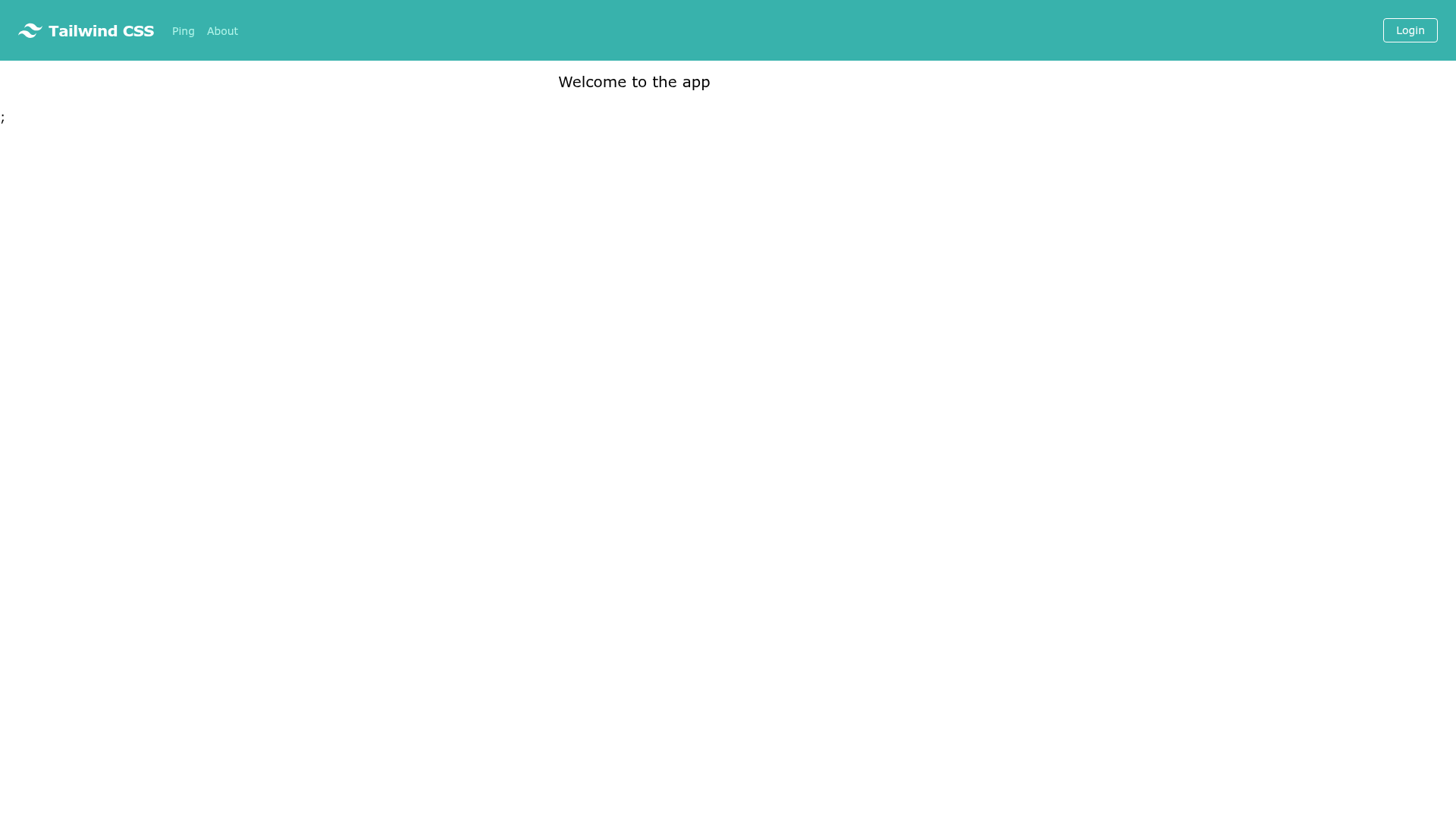
- Next.js frontend — A React-based SPA with Tailwind CSS for styling, located in the
wwwsubdirectory. - JWT authentication — Uses access and refresh tokens; the refresh token is stored in a cookie, with SameSite configuration adjustable based on whether the frontend and backend share a second-level domain.
- Environment-based configuration — Backend reads a
.envfile (via.env.sample) withSECRET_KEY; frontend usesNEXT_PUBLIC_API_HOSTto point at the API. - Separate deployment targets — Backend configured for Heroku (with Postgres and CORS whitelist env vars), frontend configured for Vercel via the
wwwsubdirectory. - Testing support — Django tests run with
python manage.py test.
Who is it for?
Developers who want to start a project with a Next.js frontend and a Django backend without building the integration boilerplate themselves. It is also useful for teams that need a reference for JWT cookie handling across separate subdomains.
- Full-stack developers — Use it as a starting scaffold for a new product that needs a React SPA and a Python API.
- Developers learning API integration — Study how Next.js calls a Django REST Framework endpoint and how JWT auth is wired.
- Teams planning deployment on Heroku and Vercel — Follow the documented steps to deploy the backend to Heroku and the frontend to Vercel.
What can you do with nextjs-django-boilerplate?
- Rapid prototyping: Spin up a full-stack app quickly: run the Django API on port 4001 and the Next.js dev server on port 4000, then build features on top.
- Authentication implementation: Use the included JWT authentication flow as a pattern for adding login and token refresh to your own Next.js and Django apps.
- Production deployment: Deploy the backend to Heroku with Postgres and the frontend to Vercel using the documented config variables like
CORS_ORIGIN_REGEX_WHITELISTandNEXT_PUBLIC_API_HOST.
How does nextjs-django-boilerplate work?
The README gives setup steps: create a virtualenv, install requirements from requirements/base.txt, configure .env with SECRET_KEY, run migrations, then start the API with python manage.py runserver 4001. On the frontend, cd www, npm install, then npm run dev to serve the UI at localhost:4000. For deployment, the backend is pushed to Heroku and the frontend to Vercel with specific env vars.
FAQ
Does nextjs-django-boilerplate use a database?
The backend uses SQLite by default. For production, the README explains adding Heroku Postgres, which sets the DATABASE_URL environment variable automatically.
How do I run the backend locally?
Create a virtualenv, install requirements from requirements/base.txt, rename .env.sample to .env and set SECRET_KEY, then run python manage.py makemigrations api and python manage.py migrate. Start the server with python manage.py runserver 4001.
How do I run the frontend locally?
Switch to the www folder, run npm install, then npm run dev. The UI becomes available at http://localhost:4000.
How do I deploy the backend?
Create a Heroku app, add Postgres, connect the repo, set config vars (SECRET_KEY, DATABASE_URL, CORS_ORIGIN_REGEX_WHITELIST, IGNORE_DOT_ENV_FILE=on), and deploy from GitHub.
How do I deploy the frontend?
Import the repo on Vercel, select the www subdirectory as the project root, add the NEXT_PUBLIC_API_HOST env var pointing to the deployed API URL, then build.