Template details
Next + Netlify Markdown Blog Starter
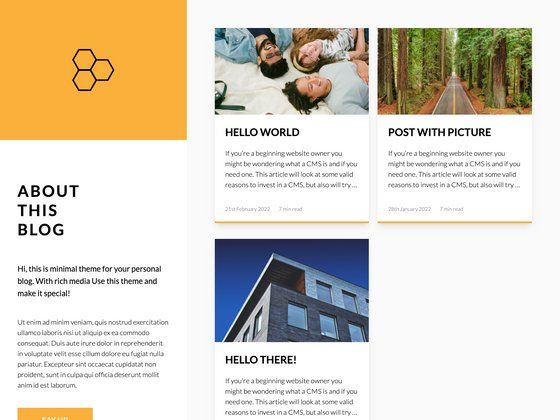
A lightweight markdown blog starter built with Next.js 12+ and Netlify.
About this template
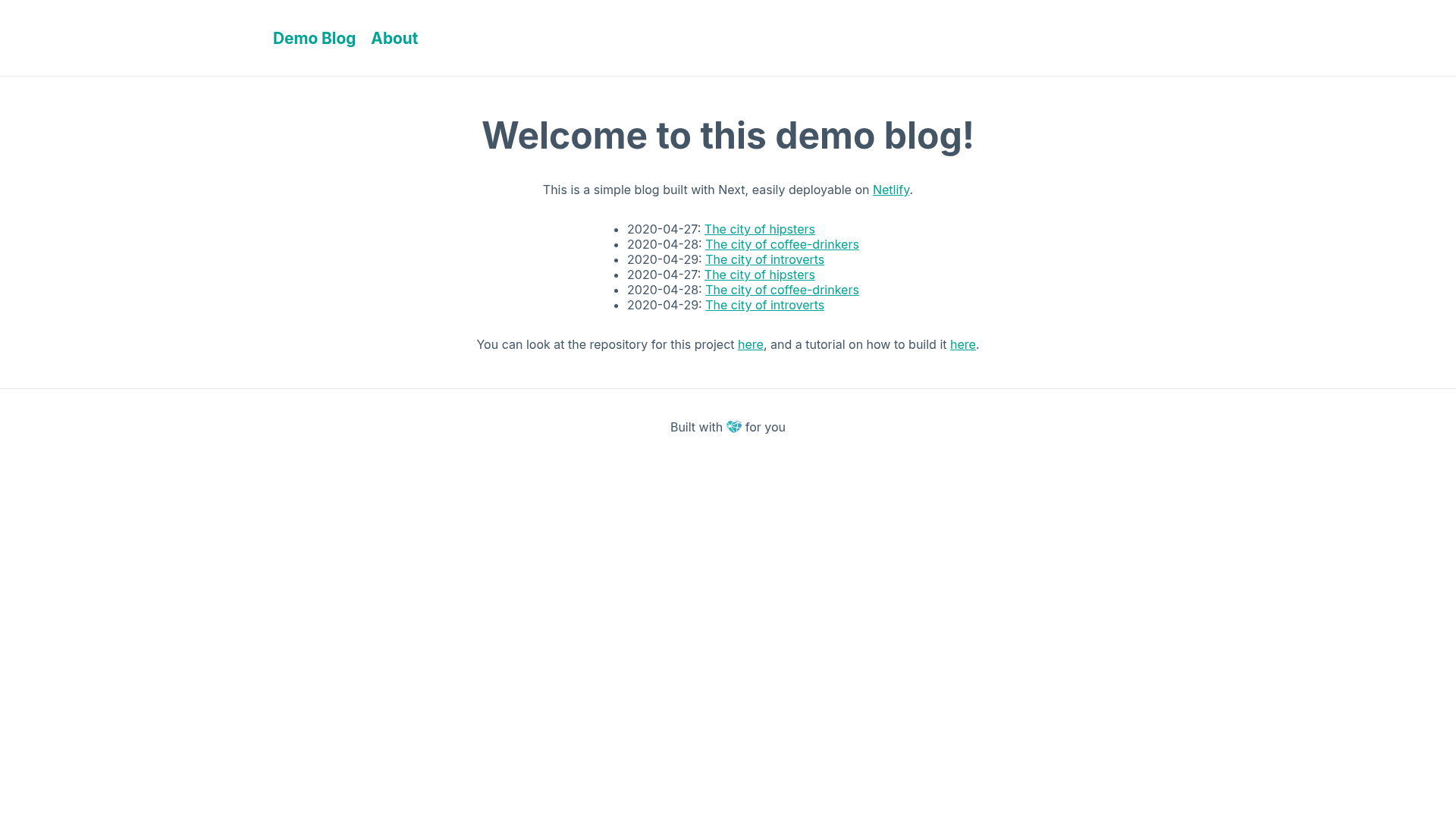
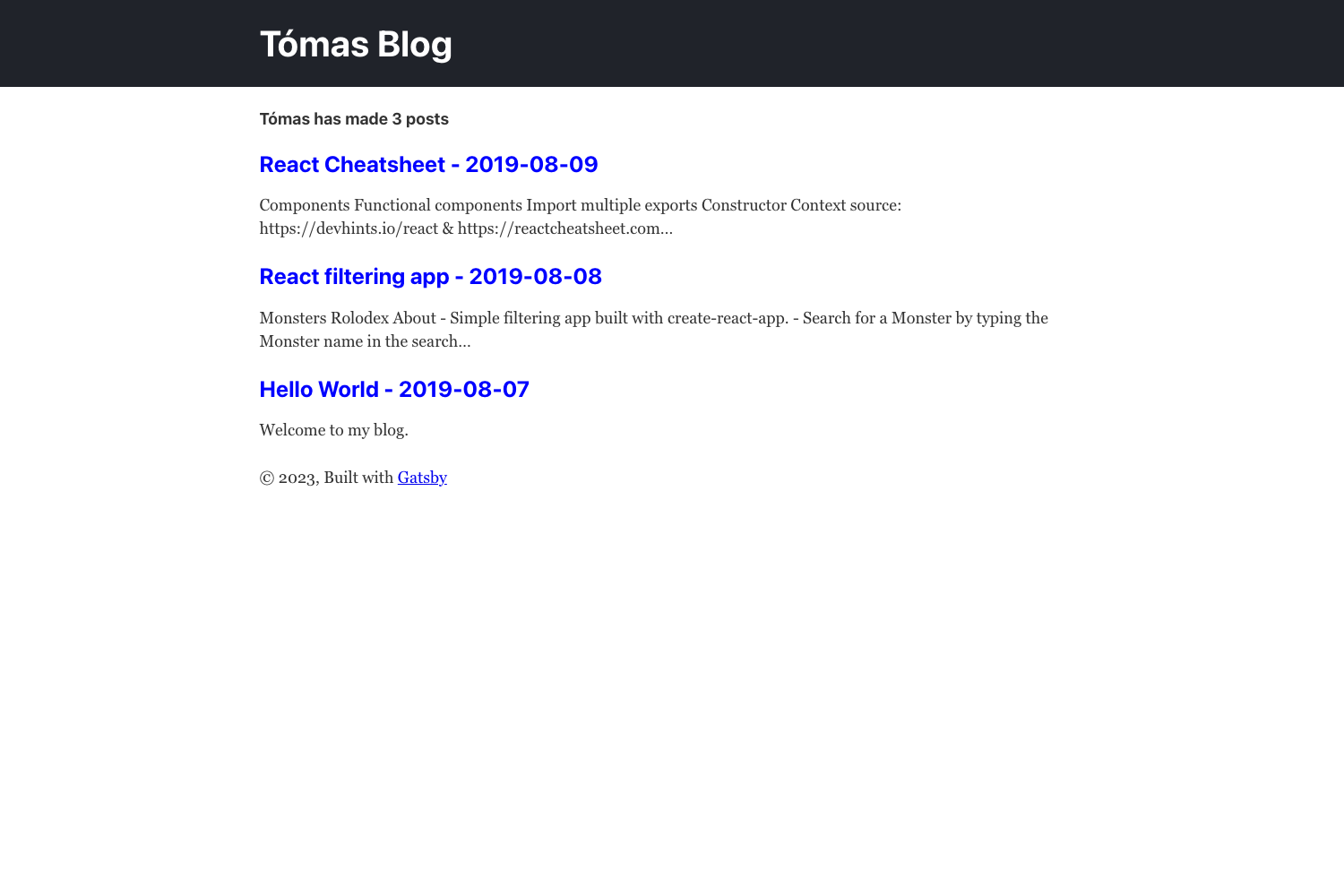
Next + Netlify Markdown Blog Starter is a lightweight blog template that combines Next.js 12+ with Netlify deployment, letting you publish a Markdown-based blog with a one-click install.
What is the Next + Netlify Markdown Blog Starter?
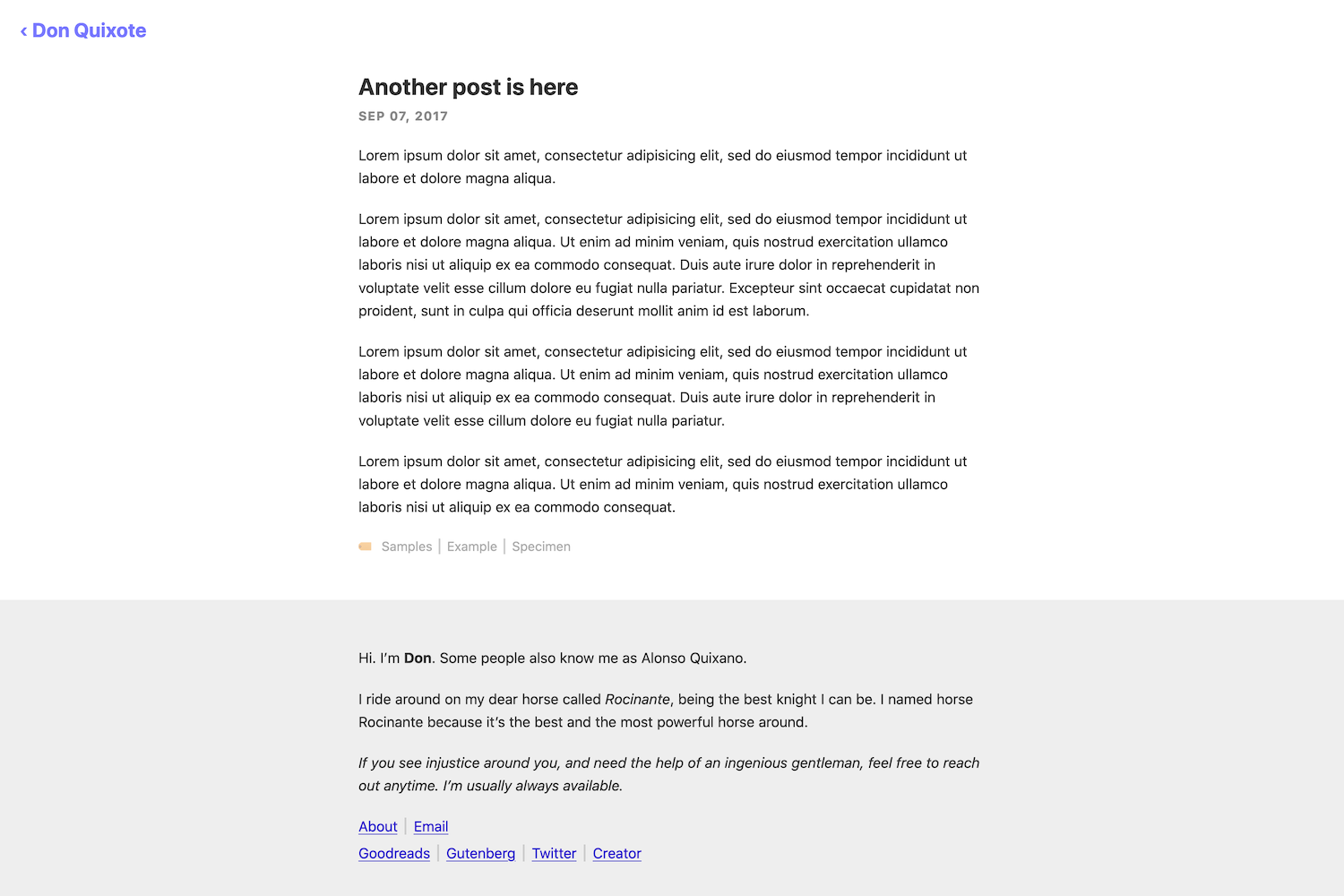
This starter is a preconfigured Next.js application that reads Markdown files from a posts directory and renders them as a static blog site, deployed through Netlify. It is authored by Cassidy Williams and hosted on GitHub as cassidoo/next-netlify-blog-starter. The template takes Markdown posts with optional front matter (title, author, date, hero image path) as input and produces a production-ready blog website output, with Netlify handling the build and hosting.
Key Features
- One-click Netlify deploy — A "Deploy to Netlify" button clones the repository and starts a Netlify build immediately, with no local setup required.
- Markdown-based posts — Blog posts are plain
.mdfiles placed in thepostsdirectory; the site automatically reads and renders them. - Front matter support — Each post can define
title,author,date, and an optionalhero_imagepath pointing to an image inpublic/static/. - styled-jsx styling — Basic styles use styled-jsx, which comes built into Next.js; the template also supports Sass and CSS Modules.
- Inter font — The Inter font from Google Fonts is loaded for all text, giving the blog a consistent, readable look.
netlify.tomlincluded — The repository ships with a Netlify configuration file that handles build commands and output directory settings for deployment.- Demo post example — A
demo-post-1.mdfile shows the expected Markdown front matter and post structure. - Local development — Running
npm run devoryarn devstarts the site at http://localhost:3000 for editing.
Who is it for?
- Developers who want a quick personal blog — They can clone, write Markdown, and deploy to Netlify in minutes.
- Next.js learners — The starter is a compact codebase that shows how Next.js pages, routing, and static generation work.
- Netlify users — The template is prewired for Netlify, so continuous deployment and build settings are configured automatically.
- Markdown-first writers — Anyone who wants to publish content without a CMS or database can manage posts as simple
.mdfiles.
What can you do with the Next + Netlify Markdown Blog Starter?
- Launch a personal blog: Drop Markdown files into
posts/, customize the front matter, and deploy to Netlify with the one-click button. - Create lightweight documentation or a changelog: Use the same Markdown-based structure to publish versioned, static content.
- Experiment with Next.js static generation: Modify the starter pages to practice using
getStaticProps, routing, and component composition.
How does the template work?
Two installation routes are available. Option one: click the Deploy to Netlify button, which clones the repo and triggers a Netlify build. Option two: clone the repository manually, run npm run dev to develop locally, then connect the repo to Netlify, keeping netlify.toml intact so the export is pointed correctly. Posts are written as Markdown files in the posts directory, and optional hero images are placed in public/static/ and referenced in each post's front matter.