Template details
Photophobia
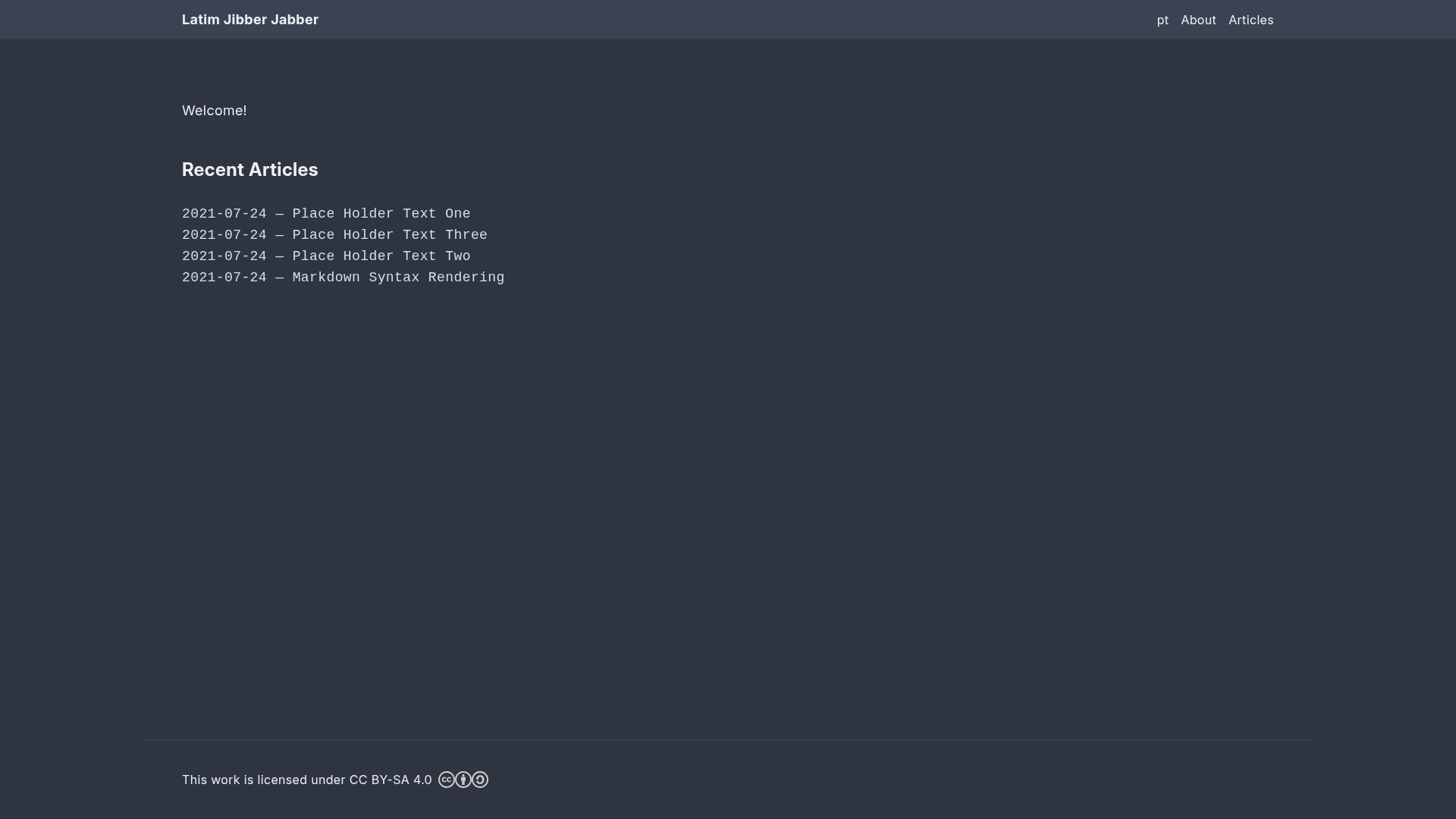
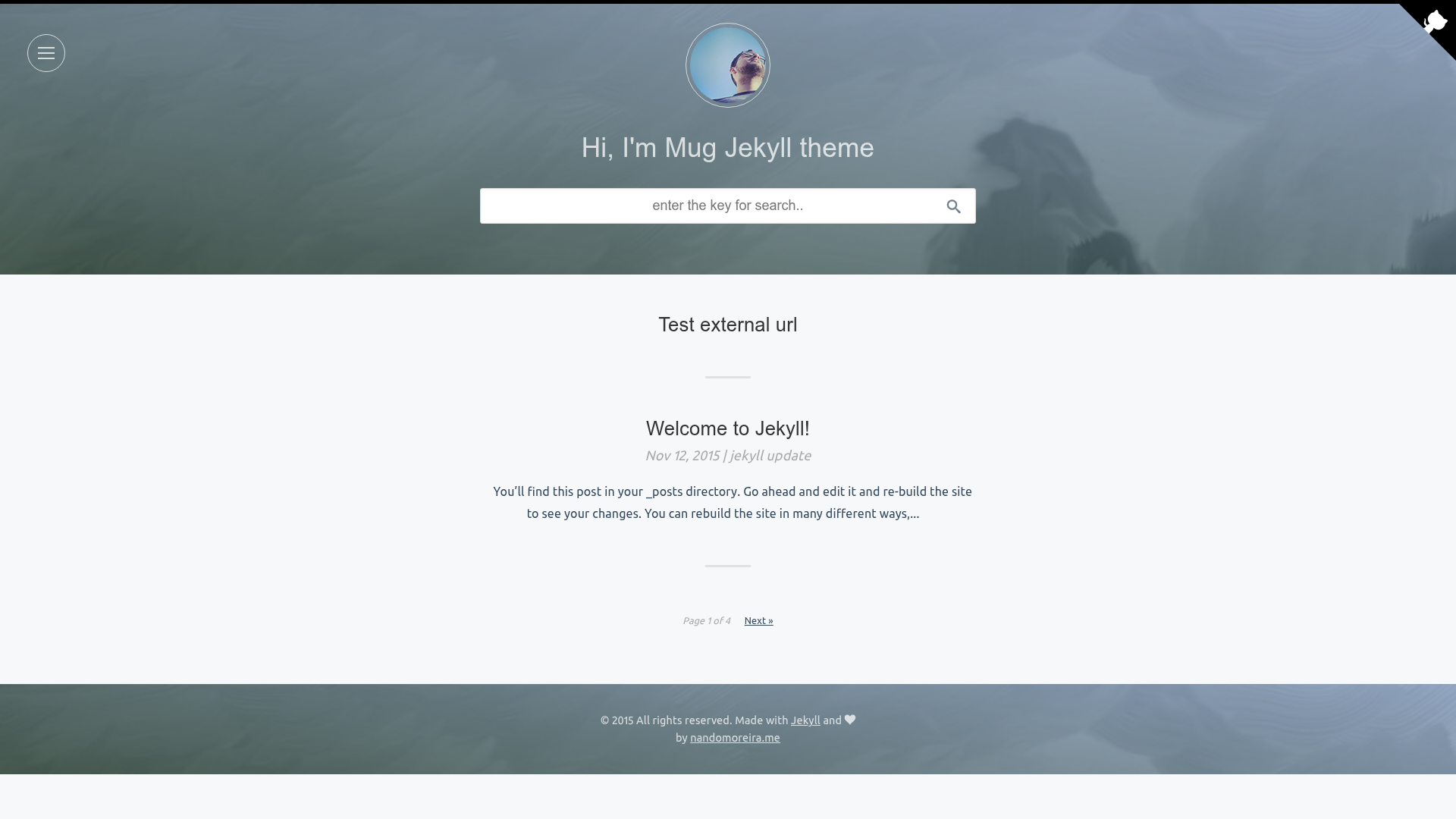
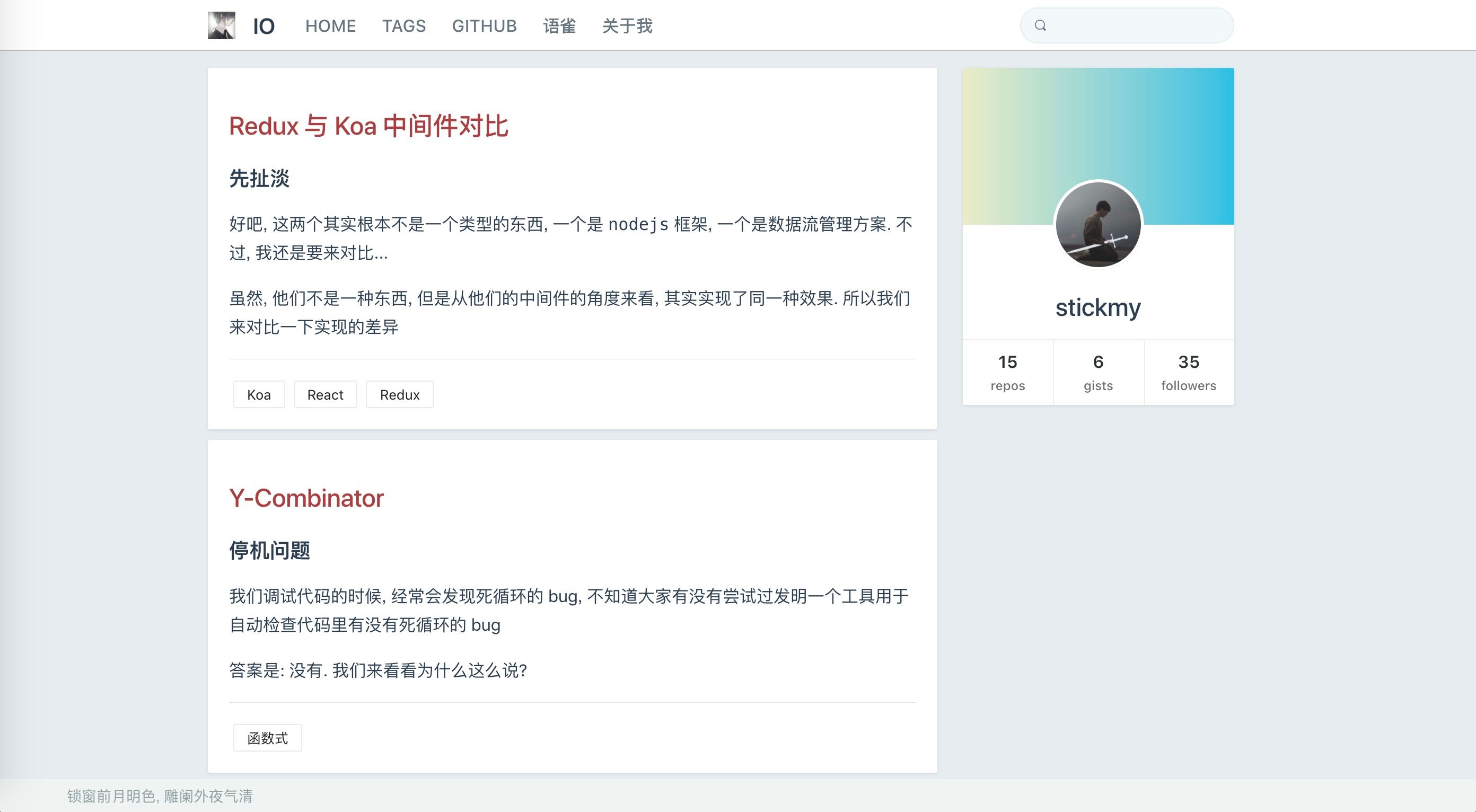
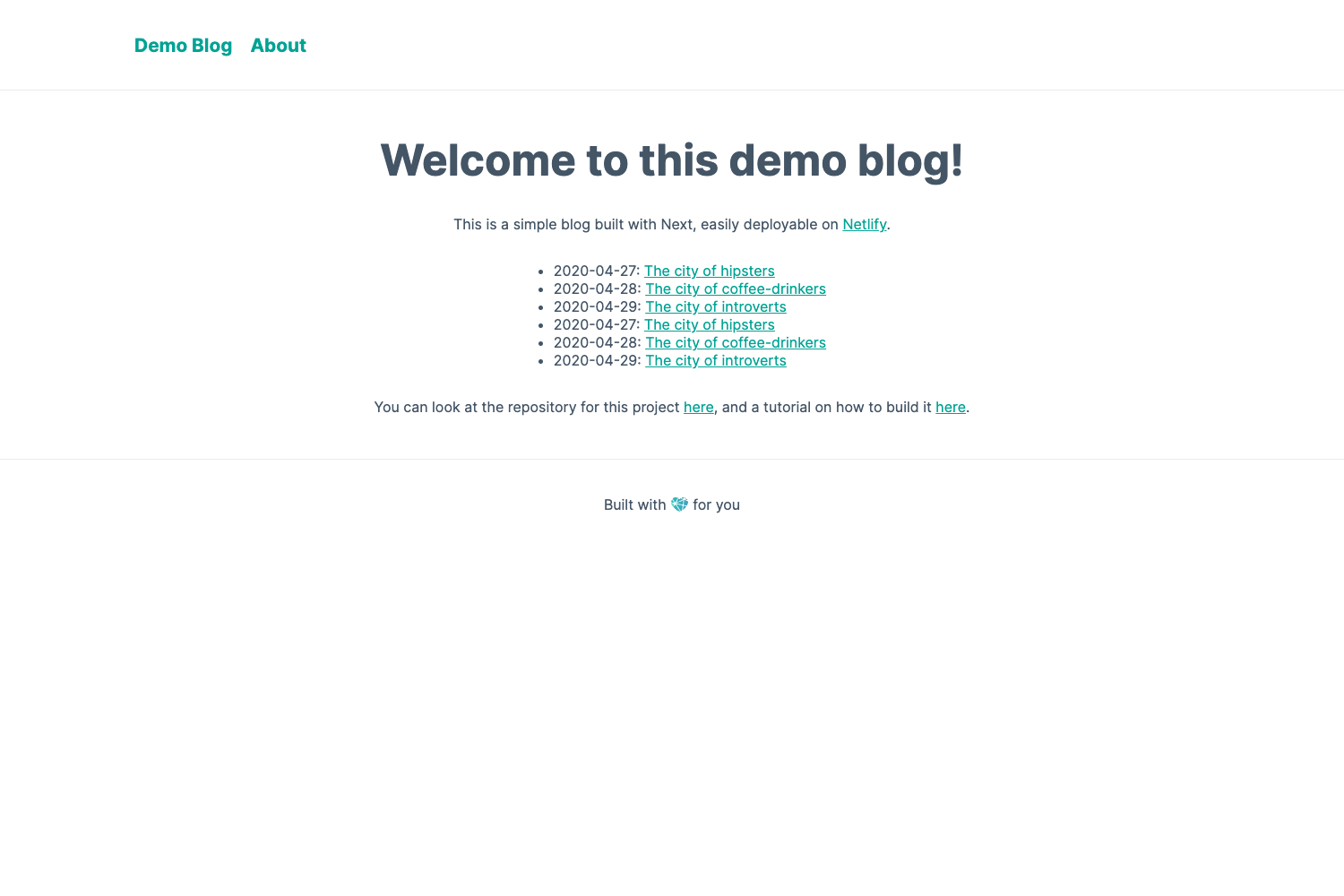
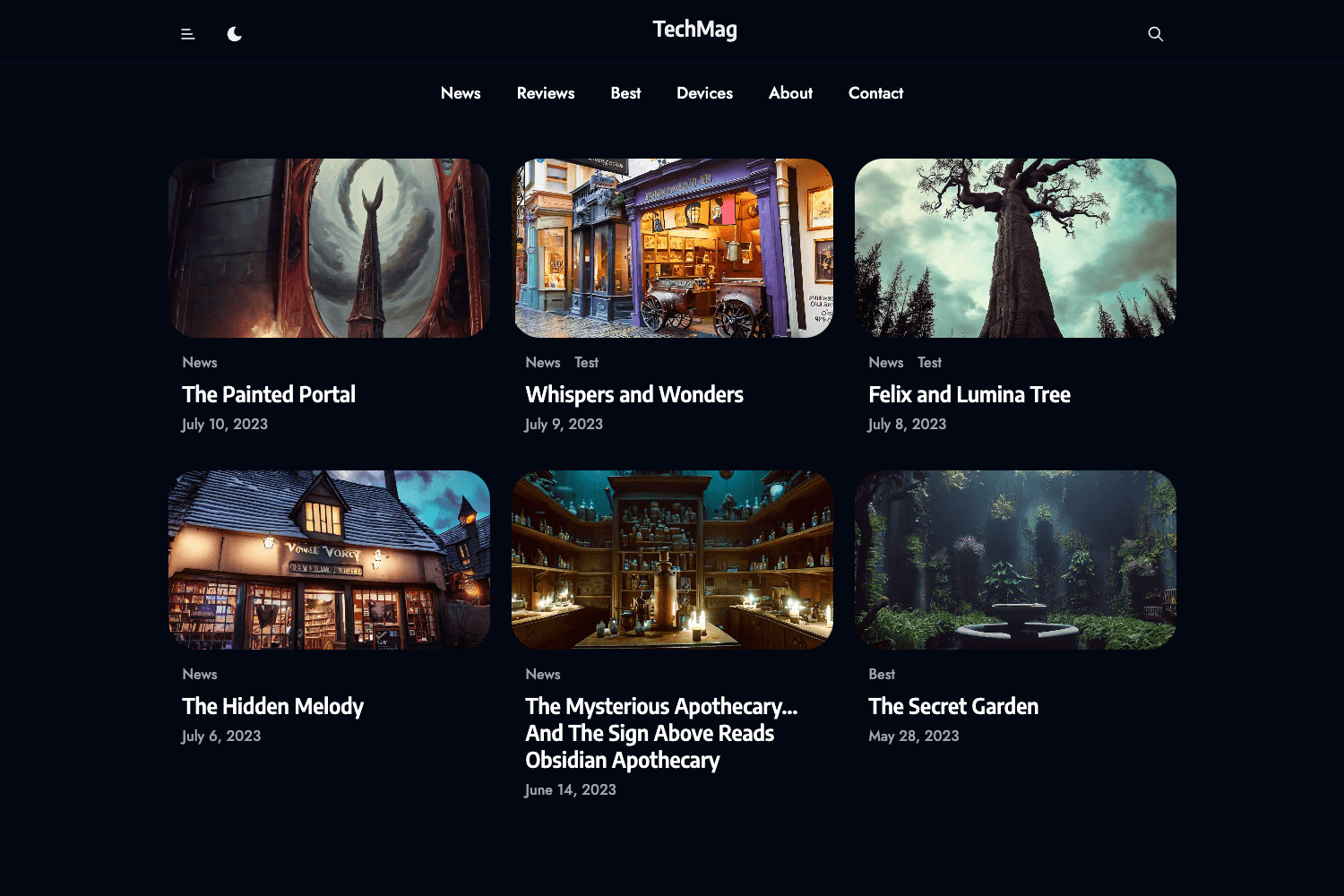
A boring dark theme for Hugo.
About this template
Photophobia is a minimal dark theme for Hugo that uses Tailwind CSS to render static sites with a quiet, low-contrast look.
What is Photophobia?
Photophobia is a dark theme for the Hugo static site generator, available on GitHub from the setsevireon account. It takes a Hugo site's content and outputs a fully static website styled with a dark, Tailwind CSS-based design. The theme can be installed either as a Hugo module or as a Git submodule, and it includes an example configuration file in demo/config.yaml.
Key Features
- Dark "boring" design — The theme deliberately avoids bright colors and decorative elements, which reduces visual noise for reading.
- Tailwind CSS styling — Built on Tailwind's utility-first framework, so colors, spacing, and typography are tuned with utility classes.
- Two install methods — Download as a Hugo module by adding
github.com/setsevireon/photophobiato your config, or clone as a submodule withgit submodule add .... - Demo config — The repo contains
demo/config.yaml, a ready-to-use Hugo configuration for the theme. - Public issue tracker — Bugs and feature ideas are handled through the GitHub issue tracker linked from the repository.
Who is it for?
- Hugo bloggers who want a dark theme without building their own styling.
- Developers who want a Tailwind CSS-based starting point and plan to override utility classes.
- Content-focused site owners — the minimal design keeps the focus on text and media.
What can you do with Photophobia?
- Launch a dark blog: Install the theme via module or submodule, copy the demo config, and start writing Markdown content in Hugo.
- Customize the look: Edit Tailwind utility classes to adjust colors, fonts, and spacing while keeping the theme's dark base.
- Use as a base for a portfolio: Since the design is intentionally plain, it can showcase imagery or projects without visual competition.
How does Photophobia work?
Installation is straightforward. As a Hugo module, you run hugo mod init from your project root and add theme: github.com/setsevireon/photophobia to your config file. As a Git submodule, run git submodule add https://github.com/setsevireon/photophobia.git themes/photophobia. After either step, copy the demo config from demo/config.yaml and tailor it to your site.
FAQ
How do I install Photophobia?
You can install it in two ways: as a Hugo module (recommended) by adding the theme's GitHub path to your site config, or as a Git submodule using git submodule add. Both methods are documented in the theme's README.
Does Photophobia include an example configuration?
Yes, the repository provides a demonstration config at demo/config.yaml. You can copy it and adapt it for your own Hugo site.
Can I customize the theme's colors?
Because the theme is built with Tailwind CSS, you can change colors and other design tokens by editing the Tailwind utility classes used in the theme's templates.