Template details
Next Starter Template
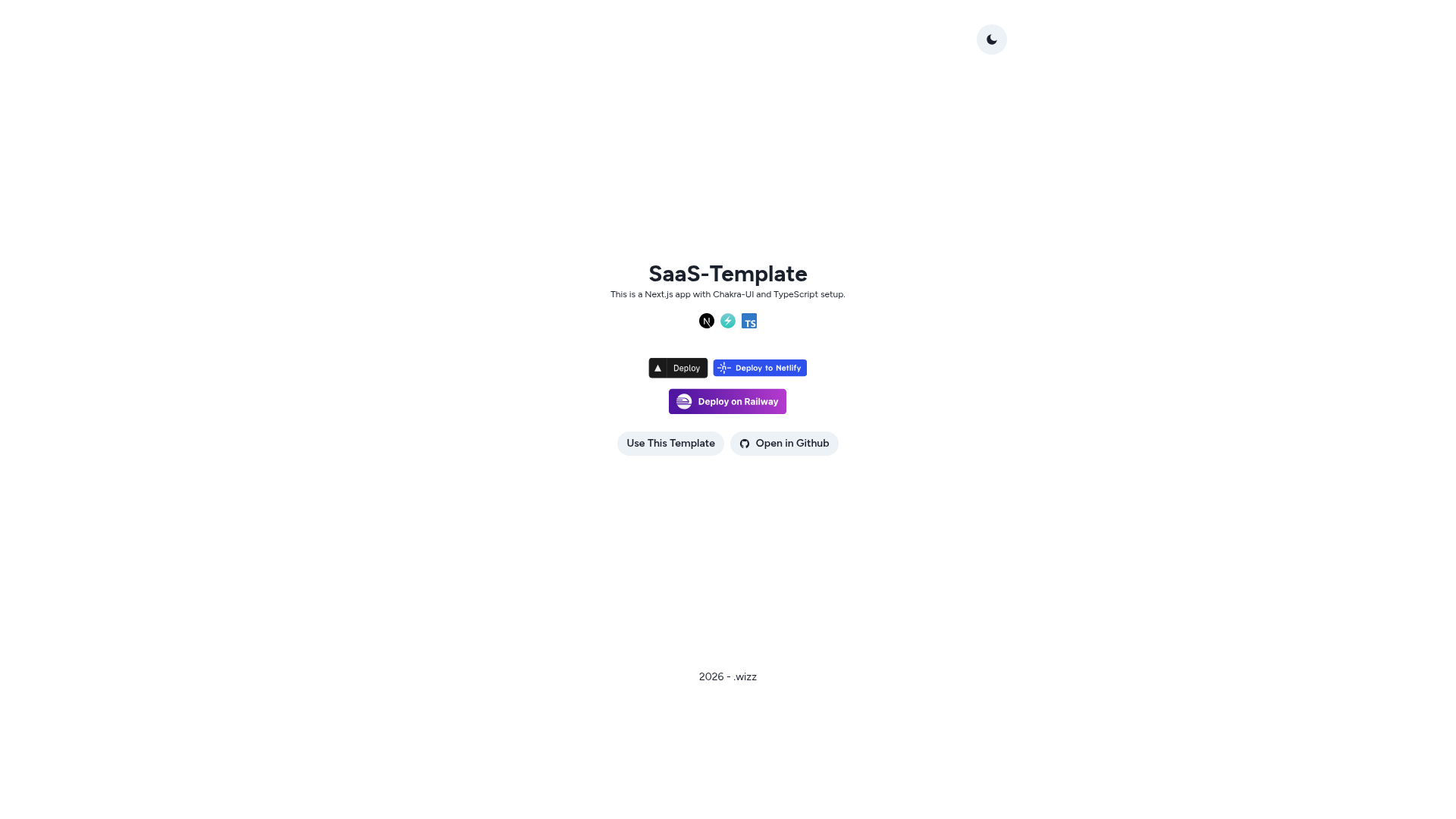
Next.js + Chakra UI + TypeScript starter template with linting, PWA, SEO, and Playwright testing preconfigured.
About this template
Next Starter Template is a Next.js boilerplate that pairs Chakra UI with TypeScript out of the box, giving developers a pre-configured foundation for building SaaS or marketing sites without redoing tooling setup. Created by CodeWizarz as a public GitHub repository, it includes linting, formatting, PWA, SEO, and end-to-end testing already wired together.
What is Next Starter Template?
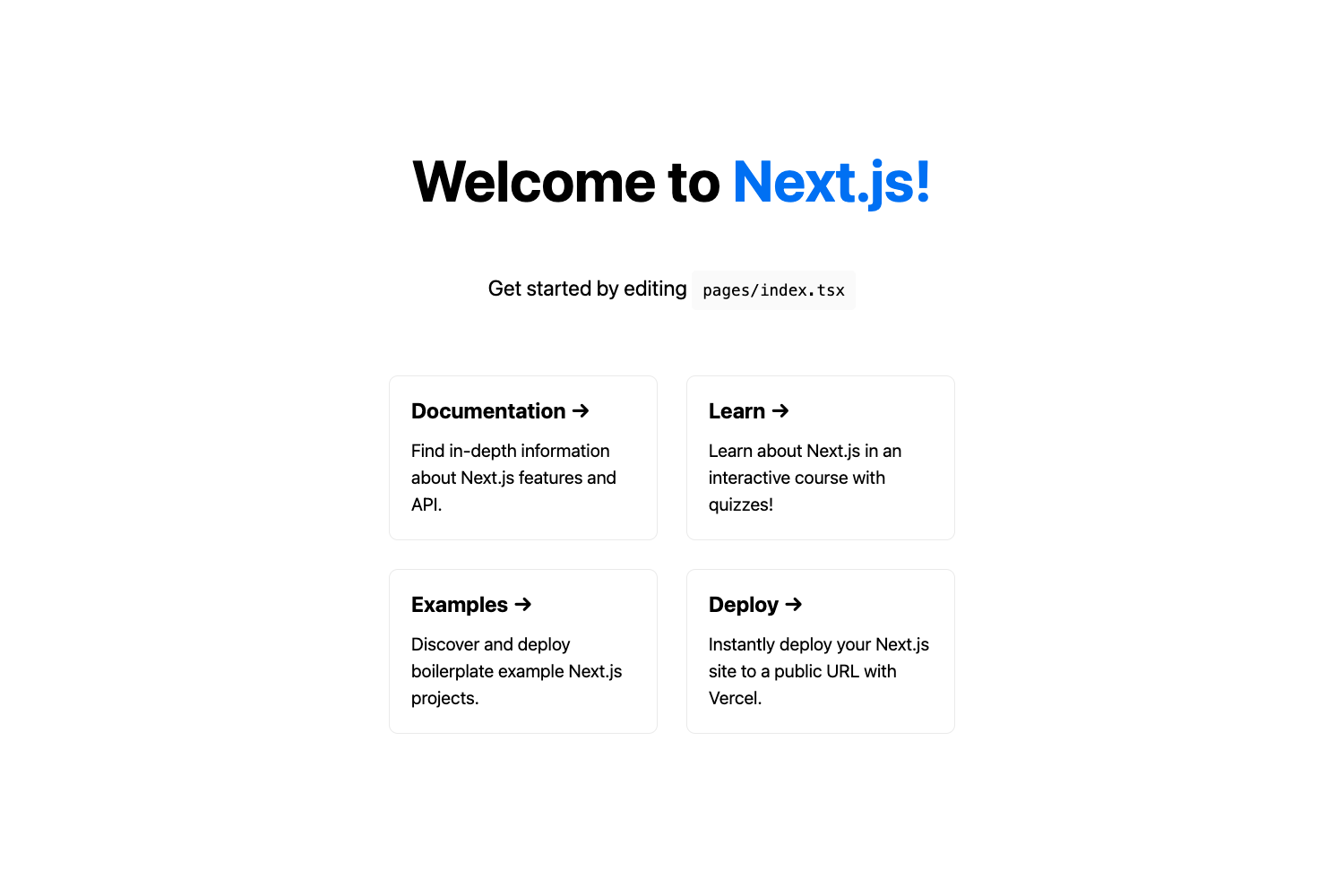
Next Starter Template is a GitHub repository by CodeWizarz that combines Next.js, Chakra UI, and TypeScript into a single starter project. It is bootstrapped with create-next-app and extends that base with pre-configured tooling for linting, formatting, PWA, SEO, and Playwright tests. The core function is to let you start building a new web app immediately; the main page file lives at src/lib/pages/index.tsx and hot-reloads when edited.
Key Features
- Code quality tooling — ESLint, Prettier, Husky, lint-staged, commitlint, commitizen, and standard-version are configured, so linting, formatting, and release versioning follow consistent conventions from the first commit.
- PWA-ready setup — next-pwa is included and disabled by default; you enable it by editing
next.config.jsso the site can become an installable progressive web app. - SEO optimization — next-seo and next-sitemap are preinstalled to manage meta tags and sitemap generation, though the README says you will need to reconfigure them for your own content.
- Responsive layout — a basic responsive layout is already built in, and you can remove it if your design needs a different structure.
- End-to-end testing with Playwright — the setup supports running Playwright after a production build: run
yarn build, thenyarn start, thenyarn test:e2ein a separate terminal. - One-click deployment — deploy buttons for Vercel, Netlify, and Railway are included, plus an "Open in StackBlitz" link for trying the template in your browser.
Who is it for?
Next Starter Template is aimed at developers who want to avoid the repetitive setup of a new Next.js and Chakra UI project. It is most useful for frontend developers who need a consistent starting point with linting, commit conventions, and PWA support already in place. Teams using TypeScript and Chakra UI can adopt it as the baseline for multiple internal or client projects.
What can you do with Next Starter Template?
- SaaS founders — scaffold an initial marketing site or application shell using the included Chakra UI layout, then add product pages and services.
- Open-source maintainers — use the pre-configured commitizen and standard-version tools to standardize commit messages and automate changelog and version releases.
- Developers deploying to serverless platforms — click the Vercel, Netlify, or Railway deploy buttons to spin up a live instance without configuring the build locally.
How does Next Starter Template work?
To get started, you can click the "Use this template" button on the GitHub repository page or run npx degit CodeWizarz/Next-Starter-Template your-app-name from your terminal. After cloning, install dependencies with yarn or yarn install, then start the development server with yarn dev and open http://localhost:3000 in your browser. The page auto-updates as you edit the main page component.