Template details
Nextjs Typescript Template
A simple template for NextJS, powered by Typescript
About this template
Nextjs Typescript Template is a boilerplate Next.js application scaffolded with create-next-app and written in TypeScript, giving you a minimal starting point for building React-based web projects.
What is Nextjs Typescript Template?
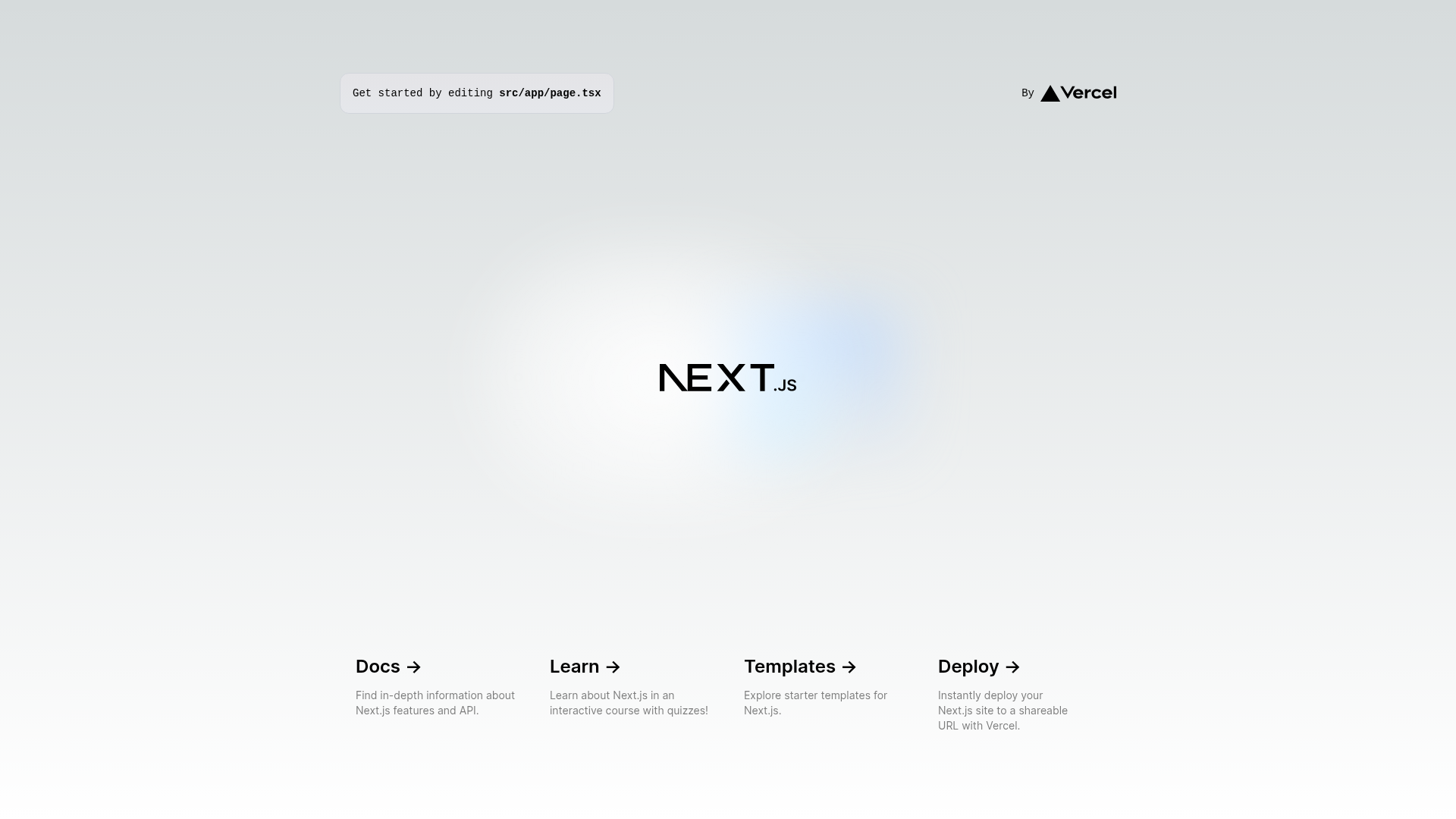
Nextjs Typescript Template is a simple template for NextJS powered by TypeScript, as described in its GitHub repository metadata. It is a fresh Next.js project bootstrapped with create-next-app, so it includes the standard Next.js file structure such as an app directory and a single app/page.tsx file. It runs on Node.js and is designed to be deployed to Vercel, the platform from the creators of Next.js. The template has no custom code beyond the default scaffold and has 3 stars as listed in its repository metadata.
Key Features
The template focuses on a lean default setup rather than adding extra dependencies, and every feature below comes directly from the create-next-app scaffold.
- TypeScript-by-default — The template is powered by TypeScript, giving typed components and editor autocomplete from the first file.
- App Router structure — Uses the Next.js App Router with an app/ directory and a single app/page.tsx entry point.
- Hot reload during development — Editing app/page.tsx auto-updates the page in the browser via the development server.
- Font optimization — next/font automatically loads and optimizes Inter, a custom Google Font, without manual font tags.
- Multi-package-manager support — Start the dev server with npm run dev, yarn dev, pnpm dev, or bun dev.
- Vercel deployment readiness — Deploy with one click through the Vercel Platform; the readme links to deployment documentation.
Who is it for?
- New Next.js developers — get a working starter instead of configuring a project from scratch.
- TypeScript users — begin a typed React app without adding compiler setup manually.
- Indie hackers — spin up a minimal app to test an idea on a standard Next.js structure.
What can you do with Nextjs Typescript Template?
Because the template is intentionally minimal, the main activities are editing the single page, running the dev server, and deploying.
- Single-page app builders: edit app/page.tsx to replace the default landing page with your own UI.
- Product prototyping: use the dev server for fast iteration, then deploy to Vercel when ready.
- Next.js learners: follow the linked documentation and interactive tutorial with a real codebase.
How does the template work?
Run one of the four package manager commands — npm run dev, yarn dev, pnpm dev, or bun dev — to start the local development server on http://localhost:3000. The page auto-updates as you edit app/page.tsx. For production, the readme points to the Vercel Platform for deployment and to Next.js deployment documentation for other options.
FAQ
How do I run the template locally?
Run npm run dev (or yarn dev, pnpm dev, bun dev) from the project root and open http://localhost:3000. The server hot-reloads whenever you edit app/page.tsx.
Does Nextjs Typescript Template use TypeScript?
Yes. The repository describes it as powered by TypeScript, and the project is bootstrapped with create-next-app's TypeScript setup, with the main entry point at app/page.tsx.
Is Nextjs Typescript Template a full website or just a boilerplate?
It is a boilerplate: a minimal Next.js starter with a single page. The visible content is essentially the default create-next-app readme, so you build pages, components, and styling yourself.
How do I deploy the template?
The readme recommends the Vercel Platform for one-click deployment from the creators of Next.js. It also links to the Next.js deployment documentation for more details.