Template details
Next Typescript Pwa Starter
Unofficial Next.js 15 + TypeScript + PWA starter with Serwist, Biome, pnpm, and Docker support.
About this template
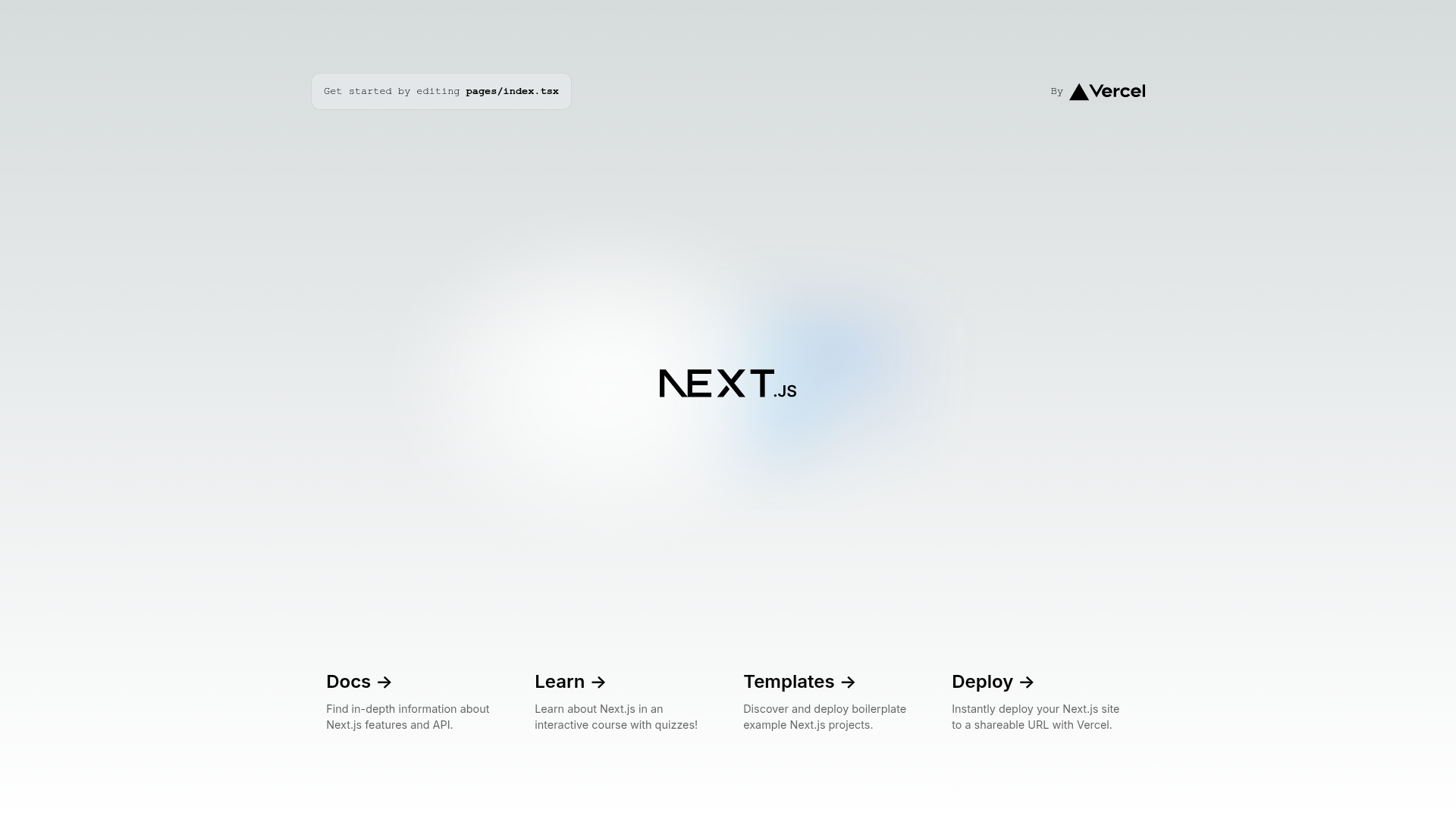
Next Typescript Pwa Starter is a public boilerplate that bundles Next.js 15, React 19, TypeScript 5.7, and the Serwist PWA toolkit into a single, pre-configured project for building installable web apps. It was created by Danang Eko Alfianto and is bootstrapped with create-next-app, so it inherits the standard Next.js project structure with pages, API routes, and next/font support.
What is Next Typescript Pwa Starter?
Next Typescript Pwa Starter is an unofficial starter template that gives developers a working Next.js 15 application with TypeScript, PWA offline capability, and a modern code-quality toolchain out of the box. The template takes a fresh clone as input and produces a production-ready web app with service worker support, linting, formatting, type checking, and Docker deployment files. It requires Node.js version 22 or higher and pnpm 9 or higher.
Key Features
- Next.js 15 with Turbopack — the default dev server uses Turbopack for faster startup and rebuilds, with a dev:legacy script for running without it.
- React 19 — the latest React version with improved performance and support in Next.js 15.
- TypeScript 5.7 — type-safe development with the newest TypeScript typing capabilities, checked via the type-check script.
- Serwist PWA toolkit — the successor to next-pwa provides offline support, a service worker, and installability for the app.
- Biome for linting and formatting — replaces ESLint and Prettier with one fast tool; commands include lint, format, and check (auto-fix).
- Husky and lint-staged — pre-commit hooks run automated checks on staged files to maintain code quality.
- Docker and Docker Compose — the repository includes a Dockerfile and compose file for containerized deployment, plus pre-built images on Docker Hub.
- pnpm package manager — disk-efficient dependency management with pnpm commands for all development workflows.
Who should use Next Typescript Pwa Starter?
Frontend developers who want to skip boilerplate setup and start with a current stack of Next.js 15, React 19, and TypeScript 5.7. PWA-focused developers can use the built-in Serwist integration to add offline capabilities without configuring service workers separately. Teams using pnpm and enforcing code quality benefit from the preconfigured Biome, Husky, and lint-staged pipeline. Developers deploying to Docker get ready-made container files and Docker Hub images for consistent deployments.
Use cases
- Building installable web apps — start with PWA enabled via Serwist, so users can install the app and use it offline.
- Prototyping and learning Next.js — use the included pages/index.tsx and API route at pages/api/hello.ts to experiment with the framework's routing and API features.
- Setting up a continuous integration pipeline — run pnpm lint, format, type-check, and check in CI to catch issues before merging.
- Containerized hosting — build the provided Docker image and run it with docker-compose for a production deployment.
How does Next Typescript Pwa Starter work?
Clone the repository, install dependencies with pnpm install, and start the development server with pnpm dev. For production, run pnpm build then pnpm start. The template also supports Docker through docker build and docker run, and Docker Compose via docker-compose up. Pre-commit hooks automatically run Biome checks on staged files.
FAQ
What Node.js and pnpm versions are required?
This starter requires Node.js version 22.0.0 or higher and pnpm version 9.0.0 or higher. The included toolchain and Next.js 15 rely on these minimums, so older versions will likely fail during installation or startup.
How do I start the development server?
Run pnpm dev after installing dependencies. This starts the Next.js dev server with Turbopack enabled. If you need to run without Turbopack for compatibility, use pnpm dev:legacy. The server defaults to http://localhost:3000.
Does this template include PWA support?
Yes, it includes Serwist, the successor to next-pwa, which adds offline capability, a service worker, and installability to the app. The template is configured so PWA features work as soon as you clone the repository.
What does the pnpm check script do?
The pnpm check script runs both Biome linting and formatting with auto-fix enabled. It is a quick way to ensure your code follows the project's style and passes lint rules before committing, and it works alongside the Husky pre-commit hook.
How do I deploy this starter?
The recommended method is the Vercel platform, which works with Next.js projects directly. You can also build the included Docker image and run it on any container host, or use Docker Compose for local orchestration.