Template details
Otter Pop
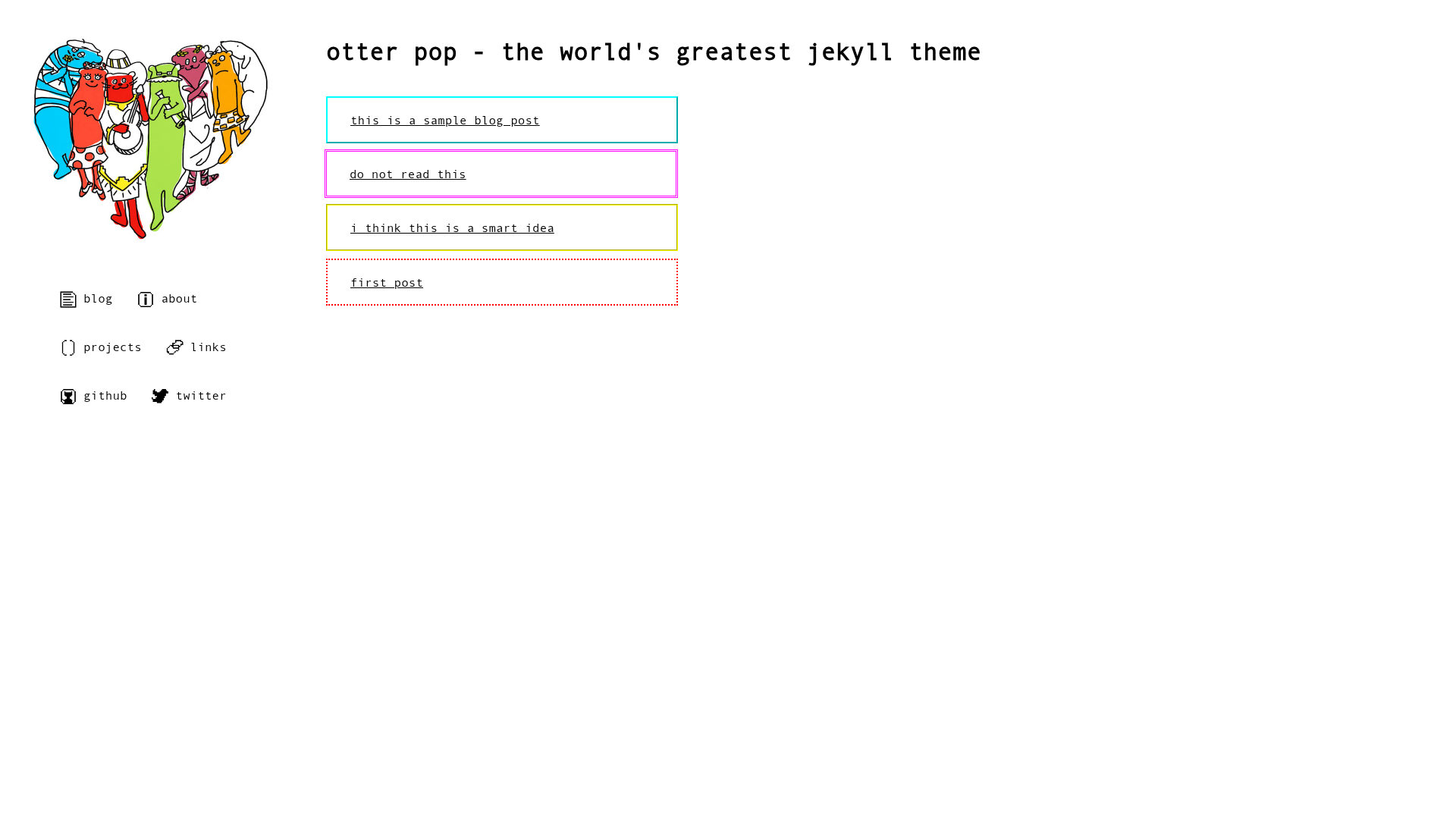
A Jekyll theme with a live demo and open-source GitHub repository, described as 'The world's greatest jekyll theme'.
About this template
Otter Pop is a Jekyll theme that supplies the design layer for a static website, demonstrated by its live example at tybenz.github.io/otter-pop. The theme's GitHub repository carries the description "The world's greatest jekyll theme" and had 32 stars at the time of writing. It runs on Jekyll, the Ruby-based static site generator that converts Markdown, Liquid templates, and Sass into plain HTML output.
What is Otter Pop?
Otter Pop is a Jekyll theme, meaning it provides the layout templates, stylesheets, and configuration defaults that Jekyll uses to render content files into a styled website. The inputs are standard Jekyll files: Markdown posts and pages, a _config.yml settings file, and any assets in _layouts, _includes, and _sass. The output is a fully static HTML site that can be hosted on GitHub Pages, Netlify, or any web server. The theme is publicly available on GitHub, and the example site offers a preview of the default design.
Key Features
- Jekyll integration — Otter Pop plugs into Jekyll's standard project structure, using Liquid for template logic and Sass for styling, so it works with any Jekyll setup.
- Live demo — A working example of the theme is hosted at tybenz.github.io/otter-pop, letting you inspect the default layout and styles before installing.
- GitHub repository — The source code is stored on GitHub, where the project has accumulated 32 stars, allowing you to view, fork, or clone it easily.
- Customizable — As a Jekyll theme, its templates and styles can be overridden or extended through Jekyll's theme mechanism, so you can adapt it to your own content.
Who is it for?
Otter Pop is aimed at anyone who builds sites with Jekyll and wants a ready-made visual theme rather than hand-coding their own. Typical users include:
- Bloggers — Start a Jekyll blog quickly by dropping in the theme and writing Markdown posts; the layout and styling are already handled.
- Developers — Use Otter Pop as a base for a personal portfolio, project documentation, or a company site, and customize the Liquid templates and Sass variables to match their brand.
- Static site hobbyists — Deploy a small site on GitHub Pages or another static host without needing to build HTML and CSS from scratch.