Template details
Next.js + Contentful Minimal Starter
Netlify Next.js and Contentful minimal starter.
About this template
The Next.js + Contentful Minimal Starter is a boilerplate template that pairs the Next.js framework with the Contentful headless CMS for deployment on Netlify, giving developers a working content-driven website in minutes. It is maintained by Netlify and provides a live demo at nextjs-contentful-starter.netlify.app.
What is the Next.js + Contentful Minimal Starter?
The Next.js + Contentful Minimal Starter is a starter repository that connects a Next.js front end to a Contentful space via delivery and preview API tokens. It takes as input your Contentful credentials and a new space, and it produces a locally runnable Next.js site populated with example content imported through an npm script. The starter runs on Netlify for deployment and is provided by Netlify for the Next.js + Contentful combination.
Key Features
- Content import script — Running
npm run importloads the included content models and example content into your Contentful space, so you start with sample data rather than an empty CMS. - Environment-based configuration — Duplicate
.env.exampleto.envand fill inCONTENTFUL_SPACE_ID,CONTENTFUL_DELIVERY_TOKEN, andCONTENTFUL_PREVIEW_TOKENto connect your space. - Netlify-ready deployment — The README documents the build command
npm run build, the publish directory.next, and the environment variables to add in the Netlify dashboard for direct Git-based deployment. - Next.js framework — Built on Next.js with a requirement of Node v18+ or later, giving you React-based server rendering and static generation out of the box.
- Tailwind CSS styling — The repository topics list Tailwind CSS v4, so the starter ships with Tailwind CSS for utility-first styling of your components.
- Preview and delivery tokens — The setup explicitly uses both a delivery token and a preview token from Contentful, enabling you to serve published content and draft previews.
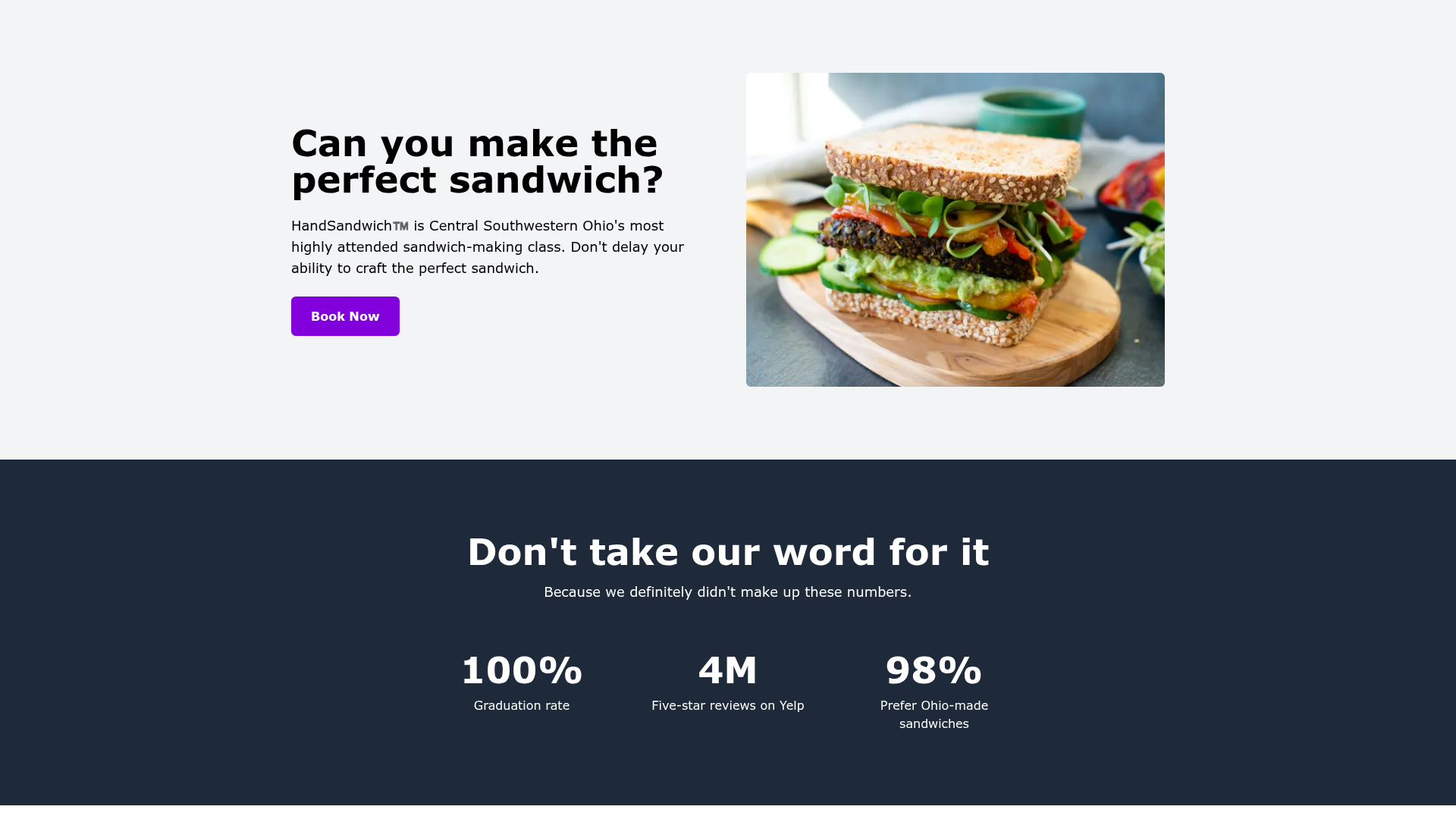
- Live demo site — A working example is deployed at nextjs-contentful-starter.netlify.app so you can see the starter's output before cloning.
Who is it for?
- Developers launching a content-driven site — They can clone the repo, connect a Contentful space, and have a running Next.js site with sample content, eliminating manual setup.
- Contentful users evaluating Next.js — They can import the starter's content models and API key flow to understand how Contentful integrates with Next.js projects.
- Netlify users who want a reference architecture — The README's deployment steps show exactly how to move from a Git repository to a live site on Netlify with the correct build settings and environment variables.
What can you do with the Next.js + Contentful Minimal Starter?
- Stand up a blog or marketing site — Import the example content models, then manage articles and pages through Contentful's web interface while the Next.js site renders them.
- Learn the Contentful API key workflow — The setup guides you through generating a management token and delivery/preview API keys, so you understand how tokens map to environment variables.
- Create a Netlify deployment pipeline — Use the documented
npm run buildand.nextpublish directory to deploy from GitHub, GitLab, or Bitbucket repositories.
How does the Next.js + Contentful Minimal Starter work?
The starter follows a linear setup: fork and clone the repository, run npm install, create a new Contentful space, generate a management token and API keys, then set the environment variables in a .env file. After that, npm run import populates the space and npm run dev starts the local development server at localhost:3000. To go live, push the repository to a Git host and import it into Netlify with the documented build settings.
FAQ
What are the prerequisites for this starter?
You need a Netlify account, a Contentful account, a GitHub, GitLab, or Bitbucket account, and Node v18+ or later. Optionally, you can use nvm for Node version management.
How do I deploy this starter to Netlify?
Push your code to a Git repository, then in the Netlify dashboard choose Import from Git, select the repository, set the build command to npm run build, the publish directory to .next, and add the three Contentful environment variables under Settings > Environment variables.
What environment variables does the starter require?
The starter needs CONTENTFUL_SPACE_ID, CONTENTFUL_DELIVERY_TOKEN, and CONTENTFUL_PREVIEW_TOKEN. The space ID is found in Contentful under Settings > General Settings, and the tokens are generated from the API Keys section.
Is there a demo site I can visit?
Yes, the starter includes a live demo at nextjs-contentful-starter.netlify.app, which shows how the imported content renders in the Next.js front end.