Template details
Slim Pickins Jekyll Theme
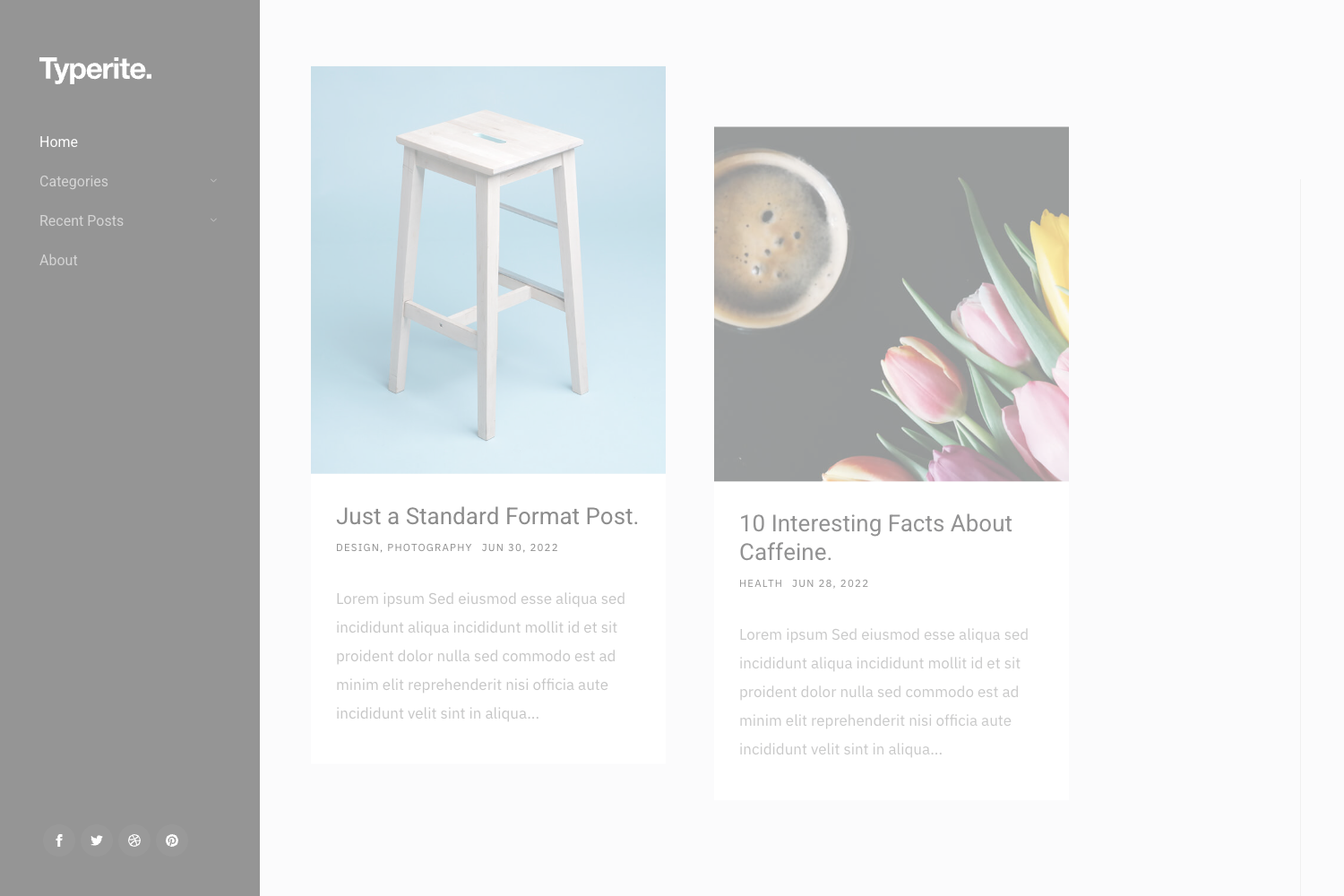
A minimal, JavaScript-free Jekyll theme with Zurb Foundation 6, SASS theming, and built-in SEO.
About this template
Slim Pickins Jekyll Theme is a minimal, JavaScript-free Jekyll theme built on Zurb Foundation 6 and SASS, intended as a core starting point for developing custom Jekyll sites. Created by GitHub user chrisanthropic, the theme is no longer maintained and has been replaced by the Slim Pickins Hugo Theme. It provides responsive navigation, a sticky footer, an optional full-width banner, and basic SEO out of the box.
What is Slim Pickins Jekyll Theme?
Slim Pickins is a Jekyll 3.0-compatible theme that takes YAML configuration files and data files as input and generates a static website. It uses SASS for styling with many customizable variables, integrates a minimal portion of Zurb Foundation 6 for its responsive grid, and includes a Rakefile for building, deploying, and notifying search engines. The theme was designed to be a 'core' that developers can extend into new themes, but the repository is no longer actively maintained.
Key Features
- Jekyll 3.0 compatible — Works with Jekyll 3.0 and uses SASS for styling.
- Zurb Foundation 6 integration — Includes the responsive grid and visibility classes from Foundation 6 without pulling in the full framework.
- Responsive navigation — Two navigation areas (primary and social links) are populated from
_data/nav.ymland_data/socials.yml, and both support external links. - Optional full-width banner — A 1920px-wide banner that uses a per-page
header_imagefront matter value, falling back to a site-wide default in_config.yml. - Sticky footer — The footer always stays at the bottom, with height and colors controlled by SASS variables.
- JavaScript free — No JavaScript is used in the theme except optional Google Analytics.
- Custom Rakefile — Includes
build(jekyll build + minify_html),deploy(s3_website push + notify), andnotifytasks that ping Google and Bing about sitemap changes. - image_optim plugin — A custom plugin optimizes all images in
/imagesand subdirectories on the first run and then only new or changed images, thanks to a cache file.
Who is it for?
Jekyll developers who want a minimal and clean base to build custom themes without rewriting navigation and SEO boilerplate. Developers hosting on Amazon S3 will appreciate the included s3_website configuration and deploy task. Bloggers can use it as a straightforward Jekyll blog with Open Graph, Twitter Cards, and per-page keywords.
What can you do with it?
- Build a custom theme quickly: Use the SASS variables for primary/secondary colors, links, text, navbar, socials, footer, and spacing to restyle the whole site from one variables file.
- Launch a blog with SEO metadata: Configure Facebook Open Graph, Twitter Cards, Google Analytics, and sitewide or per-page keywords in the YAML config and front matter.
- Automate site deployment: Run
rake buildto generate and minify HTML, thenrake deployto push to S3 and notify search engines of updates.
How does Slim Pickins Jekyll Theme work?
To get started, clone the repository, run bundle install --binstubs --path=vendor to install dependencies, and then edit _config.yml with your site's title and description. Navigation and social links are managed through _data/nav.yml and _data/socials.yml, and you can override the default banner image per page using front matter. Building the site is done with jekyll build or the bundled rake tasks.
Pros and cons
Pros:
- Entirely JavaScript-free, which improves page load speed and simplicity.
- SASS variables provide extensive theming control in one place.
- Comes with SEO configuration for Twitter, Facebook, and Google Analytics.
- Rakefile automates common tasks like minification, deployment, and search engine notification.
Cons:
- No longer maintained, as stated in the README; the author has moved on to the Slim Pickins Hugo Theme.
- The deploy setup is geared toward S3 via s3_website, which may require editing if you use another host.
FAQ
Is Slim Pickins Jekyll Theme still maintained?
No. The README explicitly states that the repository is no longer maintained and has been replaced by the author's Slim Pickins Hugo Theme. Pull requests are still accepted, but the author is not actively developing the theme.
Does the theme require JavaScript?
No. The theme is designed to be JavaScript free; the only optional JavaScript is for Google Analytics, which you can add via your config.yml file.
How do I set a banner image?
You can set a site-wide default banner by adding header_image: "path/to/image.jpg" to your _config.yml. To override it for a specific page, add the same key to that page's YAML front matter.
Can I use this theme with a non-S3 hosting provider?
Yes. The S3 deployment is optional; you can delete s3_website.yml and edit the deploy Rakefile task to fit your preferred hosting workflow, or simply use jekyll build to generate the static site.