Template details
Next.js Course Template
A Next.js template for creating interactive courses with MDX, React Live, and Tailwind CSS.
About this template
Next.js Course Template is an open-source boilerplate for publishing interactive coding courses as a static Next.js site with MDX lessons and live React examples.
What is the Next.js Course Template?
The Next.js Course Template is a starter repository for a course website built on Next.js with static site generation by default. It takes lesson files written in MDX from a lessons directory and renders them into a structured course with sublessons, syntax-highlighted code, and editable React examples. The template was created by the author of the React hooks course at useEffect.dev and a demo is available at nextjs-course-template.vercel.app.
Key Features
- MDX lessons — Write course content as Markdown with embedded JSX; each
.mdxfile must start with a frontmatter header containing atitleand atypeofforeword,lesson,sublesson, orappendix. - Sublesson organization — Sublessons reference a valid parent lesson in their frontmatter using a
parentattribute, and filenames should be lowercase and prefixed with index numbers or letters to control display order. - Source code highlighting — Prism with the Dracula theme highlights code examples across multiple languages.
- Interactive and editable examples — React Live lets readers edit and run React code directly in the browser, so lessons can include live, trialable snippets.
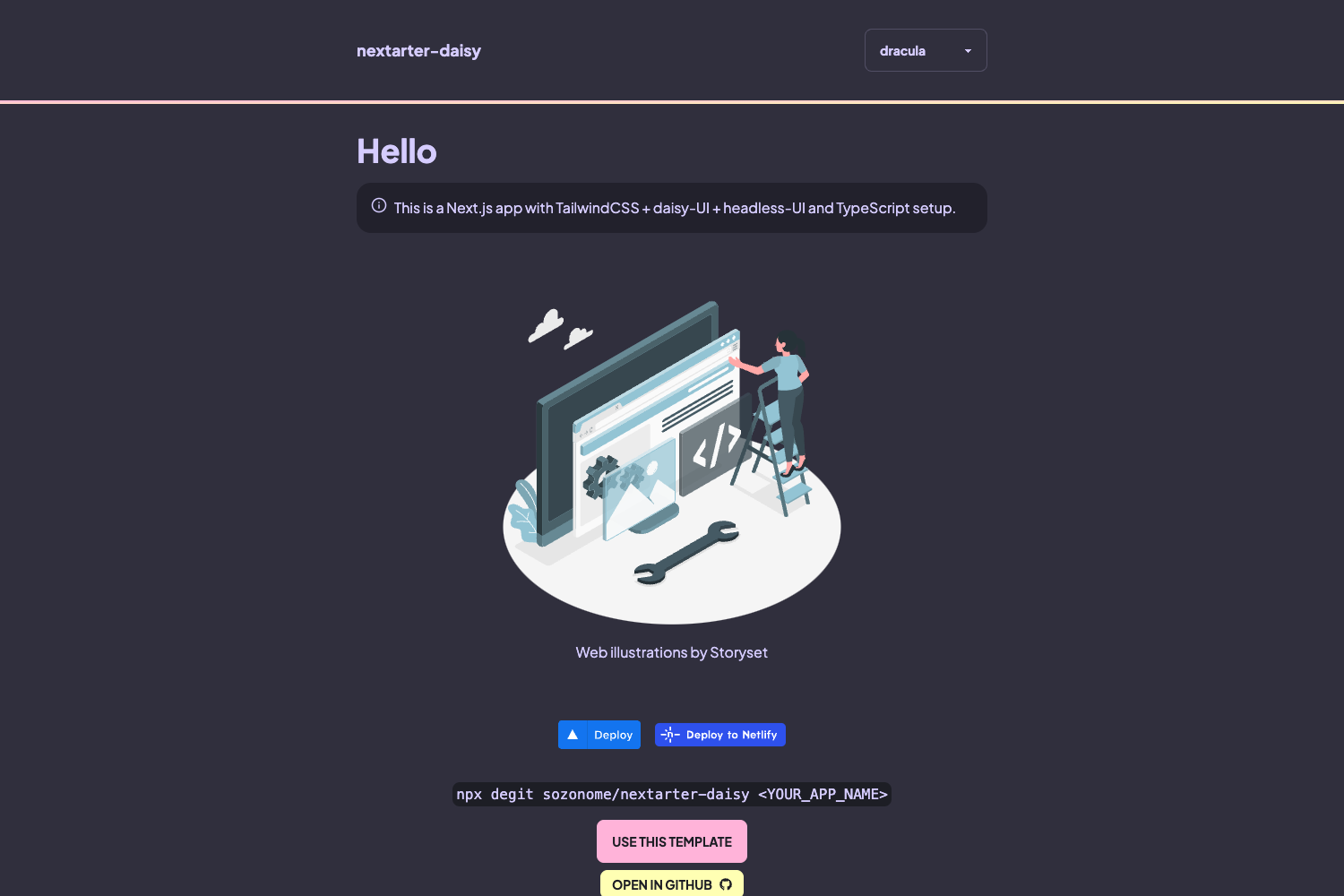
- Tailwind CSS styling — The template uses TailwindCSS for utility-first styling, making it easy to restyle.
- Static site generation — Next.js SSG is enabled by default, producing a fast, deployable static site suitable for hosting on Vercel.
Who is it for?
The template suits educators and developers who want to publish technical courses or tutorials with a clean, minimal setup. React developers who prefer working with MDX and Tailwind can customize the base to fit their own content. It also serves as a companion base for learners following the useEffect.dev React hooks course.
What can you do with it?
- Course creators: Structure a multi-lesson course using lessons, sublessons, forewords, and appendices, each defined in its own
.mdxfile. - Educators: Embed live, editable React examples so students can experiment with code without leaving the page.
- Open-source contributors: Fork or clone the repository, run
yarnto install dependencies andyarn devto start a local server at http://localhost:3000.
How does the Next.js Course Template work?
Clone or fork the repository, install dependencies with yarn, then run yarn dev to start the development server. Lessons live in the lessons directory and must follow the naming and frontmatter rules described above; the build parses them with next-mdx-remote and remark and generates static pages.
FAQ
Is the Next.js Course Template free to use?
Yes, the repository is offered free of charge. The author notes that they cannot guarantee fixes for all problems, but you are welcome to submit issues or pull requests.
What file format do lessons use?
Lessons are MDX files – Markdown with embedded JSX. Each file must have a frontmatter header with a title and a type, and sublessons need a parent attribute pointing to an existing lesson.
Can I embed interactive React examples?
Yes, the template includes React Live, which renders editable React code blocks that readers can modify and run in their browser. This makes it possible to include live coding exercises in lessons.
Does the template use a specific CSS framework?
Yes, styling is done with TailwindCSS, and code syntax highlighting uses Prism with the Dracula theme.