Template details
Awesome Landing Pages
Free and open-source landing page templates built with Tailwind CSS for SaaS, portfolio, restaurant, and more.
About this template
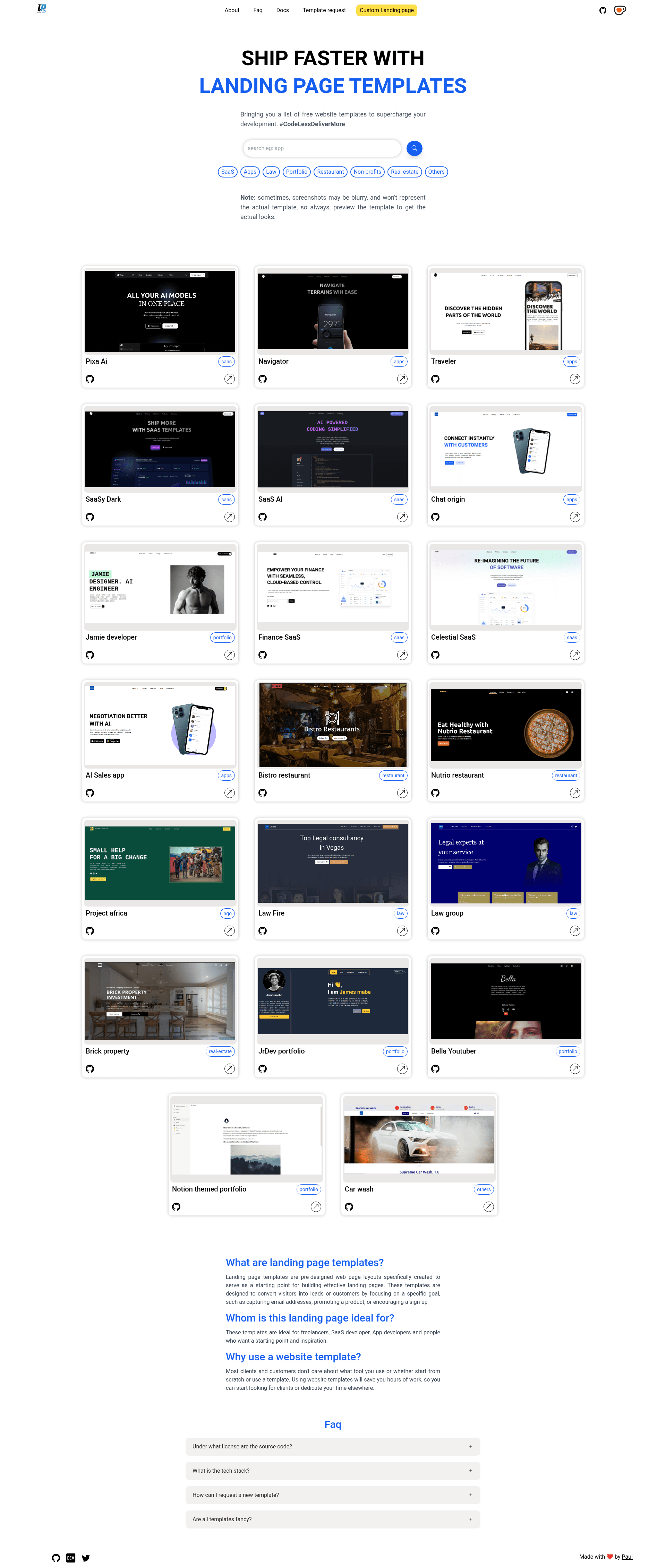
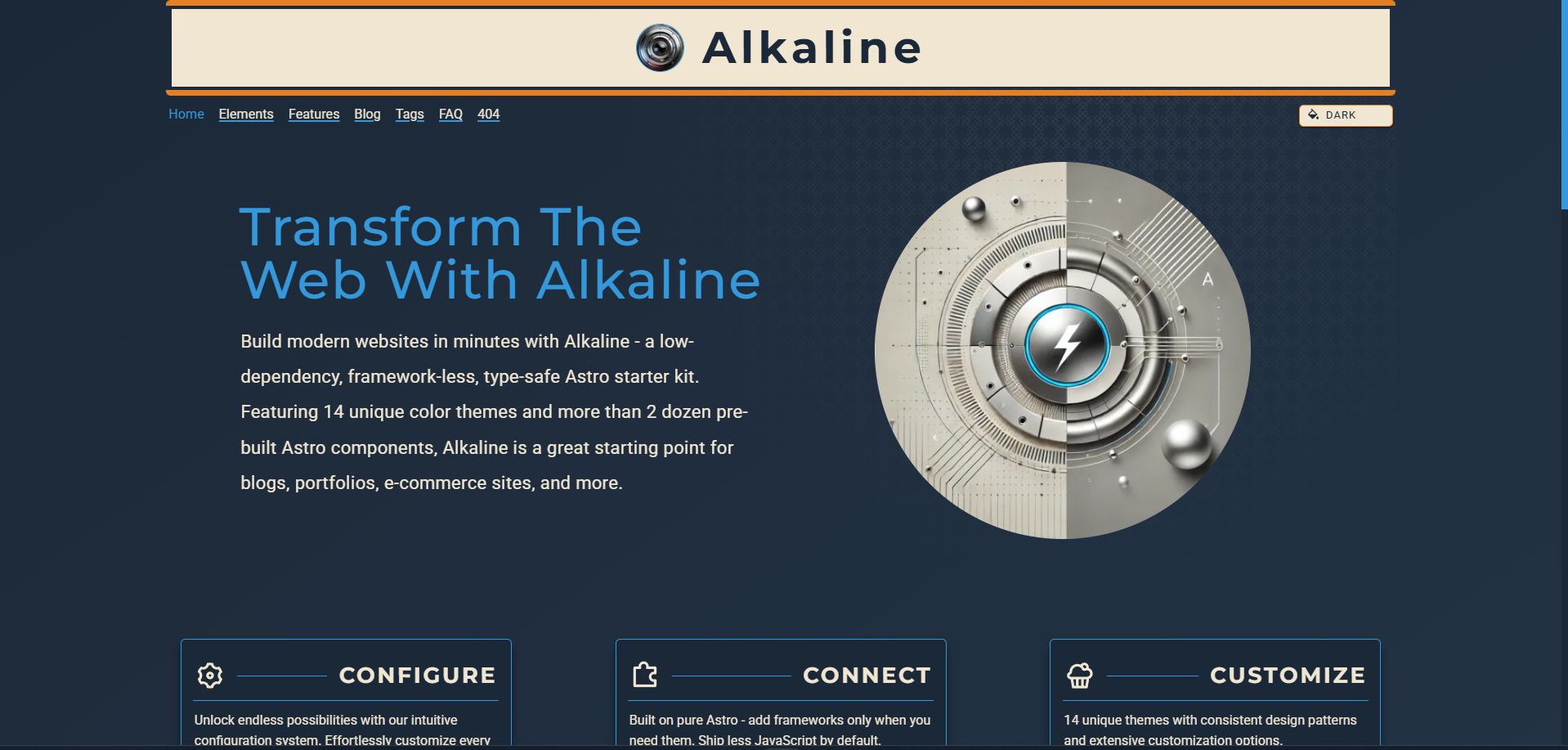
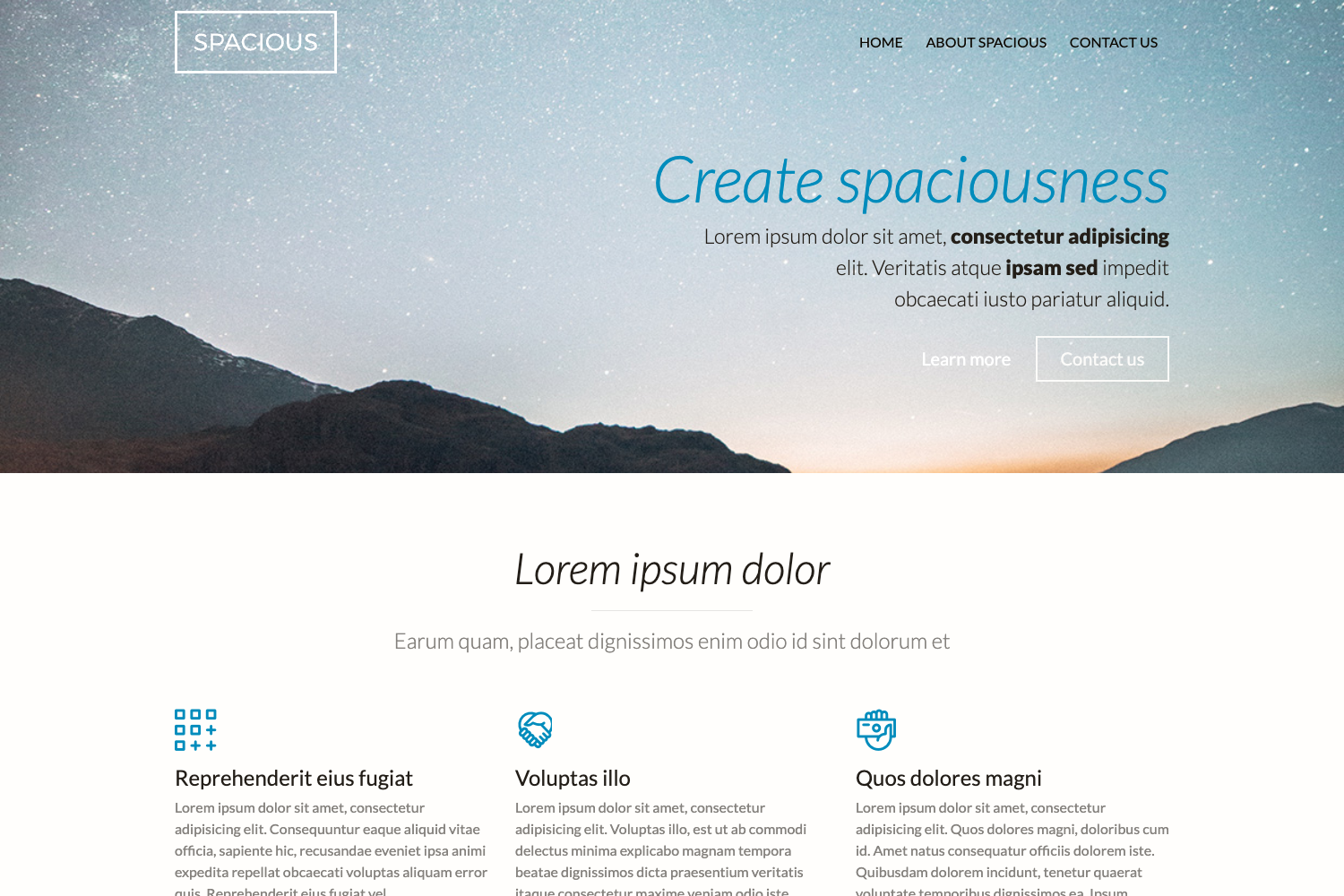
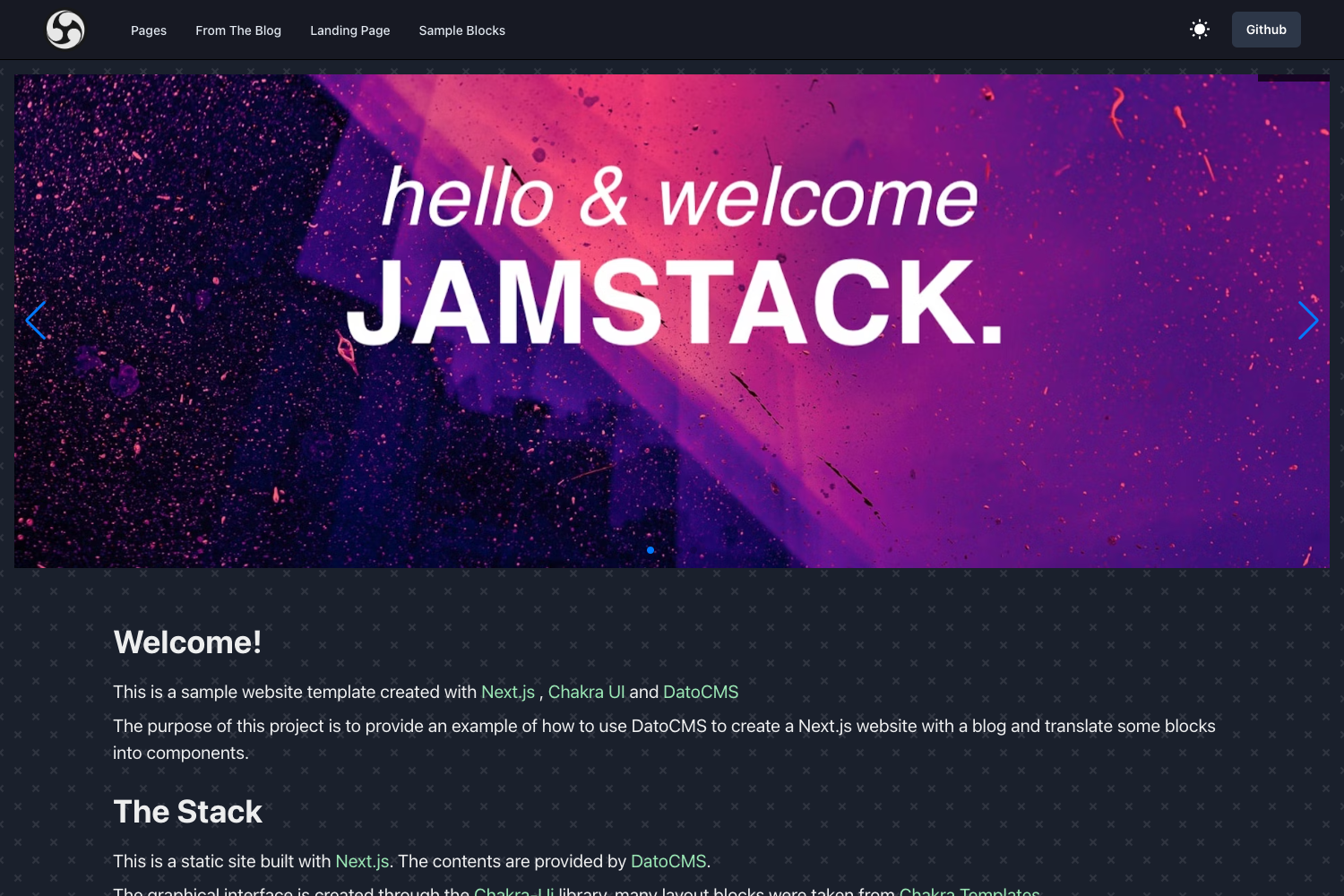
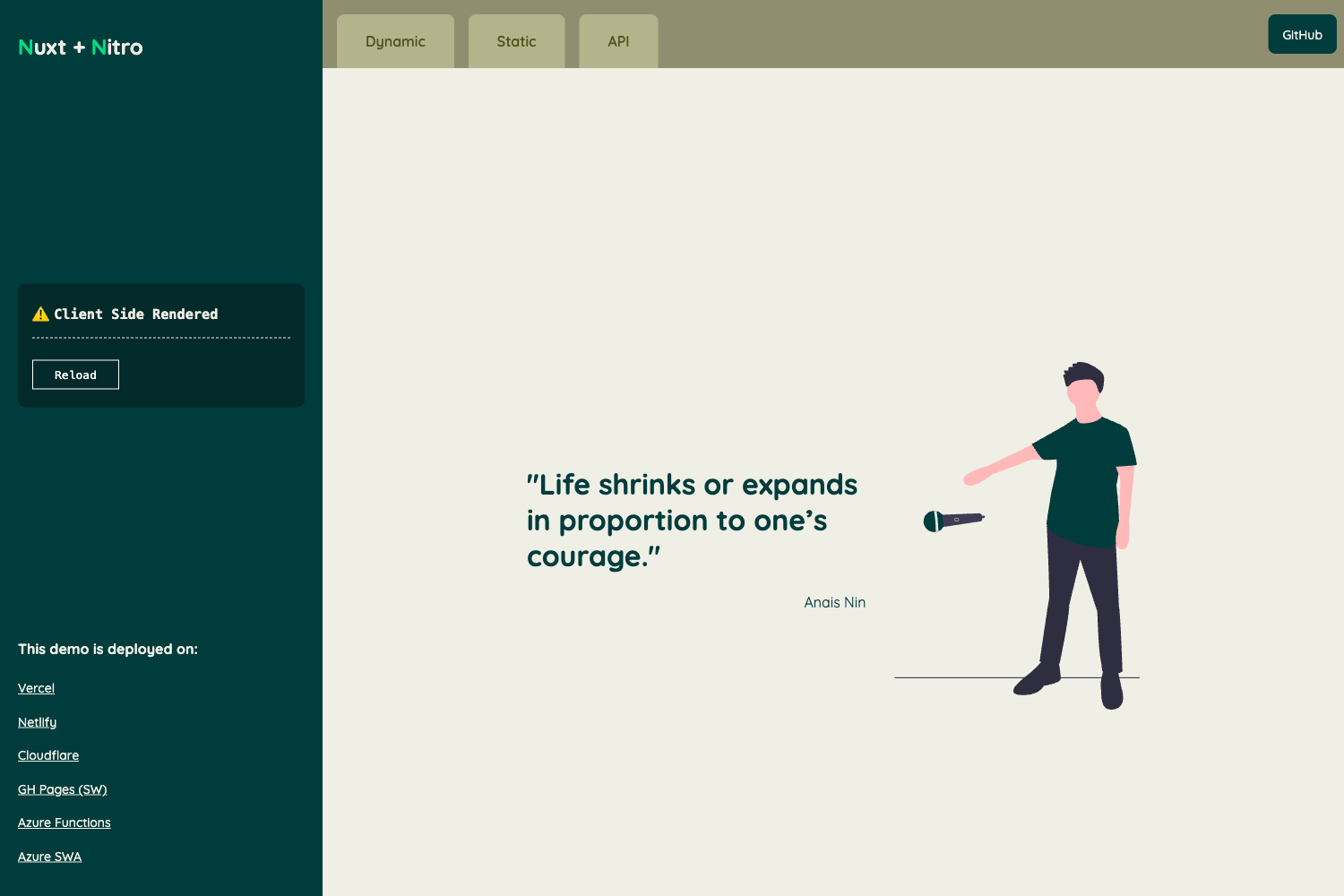
Awesome Landing Pages is a free, open-source collection of 20 ready-to-use website templates — spanning SaaS, app, restaurant, real estate, attorney, portfolio, NGO, and carwash landing pages — built with Tailwind CSS and plain HTML, CSS, and JavaScript.
What is Awesome Landing Pages?
The repository, created by developer PaulleDemon (Paul Freeman), hosts dozens of self-contained landing page templates under one GitHub project. Each template is a folder containing index.html, index.js, assets/, css/ (with index.css, tailwind-build.css, and tailwind.css), and a tailwind.config.js. Templates output static HTML/CSS/JS pages, deployable to any static host, and each includes a live Netlify preview link.
Key Features
- Tailwind CSS built in — Every template ships with a preconfigured
tailwind.config.jsthat uses thetw-prefix to prevent class conflicts; base CSS files are included so you can rebuild styles withnpm run build:tailwind. - Responsive design — All templates are mobile-friendly out of the box.
- Technical SEO optimized — Templates use semantic tags like
h1,h2, andsectionfor better search crawling. - Framework independent — The plain HTML/CSS/JS structure can be lifted into React, Vue, Django, or any other stack.
- Quick customization — Swap in your own text to adapt a page; change the primary color in
tailwind.config.js, or edit button and input colors inindex.css. - Browsable download page — The project page at https://awesome-landingpages.vercel.app/ lets you download each template folder directly.
- Live previews — Each template has a Netlify-hosted demo, e.g., the SaaS templates Simple Finance, CelestialSaaS, AI SaaS, SaaSy Dark, and Pixa AI.
- Category variety — Includes app landing pages (Chatorigin, AiSales, Navigator, Traveler), restaurant pages (Bistro, Nutrio), a real estate page (Brick Property), attorney pages (Law Group, Law Fire), portfolios (Bella, Jrdev, Jamie, Notion), an NGO page (Project Africa), and a carwash page (Supreme Carwash).
Who is it for?
- Developers with tight deadlines — Grab a template, change the text, and deploy the landing page instead of coding it from scratch.
- Freelancers — Use a template as a starting point for client work or as a clickable prototype in pitches.
- SaaS founders — Launch a marketing page with any of the five SaaS templates and focus time on the product.
- App developers — Add a web landing page for a mobile app to support SEO efforts.
- Learners of HTML, CSS, and JS — Read and modify real template code to understand structure and styling.
- People seeking inspiration — Browse the collection to borrow layout ideas for their own projects.
What can you do with these templates?
- SaaS startups: Stand up a product page using the CelestialSaaS or AI SaaS template, then replace placeholder copy with your own features and pricing.
- Restaurants: Create an online presence with the Bistro or Nutrio template, featuring menus, hours, and location details.
- Attorney firms: Publish a professional site for a law practice using Law Group or Law Fire.
- Portfolio owners: Showcase your work using the Jrdev, Jamie, or Notion portfolio templates.
- NGOs: Launch an impact-focused page with Project Africa to describe your mission and solicit support.
How does it work?
Download a single template folder from the browsable page, or use a sparse checkout to clone only the subfolder you need (see this StackOverflow answer referenced in the repo). If you plan to modify Tailwind styles, install Node.js, add the tailwind.config.js and postcss.config.js files (both are already in each template), then run npm run start:tailwind during development and npm run build:tailwind when you are ready to deploy. For Django projects, the author links a guide on adding Tailwind CSS to Django.
FAQ
Is Awesome Landing Pages free?
Yes. All templates in the repository are free and open-sourced. The author also accepts support via Ko-fi to fund continued development of free projects.
Do I need Node.js to use these templates?
Node.js is only required if you want to rebuild or customize the Tailwind CSS. The templates include pre-built CSS files (tailwind-build.css) so you can edit HTML and text and deploy without running any JavaScript tooling.
Can I use a template with React or Vue?
Yes. The templates are framework independent — they are plain HTML, CSS, and JS. You can copy the markup and styles into a React or Vue component and adapt them as needed.
What image and icon sources are used?
Images are sourced from free stock sites Pexels, Unsplash, and Pixabay. Icons come from Bootstrap Icons and Material Icons by Google. Brand logos in some templates are from Brandfetch.
Where can I request a new template?
You can create a new template issue on the GitHub repository. Once a template request receives enough thumbs-up reactions, the author will build it.