Template details
Next.js Ghost CMS Blog Starter
A starter blog template built with Next.js, Ghost CMS as backend, and Disqus comments.
About this template
Next.js Ghost CMS Blog Starter is a blog boilerplate template that pairs a Next.js frontend with a Ghost CMS backend and Disqus comments, giving you a ready-to-deploy blog stack.
What is Next.js Ghost CMS Blog Starter?
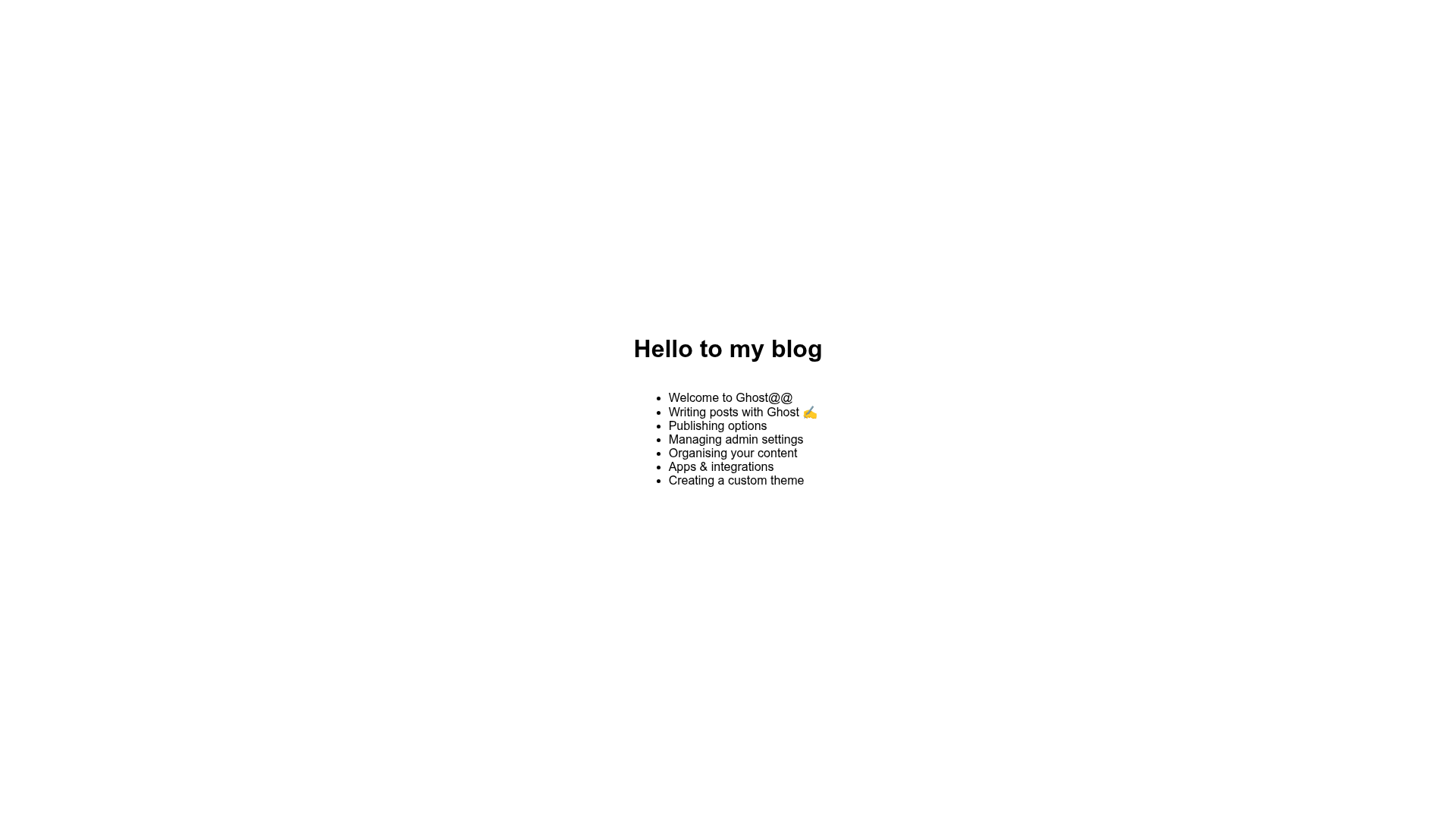
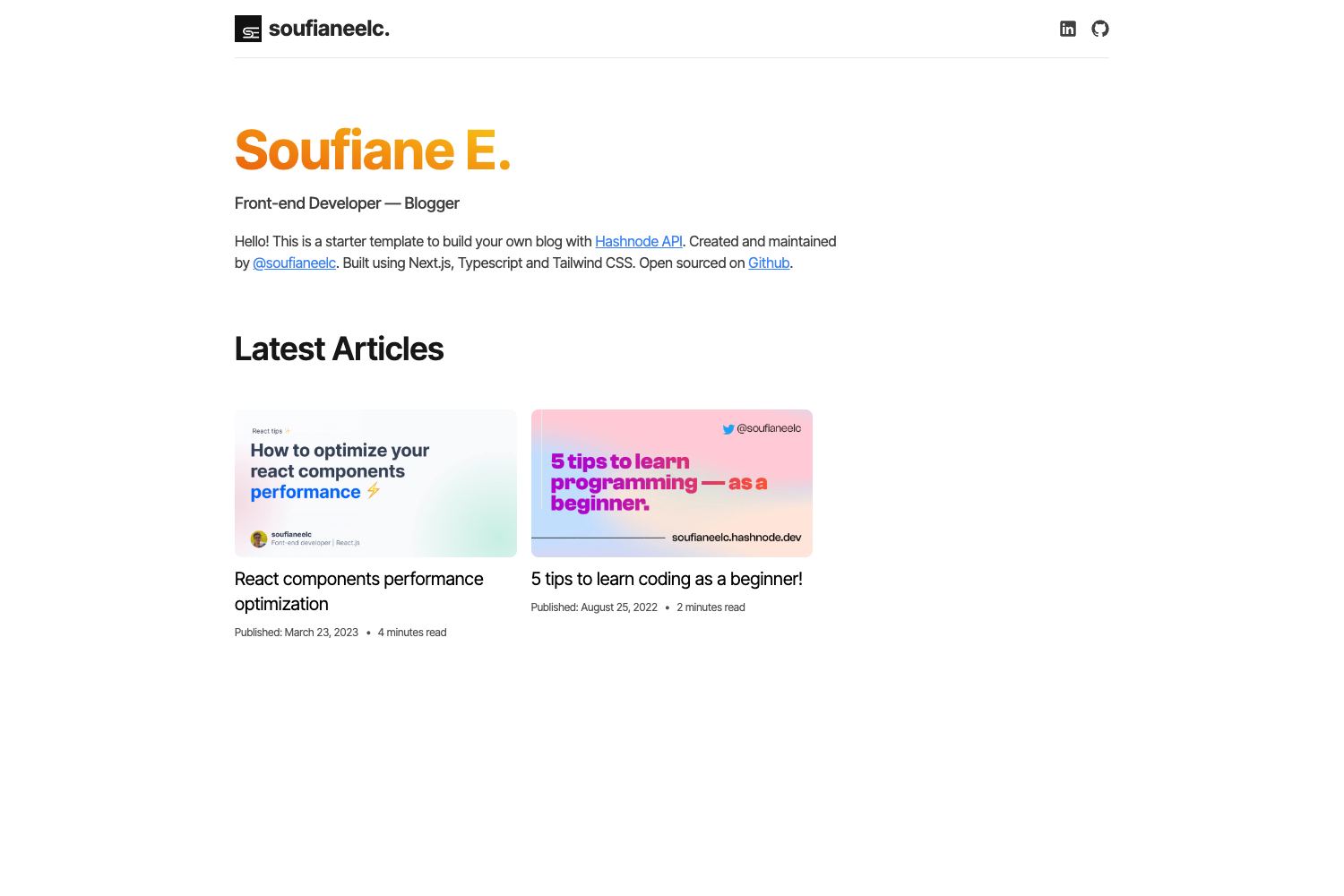
This template is a starter blog application built on Next.js, using Ghost as its content management system and Disqus for comments. It takes a Ghost Content API key and blog URL from a .env file and renders blog posts from Ghost on a standard create-next-app project. The result is a blog frontend that you can develop locally and deploy to Vercel.
Key Features
- Next.js framework — Built on Next.js with the standard create-next-app setup, enabling React-based server-side rendering and static generation.
- Ghost CMS backend — Connects to any Ghost instance through the Ghost Content API; the README includes a button to deploy a Ghost instance on Heroku from the ghost-on-heroku template.
- Disqus comments — Integrated Disqus service for managing reader comments on blog posts.
- Environment-based configuration — Reads
CONTENT_API_KEYandBLOG_URLfrom a .env file, so pointing the site at a different Ghost blog only requires changing those two variables. - One-command local development — Install dependencies with
yarn installand start a dev server withnpm run devoryarn dev, serving the site at http://localhost:3000. - One-click Vercel deployment — The repository includes a Vercel deploy button that connects the GitHub repo to a Vercel project for instant hosting.
Who is it for?
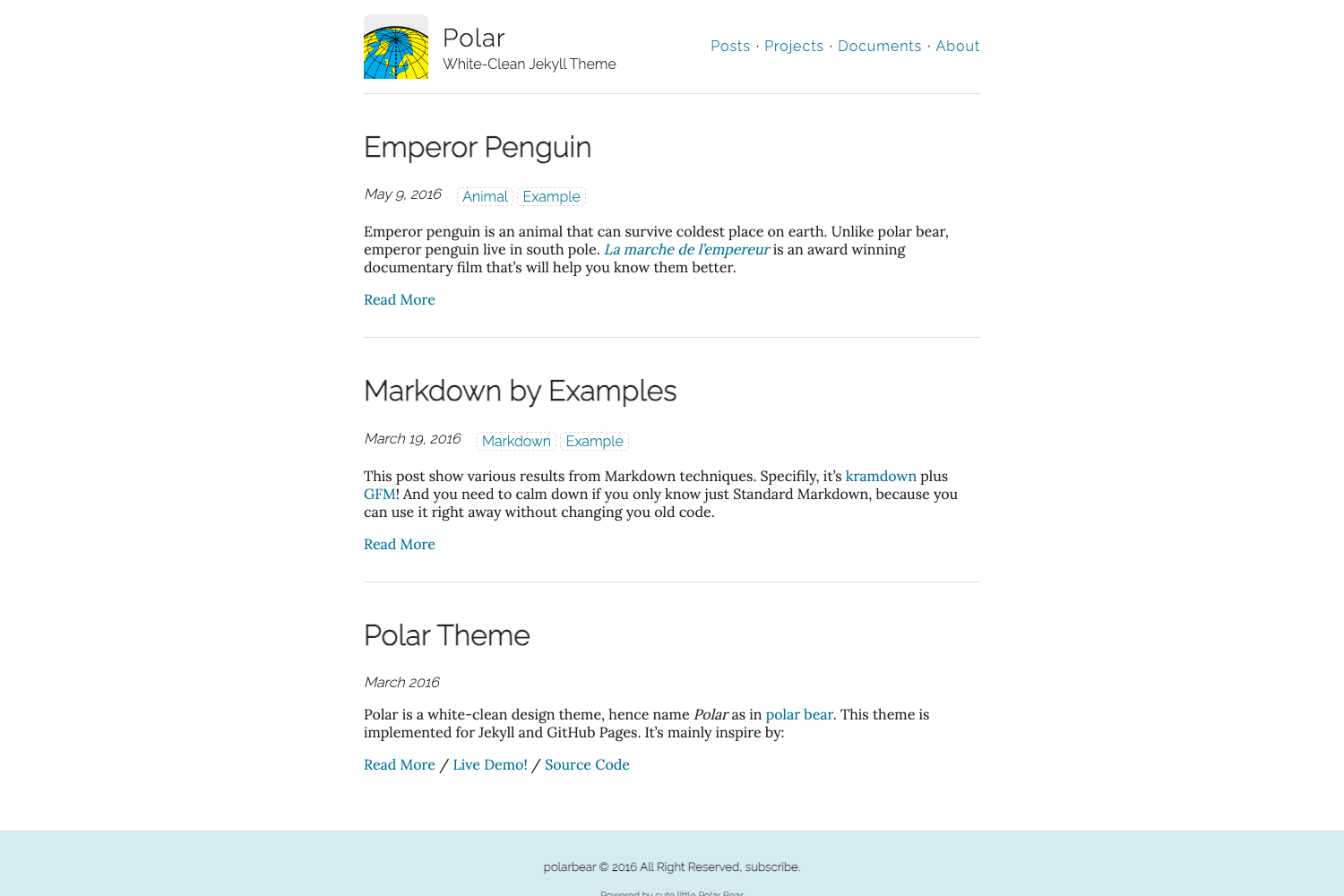
This template suits developers who want to launch a blog on a JAMstack-style architecture without building the frontend from scratch. It also helps Ghost users who prefer a Next.js frontend over Ghost's default themes, and anyone learning how to integrate Ghost's Content API with a React framework.
What can you do with this template?
- Developers: Spin up a blog with Next.js and Ghost, then deploy to Vercel in a few clicks.
- Ghost users: Give your Ghost content a custom Next.js frontend while using Ghost's admin for publishing.
- Bloggers: Add Disqus comments to articles without writing any backend code.
How does it work?
The README outlines three steps: first, get a Ghost instance running — the provided button deploys a Ghost instance on Heroku; second, create a .env file with your CONTENT_API_KEY and BLOG_URL from the Ghost setup; third, run yarn install and then npm run dev or yarn dev to start the site at http://localhost:3000.
FAQ
Can I use my own Ghost instance?
Yes, the template only requires a Ghost Content API key and a blog URL, so you can point it at any Ghost instance. The Heroku deploy button in the README is just one way to create a Ghost instance, not a requirement.
How do I deploy this template to Vercel?
The README includes a Vercel deploy button. Clicking it links your GitHub repository to Vercel and walks you through creating a new project, so your blog gets hosted without manual configuration.
What environment variables do I need to set?
You need two variables in a .env file at the project root: CONTENT_API_KEY, which is your Ghost Content API key, and BLOG_URL, which is the URL of your Ghost blog.