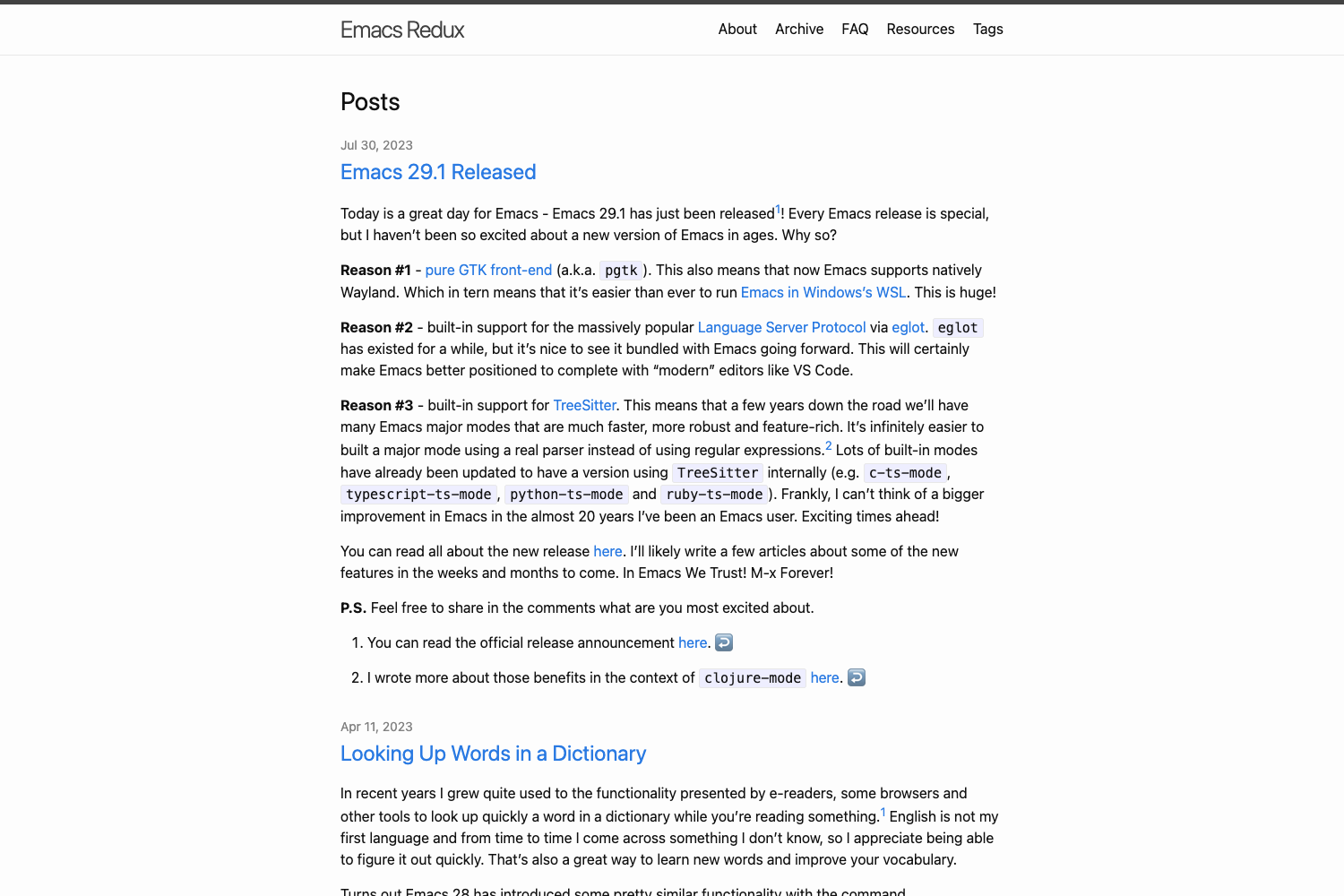
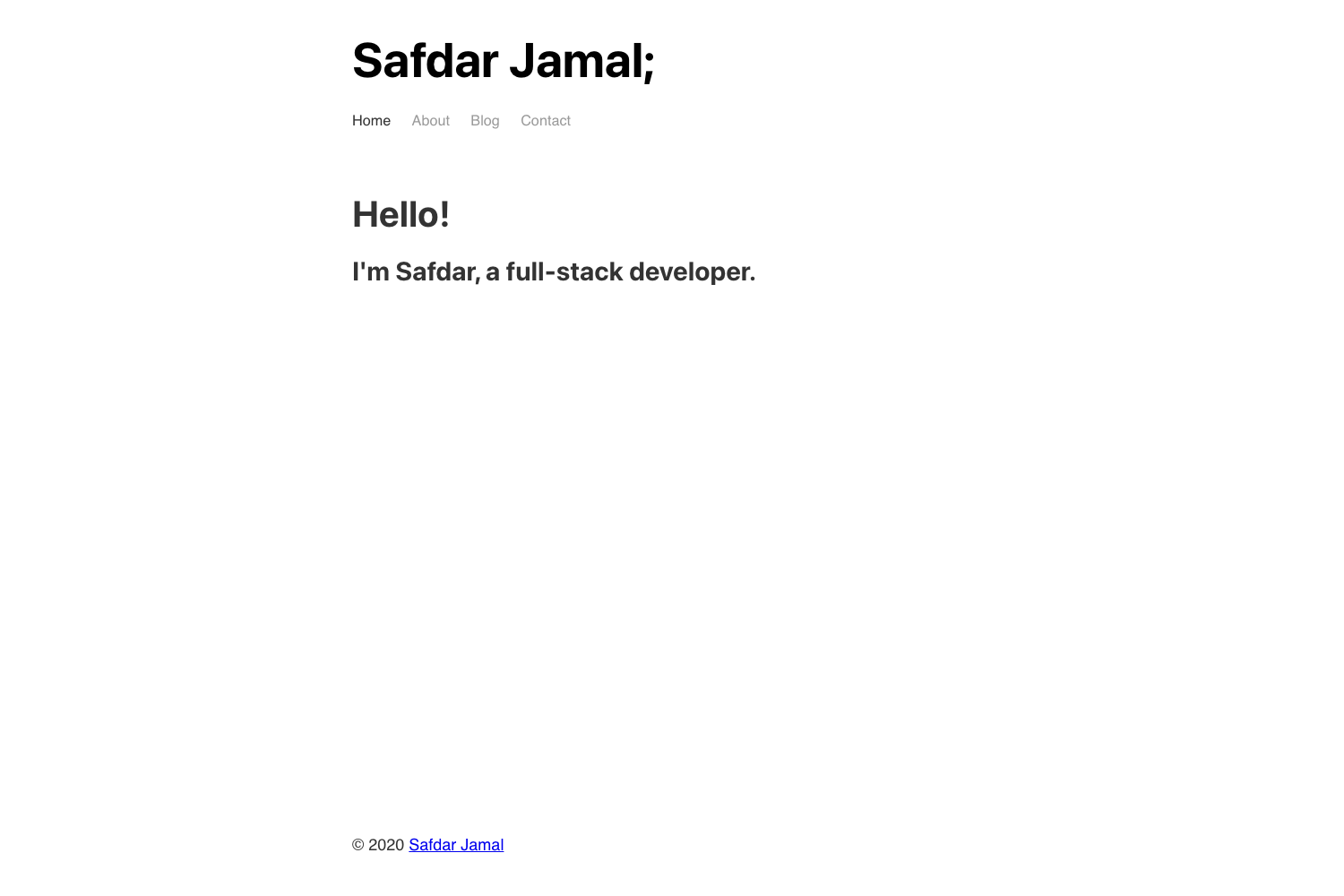
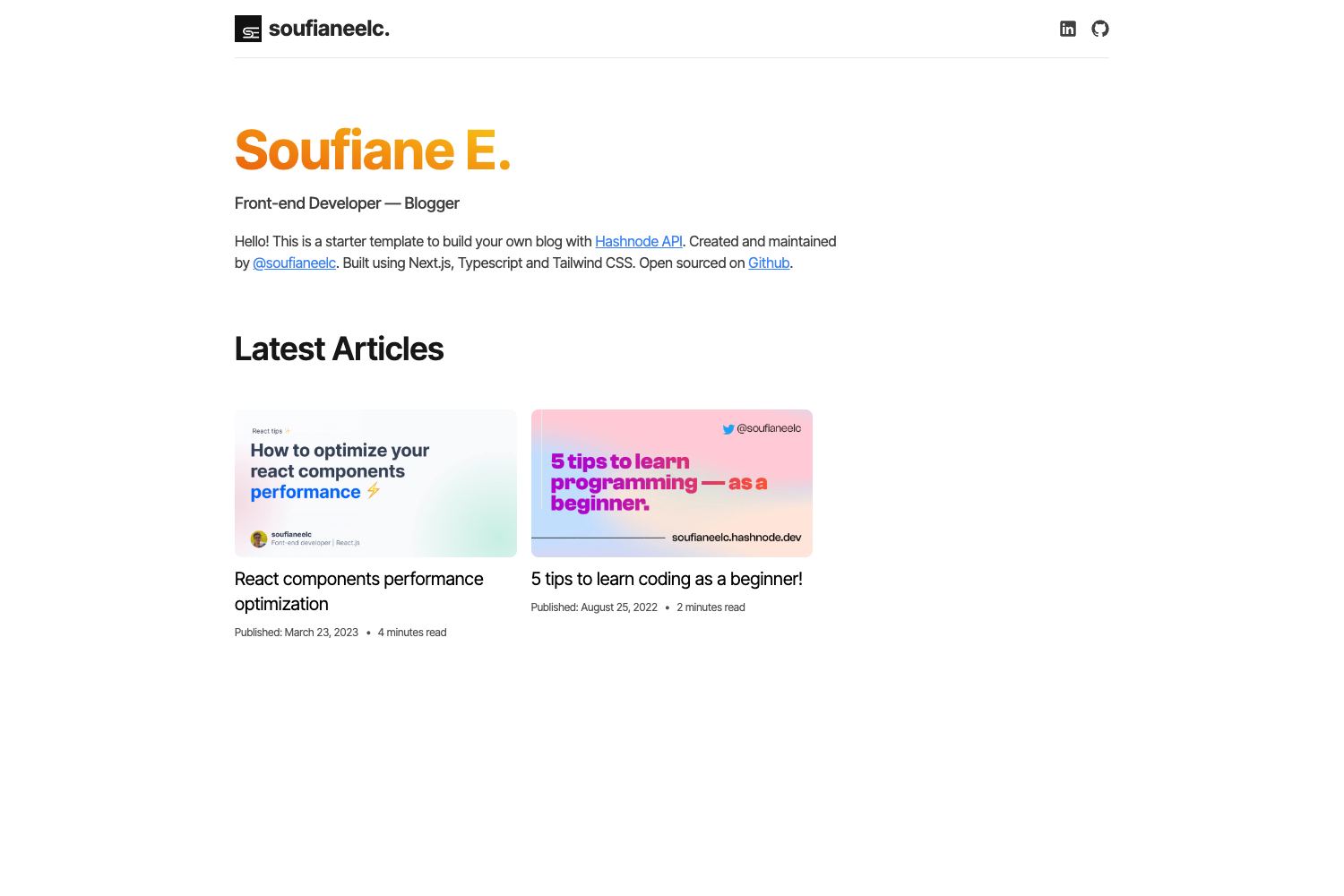
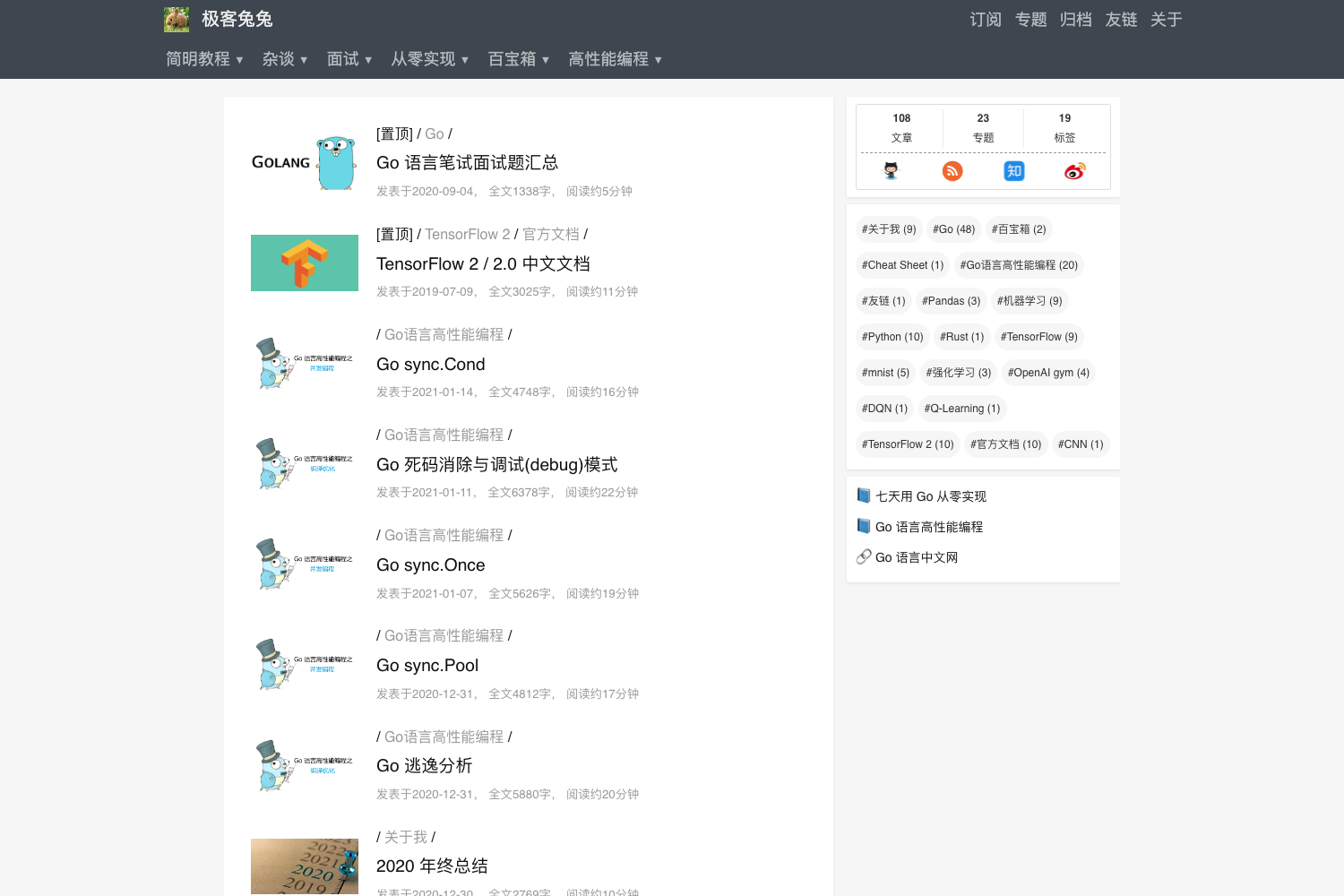
Template details
Gatsby Starter Developer Blog
A file-driven Gatsby.js starter for fast, SEO-friendly blogs with Markdown posts, tags, themes, and multi-language support.
About this template
Gatsby Starter Developer Blog is a file-driven, open-source blog template built with Gatsby.js and React that converts Markdown files into a fast, SEO-friendly static site requiring no backend or CMS.
What is Gatsby Starter Developer Blog?
Gatsby Starter Developer Blog is a Gatsby.js starter project created by the GitHub user lgcolella. It takes Markdown posts placed in a content folder, each with a set of frontmatter metatags, and generates a static HTML, CSS, and JavaScript website designed primarily for blogs and portfolios. The starter runs entirely on Gatsby's build system with React components, Less for styling, and GraphQL for querying content. Because the output is plain static files, it can be deployed to any static hosting provider at minimal cost.
Key Features
- Markdown-based content — Posts live in a
contentfolder asindex.mdfiles with mandatory metatags: title, path, date, tags, and cover; excerpt is optional. - Multi-language support — Add translated post versions by placing files such as
index.it.mdorindex.de.mdin the same post folder; the starter automatically adds links between language versions and generates hreflang tags. - Built-in SEO — Each post page includes OpenGraph tags, Twitter Card tags, an HTML title, alt attributes for cover images, hreflang attributes for translations, a sitemap, and a robots.txt file.
- Theming system — Dark and Light themes ship in
src/style/themes; custom themes can be created by following the examples and imported insrc/style/index.less. - Engagement features — Disqus comments and social share buttons come enabled out of the box, and the starter includes RSS feed, favicon, and Web App Manifest support.
- Development tooling — The project includes PropTypes for data checking, ESLint for linting, Prettier for formatting, and a TravisCI configuration for continuous integration.
- Optimized assets — Images are optimized for fast loading, and syntax highlighting is included for code blocks in posts.
Who should use Gatsby Starter Developer Blog?
- Developers wanting a no-CMS blog — publish by creating a Markdown file in the content folder and committing; no database or admin panel is needed.
- Portfolio site owners — use the blog layout to present projects and write articles, with a tag and archive system to organize them.
- Multilingual writers — leverage the built-in ISO language file naming and automatic hreflang tags to publish posts in several languages.
- Designers exploring Gatsby — study the Less theme files to modify dark/light themes or propose new designs.
What can you do with it?
- Publish a new post in minutes — create a folder under
content, add anindex.mdwith the required metatags, and write your article in Markdown syntax. - Add a translation — place a translated version of a post in the same folder using the ISO code as the file suffix and the starter handles the link and hreflang tags.
- Switch or create themes — change the entire look by importing a different theme from
src/style/themesintosrc/style/index.less. - Deploy at the cheapest price — build the project to static files, then host it on any static host; TravisCI integration lets you automate build and deployment.
How does the starter work?
The workflow is file-driven. You create a folder in the content path, add an index.md file, and enclose the post's metatags between two --- separators at the top of the file. Under the second separator you write the post using Markdown syntax. Gatsby reads these files, queries the metadata and content, and generates the full site with tag pages, an archive, and language-switch links where translations exist.
FAQ
Is Gatsby Starter Developer Blog free?
Yes. The starter is an open-source project hosted on GitHub, so you can download, modify, and use it without paying licensing fees. It also uses open-source tools like Gatsby, React, and Less.
Do I need a CMS to manage content?
No. The starter is file-driven: all posts are Markdown files in a content folder, and each file carries its own metatags. This eliminates the need for a CMS or a database, and the built site is fully static.
How do I add a new post?
Create a folder in the content path, add an index.md file, and insert the required metatags (title, path, date, tags, cover) between two --- separators. Then write the post body in Markdown below the second separator.
How does multi-language publishing work?
Place translated versions of a post in the same folder and name the files with the ISO language code, for example index.it.md for Italian. The starter automatically links the versions together and adds hreflang tags for SEO.
Because the site is static, can I host it anywhere?
Yes. The build output is plain HTML, CSS, and JavaScript with no server-side dependencies. You can deploy it to any static hosting provider, and the included TravisCI configuration supports automated build and deployment.