Template details
Gatsby Markdown Blog
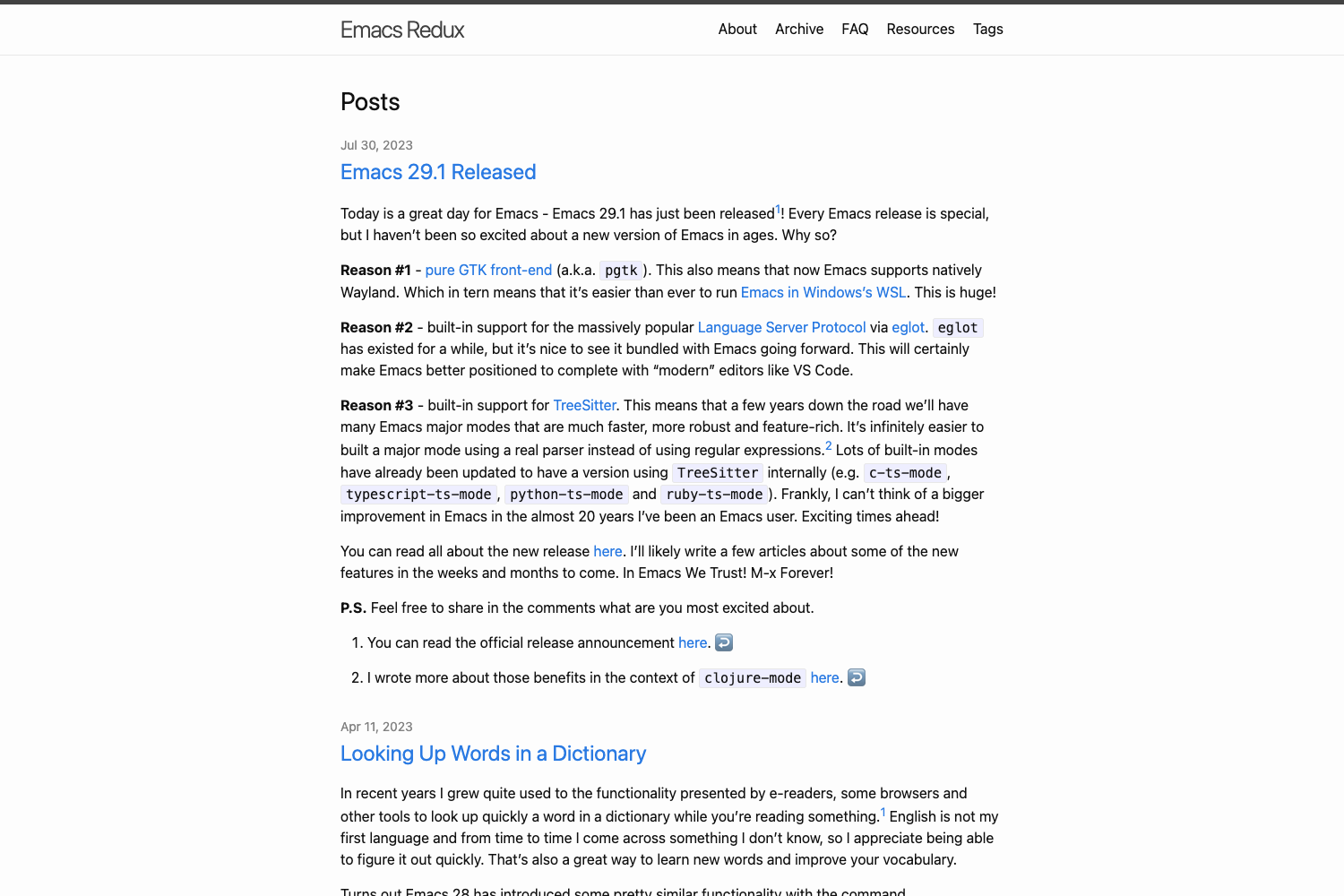
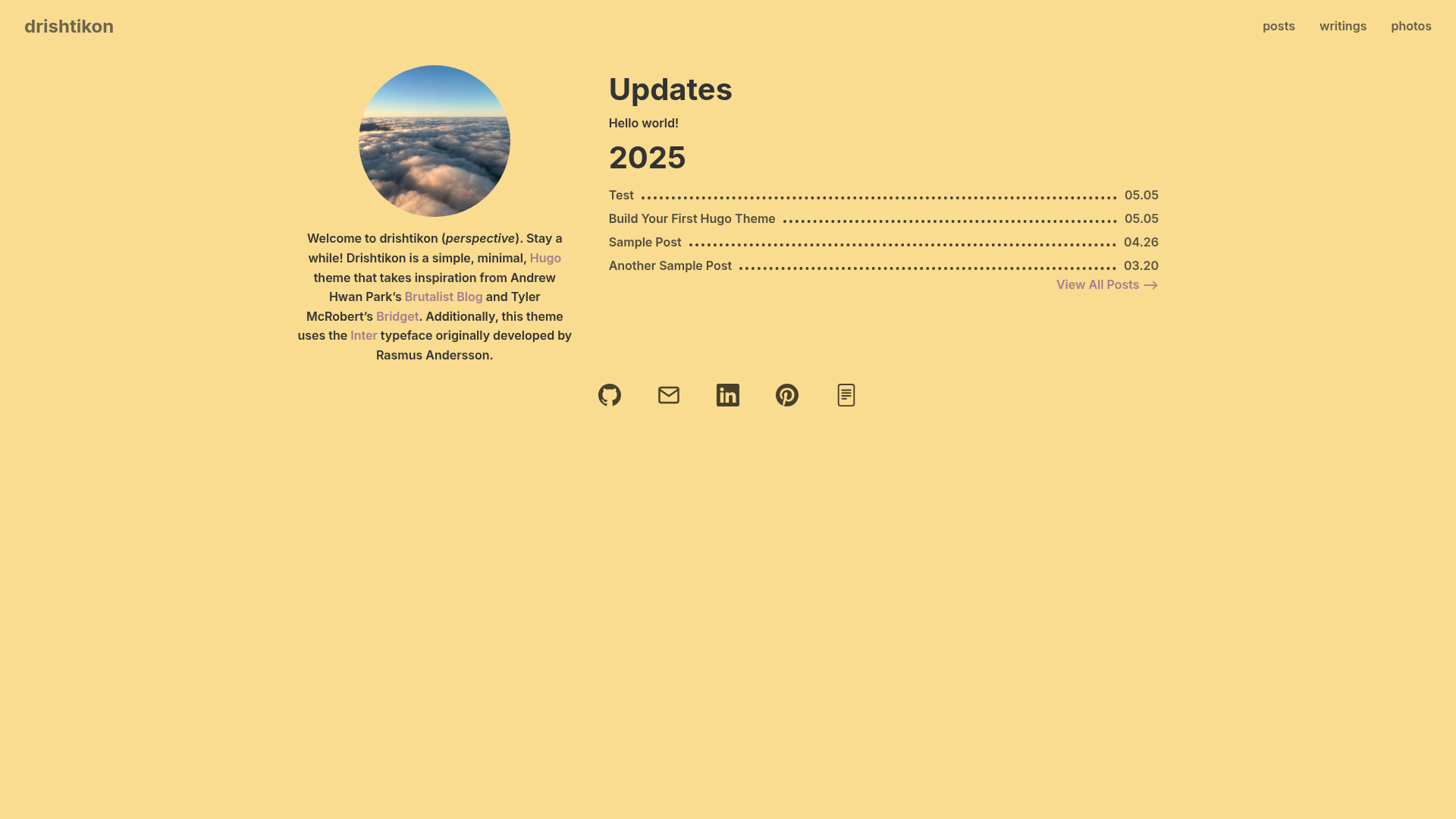
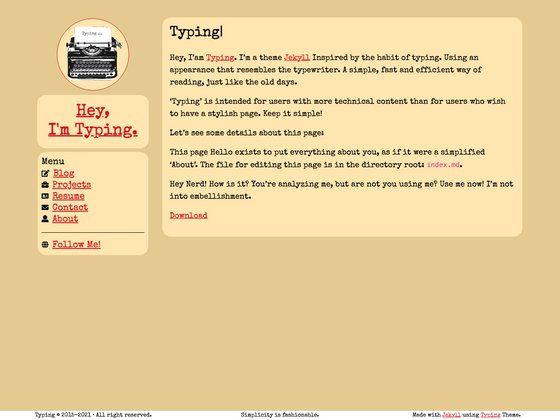
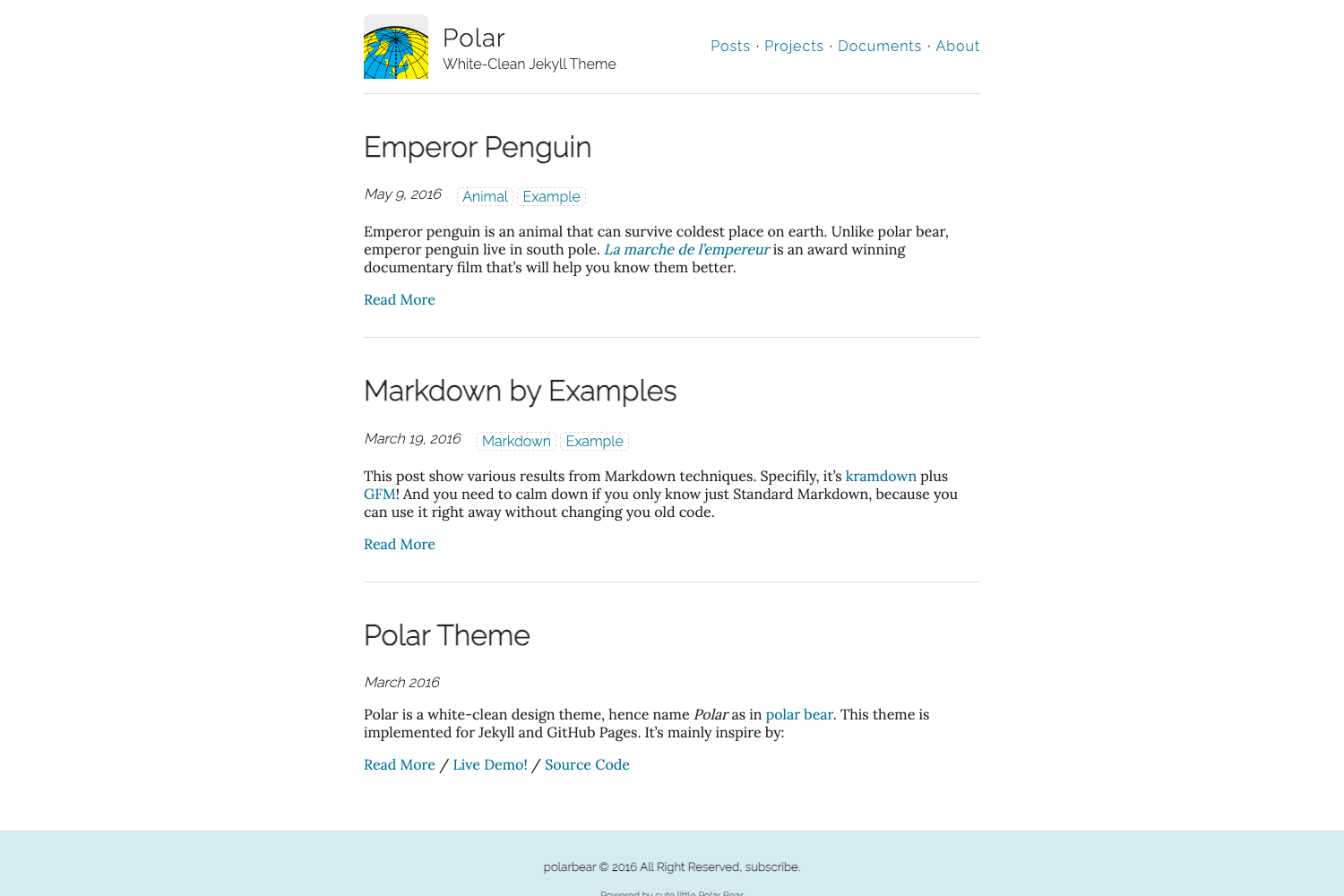
A minimal starter template for building personal/blogging websites with Gatsby, Markdown, and Netlify.
About this template
Gatsby Markdown Blog is a minimal Gatsby starter template for building personal and blogging websites using Markdown for content, with one-click deployment to Netlify or Vercel.
What is the Gatsby Markdown Blog?
The Gatsby Markdown Blog is a minimal starter template by SafdarJamal for creating personal and blogging websites. It takes Markdown files as the content source and outputs a pre-rendered static Gatsby site with Landing, About, Blog, and Contact pages. The template runs on Gatsby, a React-based static site generator, and includes GraphQL for querying site data during development.
Key Features
- Markdown-powered blog — Write posts as Markdown files; the template renders them into a blog listing with no CMS or database required.
- Editable pages — Landing, About, Blog, and Contact pages are separate components you can customize or remove, which makes restructuring the site straightforward.
- React Helmet integration — Edit title and meta tags directly through React Helmet components for per-page SEO control.
- Sass styling — The template uses Sass for styles, providing variables, nesting, and mixins out of the box for faster custom theming.
- Pre-rendered HTML and chunk loading — Gatsby generates static HTML at build time and automatically loads JavaScript chunks, which contributes to fast load times.
- Perfect Lighthouse scores — The project README claims perfect Lighthouse scores for SEO, Accessibility, and Performance.
- One-click deployment — Deployment buttons for Netlify and Vercel are included in the repository so you can publish without leaving the browser.
- Minimal, responsive design — The design is intentionally simple and mobile-friendly, meant to be modified or dismantled.
Who is it for?
- Bloggers who want to publish content by adding Markdown files and rebuilding the site, without managing a CMS.
- Portfolio owners who need a minimal personal site with pre-built About and Contact sections to present their work.
- Gatsby learners who want a compact, well-structured starter to study Gatsby configuration files, Node APIs, and project organization.
Use cases
- Personal bloggers: Add
.mdfiles to the content directory; the blog listing updates automatically on the next build and deploy. - Portfolio websites: Customize the Landing and About pages to feature projects, and use the Contact page for inquiries.
- Jamstack developers: Scaffold a new static site with Gatsby and push it to Netlify or Vercel using the included deploy buttons.
How does it work?
- Run
gatsby new my-blog-starter https://github.com/SafdarJamal/gatsby-markdown-blogto create a new site from the starter. - Start development with
gatsby develop, which runs a local server athttp://localhost:8000with hot reloading. - Edit source files under
src/, such assrc/pages/index.jsfor the landing page, and the browser refreshes automatically. - Build a production version with
gatsby buildand deploy to Netlify or Vercel via the provided buttons.
Pricing
The Gatsby Markdown Blog is free to use under the MIT license. There are no paid tiers, subscriptions, or usage limits; you can use it for personal or commercial projects.
FAQ
Is the Gatsby Markdown Blog free?
Yes, the starter is open source under the MIT license, so you can use it without cost for personal or commercial projects.
Do I need a CMS to publish posts?
No. Content is written as Markdown files, and Gatsby pre-renders them at build time. There is no content management system or database involved.
What are the prerequisites?
The only prerequisite listed in the README is the Gatsby CLI, which you use to create a new site from the starter. Node.js is also required to run Gatsby commands.
Can I change the design?
The template is designed to be customized or torn apart. Styling uses Sass, and pages are broken into separate components, so you can modify the look or structure without fixed templates.
How do I set up the meta tags?
The template includes React Helmet, which lets you edit title, description, and other meta tags from your components for SEO.