Template details
Typing
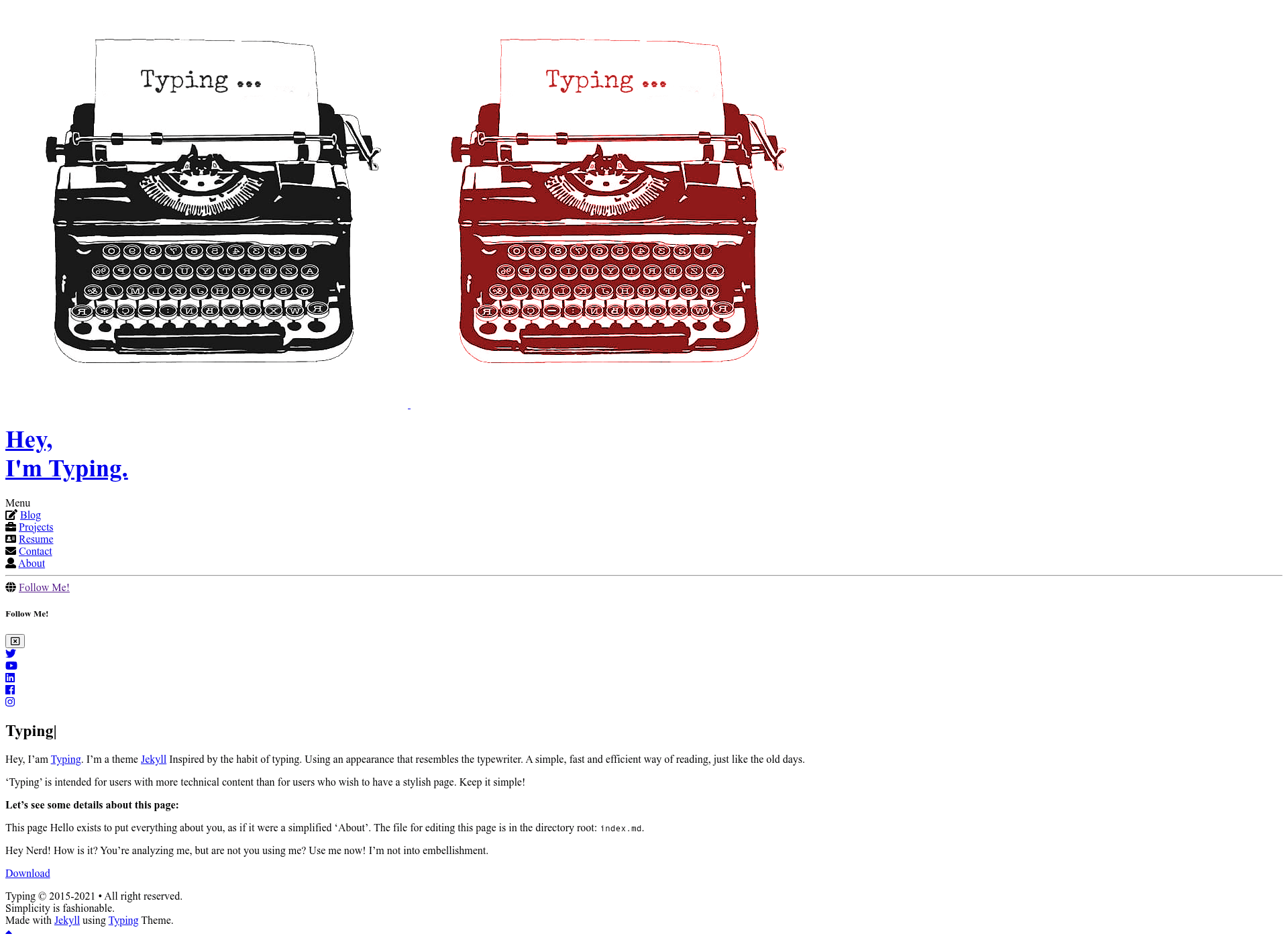
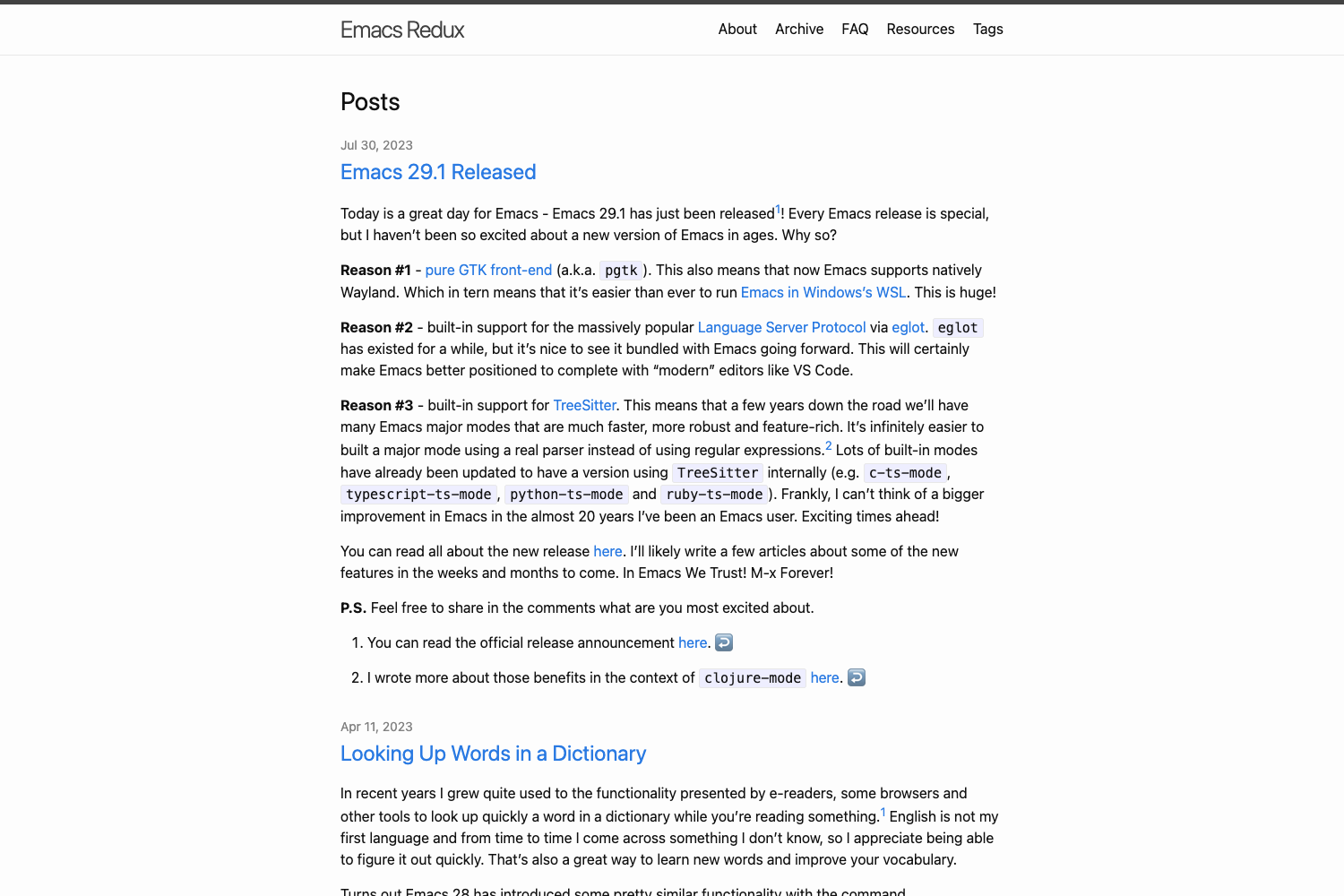
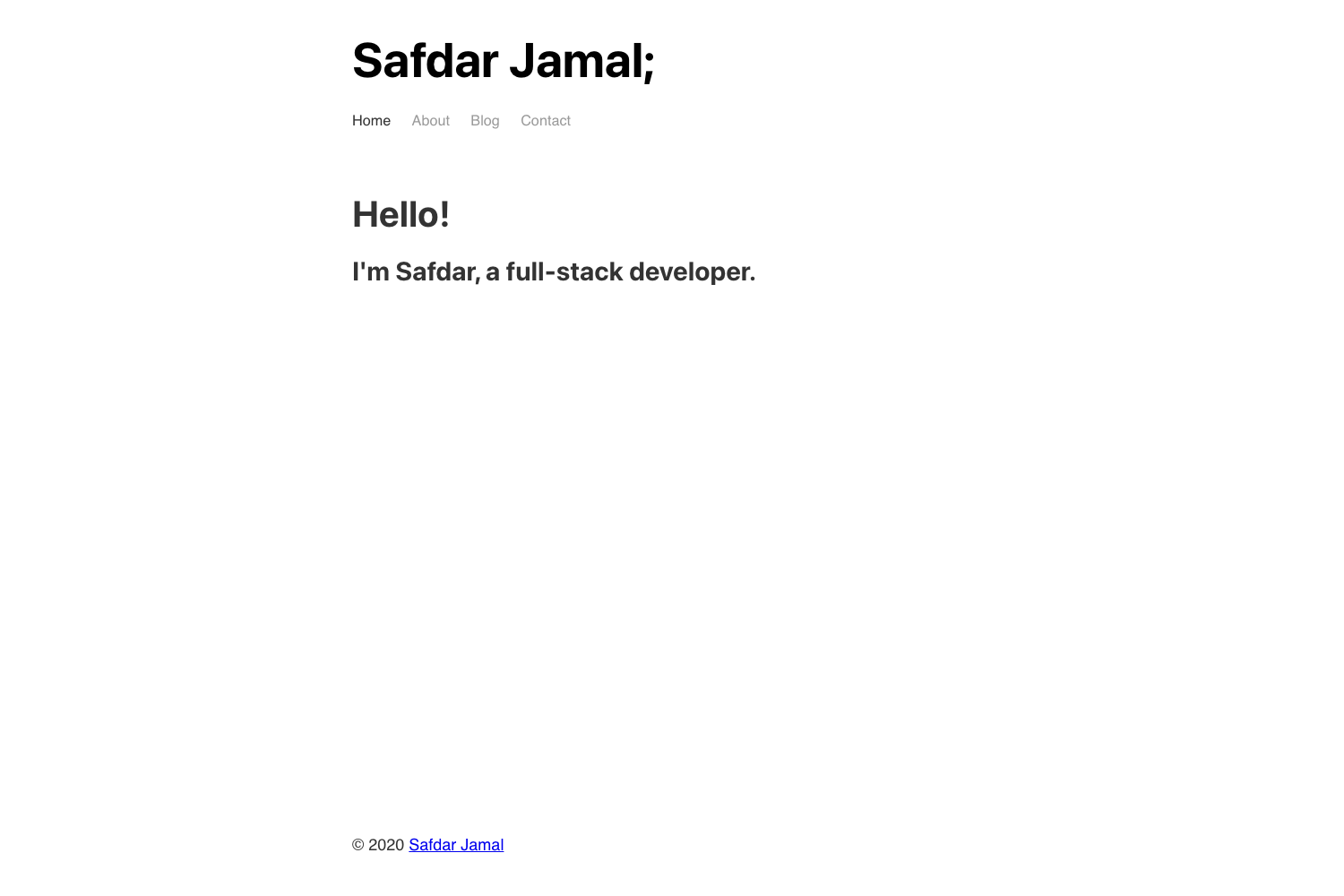
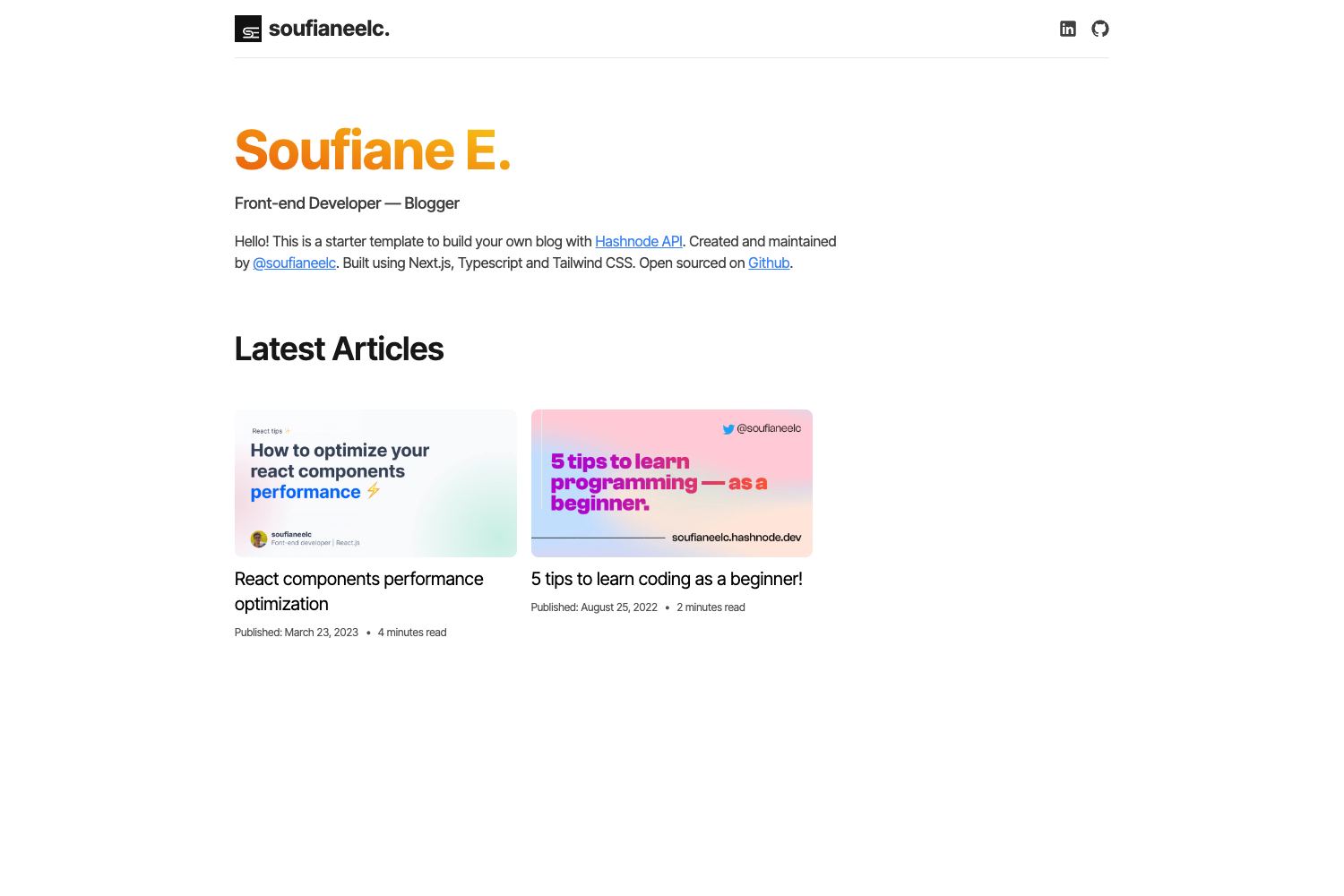
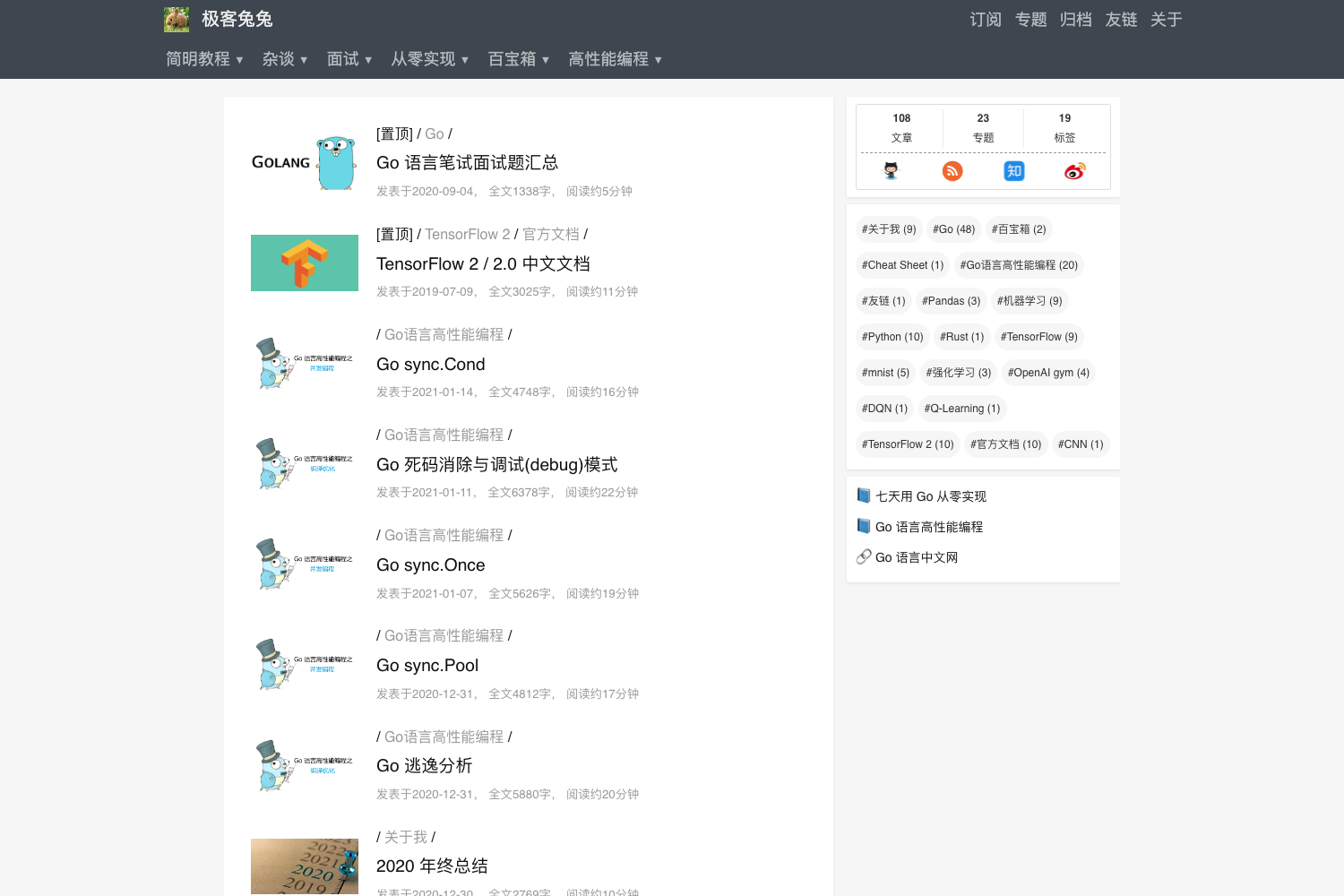
Lightweight Jekyll template for blogs and pages with 5 themes, search, Disqus, and a printable resume.
About this template
Typing is a Jekyll template for building lightweight blogs and static pages, engineered by William C. Canin to prioritize performance and a "Keep It Simple" interface.
What is Typing?
Typing is a Jekyll template that generates static blogs and multi-page websites with pre-built pages for Blog, Projects, Search, Contact, Tags, Summary, 404, and About. It takes a Jekyll project with Markdown posts and pages as input and outputs a fully compiled static site in the public/ folder. The template requires Ruby 3.0+, Bundler, Yarn, and Node.js 16.16+ to develop locally, and it is released under the MIT License. The project is officially discontinued, and the maintainer recommends the rawfeed-jekyll project as a more modern successor.
Key Features
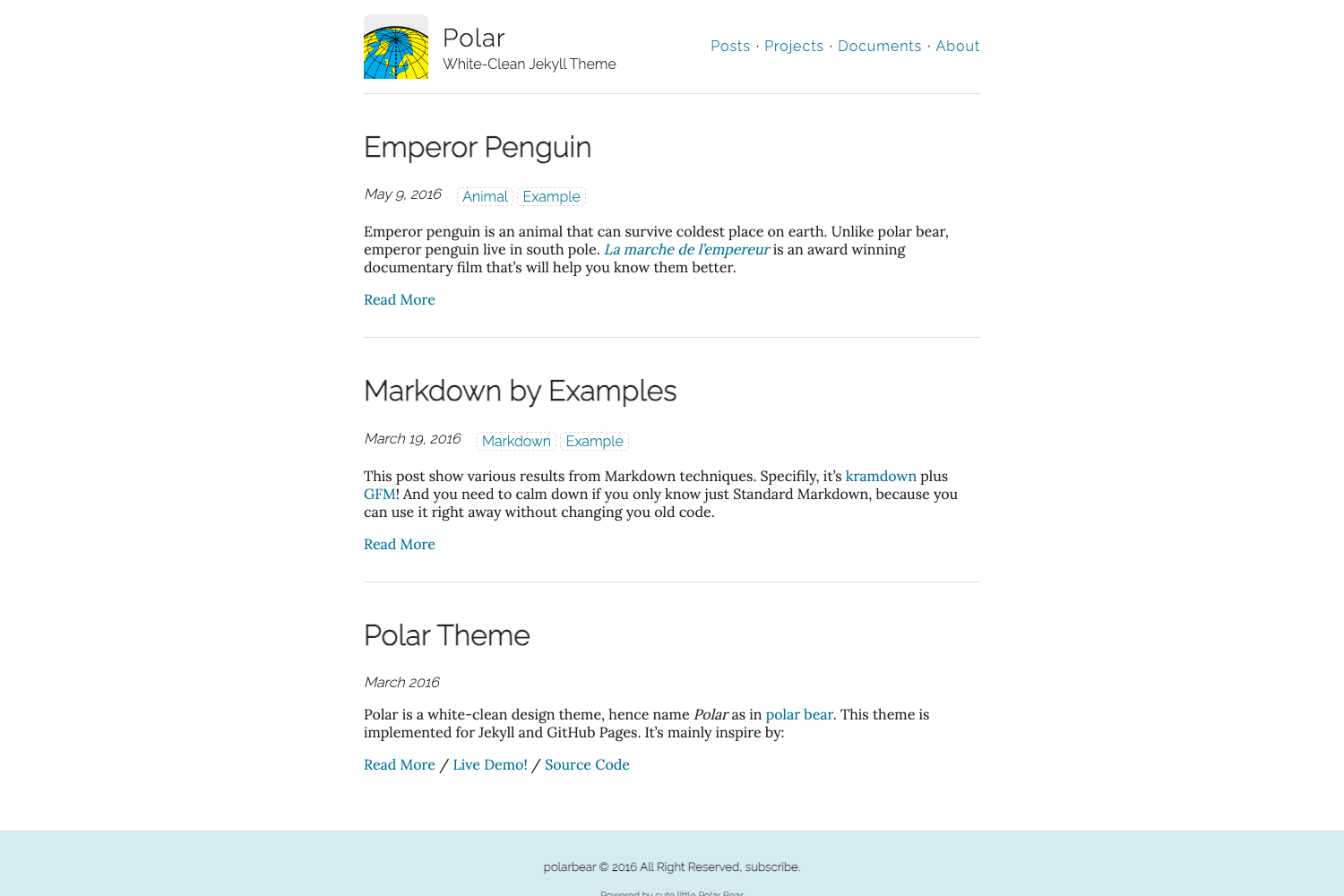
- Five official themes — switch between typing, whiteglass, cloudysky, hacking, and littlegirl via the
themeproperty in_data/informations.yml, or create a custom theme by editing_src/_sass/theme/custom.scss. - Animated sidebar avatar — set two images for a flip animation; the animation or the avatar itself can be disabled through
_data/options.yml. - Blog with pagination — optional pagination controlled in
_config.ymland per-page; search is available on the blog page via Jekyll Search. - Disqus comments — enables Disqus on posts only in production builds; each post can toggle comments via its front matter.
- Terminal simulator — an optional, purely visual terminal animation for the homepage, enabled by setting
home.terminal.enableto true. - Print-friendly resume — the resume.md page prints with the sidebar hidden when using Ctrl+P or the print button.
- Google Analytics and Google Fonts — built-in support for both services, configured through YAML files.
- Expanded plugin set — includes jekyll-paginate, jekyll-sitemap, jekyll-feed, jemoji, jekyll-youtube, jektify, plus custom plugins for reading time, image insertion, localized dates, badges, and end-of-post elements.
Who is it for?
- Bloggers who want a fast, minimal Jekyll blog with search, comments, and social buttons, and who are comfortable using Yarn commands like
yarn postto create new posts. - Developers who prefer config-driven theming and need a Jekyll starter with multiple visual themes, custom SCSS, and togglable features.
- Freelancers and portfolio owners who can use the Projects and About pages to showcase work, set an animated avatar, and generate a printable resume from the resume page.
- Site owners who self-host can compile the site locally with
yarn buildand deploy the resulting static files to any web server, since GitHub Pages atomic compilation is not supported.
What can you do with Typing?
- Indie bloggers: create posts interactively with
yarn post, add tags, excerpts, a daily quote, and manage comments per post. - Portfolio creators: customize the sidebar avatar, choose a theme, and use the Projects page to list work; the resume page is designed for printing.
- Non-blog websites: disable the blog module entirely in
_data/options.ymland keep only the static pages you need, such as About and Contact.
How does Typing work?
Typing is installed by cloning the repository and running yarn install to fetch dependencies. You then run yarn serve for local development, or yarn build to compile the final static site into the public/ folder. Because it uses custom plugins and settings, it does not support atomic compilation on GitHub Pages, so you must build locally before deploying.
Pros and cons
- Pros: lightweight and fast, highly customizable via YAML config files, includes a theme switcher, printable resume, search, comments, and analytics integration.
- Cons: the project is discontinued, and it lacks one-command GitHub Pages deployment due to custom plugins.
FAQ
Is Typing free?
Yes, Typing is free to use and is distributed under the MIT License. You can modify the template structure as long as you do not remove William C. Canin's copyright attribution.
Does Typing support GitHub Pages with atomic builds?
No. Typing does not support atomic compilation on GitHub Pages because of its own plugins and some theme settings. You must clone the project, build it locally, and deploy the generated static files.
How do I enable the terminal simulator?
Set home.terminal.enable to true in the _data/options.yml file. The terminal is purely visual and appears on the homepage.
Can I create my own theme?
Yes, you can create a custom theme by editing the _src/_sass/theme/custom.scss file. The template also ships with five official themes that you can switch between in _data/informations.yml.
Is Typing still maintained?
No, the project has been discontinued. The README suggests considering the rawfeed-jekyll project for better features, security, speed, and advanced functions.