Template details
NextJS Material Dashboard
Free open-source admin dashboard template built with Next.js and Material-UI, featuring pre-built pages and RTL support.
About this template
NextJS Material Dashboard is a free, open-source admin dashboard template built on Next.js and Material-UI by Creative Tim, giving developers a ready-made Material Design-style interface for admin panels and back-office applications.
What is NextJS Material Dashboard?
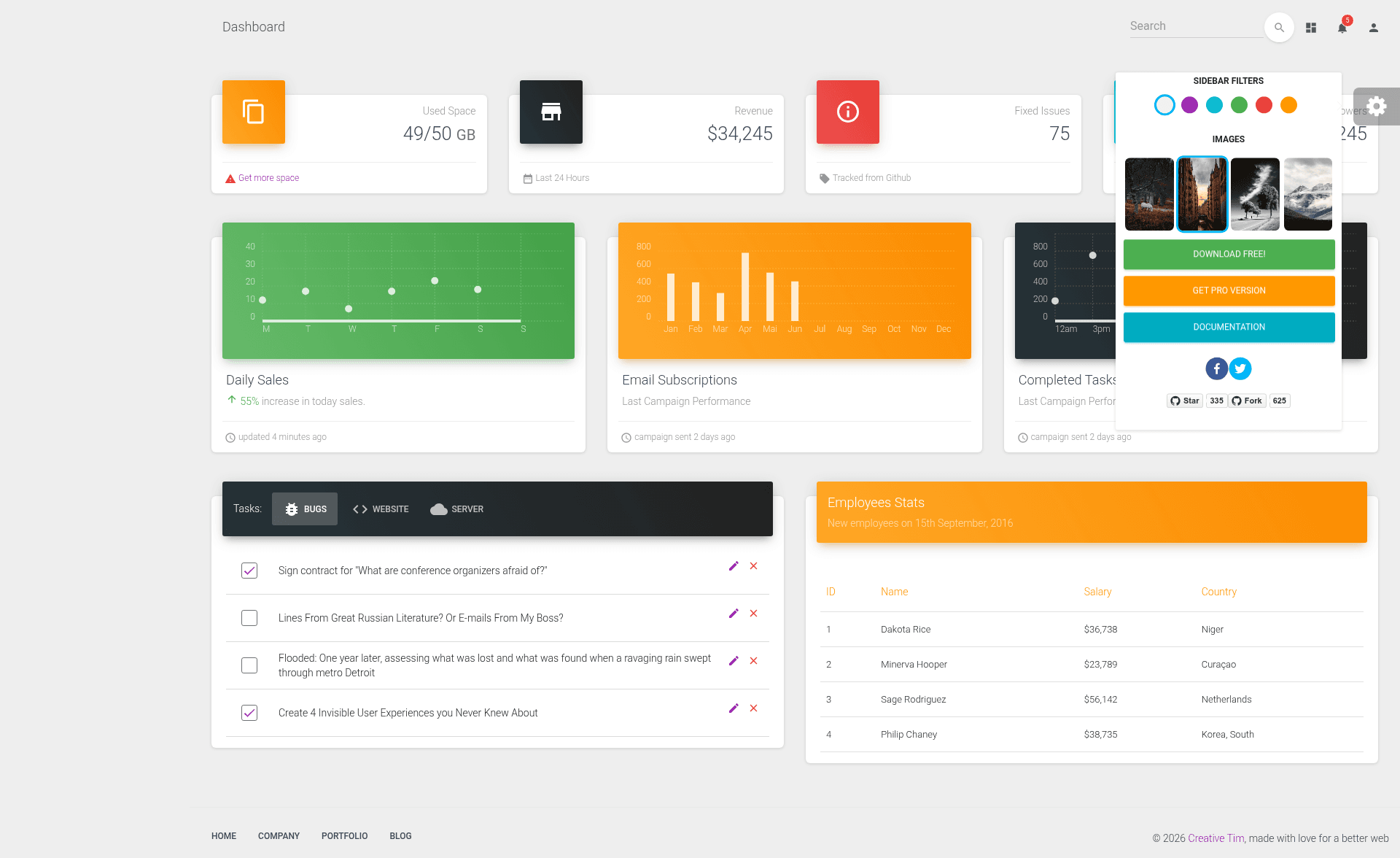
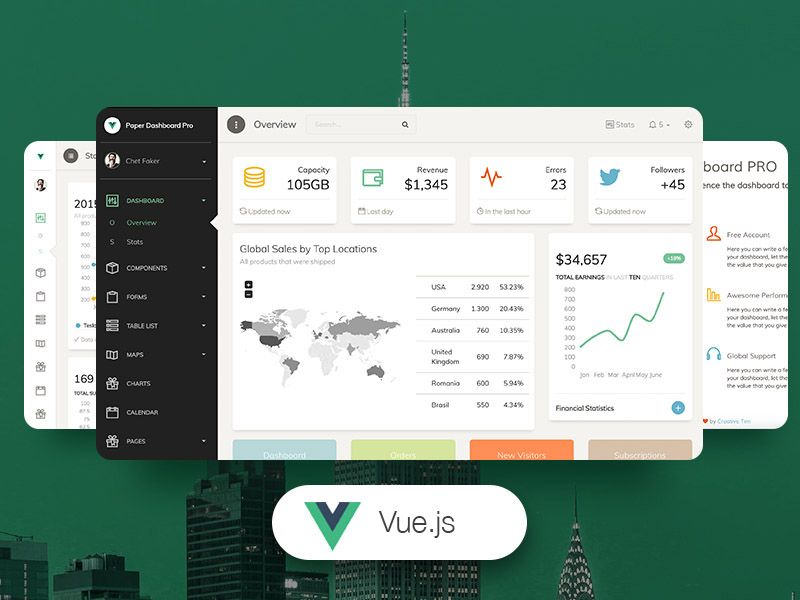
NextJS Material Dashboard is a free admin dashboard template created by Creative Tim, built on the Next.js framework with Material-UI components. It takes a developer's desired admin interface and turns it into a working React application with a left sidebar navigation, a main content panel, and pre-built pages such as a dashboard, user profile, tables, maps, notifications, and typography. The project is distributed under the MIT license, so it can be freely used, modified, and incorporated into commercial projects.
Key Features
- Material Design layout — the interface follows Google's Material Design principles with layered "paper" cards, light surfaces, and smooth transitions between elements.
- Five color filter options — the sidebar and card headers can be tinted blue, green, orange, red, or purple, all switchable from the included FixedPlugin.
- RTL support — an entire RTL page layout is included, making the dashboard usable for Arabic, Hebrew, and other right-to-left locales.
- Pre-built pages — the template ships with pages for dashboard analytics, user profile, table list, Google Maps integration, notifications, typography showcase, and an "upgrade to pro" page.
- Next.js and Material-UI stack — server-side rendering and routing are handled by Next.js while all components, animations, ripples, and transitions come from Material-UI (created by Olivier and the MUI team).
- Nepcha Analytics integration — Nepcha is pre-integrated, letting you install their analytics to track traffic sources.
- Customization assets — a JSS style folder (assets/jss) contains modular style files for components like cards, buttons, sidebar, and navbar, so you can restyle without rewriting components.
- Quick start options — install with
npm i nextjs-material-dashboard, clone the GitHub repo, or download the zip from the Creative Tim site.
Who is it for?
- Developers building admin panels — use the pre-built pages and components to launch a functional back-office UI in hours instead of starting from scratch.
- Startups and small teams — quickly stand up an internal tool or customer dashboard with a professional Material Design look and no licensing cost.
- Next.js learners — study a real-world Next.js project that shows file structure, routing, JSS styling, and React component organization.
- Freelancers — deliver a modern admin interface for clients by customizing the color scheme, sidebar, and pages to match the client's brand.
What can you do with NextJS Material Dashboard?
- Administrators: manage users, view statistics, and edit profiles through the dashboard and user-profile pages.
- Data analysts: display key metrics and charts using the dashboard page and tables to present tabular data.
- Map-heavy apps: embed Google Maps in the included maps page to show location-based information.
- Notification management: use the notifications page to build snackbar and alert systems for user feedback.
How does NextJS Material Dashboard work?
After installing the package or cloning the repo, you run npm install and npm run dev to start the Next.js development server. The default route renders the dashboard page, and navigation uses Next.js client-side routing through the routes.js file. Customization happens by editing the JSS style files in assets/jss and swapping components under components/.
FAQ
Is NextJS Material Dashboard free?
Yes. NextJS Material Dashboard is free and open source, released under the MIT license by Creative Tim. You can use it in personal and commercial projects without paying licensing fees.
What frameworks does it use?
It is built on Next.js and Material-UI. It uses Next.js for server-side rendering, routing, and page structure, and Material-UI provides the React components, styles, animations, ripples, and transitions.
Does it support RTL languages?
Yes. The template includes a dedicated RTL layout page and RTL navigation links, so you can present the dashboard in right-to-left languages like Arabic or Hebrew.
How do I get started?
The quickest way is npm i nextjs-material-dashboard. Alternatively, clone the GitHub repository or download the zip from the Creative Tim product page. Full documentation is available on the Creative Tim learning lab website.
Can I change the color scheme?
Yes. You can switch between blue, green, orange, red, and purple for the sidebar and card headers using the included FixedPlugin. The sidebar can also show a background image.