Template details
SoybeanAdmin
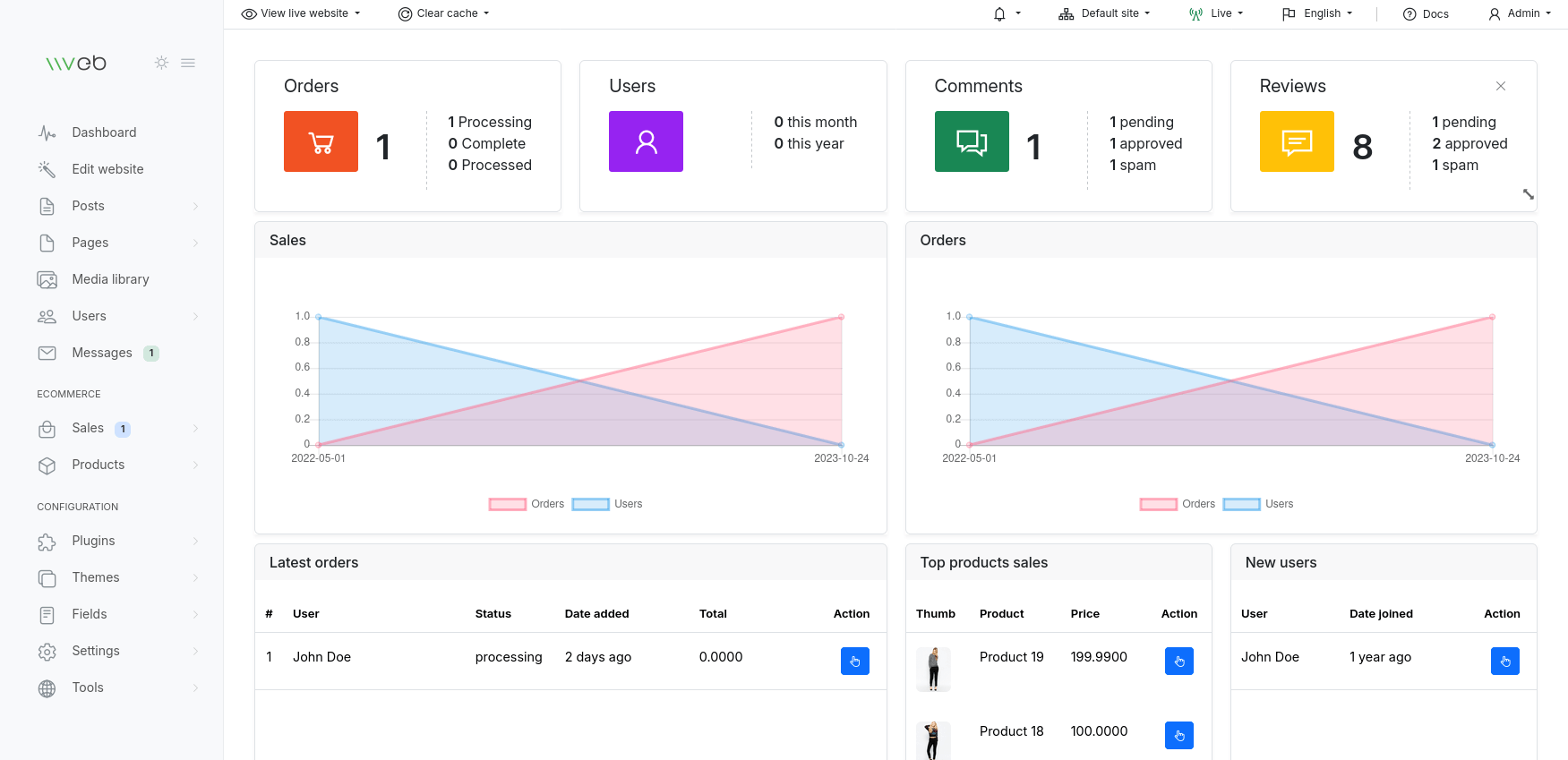
An open-source Vue3 admin template built with Vite, TypeScript, Pinia, NaiveUI and UnoCSS, featuring auto file routing and theme config.
About this template
SoybeanAdmin is an open-source Vue 3 admin dashboard template built on Vite 8, TypeScript, Pinia, and UnoCSS that delivers a complete back-office front end with theme configuration, permission routing, and automatic file routing out of the box.
What is SoybeanAdmin?
SoybeanAdmin is a full-featured admin management template created by the developer Soybean (honghuangdc) and released under the MIT license. It inputs a Vue 3 project skeleton and outputs a production-ready admin front end with layouts, dynamic permissions, internationalization, and mock data, running on Node.js through a pnpm monorepo. The project is hosted on GitHub, Gitee, and Gitcode, with live previews and documentation available at docs.soybeanjs.cn.
What makes SoybeanAdmin stand out?
- Automated file routing — The built-in Elegant Router generates route imports, declarations, and types automatically from the file structure, so adding a page doesn't require manual route registration.
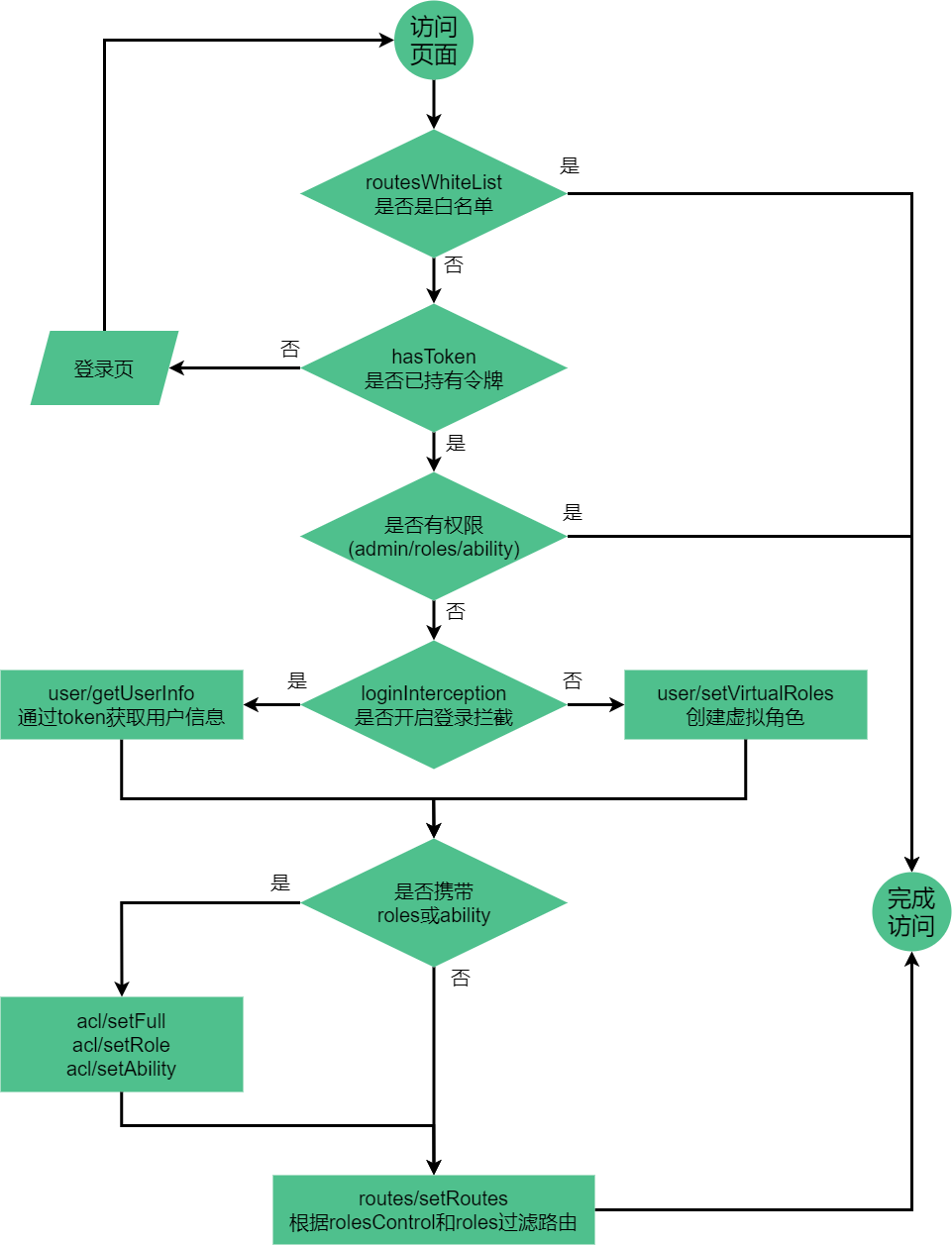
- Dual permission routing — Supports both front-end static routes and back-end dynamic routes, letting teams choose or combine the two for access control.
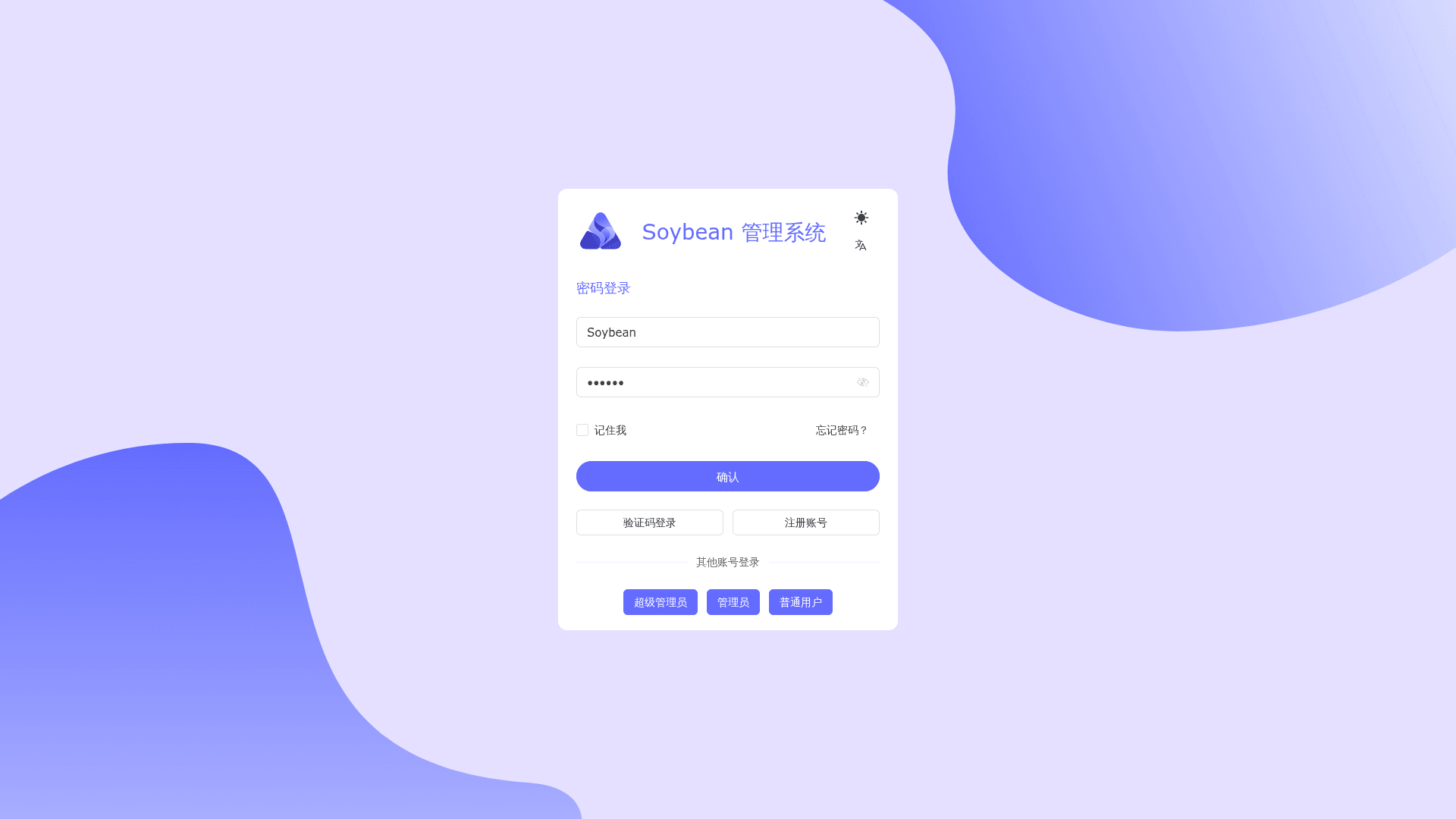
- Theme and i18n support — Ships with multiple theme configurations that integrate with UnoCSS, plus a built-in internationalization scheme for multi-language interfaces.
- Multiple UI adapters — Official versions exist for NaiveUI, AntDesignVue, and ElementPlus, each with its own preview site and repository, plus a legacy branch.
- Strict code standards — Follows the SoybeanJS standard with ESLint, Prettier, and simple-git-hooks to keep commit style and formatting consistent.
- Monorepo tooling — Uses pnpm workspaces with command-line utilities for tasks like git commit, file deletion, and release publishing.
- Mobile responsive — The layout adapts to mobile viewports, so the admin UI works on small screens as well as desktop.
- Error and utility pages — Includes ready-made 403, 404, and 500 pages along with layout, tab, and theme configuration components.
Who should use SoybeanAdmin?
- Front-end developers building mid-to-large management systems need a ready-made admin scaffold with modern tooling and consistent code style.
- Full-stack teams that want to pair a front-end dashboard with a back-end API can use the dynamic-route option to drive menus and permissions from the server.
- Vue 3 learners studying best practices can read the project's pnpm monorepo layout, Elegant Router integration, and SoybeanJS coding standards as a reference implementation.
- Project owners who need a polished admin interface quickly can clone the repo, run pnpm dev, and start customizing without writing setup boilerplate.
What can you do with SoybeanAdmin?
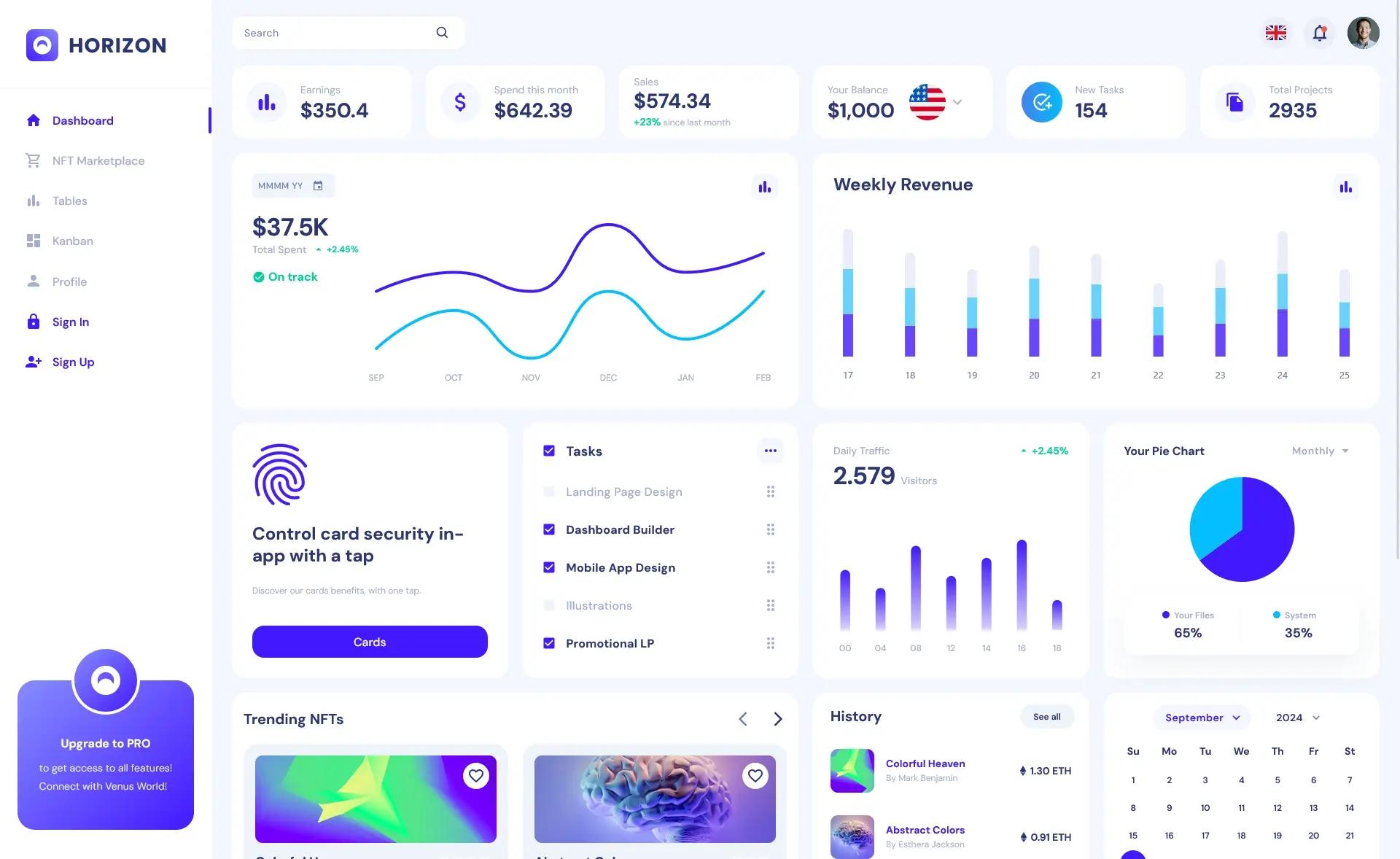
- Administrators: manage system users, roles, and permissions through a responsive dashboard that adapts to the chosen UI library (NaiveUI, AntDesignVue, or ElementPlus).
- Development teams: generate route definitions automatically from file structure, reducing manual wiring when adding new pages to the admin.
- Internationalized products: switch the interface language using the built-in i18n support, making the admin usable for multi-region deployments.
- QA and demo environments: use the ApiFox-based online mock data to test workflows without a real back end.
How does SoybeanAdmin work?
SoybeanAdmin is set up through a few terminal commands. Clone the repository from GitHub, Gitee, or Gitcode, install dependencies with pnpm (npm and yarn are not supported because of the monorepo layout), start the dev server with pnpm dev, and produce a deployable build with pnpm build. The project requires Node.js version 20.19.0 or higher and pnpm version 10.5.0 or higher.
FAQ
Is SoybeanAdmin free?
Yes, SoybeanAdmin is open source under the MIT license. You can use it for commercial projects as long as you keep the author's copyright information, and the author provides no warranty for software risks.
Which Node.js and pnpm versions do I need?
The README specifies Node.js 20.19.0 or higher and pnpm 10.5.0 or higher. The install command is pnpm i; using npm or yarn may fail because the project uses pnpm workspaces.
Does SoybeanAdmin support mobile devices?
Yes, the template includes mobile adaptation with a responsive layout. It is designed to work on smaller viewports, though the README recommends using the latest Chrome for development.
Which UI libraries are available?
SoybeanAdmin offers three official UI versions: a NaiveUI version at naive.soybeanjs.cn, an AntDesignVue version at antd.soybeanjs.cn, and an ElementPlus version at elp.soybeanjs.cn. A legacy version is also available.
What browsers are supported?
Internet Explorer is not supported. The latest two versions of Edge, Firefox, Chrome, and Safari are supported.