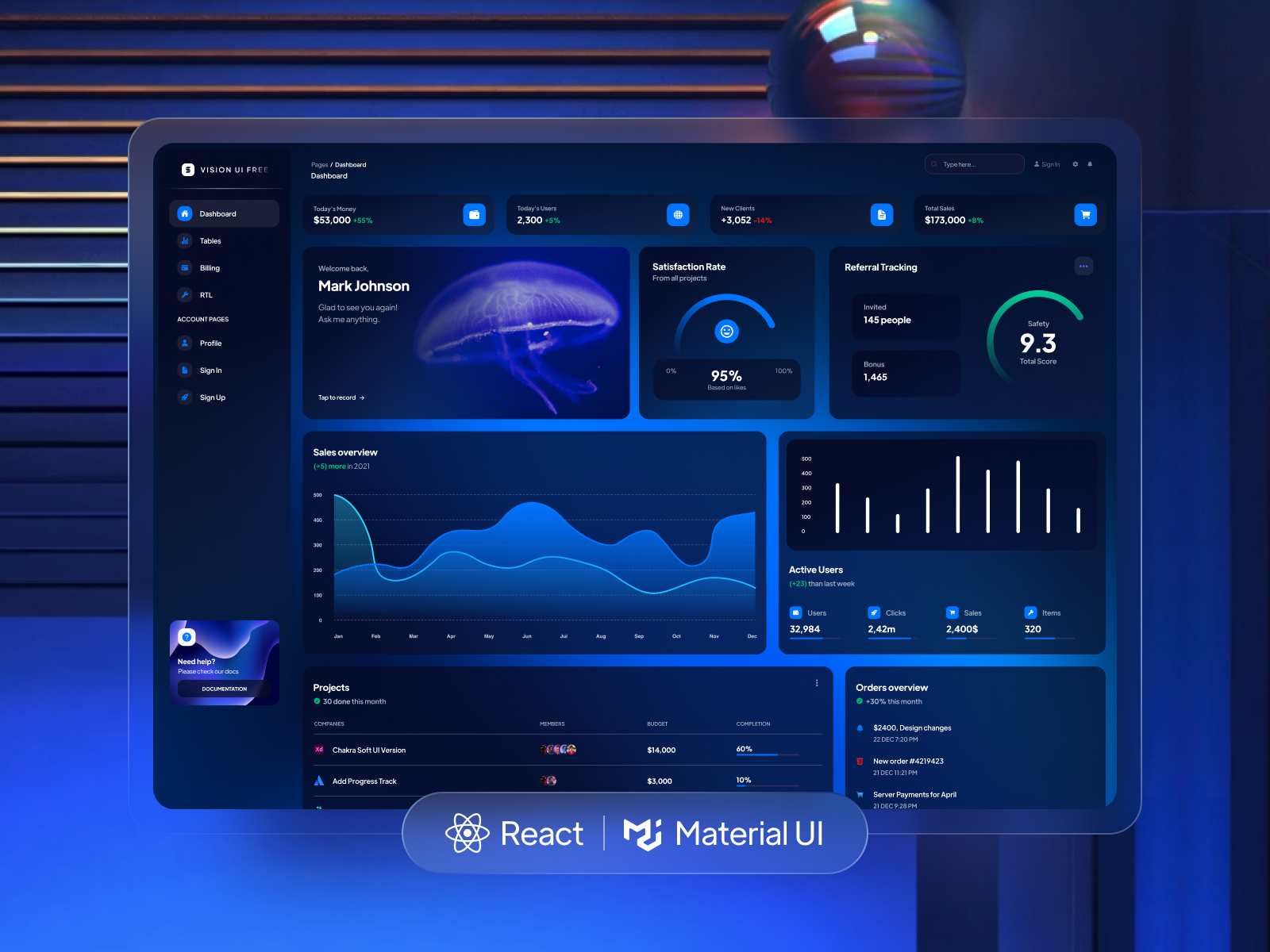
Template details
Studio Admin
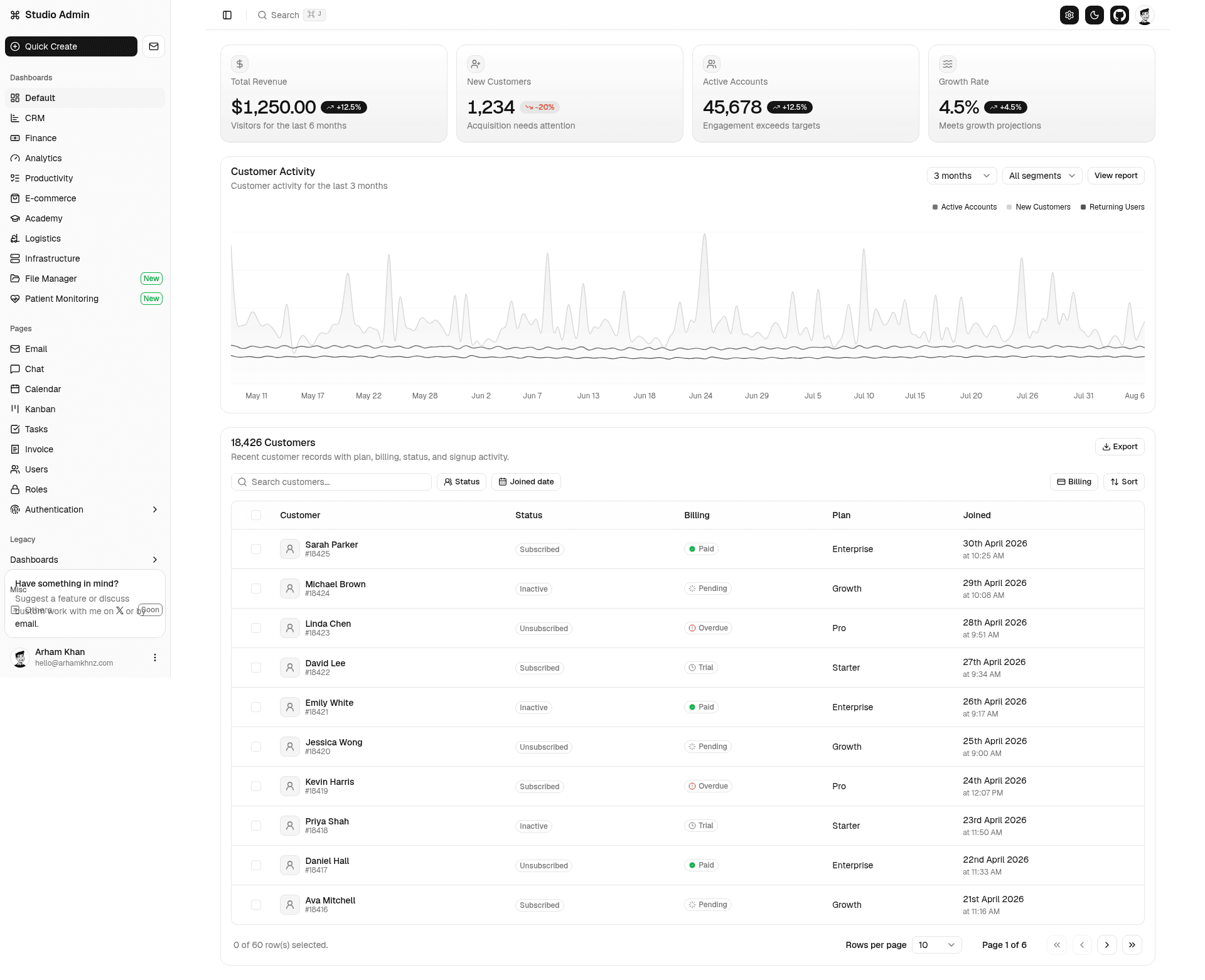
Modern Admin Dashboard Template built with Shadcn UI and Next.js 16, featuring multiple dashboards, auth screens, theme presets, and more.
About this template
Studio Admin is a free admin dashboard template for Next.js 16 that pairs TypeScript, Tailwind CSS v4, and Shadcn UI with multiple prebuilt dashboards, authentication layouts, and theme presets.
What is Studio Admin?
Studio Admin is a modern admin dashboard template built with Next.js 16 (App Router), TypeScript, Tailwind CSS v4, and Shadcn UI. It takes configuration for themes, layouts, and user roles as input and produces a complete admin interface, including dashboard variants, authentication screens, and management pages. The template was created by arhamkhnz as a cleaner alternative to existing free and paid admin templates, and a live demo is hosted on Vercel.
Key details: the project also exists in other framework versions—a Radix UI version, a React Aria version, and a TanStack Start version—and Nuxt.js and Svelte ports are listed as in development.
Key Features
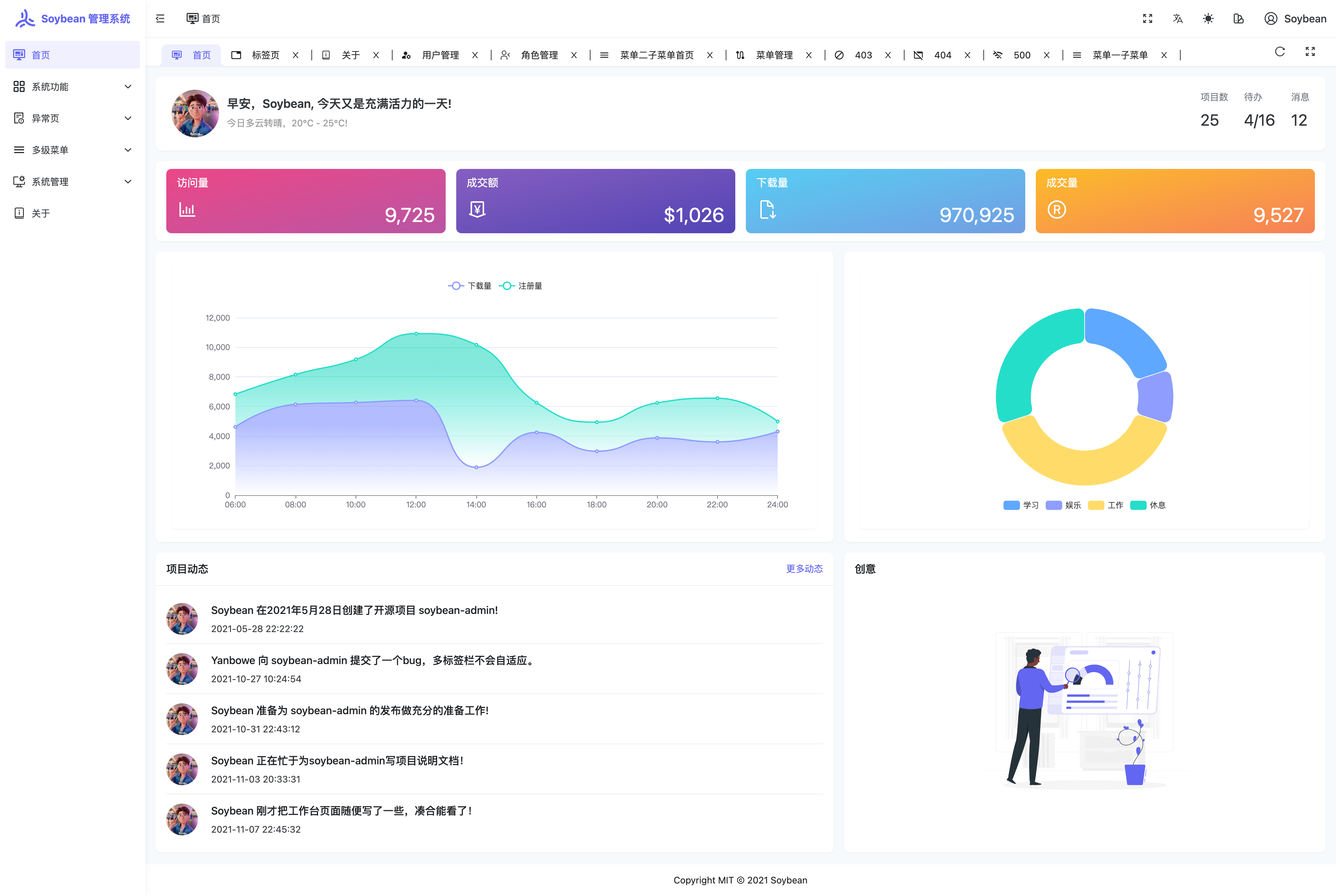
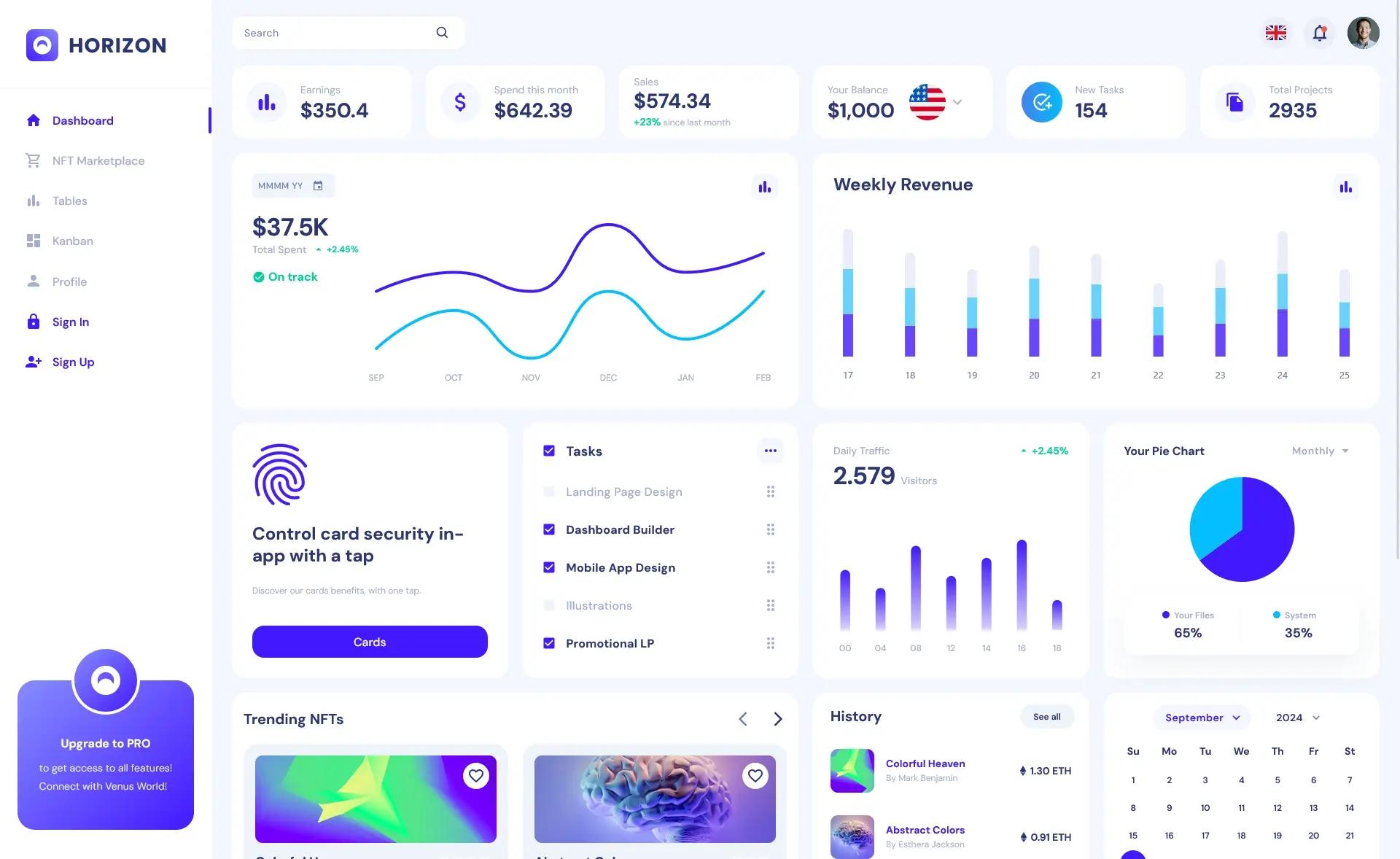
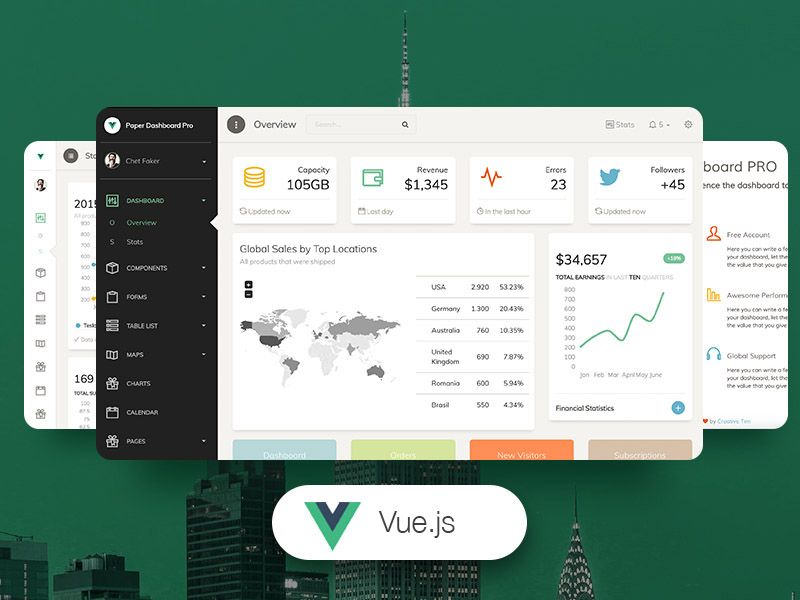
- Multi-dashboard setup — includes Default, CRM, Finance, Analytics, Productivity, E-commerce, Academy, Logistics, and Infrastructure dashboards, plus legacy v1 variants of the first four.
- Theme presets — light/dark modes with color schemes such as Tangerine, Neo Brutalism, and Soft Pop; the default is Shadcn neutral.
- Layout controls — collapsible sidebar and configurable content widths.
- Authentication screens — four auth layouts included for sign-in and sign-up flows.
- Management pages — Users Management, Roles Management, File Manager, Email, Chat, Calendar, Kanban Board, and Invoice page are all part of the template.
- Tech stack integrations — Zod for validation, React Hook Form for forms, Zustand for state management, and TanStack Table for data tables.
- Tooling — Biome with Husky for linting, formatting, and git hooks; the project runs Next.js 16 on the App Router.
- Planned RBAC — Role-Based Access Control with config-driven UI and multi-tenant support is planned within the template.
Who is it for?
- Next.js developers who want a complete TypeScript admin starter and prefer the App Router can clone the repo and run it with two commands:
npm installandnpm run dev. - Freelancers and agencies can deploy the template to Vercel with a one-click button and then rebrand the dashboards for CRM, finance, or productivity client projects.
- SaaS founders can use the authentication screens and Roles Management page as a foundation for their product's admin area, then customize the colocated route folders.
- Teams adopting Shadcn UI can study how the template organizes shared UI, hooks, and configuration at the top level while each feature keeps its own pages and logic.
What can you do with Studio Admin?
- Prototype an admin interface: experiment with the Tangerine, Neo Brutalism, or Soft Pop presets to see how the same dashboard looks under different color and layout schemes.
- Build a CRM or finance dashboard: start from the dedicated CRM or Finance dashboard variant and swap in your own data, since the tables use TanStack Table.
- Learn modern data handling: study how React Hook Form and Zod are combined with TanStack Table to manage forms and tables without heavy boilerplate.
- Extend the template: add a new screen or dashboard by following the colocation file system, or request a feature by opening an issue on the repository.
How does it work?
Running the template locally requires cloning the repository, running npm install, and then npm run dev; the app serves at http://localhost:3000. For deployment, the README provides a one-click Vercel button that clones the repository directly. The architecture is colocation-based: every feature route contains its own pages, components, and logic, while shared utilities live at the top level, keeping the codebase modular as the app grows.
Alternatives and related versions
The same dashboard is available in several framework-dependent variants: a Radix UI version in the next-shadcn-admin-dashboard repository, a React Aria version in next-shadcn-admin-dashboard-aria, and a TanStack Start version in tanstack-shadcn-admin-dashboard. If you are choosing between these, the Base UI version described here is the one built on Next.js 16, while the sibling projects target different UI primitives or frameworks.
FAQ
Is Studio Admin free?
The source code is publicly available on GitHub and can be cloned or deployed via the Vercel button without any mention of a paid tier. The README states that contributions and feature requests are welcome, suggesting the project is maintained as an open resource.
What frameworks does Studio Admin support?
The main template uses Next.js 16 with TypeScript, Tailwind CSS v4, and Shadcn UI. The author maintains separate versions for Radix UI, React Aria, and TanStack Start, and states that Nuxt.js and Svelte versions are planned.
Does Studio Admin include authentication?
Yes, it includes four authentication screens covering sign-in and sign-up style flows, which are ready to be connected to a backend. The template also includes a Users Management and Roles Management page, with RBAC and multi-tenant support planned as config-driven features.
How do I deploy Studio Admin?
You can deploy it instantly using the Vercel deployment button in the README, which clones the repository URL to your Vercel account. Alternatively, you can run it locally on localhost:3000.
What dashboards come prebuilt?
The template ships with nine dashboard variants: Default, CRM, Finance, Analytics, Productivity, E-commerce, Academy, Logistics, and Infrastructure. It also includes legacy v1 versions of the first four dashboards.