Template details
Next.js MotherDuck Wasm Analytics Quickstart
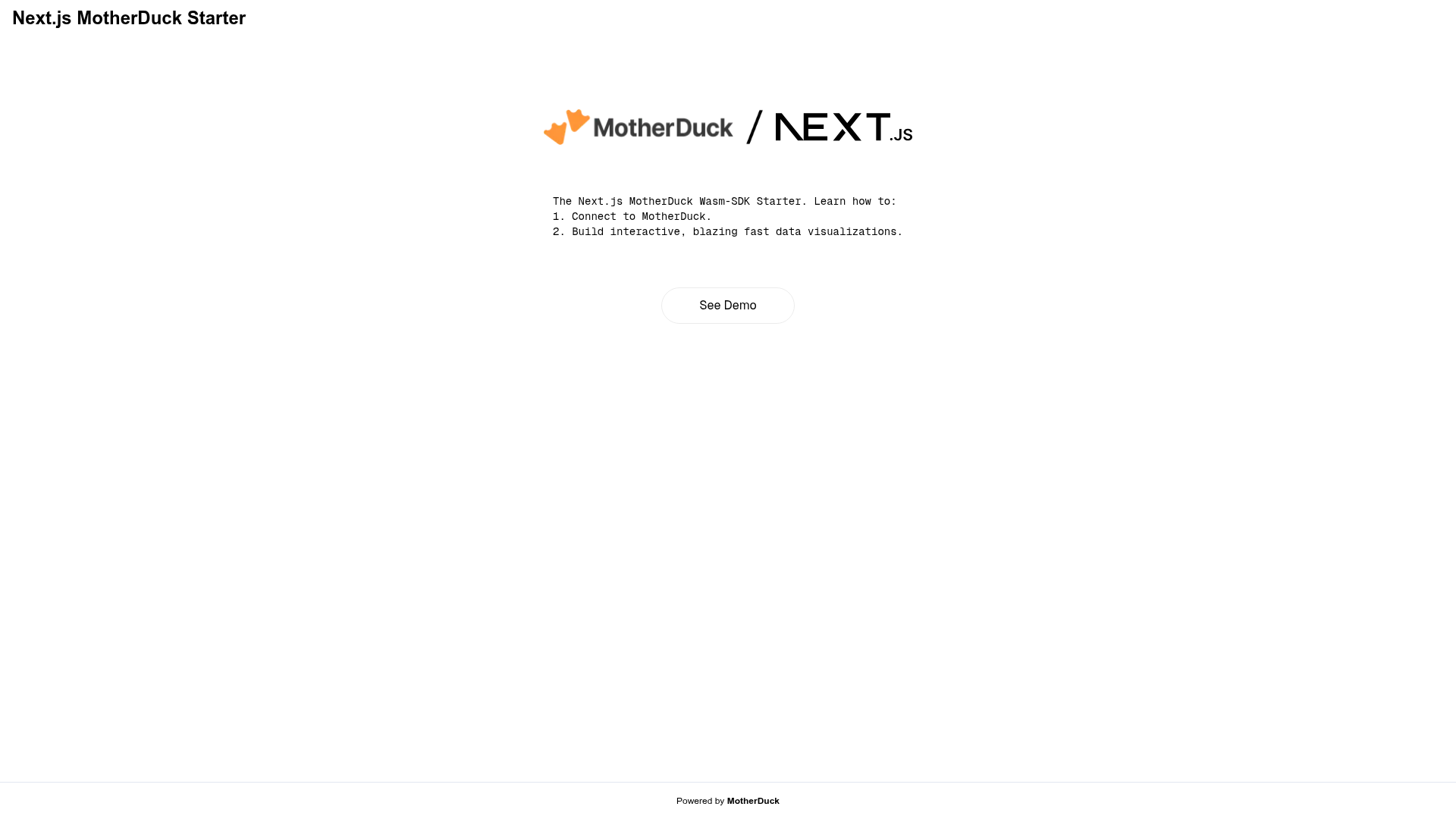
A Next.js starter using the MotherDuck Wasm-SDK client, shipping an interactive in-browser data analytics and visualization example.
About this template
The Next.js MotherDuck Wasm analytics quickstart is an open-source boilerplate that pairs a Next.js app with MotherDuck's storage backend via the Wasm-SDK client so you can run SQL analytics directly in the browser, and it ships with a working interactive data-visualization example. It is published under the MotherDuck-Open-Source GitHub organization, carries a one-click Deploy with Vercel button, and has a live demo hosted on Vercel.
What is the Next.js MotherDuck Wasm analytics quickstart?
This template is a Next.js application that connects to MotherDuck, a DuckDB-based cloud data warehouse, through the MotherDuck Wasm-SDK client running client-side, and it includes an interactive data analytics example you can point at your own data. Input is your MotherDuck-hosted data; output is a rendered analytics interface built on Next.js pages, runnable locally with npm run dev and deployable to Vercel.
What makes this quickstart stand out?
- Next.js app scaffold — a full Next.js project with the standard
appstructure, started locally withnpm run dev,yarn dev,pnpm dev, orbun devand served on port 3000. - MotherDuck Wasm-SDK client — queries run through MotherDuck's WebAssembly SDK in the browser rather than a separate server-side query layer.
- Interactive analytics example included — the repository ships a working data-visualization demo instead of an empty shell.
- One-click Vercel deployment — the Deploy with Vercel button clones the GitHub repository and attaches the MotherDuck integration in the same flow.
- Minimal variant available — a separate
nextjs-motherduck-wasm-analytics-quickstart-minimalrepository provides a stripped-down starter. - Live hosted demo — the example is deployed at motherduck-wasm-analytics-quickstart.vercel.app for evaluation before cloning.
- Multiple package managers supported — npm, yarn, pnpm, and bun commands are documented side by side.
Who should use this template?
- Next.js developers who need a starting point for a browser-side analytics UI backed by MotherDuck-hosted DuckDB data.
- Data engineers evaluating MotherDuck Wasm who want a runnable example of the Wasm-SDK client before committing to an architecture.
- Prototypers shipping on Vercel who want a repository that already wires the MotherDuck integration into the deployment flow.
- Teams wanting a smaller base who would rather start from the linked minimal variant of the same quickstart.
What can you do with it?
- Analytics dashboards: clone the repo, point the Wasm-SDK client at your MotherDuck database, and turn the bundled interactive example into a client-facing dashboard.
- Internal data tools: use the Next.js front end plus in-browser DuckDB queries to build a lightweight query and visualization tool without standing up separate API infrastructure.
- MotherDuck Wasm evaluation: run the live Vercel demo or start the dev server on port 3000 to benchmark the SDK against your own dataset.
- Vercel deployment: use the Deploy with Vercel button to fork the project and attach a MotherDuck integration in one step.
How does it work?
- Clone the repository (or use the Deploy with Vercel button) and install dependencies with npm, yarn, pnpm, or bun.
- Start the development server with
npm run devand openhttp://localhost:3000in a browser. - The Next.js app connects to MotherDuck through the Wasm-SDK client and renders the interactive analytics example against the returned query results.
FAQ
What is the MotherDuck Wasm-SDK used for in this template?
The Wasm-SDK lets the Next.js app query MotherDuck from the browser using WebAssembly-compiled DuckDB, so analytics run against the Wasm client instead of a separate backend query service. The bundled example demonstrates this end to end.
How do I run this quickstart locally?
Run npm run dev, yarn dev, pnpm dev, or bun dev after installing dependencies, then open http://localhost:3000. The Next.js dev server serves the app and the interactive analytics example from there.
How do I deploy the template?
The README provides a Deploy with Vercel button that clones the GitHub repository and provisions a MotherDuck integration as part of the Vercel project setup. You can also deploy manually following the Next.js deployment documentation.
Is there a smaller version of this template?
Yes. A separate repository, nextjs-motherduck-wasm-analytics-quickstart-minimal, offers a minimal starter for the same MotherDuck Wasm-SDK plus Next.js combination when the full interactive example is more than you need.
Who maintains the project?
The quickstart is published under the MotherDuck-Open-Source GitHub organization and documents Next.js resources from Vercel alongside the MotherDuck Wasm analytics example.