Template details
Split Integration Example
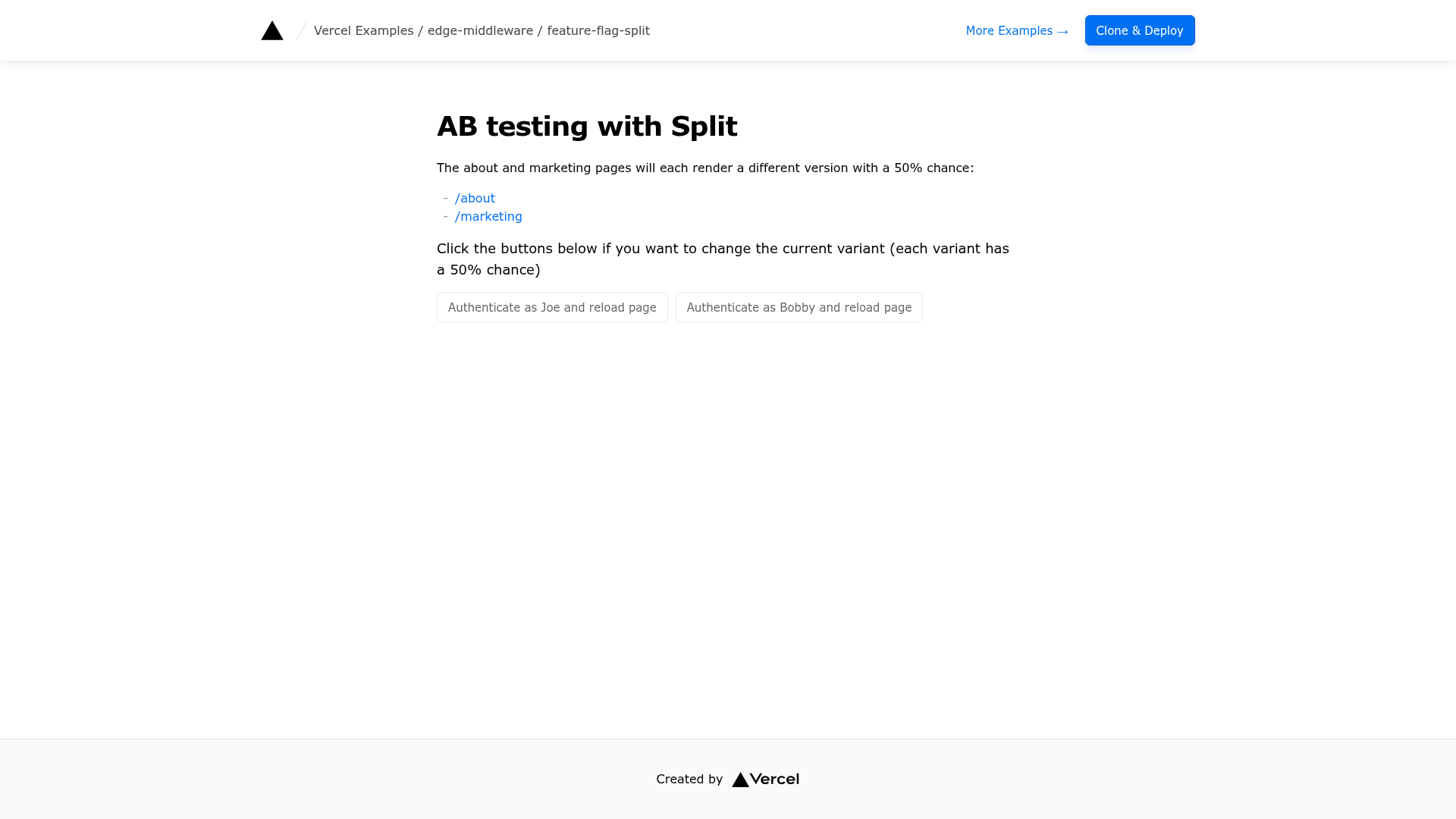
Next.js Edge Middleware example that uses Split feature flags to A/B test a marketing page and an about page, styled with Tailwind CSS.
About this template
The Split Integration example is a Next.js Edge Middleware template that routes visitors to different page variants by evaluating Split feature flags before a request reaches the page.
What is the Split Integration example?
The Split Integration example is an Edge Middleware starter from the vercel/examples repository that connects a Next.js app to Split, a feature delivery platform for feature flag management, software experimentation and continuous delivery. It takes a visitor's traffic identifier, evaluates two flags named New_Marketing_Page and New_About_Page in Split, and renders the matching page variant. Configuration is handled entirely through three environment variables: SPLIT_SDK_CLIENT_API_KEY, GLOBAL_CONFIG and GLOBAL_CONFIG_SPLIT_ITEM_KEY. Styling is Tailwind CSS, and the example deploys to Vercel with a one-click button or a pnpm bootstrap command.
Key Features
- Next.js Edge Middleware — flag evaluation happens at the edge before the page is served, so the variant decision is made per request rather than in the browser.
- Split feature delivery integration — the sample reads a Split SDK API key plus a Global Config item key and connection string to reach the Split service.
- Two preconfigured feature flags —
New_Marketing_PageandNew_About_Page, with sample targeting for two users,JoeandBobby. - Tailwind CSS styling — the marketing and about page variants are styled with utility classes.
- One-click Vercel deploy — the deploy link bundles the repository URL, project name, repository name, the three environment variables, a Split integration id and a global config store.
- Clone-and-deploy path —
pnpm create next-app --examplebootstraps the same code locally, andpnpm devstarts the development server. - Split Vercel Integration support — installing the Split integration on a project supplies the Global Config Item Key used in
.env.local. - Live demo — a hosted version runs at ab-testing-split.vercel.app.
Who should use the Split Integration example?
- Next.js developers who want a working reference for wiring a third-party flag SDK into Edge Middleware instead of reading setup docs alone.
- Experimentation and growth engineers who need to A/B test page-level content against real traffic before instrumenting a production app.
- Platform teams evaluating Vercel plus Split who want to see how environment variables, a Vercel storage-backed Global Config and a Split integration fit together.
- Teams planning progressive rollouts who need a starting point for toggling a new page on for a subset of users.
What can you do with the Split Integration example?
- Run a page-level A/B test: serve the
New_Marketing_Pagevariant to targeted users and keep the default page for everyone else, then read the results in Split. - Gate a redesign: use
New_About_Pageas a kill switch so an unfinished about page is only visible to the users you target. - Prototype gradual rollout logic: change the targeting rules in the Split console and let Edge Middleware pick up the decision without redeploying the app.
How does the Split Integration example work?
- Create a Split account and copy your SDK API Key from Profile, Admin Settings, API Keys, SDK API Keys.
- Copy
.env.exampleto.env.localand fill in the Split key, the Global Config Item Key and the Global Config Connection String from Vercel Storage. - Create the flags
New_Marketing_PageandNew_About_Pagein Split, targetingJoeandBobbyas required by the sample. - Run
pnpm devlocally or deploy through the Vercel button, which passes the same variables and the Split integration id.
Alternatives
For the flag provider role, LaunchDarkly and Flagsmith are other feature-flag platforms. Within the same vercel/examples repository, feature-flag-apple-store and maintenance-page are related examples listed alongside this one.
FAQ
Is the Split Integration example free?
The template itself is an open example in the vercel/examples repository, so you can clone and modify it freely. Running it against live flags requires a Split account, and hosting the deployed middleware uses a Vercel project.
Do I need a Split account to use it?
Yes. The example reads flags from Split, so you need an account, an SDK API Key and two flags named New_Marketing_Page and New_About_Page created with targeting for the sample users Joe and Bobby.
What environment variables does it need?
Three values are required: SPLIT_SDK_CLIENT_API_KEY from the Split console, GLOBAL_CONFIG_SPLIT_ITEM_KEY supplied by the Split Vercel Integration, and GLOBAL_CONFIG as the Vercel Global Config connection string.
Can I run it without Vercel?
The Next.js app and Edge Middleware run through pnpm dev or a standard build, but the Global Config connection string is issued from Vercel Storage, so the documented setup assumes a Vercel project tied to the Split integration.