Template details
Next.js Multi-tenant Starter Template
A minimalistic multi-tenant Next.js starter template with landing page, dashboard, Stack Auth, and account settings.
About this template
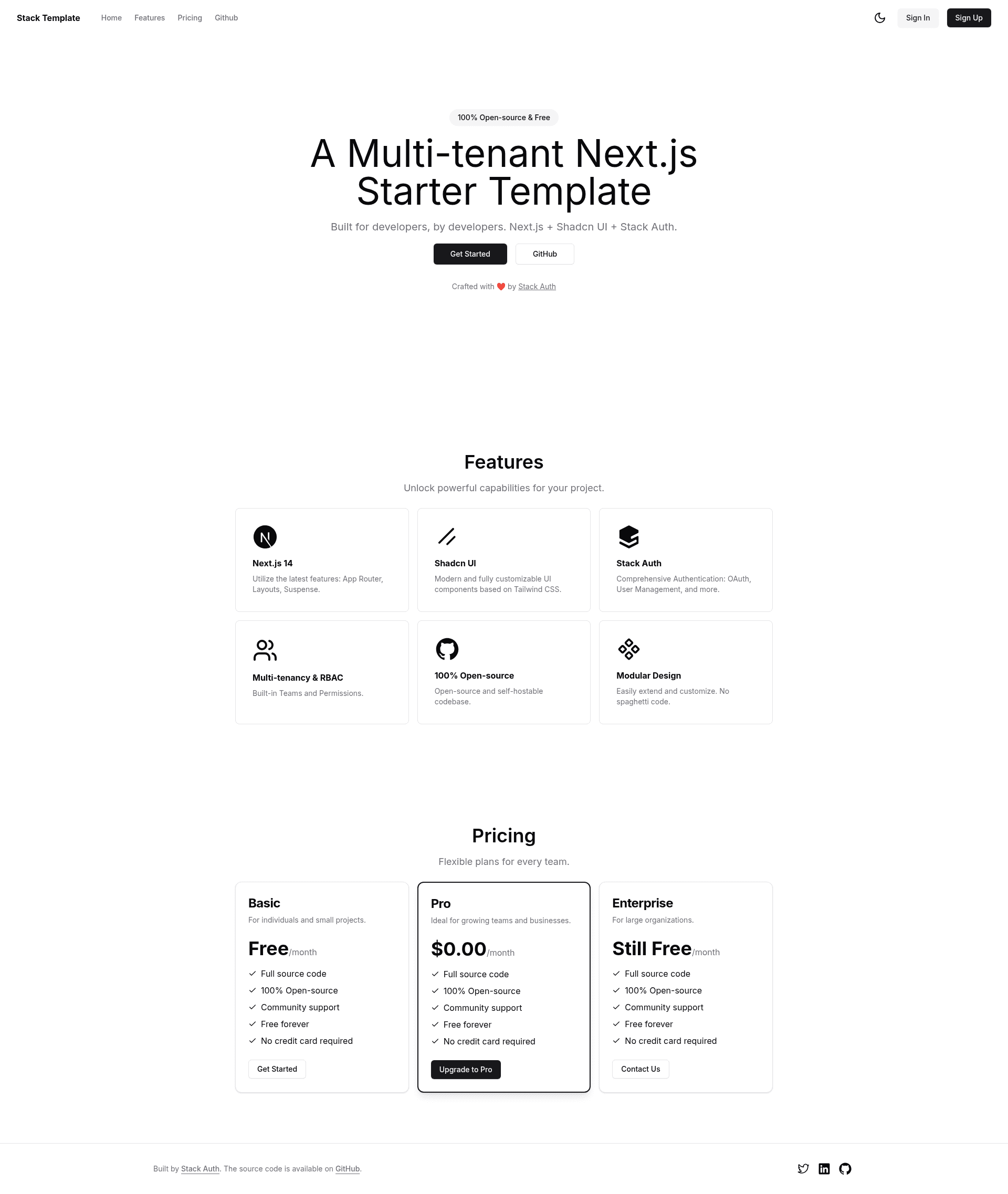
Next.js Multi-tenant Starter Template is a minimalistic Next.js 14 boilerplate from Stack Auth that ships a landing page, dashboard, team-based multi-tenancy, and account settings so you can skip auth and organization setup.
What is Next.js Multi-tenant Starter Template?
Next.js Multi-tenant Starter Template is an open-source starter kit that scaffolds a SaaS-style application with authentication and multi-tenant organizations. It takes a fresh Next.js project and adds a polished landing page, a dashboard with overview, a team switcher for orgs, and an account settings page, all wired to Stack Auth for login and team management. The template runs on Next.js 14's app router, is written in TypeScript, and styles everything with Tailwind CSS and shadcn/ui components. It deliberately leaves the backend and database out so you can bring your own.
Key Features
- Next.js 14 App Router — Built on the latest app router with TypeScript, giving you server components, layouts, and routing out of the box.
- Stack Auth integration — Pre-configured authentication and team management; register on Stack Auth, copy API keys, and enable client team creation.
- Multi-tenancy (teams/orgs) — Includes a team switcher UI and organization-aware routing so users can belong to and switch between multiple teams.
- Tailwind CSS & shadcn/ui — Styling uses Tailwind and shadcn/ui components for a consistent, customizable design system.
- Dark mode — Ships with a dark mode toggle built into the dashboard and settings pages.
- Dashboard overview — A ready-made dashboard page with a sample overview layout, perfect as a base for admin or analytics views.
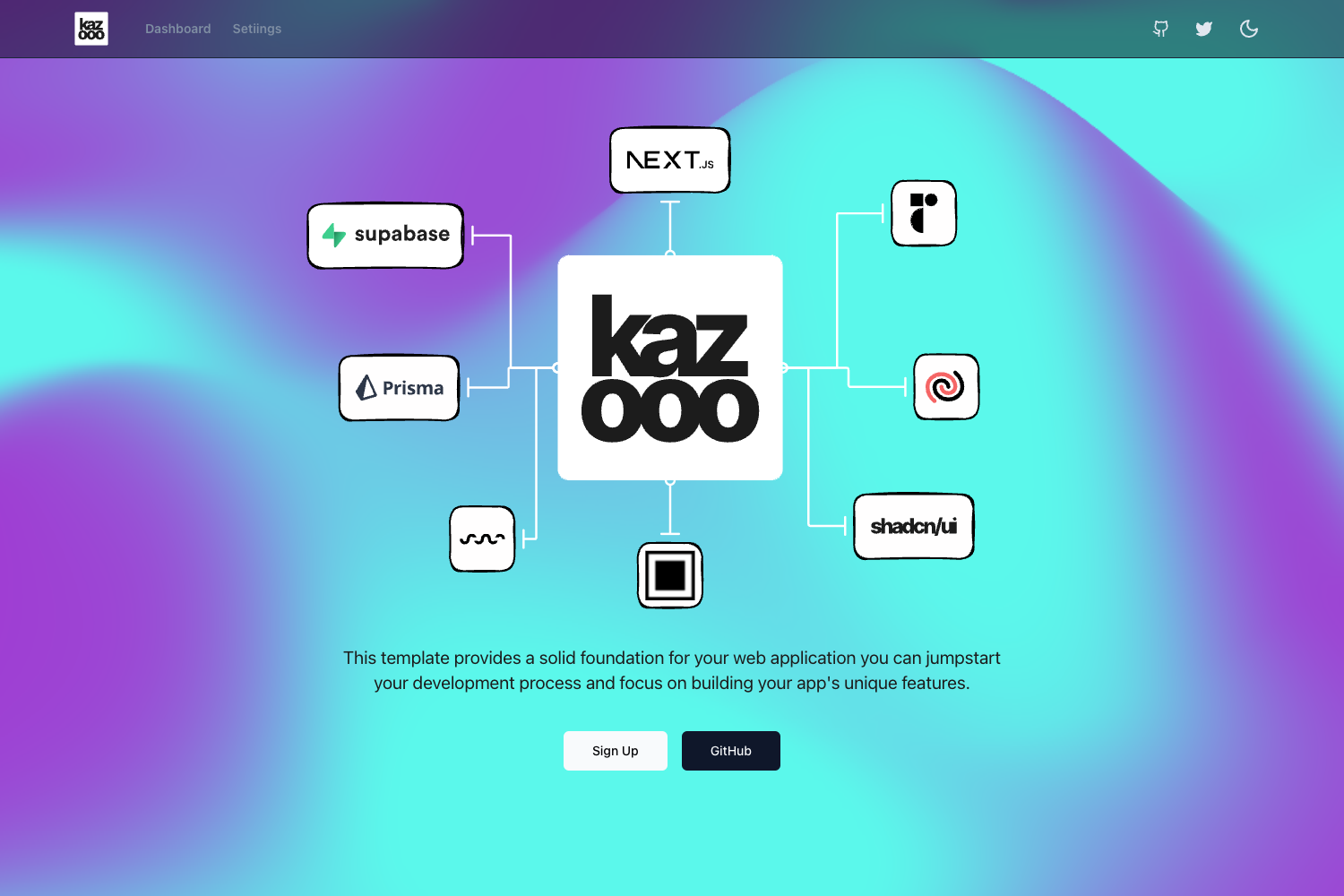
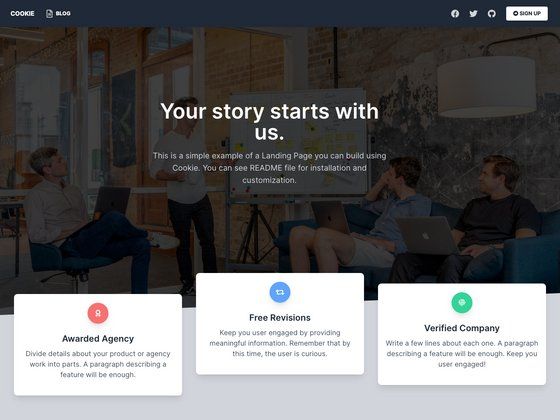
- Landing page — A marketing-style landing page included as the public-facing entry point for the app.
- Account settings — A settings page that connects to Stack Auth for profile management.
Who is it for?
- SaaS founders — Spin up a multi-tenant product with authentication and team management, then focus on their own backend and database.
- Next.js developers — Use it as a reference for app router, server components, and shadcn/ui patterns in a real-world setup.
- Agencies building client portals — Start from the dashboard and account settings sections and customize branding and routes.
- Indie hackers — Launch a B2B MVP with teams/orgs without writing auth code from scratch.
What can you do with it?
- Launch a B2B SaaS MVP — Set up authentication, team creation, and a dashboard shell quickly, then connect your own database and business logic.
- Prototype a multi-tenant dashboard — Demonstrate team-switching and account management to stakeholders before building custom backend features.
- Learn Stack Auth with Next.js — See exactly how to wire Stack Auth into a Next.js app, including client team creation and account settings.
- Customize a marketing site with auth — Use the included landing page and login flow as the starting point for a product website.
How does the template work?
The Getting Started section gives a four-step setup: clone the repository, install dependencies with npm, register on Stack Auth to copy the API keys into the .env.local file and enable client team creation, then run npm run dev and open localhost:3000. The template then serves a landing page, dashboard, team switcher, and account settings pages wired to Stack Auth.
Pros and cons
- Pros: Minimal setup, modern stack, and pre-built multi-tenancy.
- Cons: No backend or database included; authentication depends on Stack Auth (self-hostable per the docs).
FAQ
How do I set up this Next.js multi-tenant template?
Clone the repo, install dependencies, register on Stack Auth, copy the API keys to .env.local, enable client team creation, then run npm run dev. The exact commands are in the README's Getting Started section.
Does this template include a backend or database?
No. The template is designed for you to bring your own backend and database. It only provides the frontend and the integration with Stack Auth for authentication and team management.
What is Stack Auth?
Stack Auth is the authentication service this template uses. It handles login, team management, and account settings, and you can self-host it if you prefer, according to the Stack Auth docs.
Does the template support dark mode?
Yes, dark mode is a built-in feature. The dashboard and settings pages include a dark mode toggle, and the styling uses Tailwind CSS dark variants.