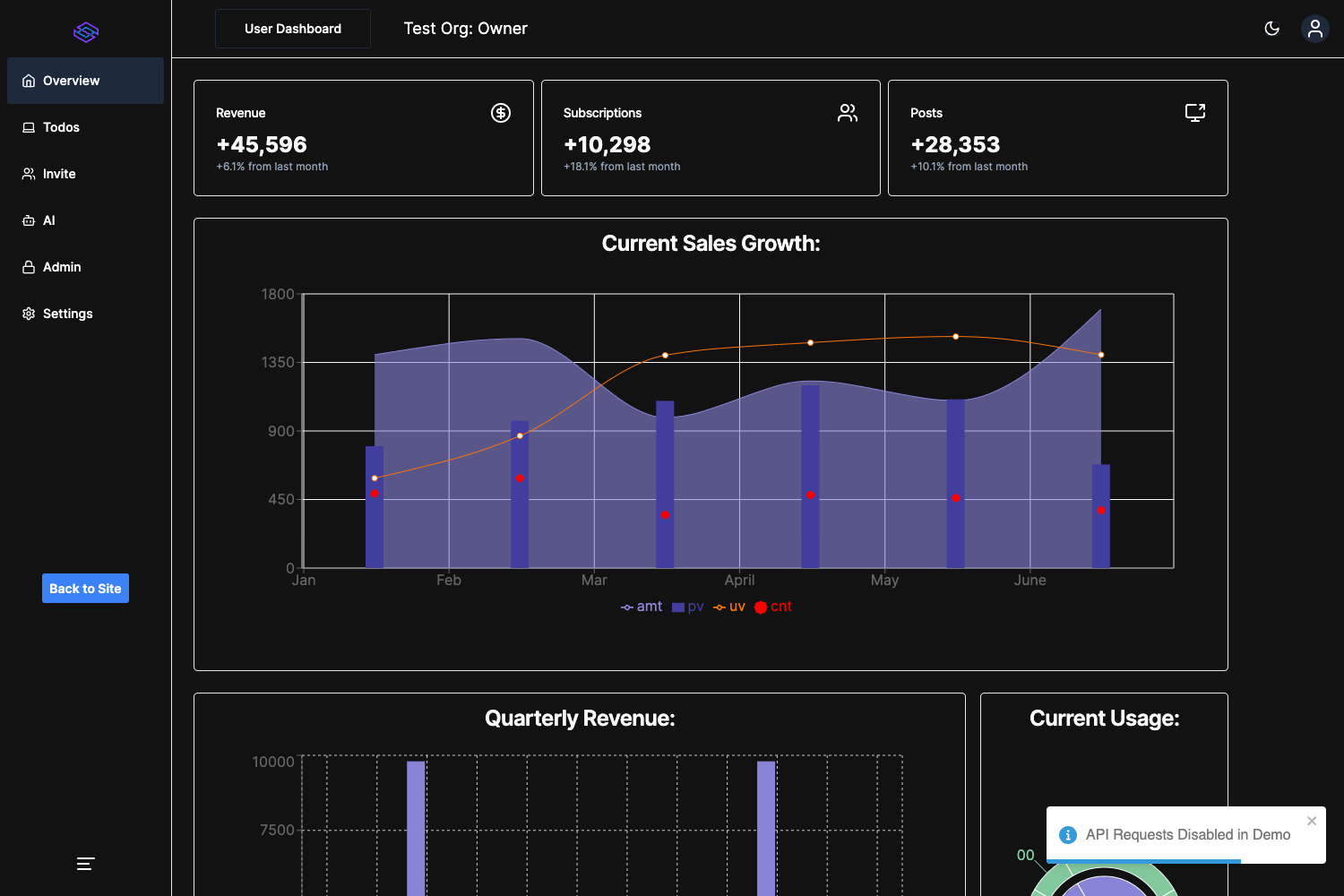
Template details
Nextjs Ts Mui5 Scss Storybook Starter
Next.js + TypeScript + Material UI v5 + Sass + Storybook starter with linting & prettier pre-configured
About this template
nextjs-ts-mui5-scss-storybook-starter is a GitHub boilerplate for bootstrapping a Next.js application with TypeScript, Material UI v5, Sass, and Storybook pre-configured, created by M Ridho Anshory.
What is nextjs-ts-mui5-scss-storybook-starter?
This starter is a ready-to-run Next.js project template that combines the pages router, TypeScript static typing, the Material UI v5 component library, the Sass preprocessor, and Storybook for isolated component development. ESLint and Prettier are configured up front so code style is enforced from the first commit. It is published as a public GitHub repository, so you can either click "Use this template" on GitHub (which adds an attribution to the new repository) or scaffold a fresh project with the command npx create-next-app -e https://github.com/RidhoAnshory/nextjs-ts-mui5-scss-storybook-starter your-project-name. The resulting app runs on the standard Next.js development server and is documented for deployment on Vercel, with the README linking to the official Vercel deployment guide for Next.js.
What makes this starter stand out?
- Next.js pages router — The project uses
pages/index.tsxas the main editable file and supports API routes underpages/api, which are mapped to/api/*. - TypeScript — All code is written in TypeScript, giving you compile-time type checking across the project.
- Material UI v5 — The latest major version of MUI is included and ready for use in components and pages.
- Sass support — Styling is set up with the Sass preprocessor, so you can write SCSS without extra configuration.
- Storybook — The repository comes with Storybook so you can build and test UI components in isolation before adding them to the app.
- Linting and formatting — ESLint and Prettier are pre-configured, so formatting and common code-quality rules are consistent out of the box.
- Dual package manager support — The setup scripts work with both npm (
npm install,npm run dev) and yarn (yarn,yarn dev).
Who is it for?
- React and Next.js developers — Those who want to scaffold a new application with TypeScript, MUI, and Sass already wired together instead of hand-configuring each tool.
- Front-end teams maintaining design systems — Teams that can use Storybook to document every Material UI and custom component in one place.
- Developers new to Next.js — Anyone who wants a working reference implementation combining Next.js, MUI, Sass, linting, and Prettier to learn from by editing
pages/index.tsx.
What can you do with it?
- Scaffold a production-style Next.js project — Run the create-next-app command with the template URL and receive a codebase with MUI v5, Sass, TypeScript, and Storybook already integrated.
- Develop components in isolation — Launch Storybook to iterate on MUI and Sass-styled components without opening the full application.
- Experiment with Next.js API routes — Use the pre-existing
pages/api/hello.tsendpoint at http://localhost:3000/api/hello as a starting point for backend logic.
How does this starter work?
Install dependencies with npm install or yarn, then start the development server with npm run dev or yarn dev. The app is served at http://localhost:3000 and hot-reloads when you edit pages/index.tsx. API routes in the pages/api directory are served at /api/*, decoupled from React pages.
Pros and cons
- Pros: The template includes the four popular front-end tools (Next.js, MUI v5, Sass, Storybook) plus linting and formatting, and it supports both npm and yarn.
- Cons: Using the repository as a GitHub template adds an attribution to the new repository, and the starter uses the pages router rather than the newer App Router.
Alternatives
- create-next-app — The official Next.js scaffolding tool generates a plain Next.js project without Material UI, Sass, or Storybook, giving you a more minimal starting point.
FAQ
Is nextjs-ts-mui5-scss-storybook-starter free to use?
Yes, the repository is public on GitHub and can be cloned or used as a template at no cost. The only requirement is that using it as a GitHub template adds an attribution link to your new repository.
Does this starter use Tailwind CSS?
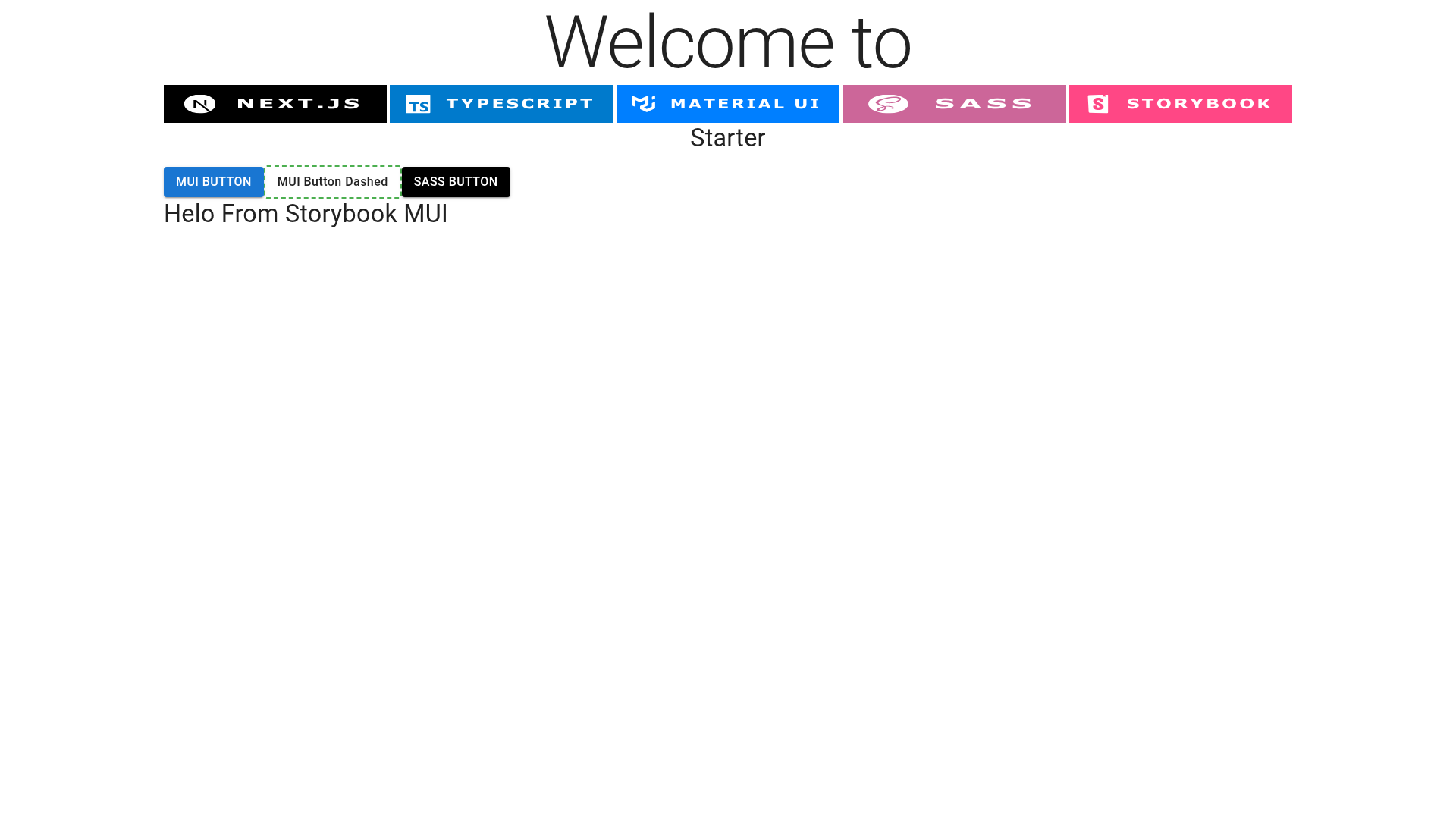
No, the starter uses Sass (SCSS) for styling, not Tailwind CSS. The badges on the repository page show TypeScript, Next.js, Material UI, Sass, and Storybook.
How do I deploy the generated app?
The README points to Vercel as the easiest deployment option for Next.js applications and includes a link to the official Vercel deployment documentation for Next.js.
Can I edit the template after scaffolding?
Yes, after running the dev server you can modify pages/index.tsx and the page auto-updates. The pages/api directory is editable as well, and the README links to the Next.js documentation for learning more about API routes.