Template details
Nitro
Deploy a Nitro server to Vercel with zero configuration using this official boilerplate template.
About this template
Nitro is a boilerplate template for deploying a Nitro server application to Vercel, part of the Vercel examples repository.
What is Nitro?
Nitro is a Vercel deployment template that scaffolds a Nitro server project with zero configuration, so you can get a Nitro app running on Vercel by clicking the deploy button. It lives in the Vercel examples repository and is linked to Nitro's quick-start documentation. The template takes the repository as a starting point and produces a deployed Nitro website or API on Vercel's platform. It also serves as a minimal example for learning how Nitro and Vercel work together.
Key Features
- One-click deploy — The template includes a "Deploy with Vercel" button that clones the repository and sets up a live deployment on Vercel.
- Zero configuration — No environment variables or build settings need to be configured; Vercel recognizes the Nitro project automatically.
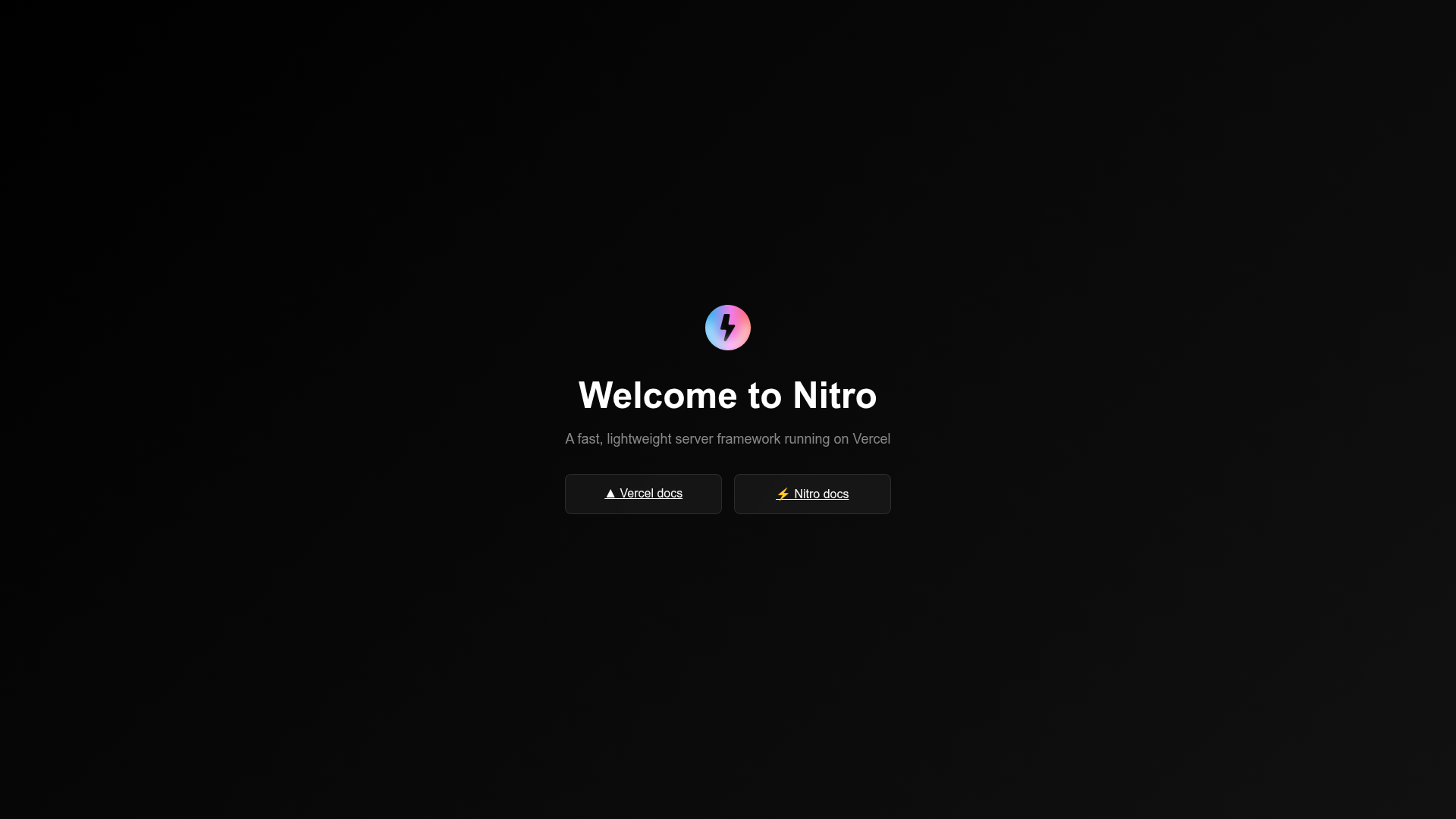
- Live example — A running instance is available at https://nitro-template.vercel.app/ so you can see the output before deploying.
- Local development — After cloning, running
npm run devstarts a development server for iterating on the app. - Multiple package managers — Installation works with
npm install,pnpm install, oryarn, matching your preferred workflow.
Who is it for?
- Vercel developers — Quickly deploy a Nitro server without setting up a new project from scratch.
- Nitro beginners — Get a working Nitro app to inspect and modify, with the official quick-start guide linked for deeper learning.
- Serverless adopters — Use the template as a foundation for building and testing serverless APIs on Vercel.
Use cases
- Prototyping a Nitro API: Deploy the template as-is, then replace the default handler with your own endpoints to get a live API in minutes.
- Evaluating Nitro: Run the template locally and on Vercel to compare Nitro's routing, middleware, and deployment behavior against other server frameworks.
- Learning the Nitro–Vercel workflow: Use the live example and repository structure as a reference for how Nitro apps build and run in the Vercel environment.
How does it work?
The deployment flow starts when you click the "Deploy with Vercel" button, which opens a Vercel project creation page pre-configured with the template's repository URL. After that, you can clone the deployed repository to your local machine, install dependencies with npm install (or pnpm install or yarn), and start a development server with npm run dev. The template itself is intentionally minimal, containing just enough Nitro code to run on Vercel.