Template details
Nitro Demo
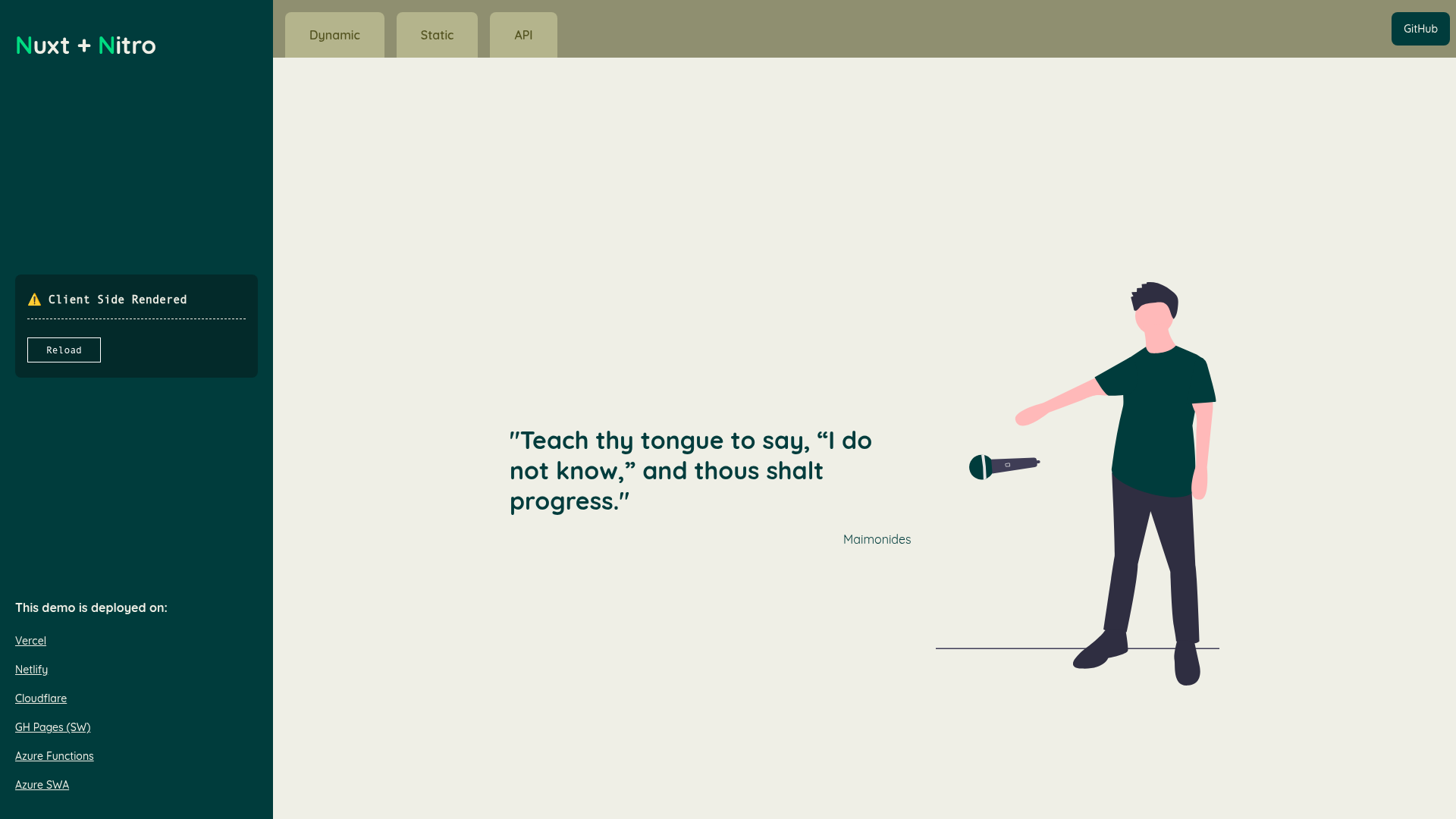
A minimal Nitro demo showcasing serverless deployment to six platforms from one codebase.
About this template
Nitro Demo is a minimal serverless application that demonstrates how a single Nitro app can be deployed to six different serverless platforms from the same codebase.
What is Nitro Demo?
Nitro Demo is a sample application built with Nitro, the serverless deployment toolkit that powers Nuxt's server engine. The project is a "nuxt nitro preview" that exists to show how one Nitro app can be built and deployed to Vercel, Netlify, Cloudflare Workers, GitHub Pages (via Service Worker), Azure Functions, and Azure Static Web Apps. The repository contains a simple Nitro application and the configuration needed to run on each of these platforms, with public demo URLs for each deployment target.
Key Features
- Multi-platform deployment — The demo includes working deployment URLs for Vercel, Netlify, Cloudflare Workers, GitHub Pages, Azure Functions, and Azure Static Web Apps, all from the same Nitro codebase.
- One-click deploy links — Each platform link points to a live demo and doubles as a direct way to preview Nitro's output on that specific provider.
- Nitro-powered — Uses Nitro's cross-platform build system, which can generate the correct handler for Node.js, service workers, and edge runtimes depending on the target.
- Open source and public — The repository is public with 186 stars, serving as a reference for developers exploring Nitro's deployment capabilities.
- Realistic preview — Because the demo is a small, self-contained app, it lets developers see exactly what a Nitro build produces on each provider without needing a full Nuxt project.
Who is it for?
- Nuxt developers who want to evaluate Nitro as a standalone serverless runtime or migrate a Nuxt app to serverless platforms.
- DevOps engineers comparing how the same code behaves across Vercel, Cloudflare Workers, and Azure, to decide which provider fits their needs.
- Serverless enthusiasts who want a ready-to-run example to test Nitro's support for multiple runtimes and hosts.
What can you do with Nitro Demo?
- Evaluate platform behavior: visit the live URLs and compare response headers, cold-start performance, or edge behavior across the six supported providers.
- Test your own deploy workflow: fork the repository and reuse the configuration to deploy your own Nitro app to any of the listed platforms.
- Learn Nitro's output: inspect the built artifacts for each platform to understand how Nitro adapts its server code to different environments.
How does Nitro Demo work?
The demo is a basic Nitro application whose source is hosted in the repository. Each platform link in the README either points to a deployed instance or triggers the provider's one-click deploy flow, which reads the repository and sets up a new deployment. After deployment, the app responds with Nitro's default output, confirming the runtime is functioning.