Template details
Toc Page Hugo Theme
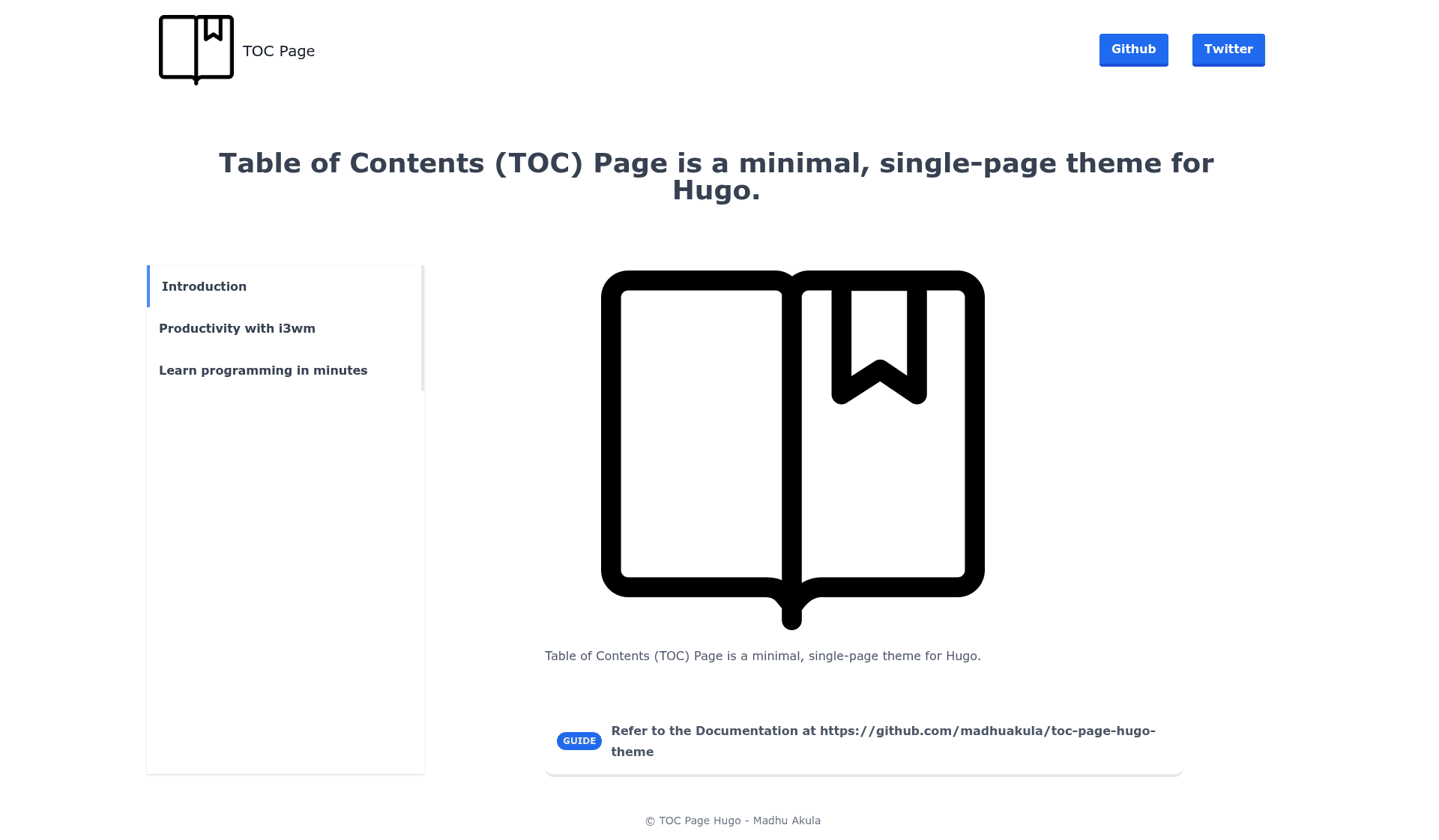
Table of Contents Page (toc-page) is a minimal, single-page theme for Hugo
About this template
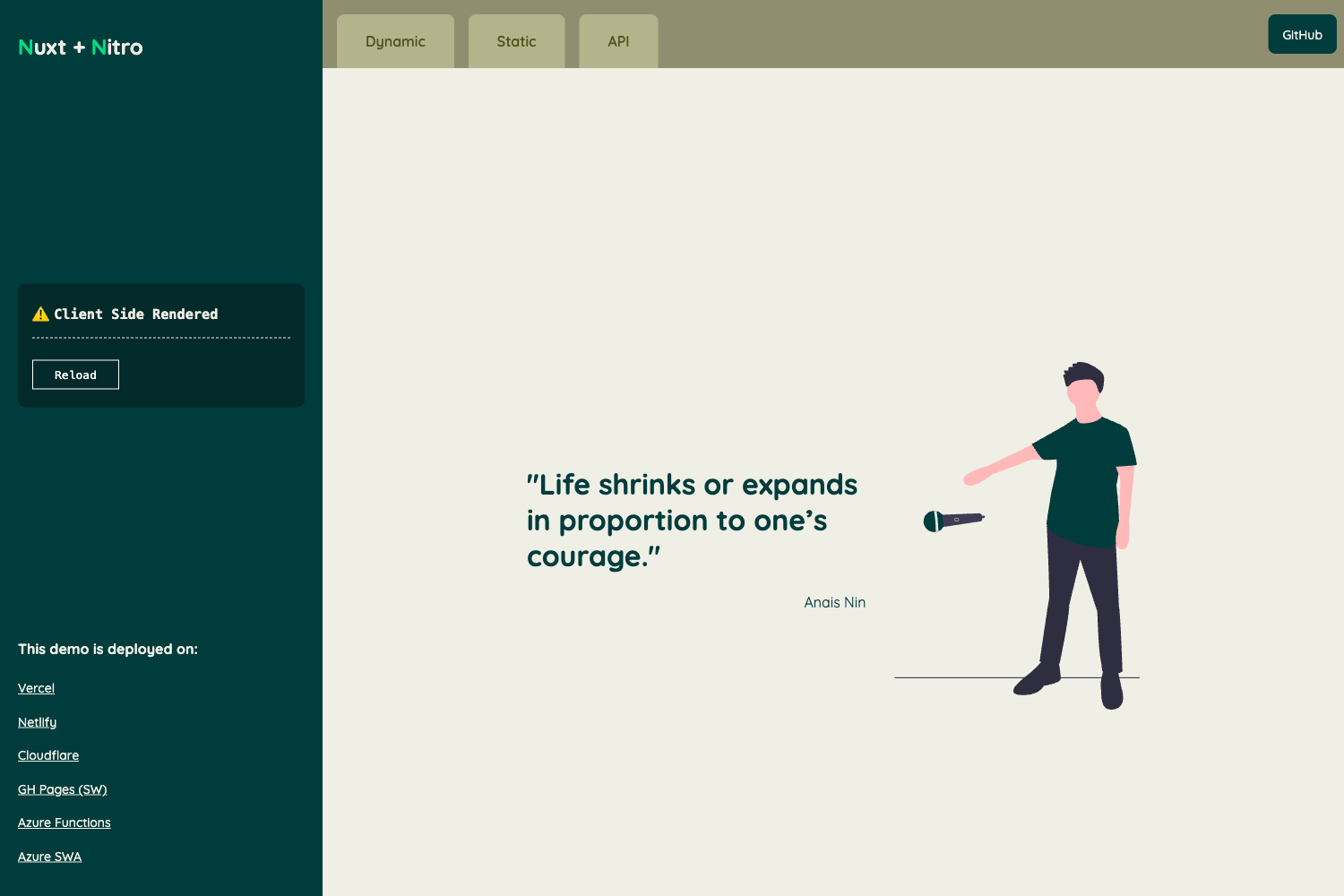
Toc Page Hugo Theme is a minimal, single-page Hugo theme that renders a table-of-contents index page linking to sections, projects, or external resources. It is developed by Madhu Akula, distributed under the MIT license, and powers the Kubernetes Goat project's navigation page.
What is Toc Page Hugo Theme?
Toc Page Hugo Theme is a Hugo static-site theme whose core function is to display a single-page table of contents. It takes Hugo content files (written in Markdown) and outputs a static HTML page with a list of links, making no styling assumptions beyond a minimal design. The theme runs on Hugo, the Go-based static site generator, and is installed by cloning or submoduling the repository madhuakula/toc-page-hugo-theme into your site's themes directory. As of the repository metadata, it is a small project with 2 stars and topics including golang, hugo, hugo-theme, and jamstack.
Key Features
- Minimal single-page layout — The theme presents all content on one page, suitable for link lists and TOC-style navigation without a blog or multi-page layout.
- Easy installation — Two installation methods are documented:
git clone https://github.com/madhuakula/toc-page-hugo-theme.git themes/toc-pageand a git submodule command for versioned updates. - Example site included — The repository ships a fully configured example site under
themes/toc-page/exampleSite/, so you can preview the theme withhugo serve --themesDir ../..and visithttp://localhost:1313/. - Simple configuration — Site settings live in one
config.tomlfile; copying the example config to your Hugo root and editing fields is the full setup. - Sample content provided — The
exampleSite/folder contains sample content demonstrating how add entries to the TOC. - Production usage — The theme is used by the Kubernetes Goat Project, an intentionally vulnerable Kubernetes learning environment, to list its scenarios.
Who is it for?
- Hugo users who want a lightweight starting point for a single-page index, especially when they don't need a full blog theme.
- Technical writers building a landing page that links out to documentation sections or external resources with a clean minimal list.
- Open-source maintainers who want a simple hub page to organize links to their project's subpages (as Kubernetes Goat does).
- JAMstack hobbyists exploring Hugo themes that are small enough to read and customize in one sitting.
What can you do with it?
- Documentation navigation: Create a TOC page that links to separate docs pages, giving visitors a central jumping-off point.
- Project hub: Showcase a portfolio list of repositories or projects as a single HTML page.
- Resource directory: Build a hand-curated list of links organized as a table of contents for a course, reading list, or workshop.
- Learning environment index: Structure a set of challenge scenarios (like Kubernetes Goat) into a clickable list.
How does it work?
- Install the theme by running
git clone https://github.com/madhuakula/toc-page-hugo-theme.git themes/toc-pagefrom your Hugo site root, or add it as a submodule. - Copy
config.tomlfrom theexampleSite/folder to your site root and edit the site fields. - Add your own content as Markdown files, following the sample content structure in
exampleSite/. - Build or serve the site with Hugo; the output is a static single-page TOC site.
FAQ
How do I install Toc Page Hugo Theme?
Run git clone https://github.com/madhuakula/toc-page-hugo-theme.git themes/toc-page from the root of your Hugo site. Alternatively, you can add the repository as a git submodule using git submodule add https://github.com/madhuakula/toc-page-hugo-theme.git themes/toc-page, which makes future updates easier.
Is Toc Page Hugo Theme free?
Yes, the theme is licensed under the MIT license, so it is free to use, modify, and distribute. The repository includes a LICENSE file and the README shows an MIT license badge.
Does Toc Page Hugo Theme include an example site?
Yes, the theme ships with a fully configured example site in the themes/toc-page/exampleSite/ directory. You can preview it by running hugo serve --themesDir ../.. from that folder, then opening http://localhost:1313/ in your browser.