Template details
Nitro - Plugins
A minimal Nitro server boilerplate demonstrating plugins, deployable to Vercel with zero configuration.
About this template
Nitro - Plugins is a boilerplate example from Vercel that demonstrates how to build a Nitro server application using plugins and deploy it to Vercel with zero configuration. This template is part of the Vercel examples repository, which curates patterns for building scalable applications. It gives developers a minimal starting point for a Nitro project that leverages Nitro's plugin system, plus a one-click deploy flow through Vercel.
What is Nitro - Plugins?
Nitro - Plugins is a minimal Nitro server application that showcases how plugins extend Nitro's runtime behavior. It accepts standard Nitro development workflows — you install dependencies, run a local dev server, and deploy the same project to Vercel without custom configuration. The template is maintained by Vercel and is included in their public examples collection on GitHub, alongside other framework boilerplates. It uses Nitro, the open-source server toolkit from the UnJS ecosystem, which powers server-side features for frameworks like Nuxt.
Key Features
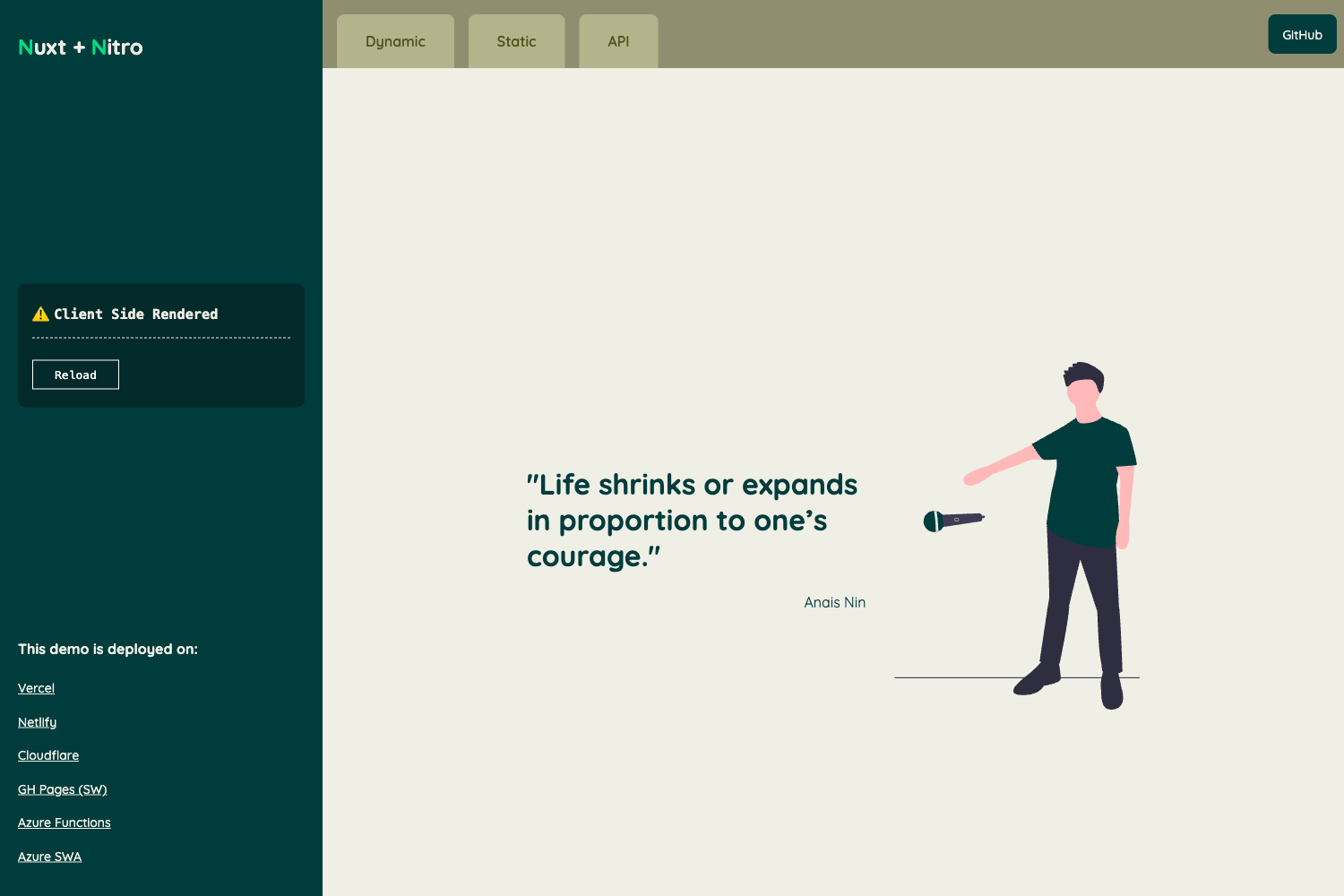
- Zero-configuration Vercel deployment — The template includes a Vercel deploy button that clones the repository and deploys a live Nitro server directly, with a live example hosted at https://nitro-plugins.labs.vercel.app.
- Nitro plugin demonstration — The project shows how to register plugins in a Nitro application, which run during server initialization and can hook into Nitro's lifecycle.
- Standard Nitro project structure — The template follows the conventional Nitro layout, so you can use familiar Nitro commands and configurations without learning a new structure.
- Package manager flexibility — Development works with npm, pnpm, or yarn, as the documentation shows equivalent install commands for each.
- Part of a curated examples collection — The source repository contains many Vercel example projects and shares patterns for building robust and scalable applications.
Who is it for?
- Nitro beginners — Developers new to Nitro can use this template to see how a plugin-based Nitro project is organized and deployed.
- Vercel users — Anyone deploying server-side JavaScript apps to Vercel can clone this template for a known-good starting point with zero configuration.
- Example-hunting developers — People browsing Vercel's examples collection can use this template as a reference implementation for Nitro plugins specifically.
What can you do with Nitro - Plugins?
- Deploy a Nitro server instantly — Use the deploy button to create a new Vercel project from the template and get a production URL without writing configuration.
- Study Nitro plugins — Read the plugin code to learn how Nitro runs plugins during server startup and how they interact with the application.
- Build a custom Nitro API — Start from this template and extend the Nitro server with your own routes, handlers, and middleware using Nitro's normal development commands.
How does the template work?
After deploying or cloning the repository, install dependencies with npm install, then start a development server with npm run dev. The Nitro server runs locally, and when you push to Vercel, the platform detects Nitro automatically and deploys the server without extra configuration.
FAQ
Is Nitro - Plugins free to use?
Yes, the template is part of Vercel's public examples repository and carries no license fee. Deploying to Vercel may be subject to Vercel's own free or paid hosting plans.
What is Nitro?
Nitro is an open-source server toolkit developed by the UnJS team. It provides a portable server runtime that can deploy to many platforms, including Vercel, and is used as the server engine for Nuxt applications.
How do I deploy this template to Vercel?
Use the "Deploy with Vercel" button shown on the template page, or push the repository to a Git provider and import it into Vercel. The template is configured to deploy as a Nitro server without custom settings.
Which package managers are supported?
The development instructions show npm, pnpm, and yarn equivalents for install and run commands, so any of these three can be used with the template.