Template details
Nonplain 11ty Starter
Create an 11ty website out of nonplain files
About this template
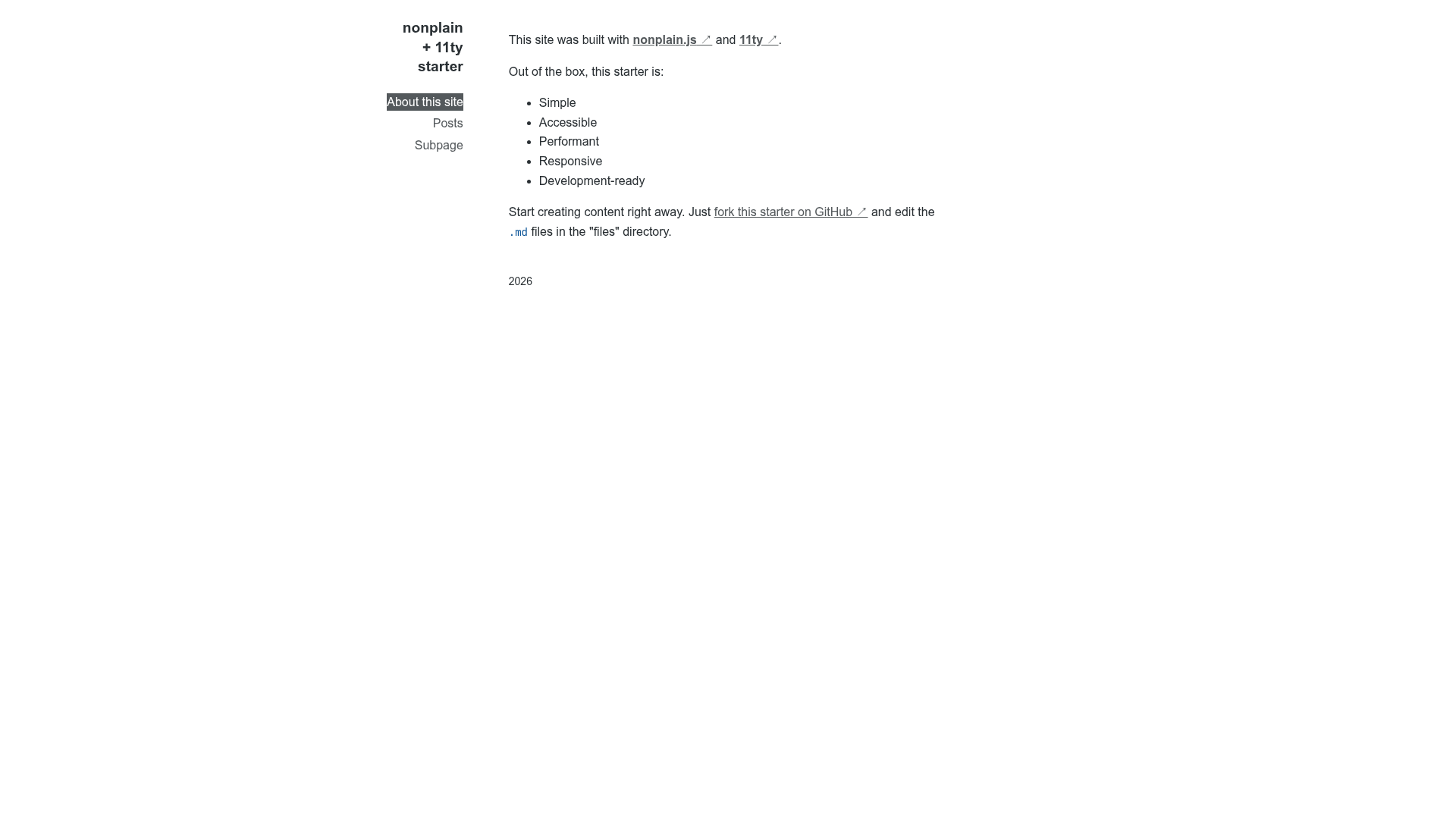
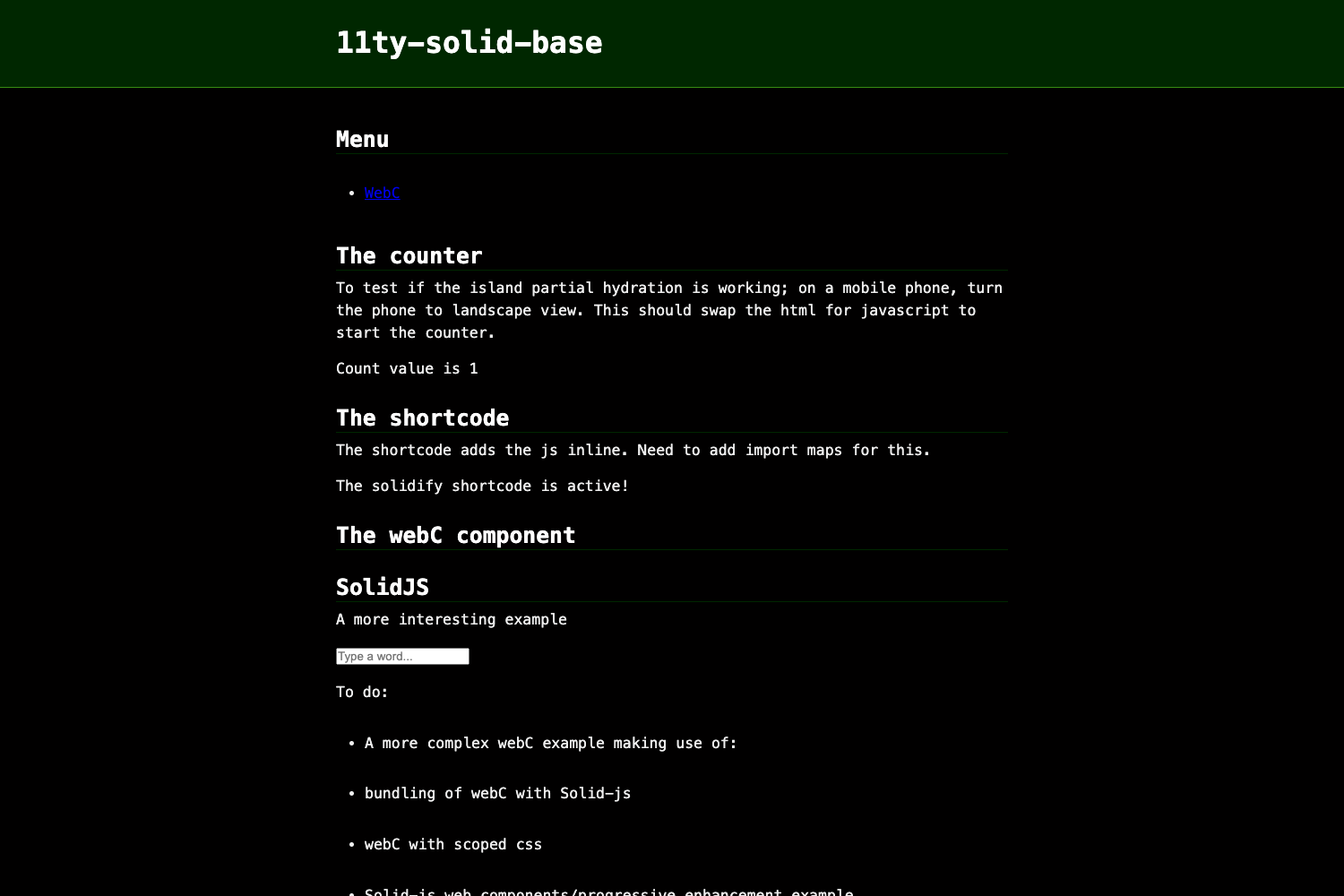
The Nonplain 11ty Starter is a boilerplate repository for building a static website with Eleventy (11ty) from nonplain source files, shipping a ready-to-run npm project in a site subdirectory.
What is the Nonplain 11ty Starter?
The Nonplain 11ty Starter is a GitHub template repository that creates an Eleventy (11ty) website. Its stated purpose is to produce a web output from nonplain files, with content authored as Markdown in a /files directory. The repo contains a site folder with a full npm project, including dependencies and a dev script, so the entire setup is contained in one place. As a public repository with 7 stars, it is categorized under the topics 11ty, 11ty-starter, and 11ty-template.
Key Features
- Eleventy static site generation — The template uses 11ty, a JavaScript-based static site generator, to convert source content into a static website.
- Markdown-based content editing — To change the site, you edit
.mdfiles inside the/filesdirectory rather than modifying HTML directly. - One-command local development — After installing dependencies with
npm i, the included scriptnpm run devstarts a local development workflow. - Starter project in a subdirectory — The actual site project lives in the
sitesubfolder, keeping repository root simple while providing a conventional npm layout.
Who is it for?
- Static site builders looking for a minimal Eleventy starter that relies on Markdown files for all content.
- Developers who work with nonplain file formats and want a starting point for converting those files into a website using 11ty.
- Hobbyists and tinkerers who prefer a small codebase they can understand completely before customizing.
What can you do with it?
- Launch a local 11ty site quickly — Following the README instructions (
cd site,npm i,npm run dev) gets a dev server running in moments. - Publish a content-driven static site — By keeping content in Markdown files, you get a straightforward path to a static site that can be hosted anywhere.
- Extend the starter to match your workflow — Because it's an npm-based Eleventy project, you can add plugins, templates, or build steps as needed.
How does it work?
The repository's README shows a two-step process: first install dependencies, then start the dev server. You change the site's content by editing Markdown files in the /files directory, and Eleventy handles the transformation into web pages. The site subdirectory contains all the project configuration, so you can version and deploy it independently.
FAQ
What commands do I use to run this template?
From the repository root, run cd site, then npm i to install dependencies, and finally npm run dev to start the development server.
Where do I edit content?
Edit the .md files located in the /files directory. The README states that content creation begins there.
Which static site generator is used?
The template is based on Eleventy (11ty), as shown in the repository topics (11ty, 11ty-starter, 11ty-template) and the project title.
Is the template freely available?
The repository is public on GitHub, so it can be cloned and used. The visible content does not state a specific license, so check the repository's license file for terms.