Template details
Notion Blog Kit
A statically generated blog using Next.js and Notion API.
About this template
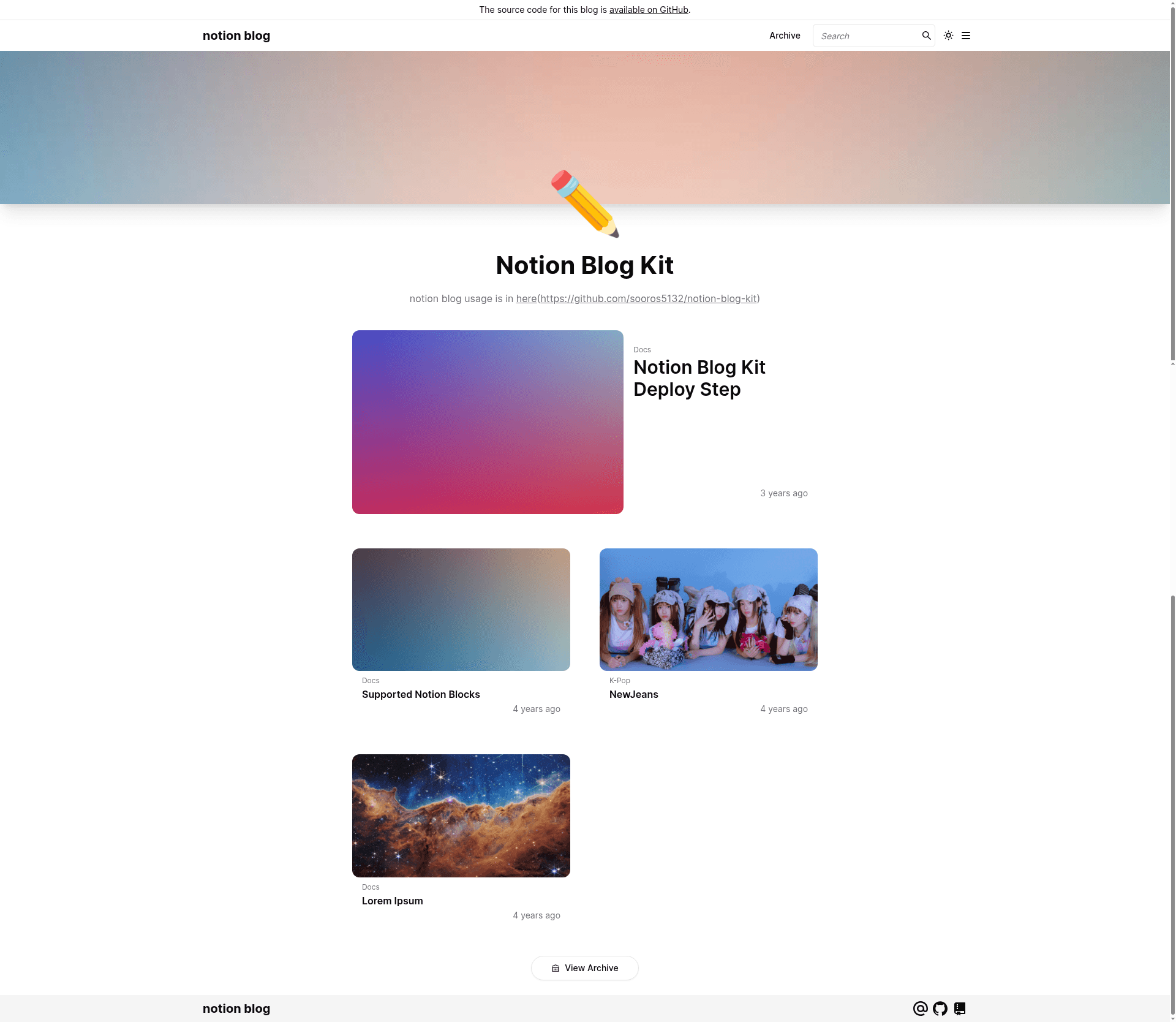
Notion Blog Kit is a statically generated blog template built on Next.js and the official notion-sdk-js that renders posted content from a Notion database into a three-page blog site. It is published on GitHub by sooros5132 with a live demo hosted at notion-blog-kit-demo.vercel.app, and it can be deployed anywhere Node.js runs, with one-click Vercel deployment included.
What is Notion Blog Kit?
Notion Blog Kit is a blog starter (boilerplate) that uses Notion as its content management system. You author posts as pages in a Notion database, share that database with a Notion integration that has read-only access, and the template fetches those pages at build time to generate static HTML. The output is a site with a magazine-style homepage, an archive listing, and article pages that render the supported Notion blocks. The template is open source and its environment configuration is handled entirely through a .env file.
What makes Notion Blog Kit stand out?
- Notion-native authoring — Content lives in Notion, so you get Notion's editor, collaboration, and organization without a separate CMS.
- Next.js static generation — Pages are pre-rendered with
next build, giving you fast load times and SEO-friendly output. - Tailwind CSS and daisyUI — The front end is styled with Tailwind CSS and the daisyUI component library (both listed in the repository topics), giving you utility-class flexibility and prebuilt components.
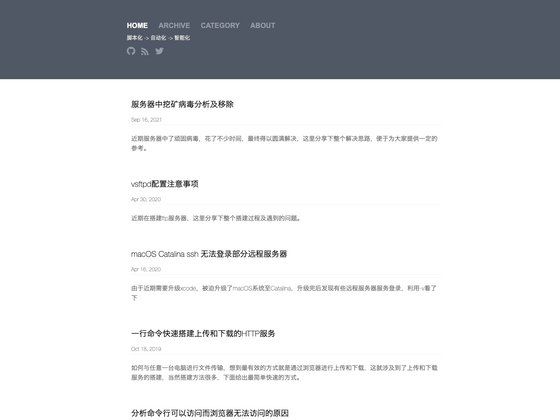
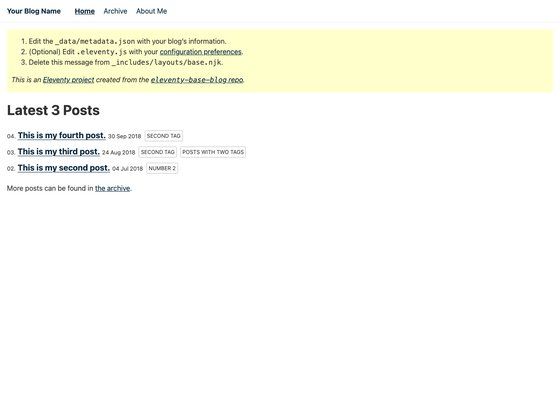
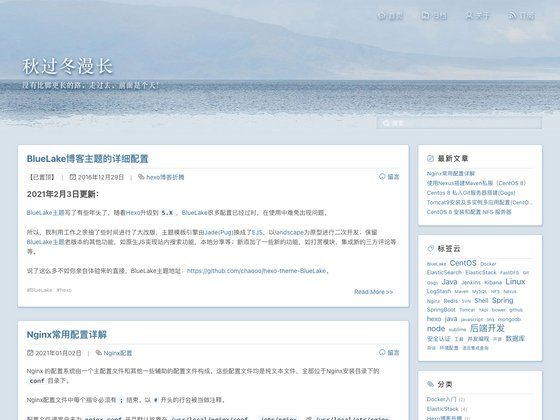
- Three page layouts — The demo shows a magazine homepage, an archive/index page, and an article detail page, all sourced from the same Notion database.
- GitHub-based comments — Optional commenting via either Giscus or Utterances; each has its own set of environment variables (repository, category, category ID for Giscus; repository and label for Utterances).
- Google Analytics integration — Add a stream ID through
NEXT_PUBLIC_GOOGLE_ANALYTICS_IDto track visits. - Image optimization toggle —
NEXT_PUBLIC_ENABLE_IMAGE_OPTIMIZATIONcan be set totrue; the README notes this helps Google search ranking but requires server performance on the level of an Intel Pentium or better. - One-click Vercel deployment — A "Deploy with Vercel" button clones the repository, prompts for the four required environment variables, and publishes the site to a free hobby-tier Vercel project.
Who should use Notion Blog Kit?
- Notion users — Writers who already maintain notes or articles in Notion and want a blog without migrating to WordPress or a headless CMS.
- Next.js developers — Developers looking for a minimal, readable starter codebase that demonstrates static generation, environment-variable configuration, and Notion API integration.
- GitHub-based comment fans — Anyone who prefers lightweight, issue-based comments from Giscus or Utterances over third-party services like Disqus.
What can you do with Notion Blog Kit?
- Personal bloggers: Publish long-form posts by adding pages to a shared Notion database; the site rebuilds as static pages when you redeploy.
- Technical blogs: Use Notion's ability to embed code blocks and other supported blocks to write code-heavy tutorials that render on the article page.
- Team websites: Have multiple Notion users contribute to the same database, then generate a consistent static blog from their collective writing.
How does the template work?
The README outlines a specific setup flow: (1) create a Notion integration at notion.so/my-integrations and note the read-only secret token; (2) connect the page or database you want to share to that integration; (3) deploy with the Vercel button or copy the repository to your own server; (4) create a /.env file with NOTION_API_SECRET_KEY, NEXT_PUBLIC_NOTION_DATABASE_ID, NEXT_PUBLIC_INFOMATION_BLOGNAME, and NEXT_PUBLIC_INFOMATION_ORIGIN; and (5) optionally add comment, analytics, image-optimization, and custom-domain variables. The demo also includes a page listing exactly which Notion blocks are supported.
FAQ
Is Notion Blog Kit free to use?
The source code is public on GitHub and there is no listed price for the template itself. If you deploy with Vercel, the hobby plan is free; the README notes that image optimization may require a more powerful server than the free tier allows.
What environment variables are required?
Four variables are mandatory: NOTION_API_SECRET_KEY (the Notion integration token), NEXT_PUBLIC_NOTION_DATABASE_ID, NEXT_PUBLIC_INFOMATION_BLOGNAME, and NEXT_PUBLIC_INFOMATION_ORIGIN (your site URL). All other variables, such as NEXT_PUBLIC_GOOGLE_ANALYTICS_ID and comment configuration, are optional.
Does Notion Blog Kit support comments?
Yes. You can configure either Giscus or Utterances. For Giscus, set repository, repository ID, category, and category ID; for Utterances, set repository and label. Only one of the two comment systems should be enabled.
Can I deploy it outside Vercel?
Yes. The README says you can deploy "with Vercel or your server." The environment-variable table works for any deployment that supports Next.js static generation, and a .env.example is provided as a reference.
Which Notion blocks are rendered?
The template has a dedicated supported-blocks page at the live demo URL that enumerates the exact set of Notion blocks it can render. The README does not list the blocks inline but links to that page.