Template details
Jekyll-Pithy
A minimal Jekyll theme for personal blogs, offering quick local preview and GitHub Pages hosting.
About this template
Jekyll-Pithy is a minimal Jekyll theme for personal blogs, built for the static site generator Jekyll and demonstrated on the author's own site at http://wenva.github.io.
What is Jekyll-Pithy?
Jekyll-Pithy is a blog-oriented theme for Jekyll, a Ruby-based static site generator. The theme accepts Markdown posts and Liquid template files as input and outputs a static HTML website that can be served locally or hosted on GitHub Pages. It is maintained in the GitHub repository smallmuou/Jekyll-Pithy and is shown in action on the author's blog, http://wenva.github.io.
Key Features
- Jekyll-native — Built for Jekyll, so it works with Markdown, Liquid templates, and the standard
_postsfolder structure. - GitHub Pages ready — Can be published on GitHub Pages by following GitHub's standard deployment steps, enabling free static hosting.
- Local preview workflow — The included instructions let you run
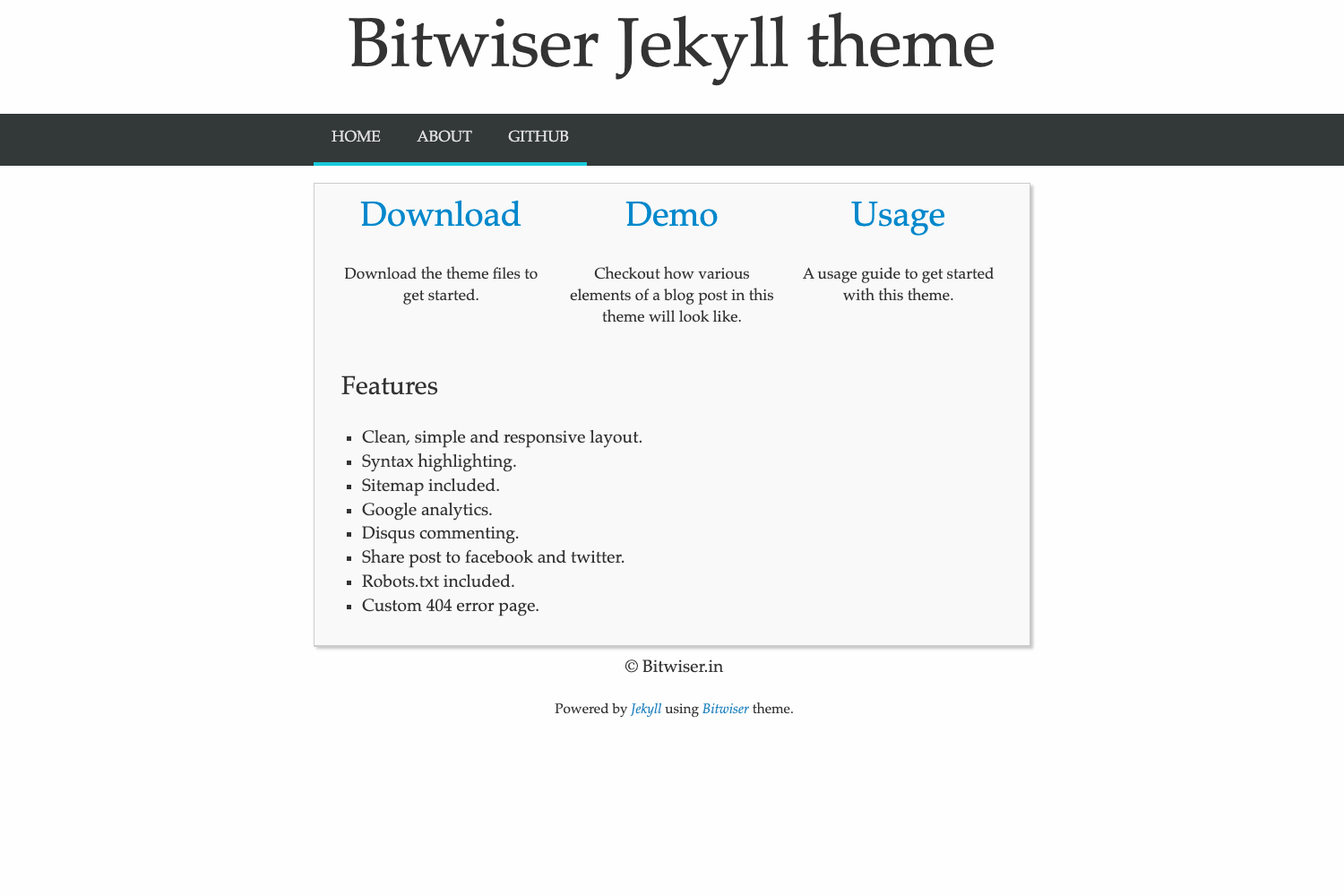
jekyll serveand view the site at http://127.0.0.1:4000/ in a browser. - Minimal layout — The theme presents a clean, content-focused blog layout, as seen in the repository's screenshot.
- MIT License — Released under the MIT License, allowing free use, modification, and redistribution.
Who is it for?
- Personal bloggers — Individuals who want a straightforward Jekyll theme to publish Markdown-based posts without complex configuration.
- GitHub Pages users — Developers who need a theme that works with GitHub Pages for free personal or project sites.
- Jekyll beginners — People learning Jekyll who want a minimal, working example to study its directory structure and templating.
What can you do with Jekyll-Pithy?
- Publish a blog — Write posts in Markdown, drop them in the
_postsfolder, and Jekyll generates a static blog. - Host on GitHub Pages — Push the site to a GitHub repository and use Pages to serve it publicly.
- Customize the theme — Since it's MIT licensed, you can modify the HTML and CSS to fit your own design.
How does Jekyll-Pithy work?
The repository's usage section lists four steps: clone the repository, change into the Jekyll-Pithy directory, run jekyll serve (after installing Jekyll), and open http://127.0.0.1:4000/ in your browser. For GitHub Pages, you follow GitHub's standard hosting instructions.