Template details
Eleventy Base Blog
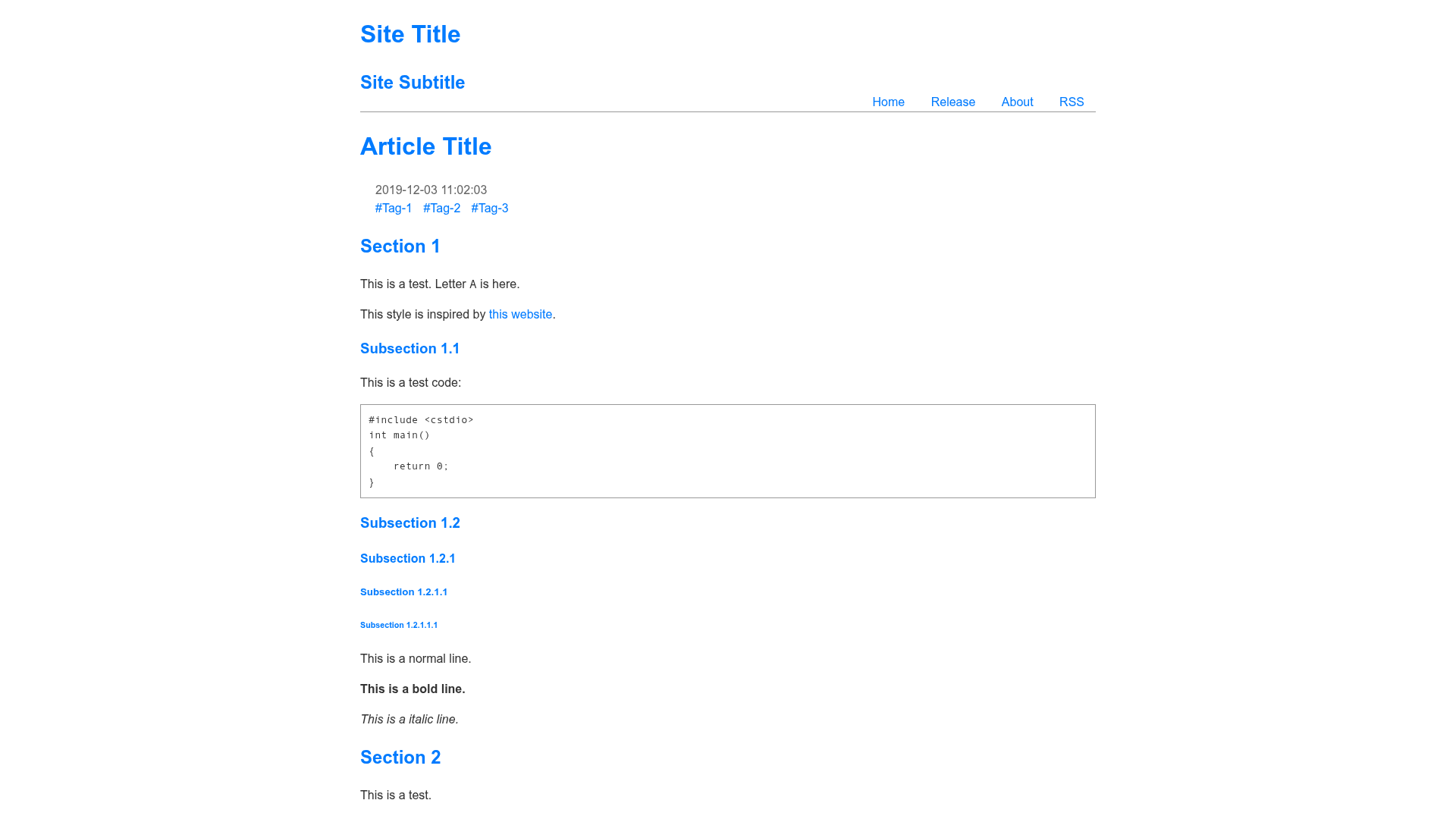
A starter repository for building a blog with the Eleventy static site generator, featuring zero-JavaScript output and automated image optimization.
About this template
Eleventy Base Blog is a starter repository for building a blog website with the Eleventy static site generator (v3.0), producing a fully static, zero-JavaScript site.
What is Eleventy Base Blog?
Eleventy Base Blog is an open-source starter project maintained by the Eleventy community (linked from the official Eleventy docs). It takes content written in any template format (Markdown, Nunjucks, HTML, and more) and runs it through Eleventy to generate a production-ready static site in the _site folder. The output includes blog posts, tag pages, an Atom feed, a sitemap, and a 404 page, all pre-rendered with no client-side JavaScript.
Key Features
- Zero-JavaScript output — All HTML is pre-rendered at build time; no JavaScript is sent to the browser, which contributes to a 100/100 Lighthouse score.
- Automated image optimization — The Eleventy Image plugin processes images on request during local development and generates modern formats like AVIF and WebP with
srcset,sizes,width/heightattributes,loading="lazy", anddecoding="async". - Draft content support — Setting
draft: truein front matter keeps a post out of production builds while still showing it during--serveor--watch. - Per-page CSS bundles — The
eleventy-plugin-bundleplugin lets each page ship only the CSS it needs, with a Content Security Policy-friendly option to link an external stylesheet. - Built-in syntax highlighting — Code blocks are highlighted at build time with zero JavaScript on the client.
- Content-driven navigation — The Eleventy Navigation plugin powers the top-level site menu via the
eleventyNavigationfront matter key. - Automatic blog post features — Next/previous links and accessible deep links to headings are generated for every post.
- One-command deployment — The repository includes demos and one-click deploy paths for Netlify, Vercel, Cloudflare Pages, GitHub Pages, and Stackblitz.
Who should use Eleventy Base Blog?
- Developers who want a minimal blog starter — They can clone the repo, run
npm install, and get a static blog with a built-in feed, sitemap, and tag pages without configuring a CMS. - Performance-focused site owners — The static, zero-JS approach yields a 100/100 Lighthouse score (with 0 Cumulative Layout Shift and 0ms Total Blocking Time) out of the box.
- Eleventy learners — The repo is a working reference for the Data Cascade, collections, layouts, and the
addPreprocessorAPI for drafts. - Teams publishing content — Writers can use any template format for posts, and images can be co-located with the Markdown files.
What can you do with Eleventy Base Blog?
- Start a personal blog quickly — Clone the repo, edit
_data/metadata.jsand the About page, then write posts incontent/blog/. - Deploy to a subfolder — The html-base plugin lets the site live under a sub-path without editing content or templates.
- Swap feed formats — The included Atom feed can be changed to RSS or JSON with a one-line change via the Eleventy RSS plugin.
- Create zero-maintenance tag pages — Tags on posts automatically generate archive pages, as shown on the live demo.
How does Eleventy Base Blog work?
The repo is structured with an eleventy.config.js file that wires together plugins, collections, and the data cascade. Content lives in a content/ directory, and the public/ folder is copied to the output via addPassthroughCopy. Running npx @11ty/eleventy produces the static site in _site/; npx @11ty/eleventy --serve starts a local dev server with live reload.
FAQ
Is Eleventy Base Blog free?
Yes, the starter repository is open source and free to use. You only need to install dependencies via npm and deploy to any static host.
Does it use JavaScript on the front end?
No. The generated site has zero JavaScript output by default. All behavior, including code highlighting and image handling, is done at build time.
Can I write blog posts in languages other than Markdown?
Yes. The repository supports any template format configured in eleventy.config.js via templateFormats. Blog posts just need the posts tag to appear in the blog collection.
How do I make a draft post?
Add draft: true to the front matter of any template. Drafts are only included while running --serve or --watch and are excluded from production builds.