Template details
Orbit
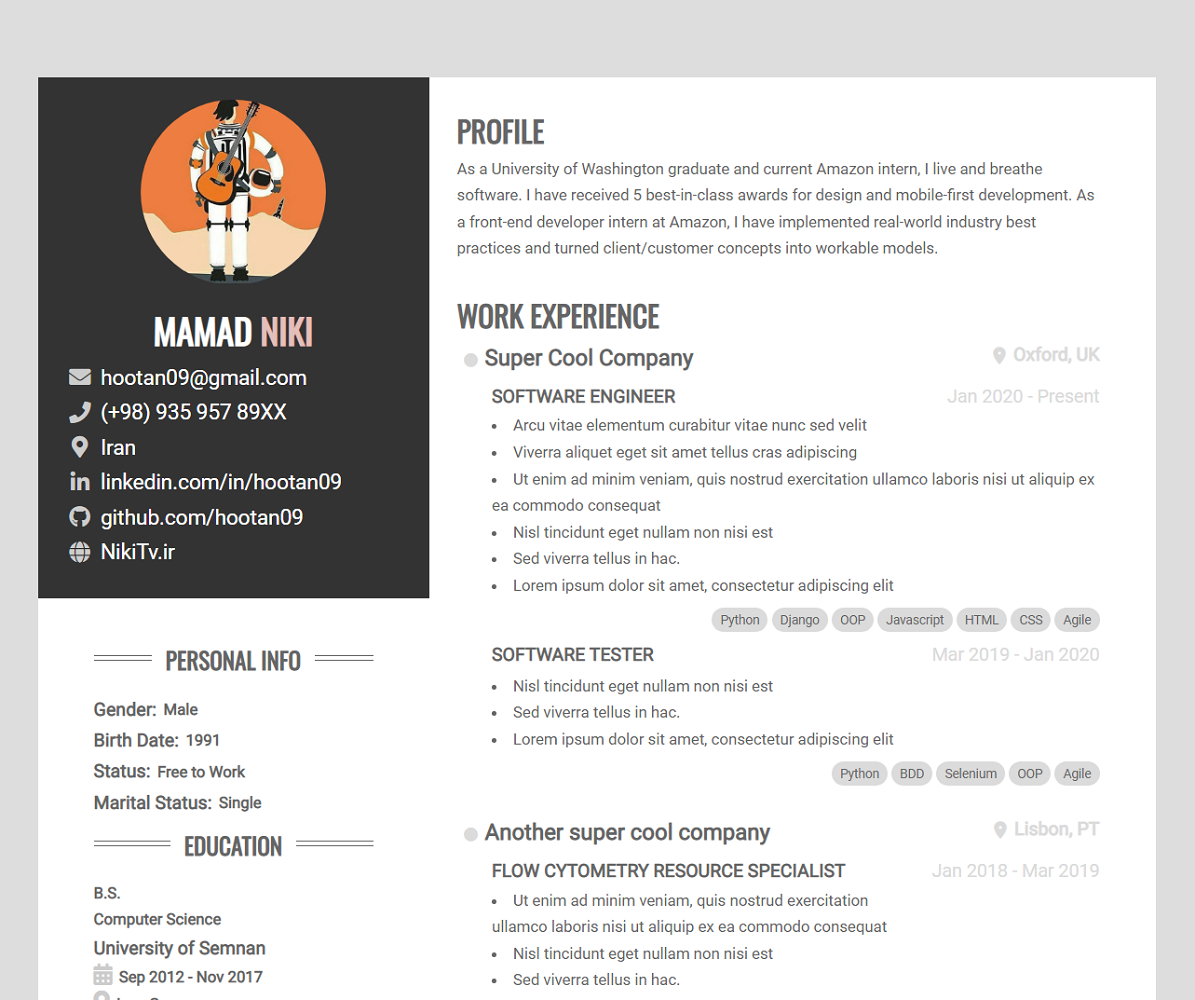
A responsive resume/CV theme for Hugo, ported from the Orbit template by Xiaoying Riley.
About this template
Orbit is a Hugo port of Xiaoying Riley's Orbit resume/CV template, built to turn a single TOML configuration file into a responsive HTML5 resume for developers.
What is Orbit?
Orbit is a Hugo theme that renders a one-page resume or CV website from data in a config.toml file. It is a direct port of the Orbit-Theme by Xiaoying Riley, adapted for the Hugo static site generator by the GitHub user aerohub. The theme takes your personal details, work experience, skills, and education entries from the config file and outputs a static HTML site that you can host anywhere. Because it's built on Hugo, the final site is fast and requires no server-side processing.
Key Features
- Fully Responsive — The layout adapts to desktop, tablet, and mobile screen sizes without extra work.
- HTML5 + CSS3 — Built with modern web standards, so it works in all current browsers.
- Bootstrap 3 — The grid and components come from Bootstrap 3, giving a consistent starting point.
- 6 Colour Schemes — Switch the entire color palette by changing a single setting in the config file.
- FontAwesome icons — Social links and contact icons are provided by FontAwesome.
- LESS files included — The original LESS source files ship with the theme so you can recompile custom styles.
- Google Analytics — The Hugo port adds built-in Google Analytics support, which the original template lacked.
- Print-friendly CV — Print styles were improved so the resume looks clean when printed or saved as PDF.
Who is it for?
Orbit is aimed at developers who want an online resume that matches the look of a classic developer CV. It's also useful for job seekers who need a static, easily hostable resume page, and for Hugo users who want a minimal, config-driven theme without a CMS.
What can you do with Orbit?
- Software developers — Present your work history, skills, and projects in a single-page layout that loads fast.
- Job seekers — Generate a printable CV via the browser's print dialog, with print styles already tuned.
- Hugo users — Quickly spin up a personal resume site by copying the example config file and running
hugo server.
How does Orbit work?
The setup process is straightforward. First, clone the theme into your Hugo site's themes directory. Then copy the config.toml from the exampleSite folder to your site root and edit it with your data. Run hugo server -w to preview at localhost:1313, and hugo to generate the static site into the public folder.
FAQ
Is Orbit free to use?
The original Orbit template is released under the Creative Commons Attribution 3.0 License, which means you can use it freely as long as you keep the attribution link. The Hugo port follows the same terms — check the theme's README for details.
How do I install Orbit?
Inside your Hugo site folder, run mkdir themes, then cd themes, then git clone https://github.com/aerohub/hugo-orbit-theme. After that, copy the example config.toml into your site root and start editing.
What do I need to configure in Orbit?
All page content is controlled through a single config.toml file. You'll fill in personal details, sections like experience and education, and site-wide options such as the color scheme and Google Analytics ID.