Template details
simple-perso
A simple and beautiful personal Jekyll theme built with Bootstrap 4.
About this template
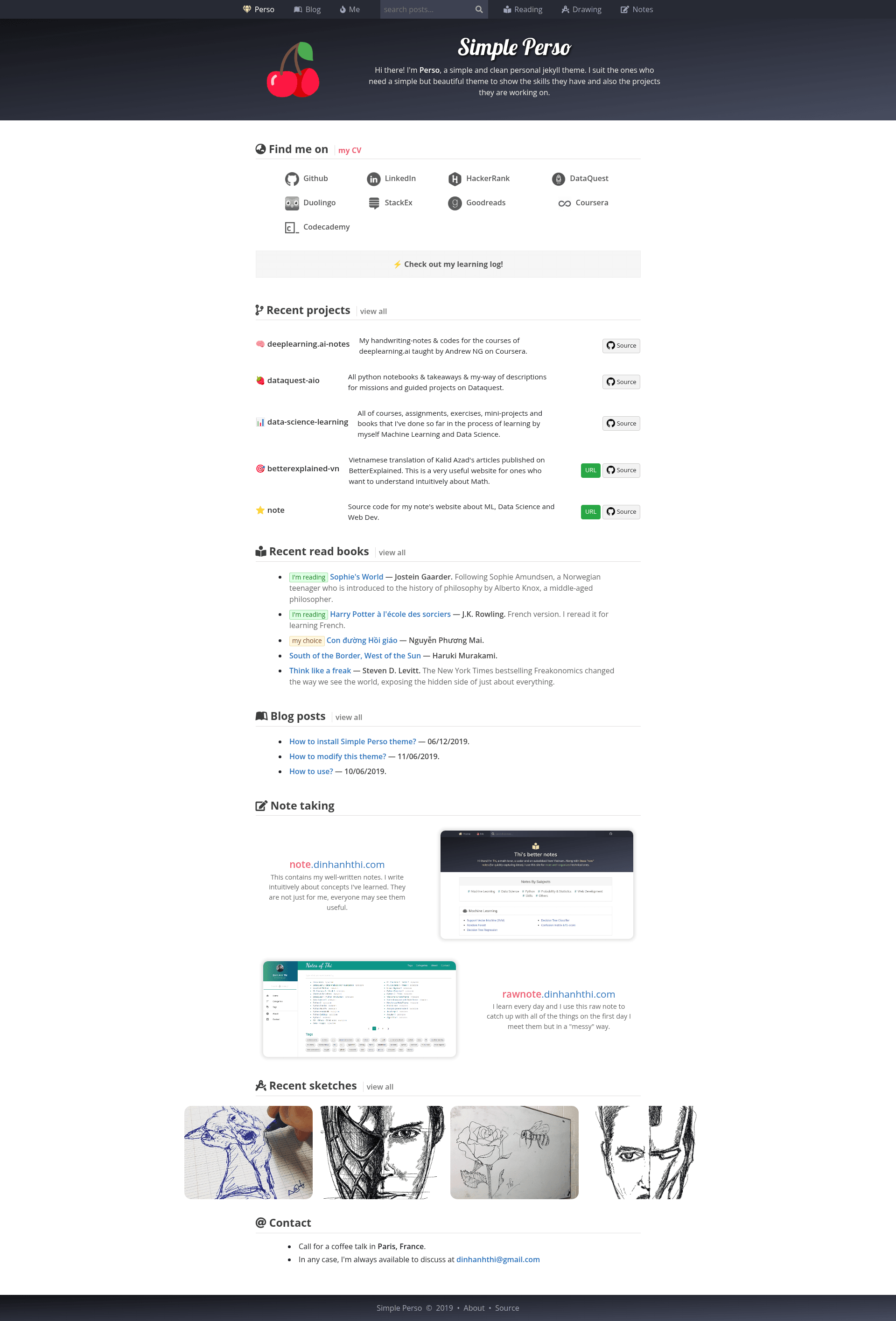
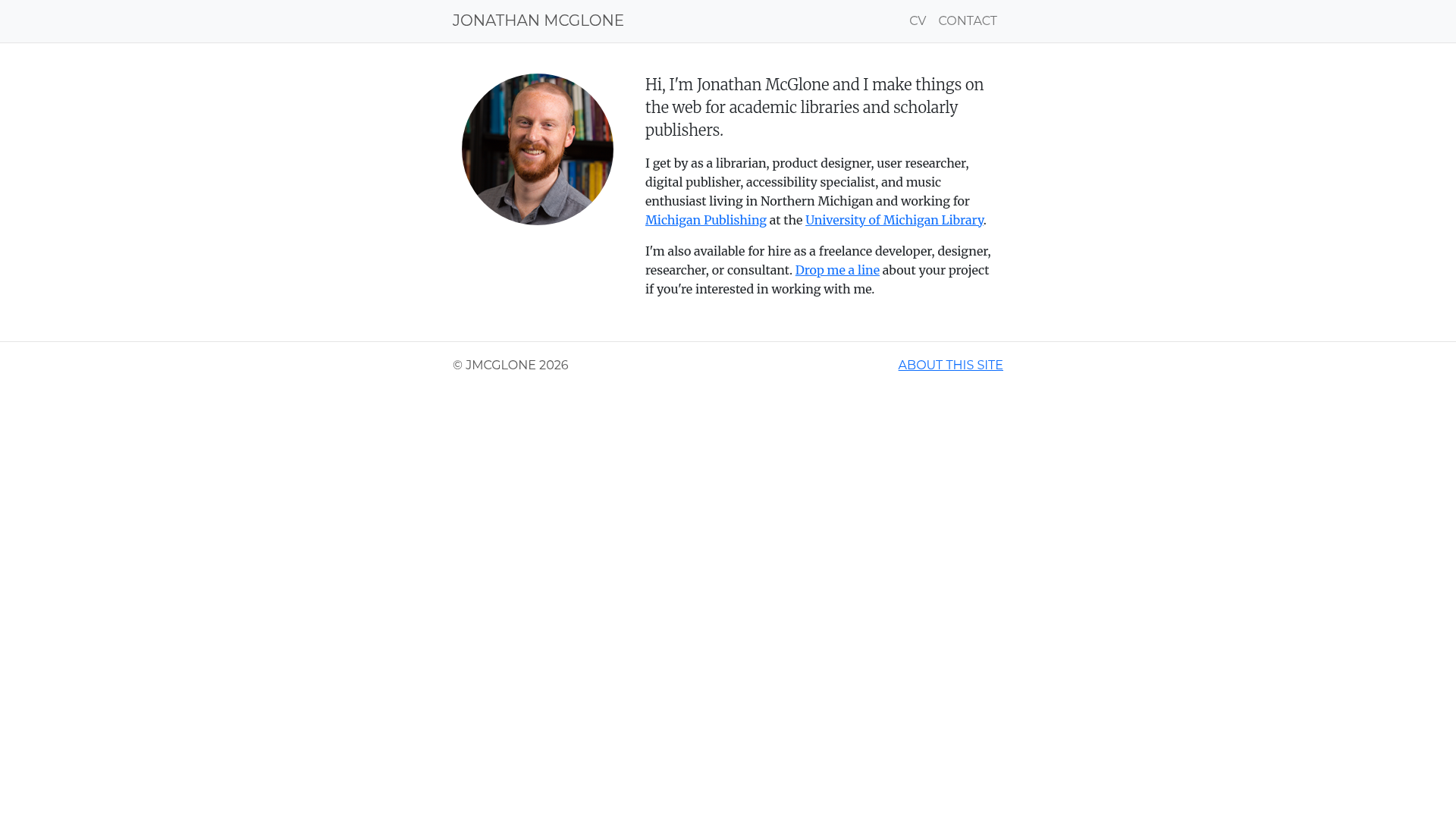
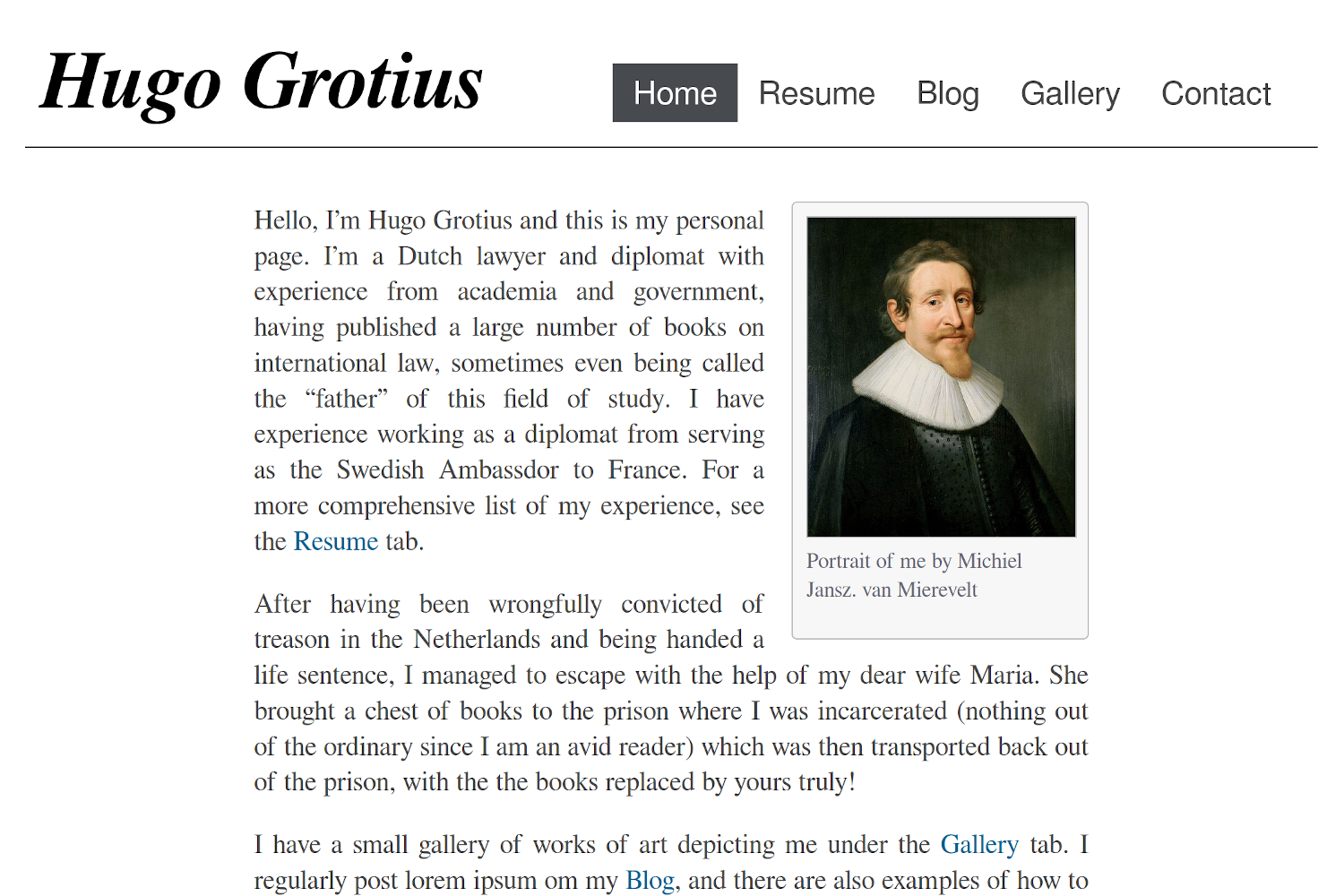
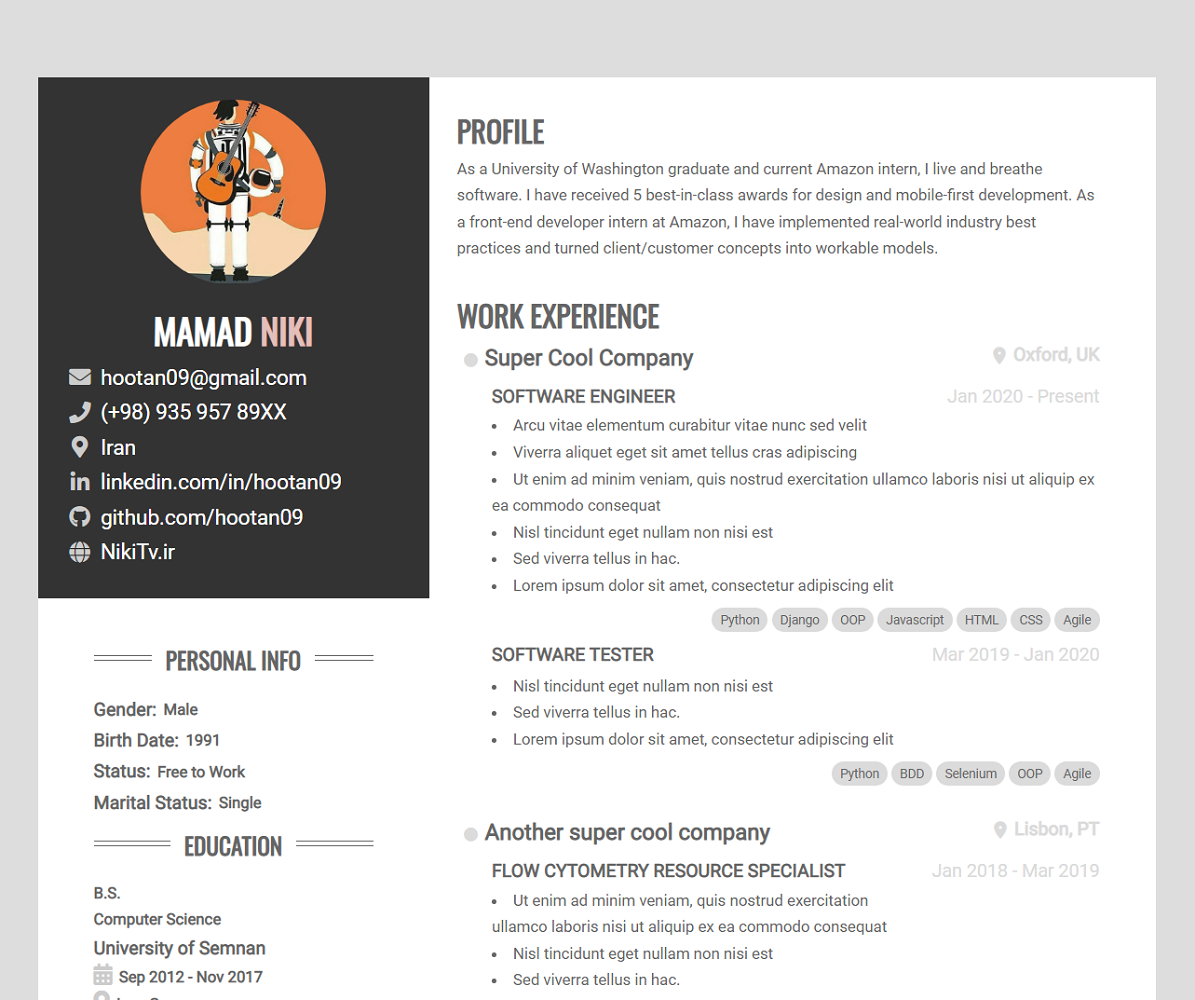
simple-perso is a free, open-source personal Jekyll theme designed by Anh-Thi DINH and built with Bootstrap 4; it transforms plain Jekyll content into a polished personal website featuring blog posts, a learning log, recent projects, and reading lists.
What is simple-perso?
simple-perso is a static-site theme for Jekyll, the Ruby-based static site generator. It takes markdown posts, configuration files, and image assets as input, and outputs a responsive personal homepage with multiple content sections. The theme is distributed as a GitHub repository with a live demo at dinhanhthi.github.io/simple-perso, and it is maintained by Anh-Thi DINH, who also provides how-to-install, how-to-modify, and how-to-use documentation in the repository.
Key Features
- Social profiles — Display links to your social media accounts in the site header or footer, configured through the Jekyll config file.
- Learning log — A dedicated section to record and share notes from courses, books, or tutorials.
- Recent projects — Showcase your latest work with titles, descriptions, and links to project pages or repositories.
- Reading lists — Maintain a list of books or articles you have read or plan to read, displayed as an organized collection.
- Blog posts — A standard blog layout that supports categories, tags, and individual post pages.
- Note taking — A section for quick notes and snippets, separate from full blog posts.
- Recent photos — An area to display photo collections, paired with the recent-photos section of the homepage.
- Posts search — Client-side search that filters blog posts by keywords, letting visitors find content without a separate search service.
The theme is built on Bootstrap 4 for responsive layout and works with any Jekyll site, including GitHub Pages hosting.
Who is it for?
- Personal bloggers who want a clean, minimal Jekyll theme with built-in content sections beyond just posts.
- Developers and designers who maintain a personal portfolio site and need a simple way to show projects, learning progress, and reading lists.
- Academics or lifelong learners who want a public learning log and note-taking area alongside their blog.
- Jekyll beginners who benefit from the provided installation, modification, and usage guides included in the repository.
What can you do with simple-perso?
- Create a personal homepage: Build a single-page site that aggregates your latest posts, projects, notes, and photos into one view.
- Document your learning: Use the learning log and note-taking sections to publish study notes and reading lists as public pages.
- Showcase selective work: Curate a "recent projects" section that highlights specific projects with links to live demos or source repositories.
- Add search to a blog: Implement client-side post search without third-party services, improving discoverability of older articles.
Pricing
simple-perso is free and open-source. You can clone the repository, customize the configuration, and host the resulting site on GitHub Pages at no cost.
FAQ
Is simple-perso free?
Yes, simple-perso is free and open-source. The repository is publicly available and you can use, modify, and redistribute it. Hosting on GitHub Pages is also free for public repositories.
What do I need to run simple-perso?
You need Jekyll installed on your computer, or you can use GitHub Pages which supports Jekyll themes. The theme uses Bootstrap 4 for styling, so no other front-end tools are required.
Can I customize the design?
Yes. The author provides a "how to modify" guide in the repository that explains how to change colors, fonts, layouts, and content sections. The theme is built with Bootstrap 4, so you can override styles with custom CSS.
Does simple-perso support tags and categories for blog posts?
Yes, the blog post layout supports categories and tags, allowing you to organize posts into topics and display them accordingly. This is standard Jekyll front-matter functionality.
How do I install simple-perso?
The repository includes a dedicated installation guide and a live demo. In general, you clone the repository, update the _config.yml file with your details, and push to a GitHub Pages-enabled branch.