Template details
SimonAKing-HomePage
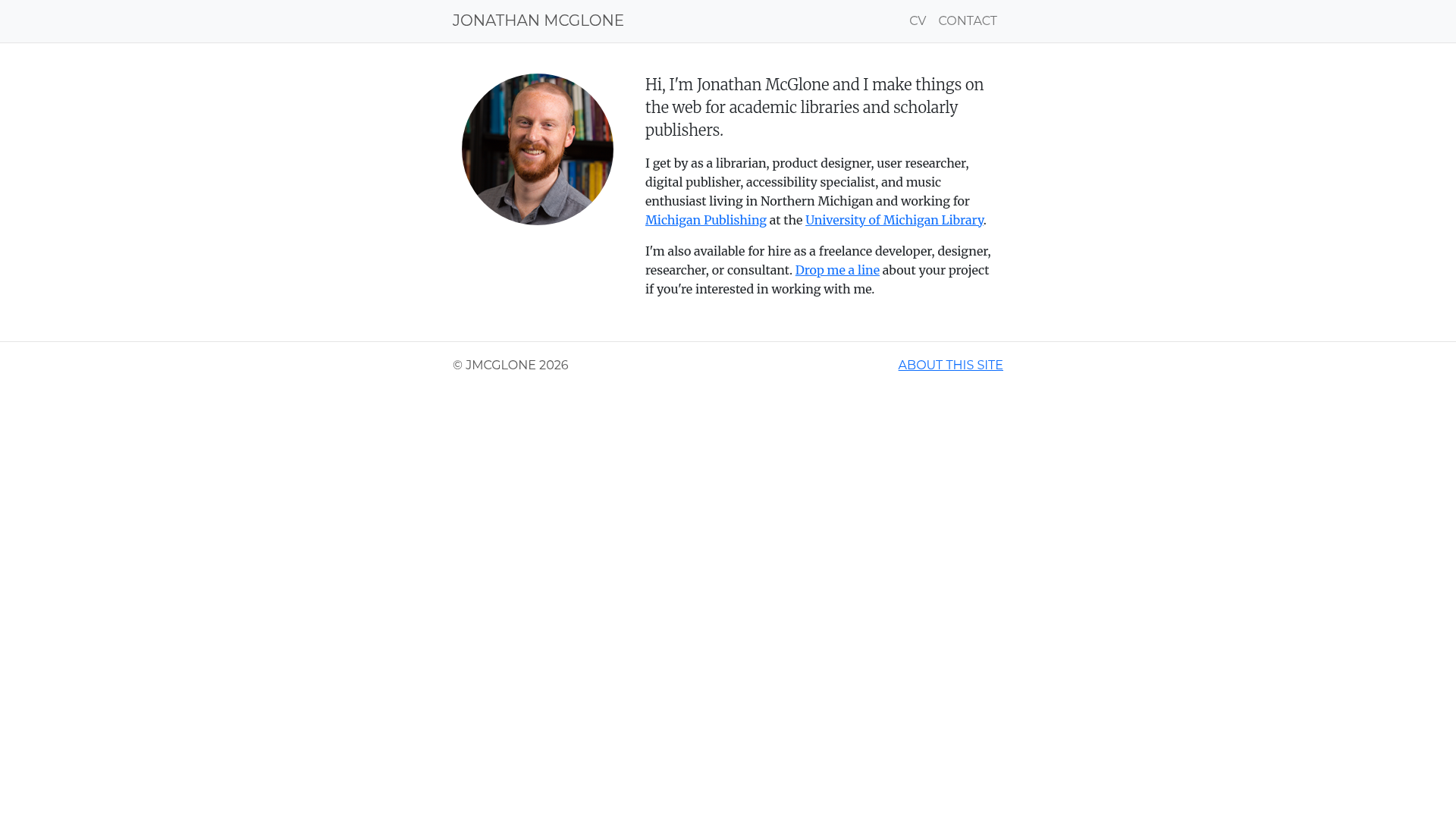
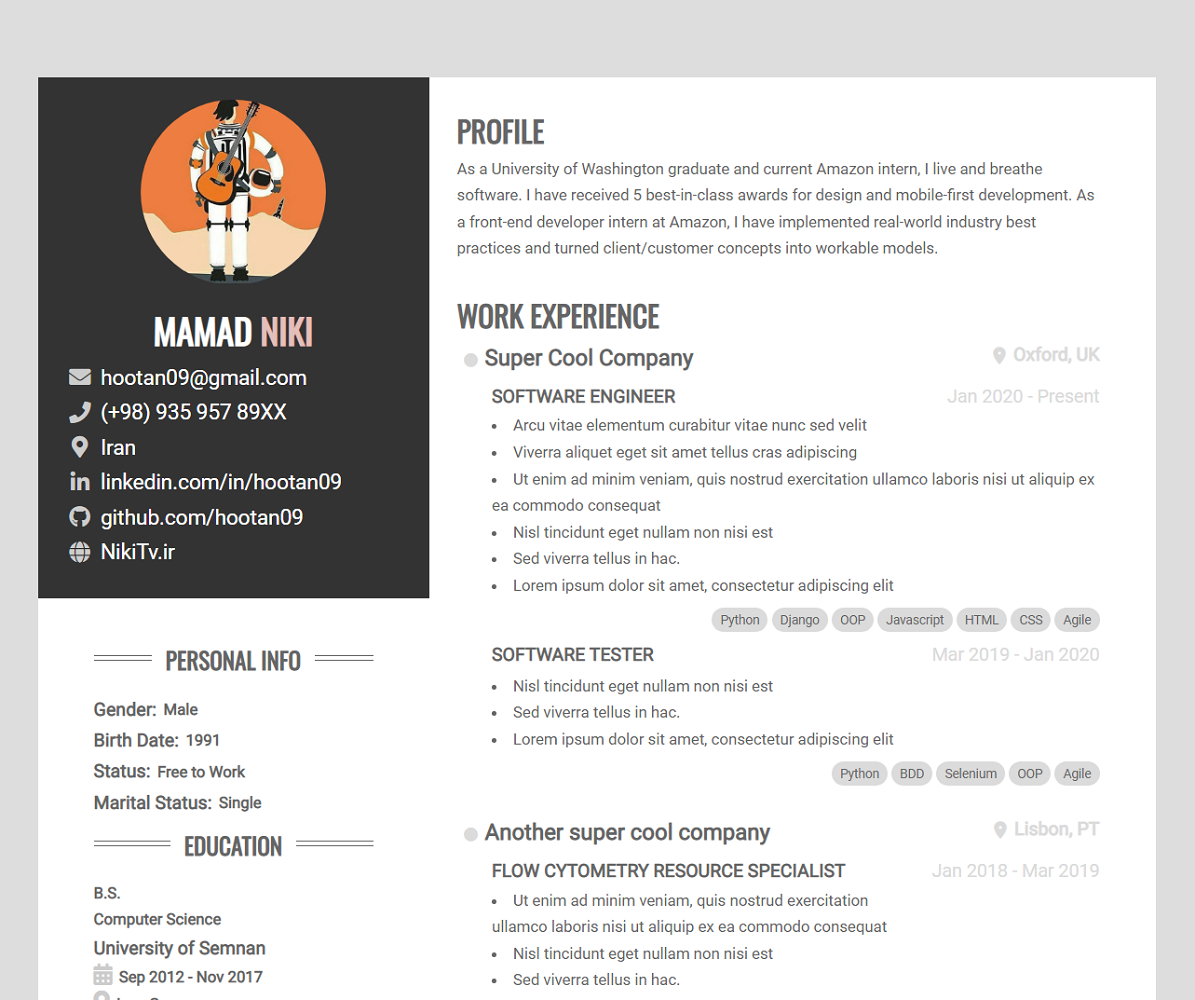
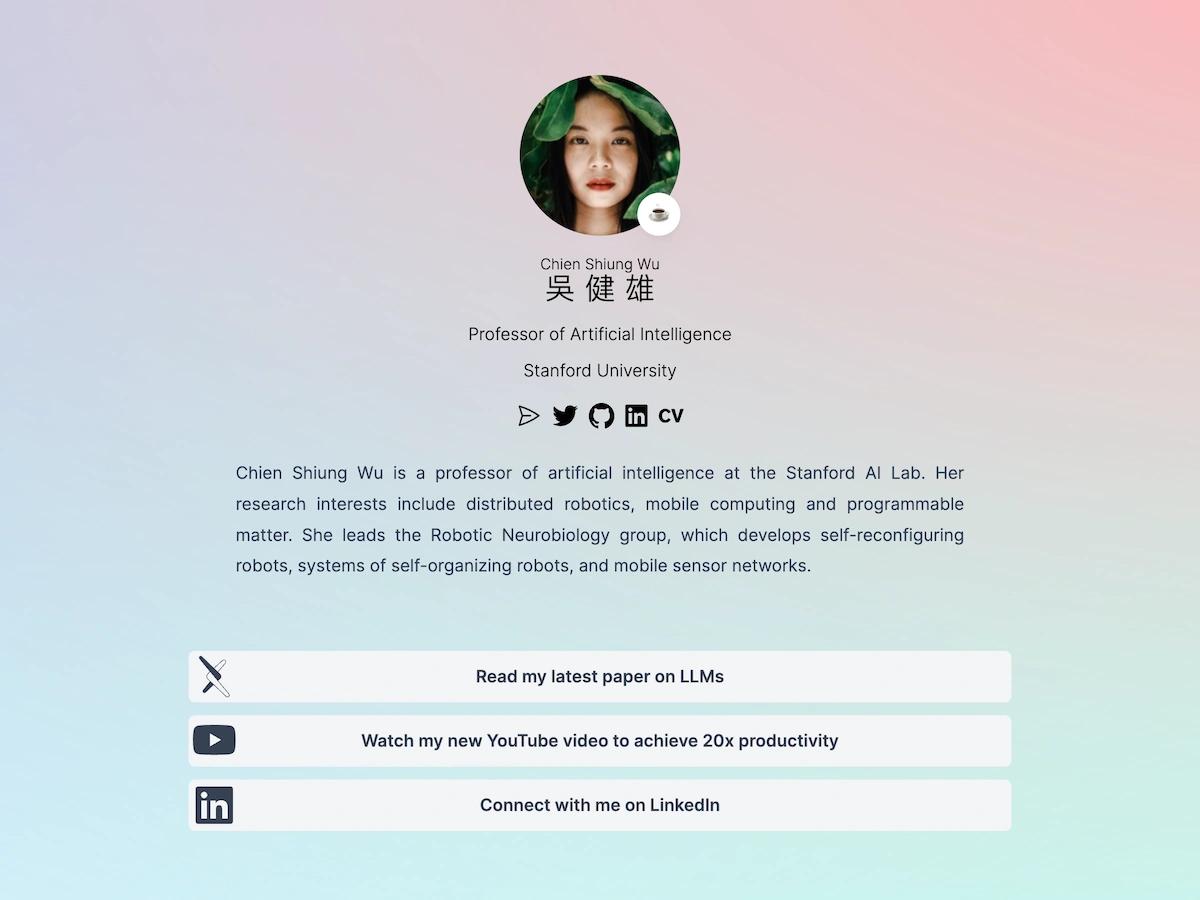
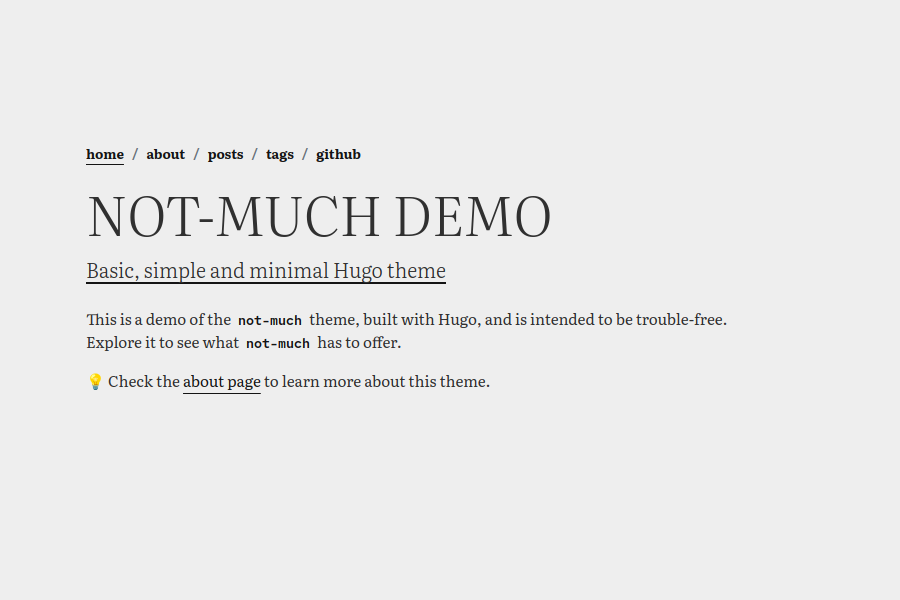
A modern and elegant personal homepage with fluid animation background, responsive design and smooth page transitions
About this template
SimonAKing-HomePage is an open-source, static personal homepage template that pairs a WebGL fluid-simulation background with a build pipeline based on Pug, Less, and Gulp.
What is SimonAKing-HomePage?
SimonAKing-HomePage is a lightweight personal homepage generator that reads content from a config.json file and compiles Pug templates and Less styles with Gulp into a static dist directory. It was created by SimonAKing and published on GitHub as a starter for anyone who wants a modern animated one-page site. The output is plain HTML, CSS, and JavaScript, so it can be hosted on any static server, including GitHub Pages.
Key Features
- WebGL fluid background — Uses PavelDoGreat's WebGL-Fluid-Simulation as the page backdrop; can be disabled by setting
intro.backgroundtofalseinconfig.json. - Tiny asset footprint — All referenced CSS and JS files total under 18.5 kB, keeping initial load light.
- Responsive layout — Includes mobile support and delayed page-switch events for smoother navigation.
- Single config file — Page title, description, and favicon are defined in
config.jsonand mapped to corresponding Pug components likelayout/head.pug. - Icon replacement workflow — Icons come from Alibaba's iconfont; replace them by editing
src/css/common/icon.lessand the matchingmain.ul.*.iconentry in the config. - Two-screen structure — The homepage is split into
intro(first screen) andmain(secondary screen), each with its own styles and configuration. - Gulp build tooling — Use
npm run devfor local development andnpm run buildto produce the deployabledistfolder.
Who is it for?
- Personal website owners — People who want a self-hosted, animated homepage without writing raw HTML and CSS; just edit the JSON config and rebuild.
- Portfolio and branding pages — Developers and creatives who need a single-page presence with a distinctive fluid background and smooth transitions.
- Front-end learners — Students exploring how Gulp orchestrates Pug and Less preprocessors can use this project as a working example.
What can you do with SimonAKing-HomePage?
- Launch a personal homepage — Clone the repo, set your name and links in
config.json, build the static site, and deploy to GitHub Pages in a few commands. - Customize appearance — Turn off the fluid effect with
intro.background: false, swap icons through the iconfont workflow, and adjust the two-screen layout. - Study a minimal build chain — Inspect how Gulp tasks convert Pug and Less into a static site with a total payload under 18.5 kB.
How does it work?
After cloning, run npm install to fetch dependencies. npm run dev starts a development server for live editing, while npm run build compiles everything into the dist directory. The README documents deploying that folder to GitHub Pages by pushing it to a username.github.io repository.
FAQ
How do I install SimonAKing-HomePage?
Clone the GitHub repository, run npm install, then npm run dev to start the local development server. This triggers the Gulp pipeline that compiles Pug and Less.
Can I disable the fluid background?
Yes, set intro.background to false in config.json. This replaces the WebGL animation while keeping the rest of the page intact.
How do I replace the icons?
Add icons from Alibaba's iconfont, generate a Font Class link, replace the contents of src/css/common/icon.less while preserving the .icon selector, and update the corresponding main.ul.*.icon entry in config.json.
How do I deploy to GitHub Pages?
Run npm run build, then create a git repository inside dist, push it to a username.github.io repository, and enable GitHub Pages for that repo. The instruction also covers serving the site from a subdirectory like a blog repository.
Is SimonAKing-HomePage free?
Yes, the repository is publicly available on GitHub and the README does not list any paid tiers. The author welcomes sponsorship through stars, indicating the template is free to use.