Template details
Popup Tweets
A minimal Jekyll plugin that displays your Twitter timeline in a popup panel on a personal website.
About this template
PopupTweets is a minimal Jekyll plugin that adds a popup panel to a personal website so visitors can view a Twitter timeline without leaving the page.
What is PopupTweets?
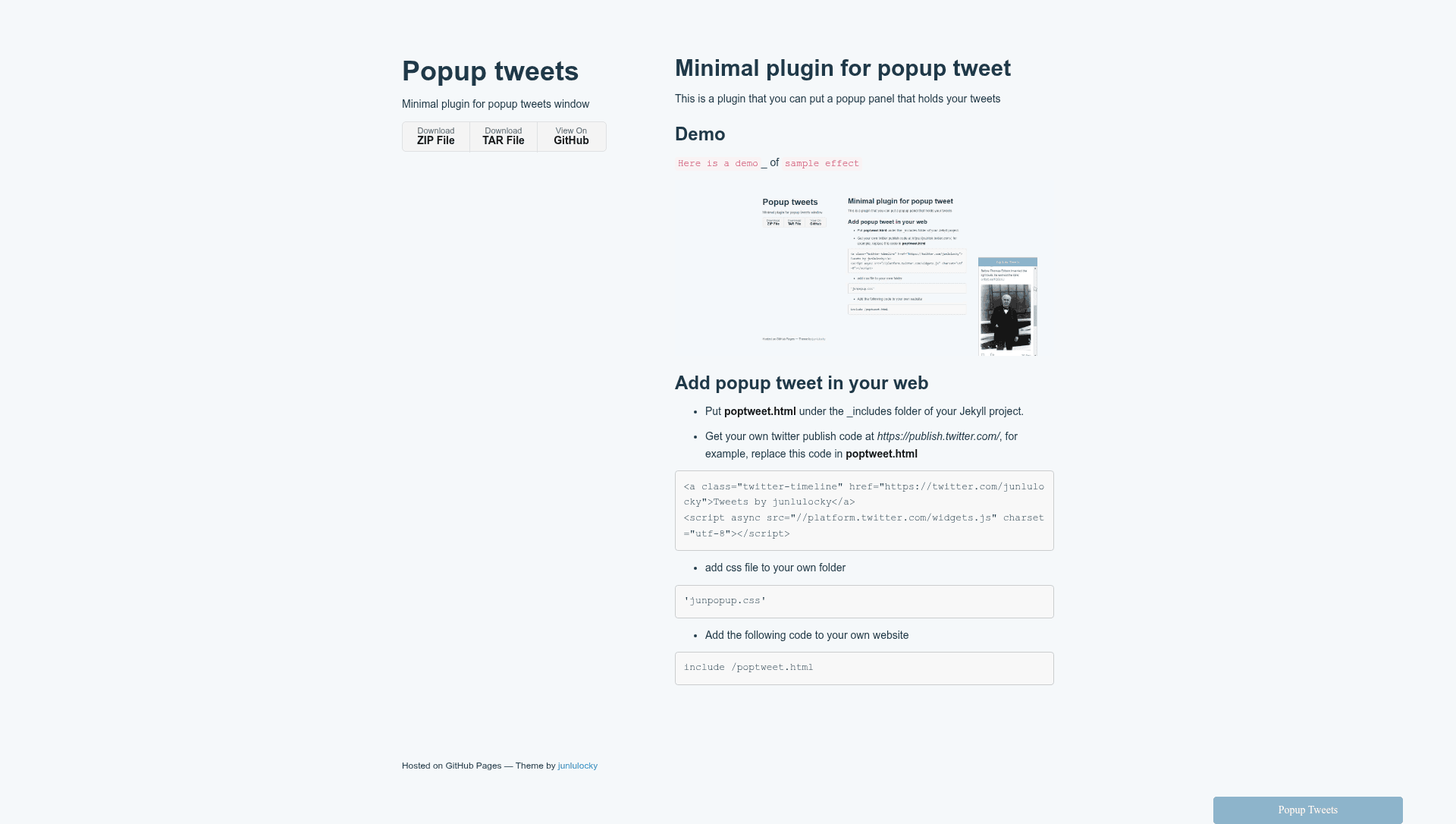
PopupTweets is a minimal plugin for Jekyll-based personal websites that displays a popup panel holding tweets. It takes a Twitter timeline embed code — generated at publish.twitter.com — and renders it inside an overlay on your site. The plugin was created by Locky and is hosted on GitHub. It mimics the popup message-box behavior seen on LinkedIn and Facebook.
Key Features
- Minimal footprint — Requires only three files: poptweet.html, junpopup.css, and a single include line in your Jekyll site.
- Jekyll integration — Placed in the
_includesfolder, then added via an include tag in any page template. - Custom Twitter embed — Uses your own Twitter timeline code from publish.twitter.com, so it shows your actual selected timeline or list.
- Popup overlay — Displays tweets in a popup panel similar to LinkedIn/Facebook message boxes.
- Simple styling — A dedicated CSS file at /assets/css/junpopup.css controls the popup's appearance.
- Demo included — The repository provides a demo GIF showing the sample effect.
Who is it for?
- Personal website owners — People who maintain a personal blog or portfolio on Jekyll and want to surface their latest tweets without redirecting visitors.
- Jekyll beginners — Developers looking for a small, understandable plugin to learn how to integrate third-party widgets into Jekyll includes.
- Twitter-active developers — Anyone who wants to feature their Twitter feed in a non-intrusive popup rather than a full embedded section.
What can you do with PopupTweets?
- Show your timeline on demand — Add the popup trigger to any page so readers can open and view your Twitter timeline in an overlay.
- Reuse the Twitter Publish tool — Generate an embed with publish.twitter.com (choose a timeline, profile, or list) and paste it into poptweet.html.
- Match the look of your site — Adjust junpopup.css to style the popup to blend with your existing theme.
How does PopupTweets work?
To install, copy poptweet.html into your Jekyll _includes folder, generate your Twitter publish code at publish.twitter.com, and replace the example timeline link in poptweet.html with your own. Then add junpopup.css to your site's assets and insert an include statement where you want the popup to be available. The plugin loads the Twitter embed script, which fetches and displays the selected timeline inside a popup panel when a visitor clicks the trigger.
FAQ
Is PopupTweets compatible with any Jekyll theme?
The plugin is designed to work with Jekyll's standard _includes and asset pipeline. It references a CSS file at a fixed path, /assets/css/junpopup.css, so your theme must support that path unless you adjust it yourself.
Do I need a Twitter developer account to use this?
No. You only need the Twitter Publish tool at publish.twitter.com, which generates a snippet for embedding a timeline without requiring a developer account.
Can I show someone else's tweets?
Yes, the Twitter Publish code can generate a timeline for any public account, so you can replace the default junlulocky link in the example with any Twitter handle.
Can I change the popup style?
Yes, all visual styling lives in junpopup.css, so you can edit that file to change colors, size, position, and animation of the popup.