Template details
Purity UI Dashboard
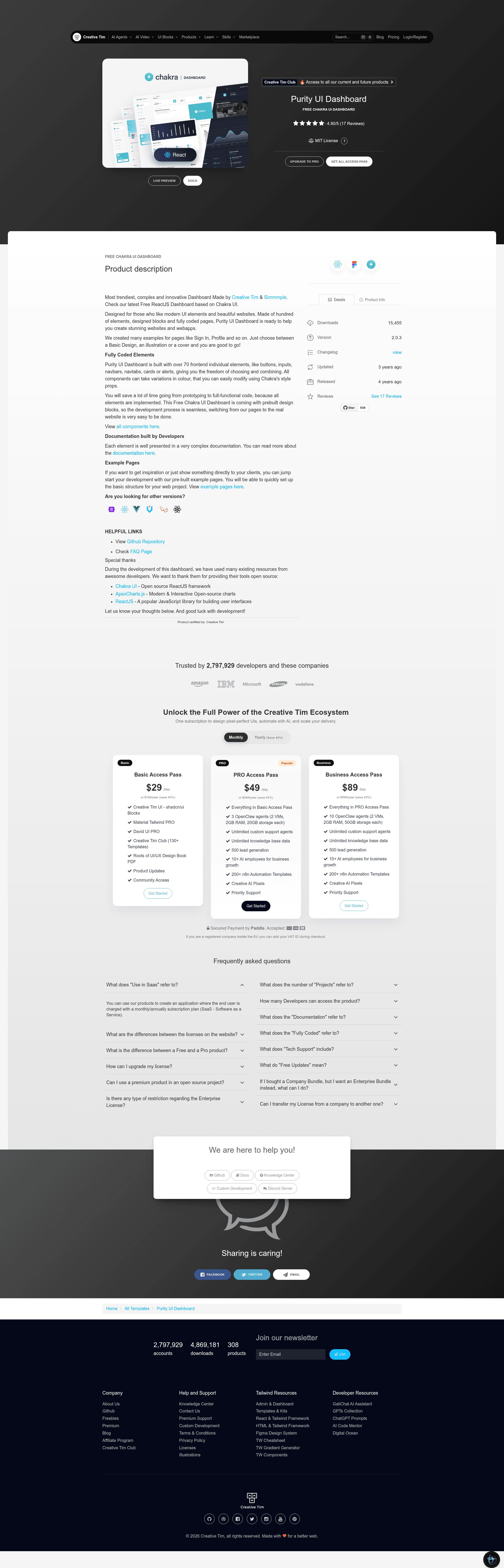
Free and open-source React admin dashboard template built with Chakra UI, featuring 70+ UI elements and example pages.
About this template
Purity UI Dashboard is a free, open-source React admin dashboard template built on Chakra UI by Creative Tim and Simmmple, providing fully coded pages and over 70 UI elements for building web apps.
What is Purity UI Dashboard?
Purity UI Dashboard is a frontend admin template that takes a standard React project skeleton and produces a complete dashboard interface with prebuilt pages for analytics, tables, billing, and user profiles. It runs on ReactJS with Chakra UI as the component library and ApexCharts.js for interactive charts. The template is versioned at 1.0.1, released under the MIT license, and maintained by Creative Tim in partnership with Simmmple.
The template is fully coded, meaning developers receive source files with components, layouts, theme configuration, and routes rather than static mockups. Its file structure separates assets, components, layouts, theme additions, and views, making customization straightforward. The project's configuration file and document tree are included in the repository, along with a changelog and issue template.
Key Features
- Over 70 UI elements — buttons, inputs, navbars, navtabs, cards, and alerts are prebuilt with Chakra UI style props for color and state variations.
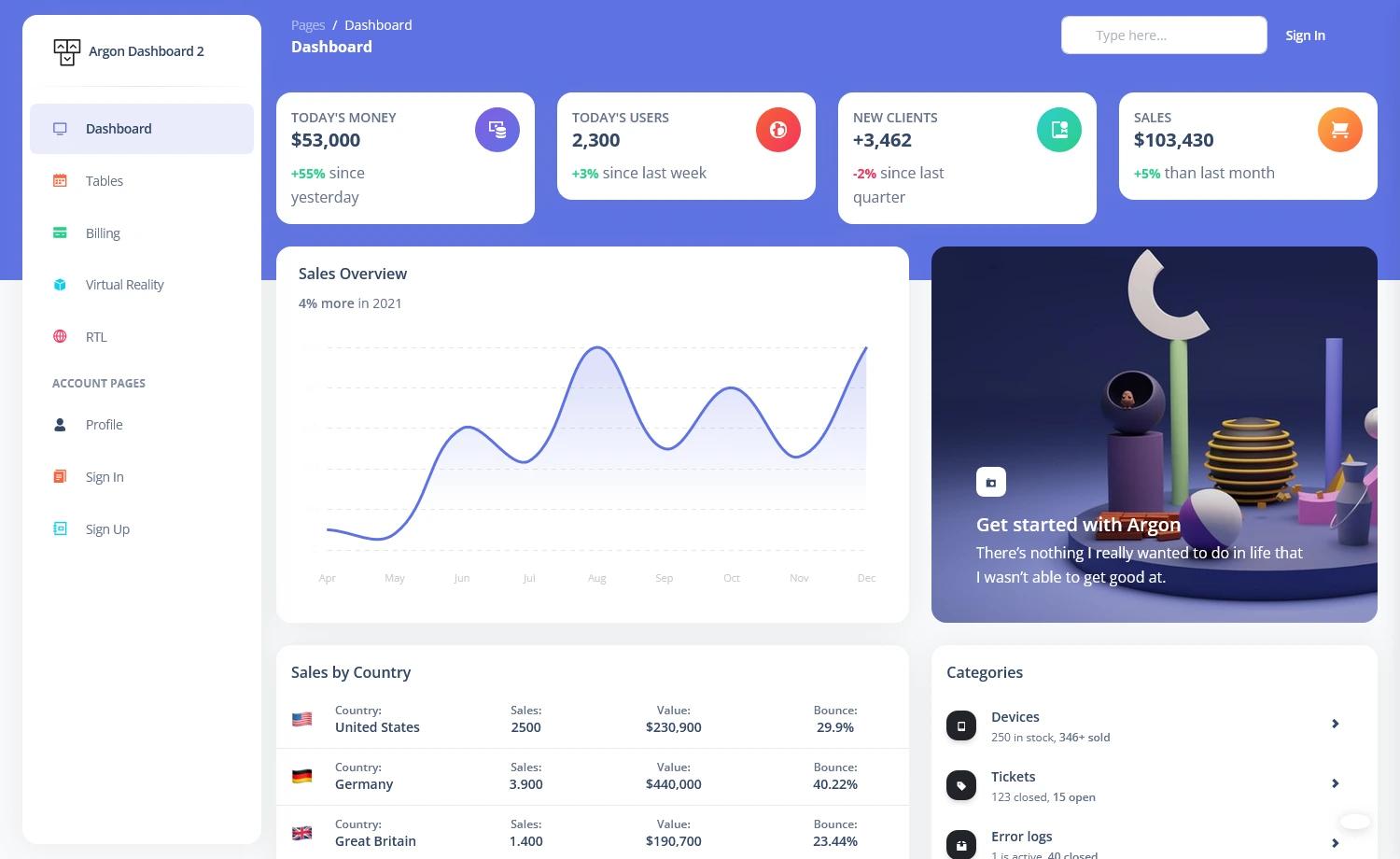
- Example pages — Dashboard, Tables, Billing, Profile, Sign In, Sign Up, and RTL layout pages are included as fully coded views.
- Chakra UI theming — Theme foundations such as breakpoints and text styles are defined in the theme directory, allowing global design changes.
- ApexCharts.js integration — Bar and line chart components use ApexCharts.js for modern interactive data visualizations.
- RTL support — A dedicated RTL layout and page demonstrate how the template handles right-to-left languages.
- One-click Genezio deploy — The repository includes a deploy button for launching the template on Genezio's platform.
- MIT license — The dashboard is free to use and modify, with the license file included in the repository.
- Documentation — A separate documentation site covers each element and page, built for developer reference.
Who is it for?
Purity UI Dashboard is aimed at frontend developers who need to spin up an admin interface quickly without building components from scratch. It also suits product teams that want a consistent design language for internal dashboards, and startups that need a polished free theme for a SaaS or analytics product.
What can you do with Purity UI Dashboard?
- Frontend developers: Clone the repository, run
npm installandnpm start, then customize the Chakra theme and components to match a client's brand. - Product managers: Use the prebuilt Sign In, Billing, and Tables pages to prototype admin workflows before production development.
- Designers: Refer to the Figma version of Purity UI Dashboard to create high-fidelity mockups that align with the coded React components.
How does Purity UI Dashboard work?
Start by cloning the GitHub repo, then run npm install and npm start to launch the development server locally. The template uses React Router via a routes.js file to map URLs to view components, while the Chakra UI theme in the theme folder controls global styling. To deploy, push the repo or click the Genezio deploy button in the README.
FAQ
Is Purity UI Dashboard free?
Yes, Purity UI Dashboard is free and open source, released under the MIT license. You can download it from the GitHub repository or from Creative Tim's product page.
What tech stack does Purity UI Dashboard use?
The template uses ReactJS, Chakra UI for styling and components, and ApexCharts.js for charts. It does not rely on Tailwind CSS or Bootstrap.
What pages are included?
Included pages are a Dashboard with analytics, a Tables page, a Billing page, a Profile page, Sign In and Sign Up authentication pages, and an RTL layout page.
Which browsers are supported?
The template officially supports the last two versions of Chrome, Firefox, Edge, Safari, and Opera, according to the README.
How do I customize colors and styles?
Chakra UI style props let you change colors on individual elements, and global theme files under src/theme/foundations allow you to adjust breakpoints and text styles across the whole app.