Template details
Purple Angular Admin Template
Free admin dashboard template based on Bootstrap 4 and Angular, with Angular CLI scaffolding and a live demo.
About this template
Purple Angular is a free admin dashboard template for Angular developers, built on Bootstrap 4 and generated with Angular CLI version 10.1.7, providing a ready-made layout for back-office applications.
What is Purple Angular?
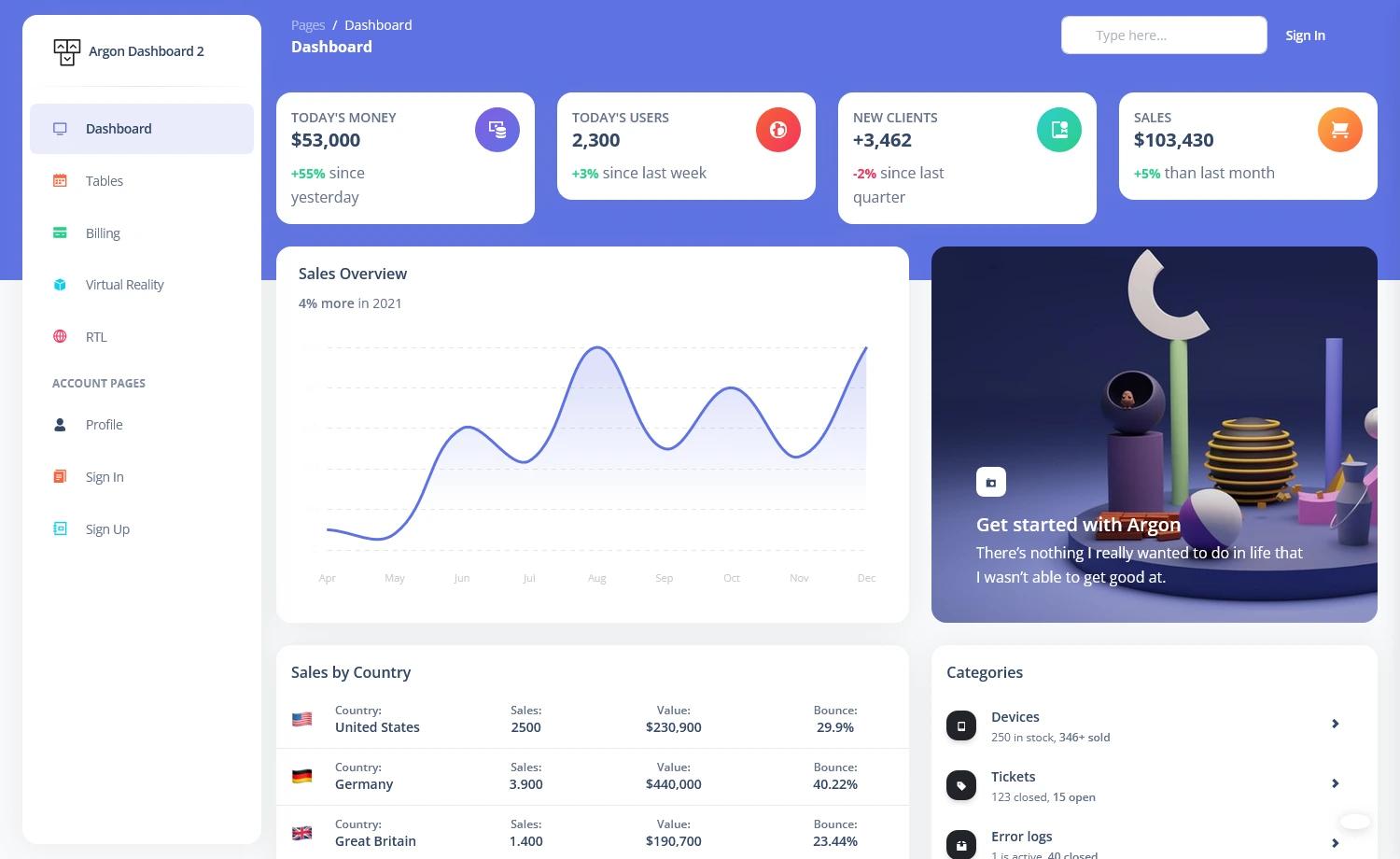
Purple Angular is a free admin template distributed by BootstrapDash, based on Bootstrap 4 and the Angular framework. It takes the Angular CLI project structure as its input and produces a functional dashboard application with a sidebar, header, and demo content. The template is generated with Angular CLI 10.1.7, which means it includes standard Angular development workflows like ng serve, ng build, and ng generate. A live preview is available at the BootstrapDash demo link, and the source includes a preview.jpg screenshot of the dashboard.
Key Features
- Angular CLI 10.1.7 project — The template is created with Angular CLI, giving you the familiar
srcfolder structure, environment configurations, and build scripts straight out of the box. - Bootstrap 4 styling — The interface is built with Bootstrap 4, so you can use its grid, utilities, and components to lay out your admin panels.
- ng-bootstrap integration — The project includes ng-bootstrap (Angular-native Bootstrap widgets), as reflected in the repository topics, enabling rich interactive UI elements.
- Live demo dashboard — A demo dashboard is included and hosted at
https://bootstrapdash.com/demo/purple-angular-free/preview/dashboard/, letting you see the design before you install. - Development server — Run
ng serveto start a local dev server athttp://localhost:4200/with hot reload on source changes. - Code scaffolding — Use
ng generateto create components, directives, pipes, services, classes, guards, interfaces, enums, and modules. - Testing setup — Unit tests run through Karma (
ng test) and end-to-end tests run through Protractor (ng e2e). - Production build —
ng build --prodproduces a production-ready bundle in thedist/directory.
Who is it for?
- Angular developers who want a pre-configured admin dashboard starter instead of building layout and navigation from scratch.
- Frontend teams working with Bootstrap 4 who need a quick base for a client back-office or internal tool.
- Freelancers and agencies delivering dashboard projects who value a free, MIT-style template to customize for client work.
What can you do with it?
- Create custom admin panels: Modify the dashboard layout, add your own components, and connect to APIs to build a full-featured web application.
- Learn Angular workflows: Use the project as a learning resource to see how Angular CLI, Karma, Protractor, and Bootstrap 4 work together in a real template.
- Prototype dashboards quickly: Spin up the demo, swap the branding, and present a working dashboard to stakeholders without starting from zero.