Template details
Purple React Free
Free React.js version of popular admin template Purple Admin.
About this template
Purple React Free is a free, open-source admin dashboard template built on React and React-Bootstrap that gives developers a ready-made starting point for admin interfaces.
What is Purple React Free?
Purple React Free is a free admin dashboard template developed by BootstrapDash, the team behind the popular Purple Admin series. It is built on React and uses React-Bootstrap for UI components, Material Design Icons for iconography, and Chart.js for data visualization. The template ships with essential components, UI elements, and built-in sample pages, including a live dashboard demo, and is released under the MIT license.
Key Features
- React-Bootstrap components — Pre-styled Bootstrap UI components adapted for React, covering common interface elements used in admin panels.
- Material Design Icons — A set of icon fonts from Google's Material Design that can be used across the interface.
- Chart.js integration — Includes Chart.js for rendering interactive charts and graphs directly in the dashboard pages.
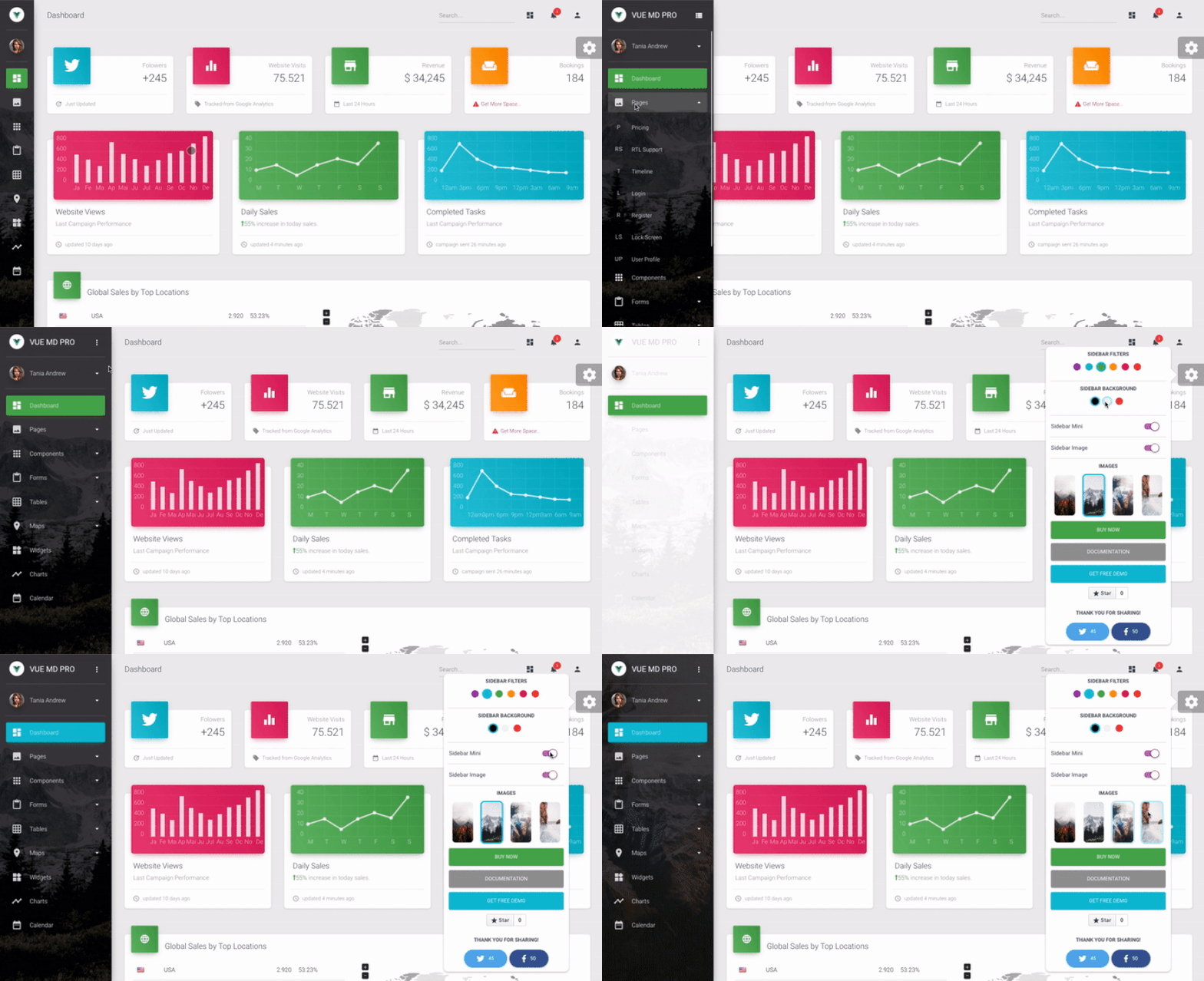
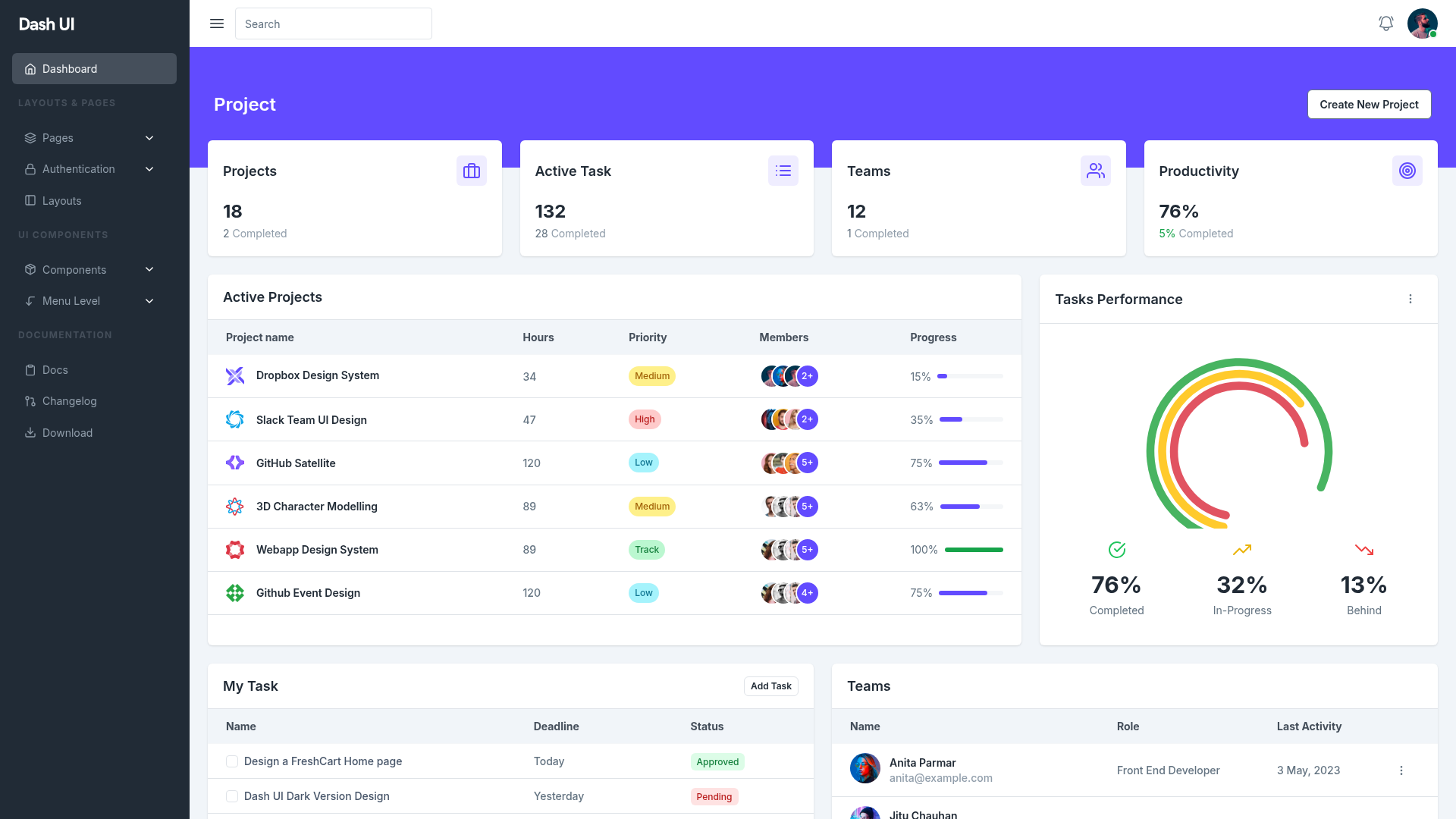
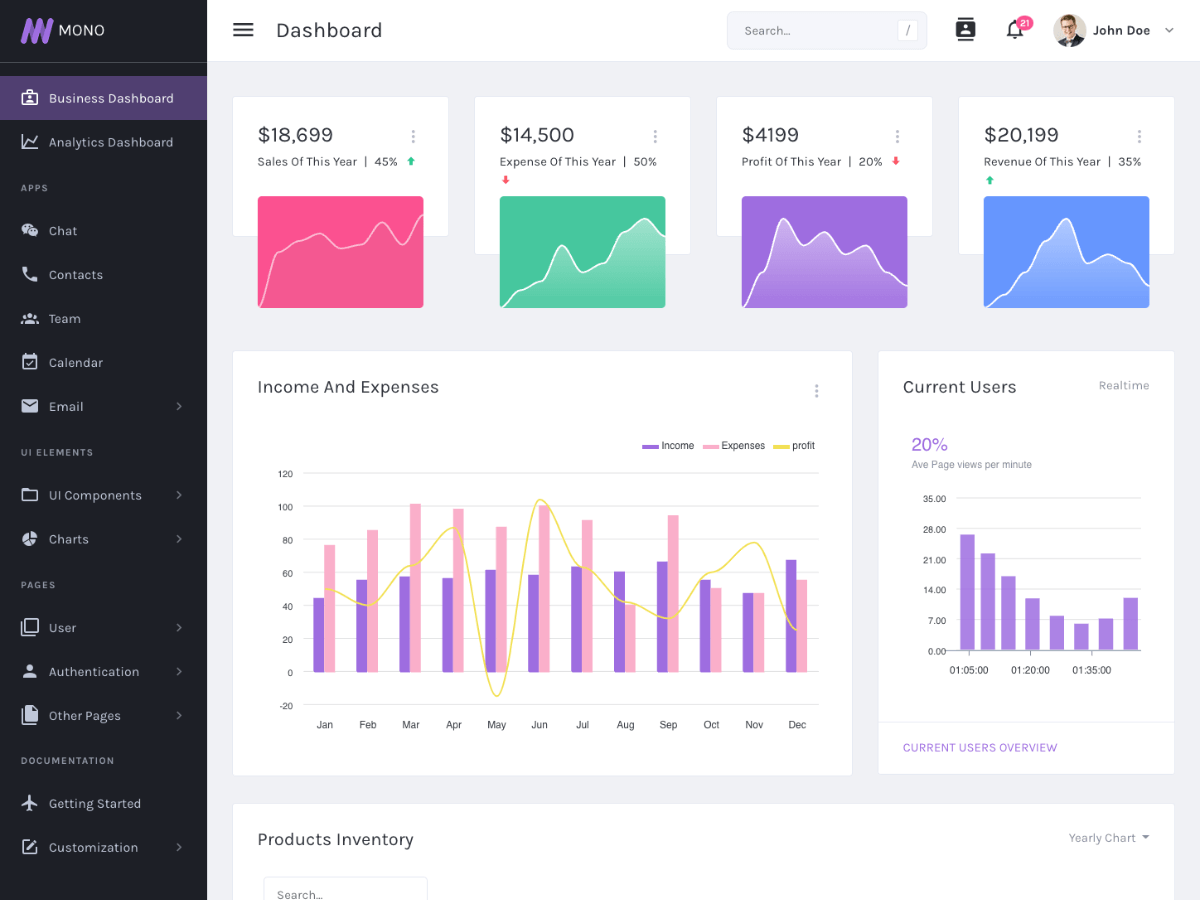
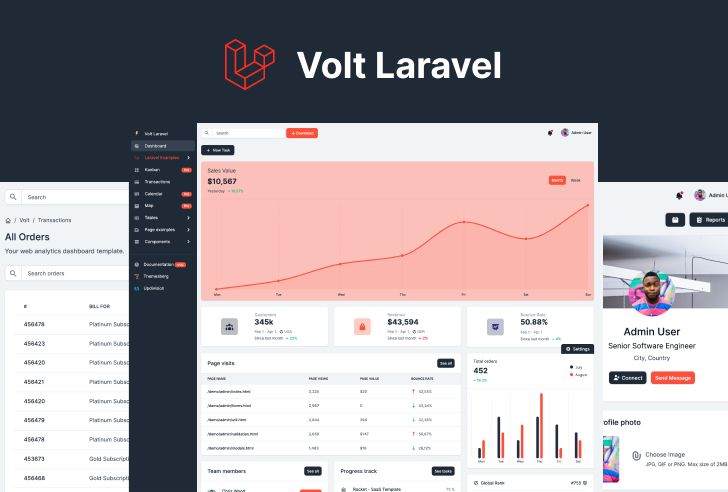
- Sample pages — Comes with pre-built pages such as a dashboard view and support for additional UI elements to help you start coding immediately.
- MIT license — Free to download, use, share, and modify, including for commercial projects, without licensing restrictions.
- Broad browser support — Works on the latest versions of Chrome, Firefox, Safari, and Opera, plus Internet Explorer 10 and above.
- npm-based workflow — Install dependencies with
npm installand serve the project locally withnpm start.
Who is it for?
- React developers who need a functional admin dashboard skeleton without building the interface from scratch.
- Startups and small teams that want a free, MIT-licensed starting point for internal tools, analytics dashboards, or management consoles.
- UI/UX learners who want to study how React-Bootstrap and Chart.js combine to build a real admin interface.
- Freelancers who need a clean base to customize for client admin panel projects.
What can you do with it?
- Build a custom dashboard — Replace the included sample content with your own data, charts, and pages to create a tailored admin interface.
- Prototype an admin UI — Quickly spin up a working prototype with
npm startand iterate on layout and components. - Learn integration patterns — Explore how React-Bootstrap components and Chart.js charts are wired together in a production-style template.
How does the template work?
The template is delivered as a React project you run locally. After cloning the repository, navigate to the template/demo_1 folder, run npm install to fetch dependencies, then npm start to serve the dashboard in your default browser. The source files live under src/app and src/assets, with styles and images organized for easy modification.
Pricing
Purple React Free is completely free to download and use. It is released under the MIT license, which permits personal and commercial use, modification, and redistribution without charge.
FAQ
Is Purple React Free really free?
Yes. The template is released under the MIT license, so you can download, use, share, and modify it at no cost, including for commercial projects.
Which browsers are supported?
The template supports the latest versions of Chrome, Firefox, Safari, and Opera, as well as Internet Explorer 10 and above.
How do I install and run it?
Clone the GitHub repository, go into the template/demo_1 folder, run npm install to install all dependencies, then run npm start to launch the dashboard in your browser.
What is included in the download?
The download contains the full source code under template/demo_1, including src/app for application logic, src/assets for images and styles, a public folder, package.json, documentation, and a license file.
Can I contribute to the project?
Yes. The project welcomes contributions. Fork the repository, install dependencies with npm install, start the app with npm start, make your changes, and submit a pull request.