Template details
Vue Material Dashboard PRO
Premium Vue.js admin dashboard template with Material Design components, charts, maps, tables, and ready-to-use pages.
About this template
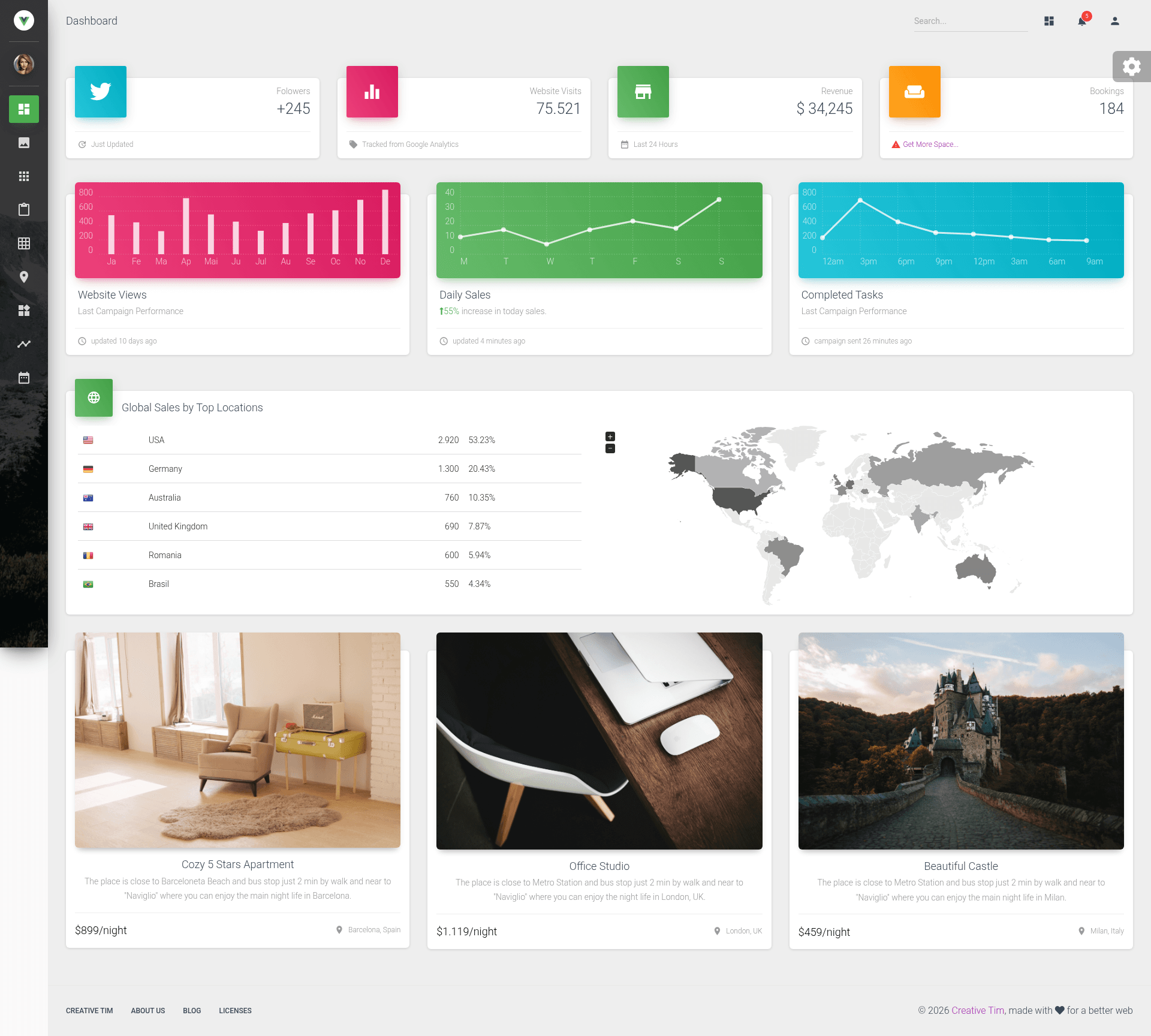
Vue Material Dashboard PRO is a premium admin dashboard template for Vue.js built by Creative Tim, designed to give developers a complete Material Design interface for backends and admin panels. It is the official Vue.js version of the original Material Dashboard and ships with a large set of handpicked components, charting, mapping, table, and form pages that are ready to be wired into a Vue Router project.
What is Vue Material Dashboard PRO?
Vue Material Dashboard PRO is a front-end template for building admin dashboards, built on Vue 2, Vue Material, and Vue Router, and produced by Creative Tim. It takes a developer's existing Vue project structure and provides a full set of layout components, pages, and plugins — including Chartist charts, jVector Maps, SweetAlert2, and Nepcha Analytics — so the developer can adapt the pre-built screens instead of starting from scratch. The template is version 1.5.2 and is distributed as a paid product through Creative Tim's website.
What makes Vue Material Dashboard PRO stand out?
- Material Design components — The entire UI is built on Vue Material, giving a consistent Material Design look across buttons, cards, tables, forms, navigation, and modals.
- Multiple page types — Includes dashboards, widgets, charts, Google and vector maps, extended and paginated tables, regular and extended forms, form validation, a wizard, a calendar, user profile, login, register, lock, pricing, and RTL support pages.
- Chartist charts — Charts are powered by Chartist, with example chart cards and global sales visualizations included.
- Google Maps and Vector Maps — Two mapping implementations are provided: full-screen Google Maps (requires an API key) and jVector Maps for vector maps.
- Nepcha Analytics integration — Analytics tracking is already integrated into the template, allowing you to monitor traffic sources out of the box.
- Reusable component library — Source includes a components directory with cards (Stats, Chart, Product, Pricing, Login, Signup, NavTabs, and more), a sidebar plugin, a wizard with three steps, pagination, tabs, collapse, dropdowns, sliders, and a timeline.
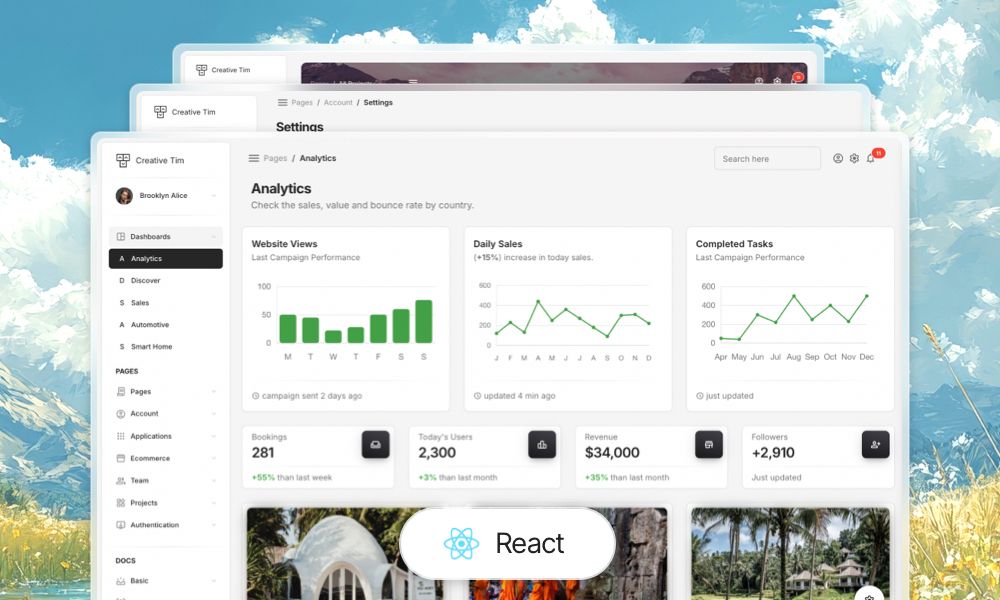
- Cross-platform versions — The same design is available for Vue, React, Angular, and HTML, so teams can switch frameworks without changing the visual identity.
Who should use Vue Material Dashboard PRO?
- Vue.js developers who need a ready-made admin interface and want to avoid hand-coding common dashboard UI elements — they can install the template, run it with Vue CLI, and replace placeholder data with their own.
- Product teams building a SaaS or internal tool who want a professional-looking Material Design back office with login, pricing, and user profile pages included out of the box.
- Agencies and freelancers delivering admin panels to clients, who can use the included dashboard, widgets, and table pages as a starting template and then skin it for each client.
What can you do with Vue Material Dashboard PRO?
- Build an analytics dashboard: present metrics and trends using the chart cards, global sales table, and world map components included in the template.
- Assemble a user management area: use the extended and paginated tables along with the login, register, lock, and user profile pages to handle authentication and account views.
- Create a multi-step onboarding flow: the built-in wizard component operates over three steps, useful for signup, checkout, or survey flows.
- Localize for RTL markets: the template ships with a dedicated RTL support page, making it easier to adapt the interface for Arabic or Hebrew content.
Pricing
Vue Material Dashboard PRO is a paid premium template. It is not available for free; you purchase it through the Creative Tim product page, and the purchase includes access to the source code and documentation.
FAQ
Is Vue Material Dashboard PRO free?
No. It is a premium (paid) template sold by Creative Tim. A free version, Vue Material Dashboard, also exists, but the PRO version includes additional pages, components, and features.
What versions of Vue does it support?
The template is built for Vue 2 and references the Vue 2 guide and Vue Router for Vue 2. It uses Vue CLI as its build tool, as seen in the Vue CLI configuration files.
Does it include map support?
Yes, it includes two mapping options: Google Maps (full-screen map page) and vector maps via jVector Maps, with a world map component available in multiple variations.
Can I use it with a backend?
The template is front-end only. It does not provide a backend or API server; the tables and forms include sample data (such as a users.js file) that you would connect to your own API.
What browsers are supported?
The template officially aims to support the last two versions of Chrome, Firefox, Edge, Safari, and Opera.