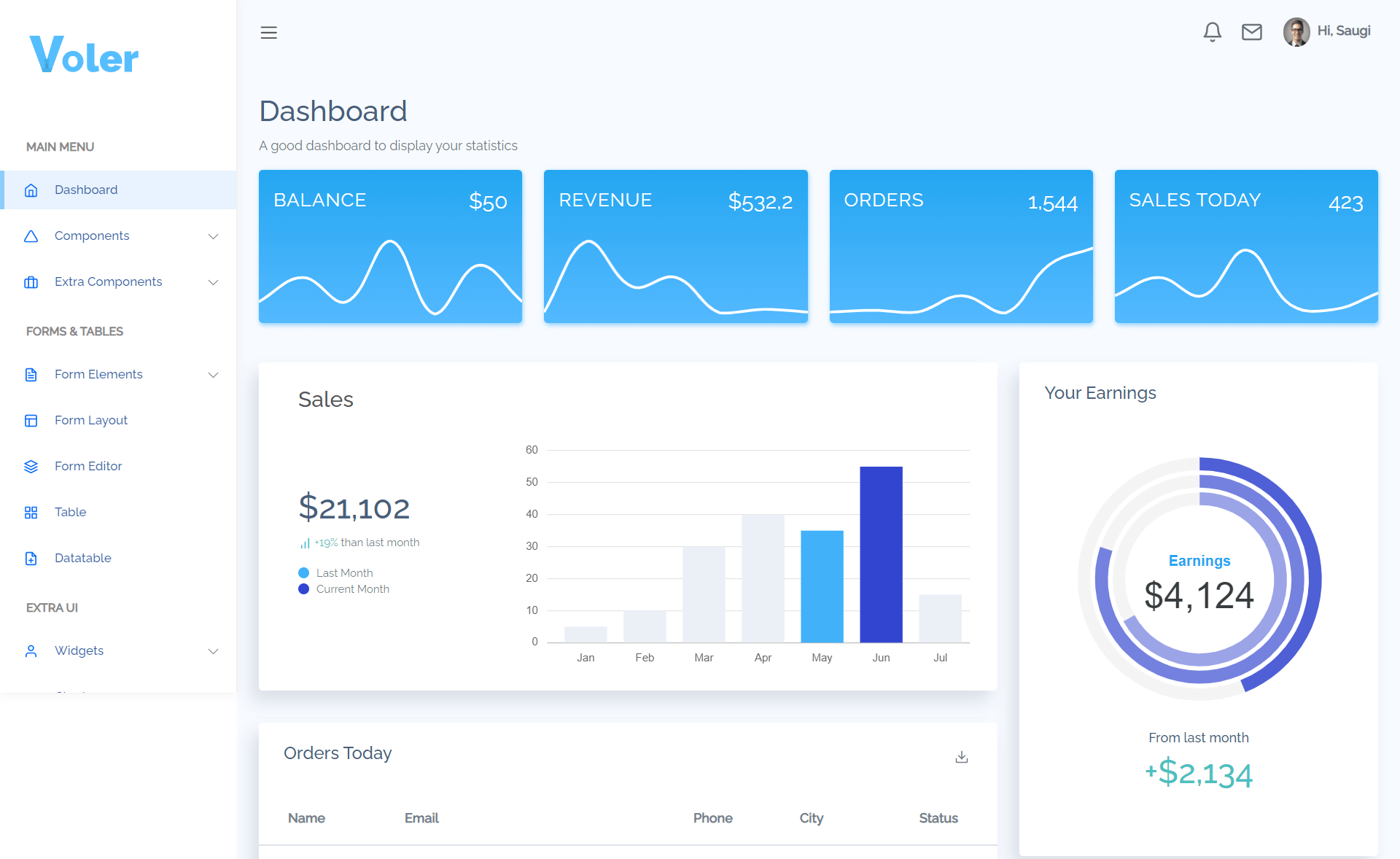
Template details
RM3
Next.js prototype implementing the RM3 risk management framework for IT projects, part of Paulo Andrade's Ph.D. studies at University of Regina.
About this template
RM3 is a Next.js-based prototype web application that implements the RM3 risk management framework for IT projects, built as part of Paulo Andrade's Ph.D. studies at the University of Regina.
What is RM3?
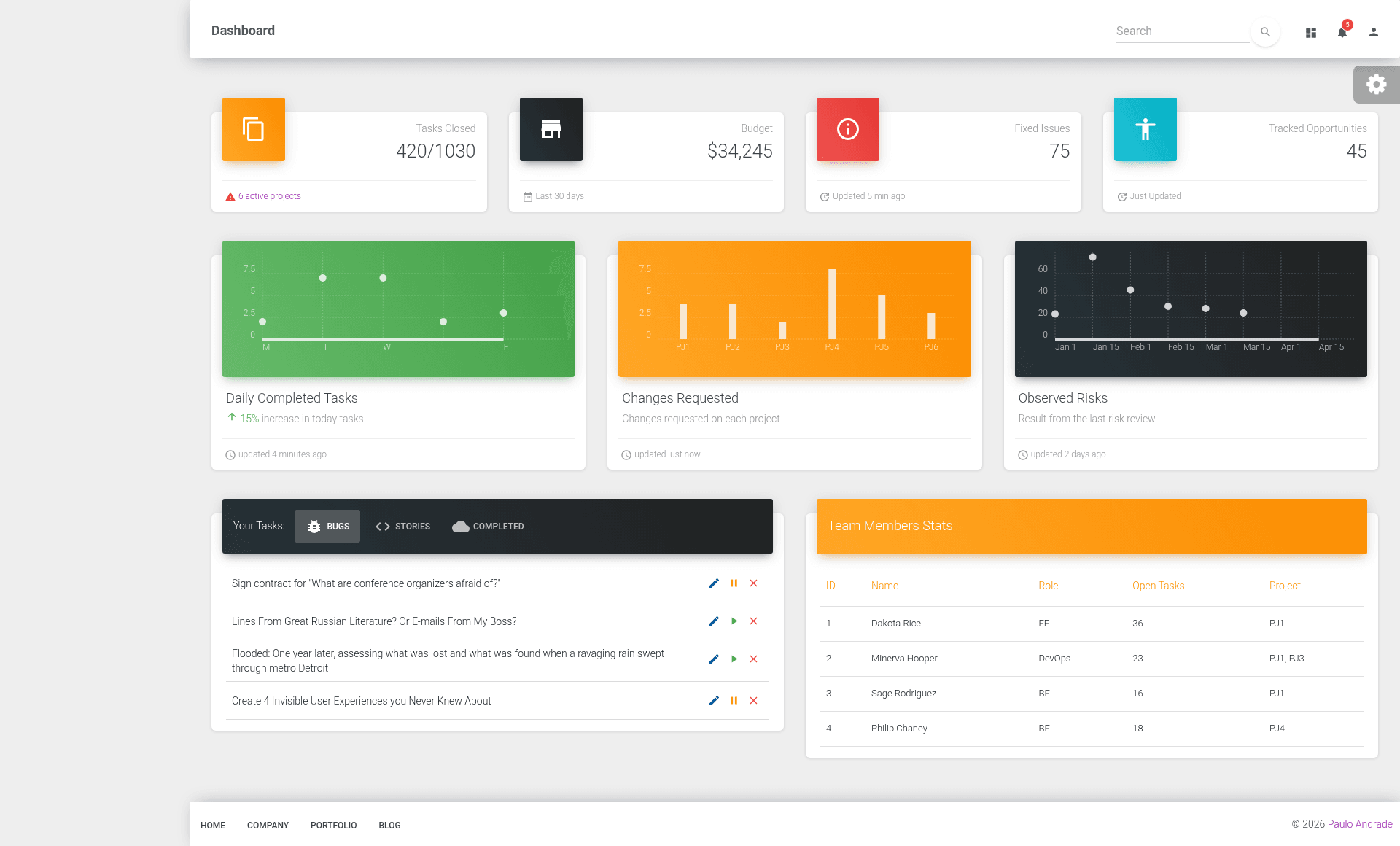
RM3 is a prototype web application built with Next.js that implements the RM3 risk management framework for IT projects. It was created as part of Paulo Andrade's Ph.D. studies at the University of Regina and is deployed on Vercel at https://rm3.vercel.app/admin/dashboard. The repository is bootstrapped with create-next-app and uses React for the UI. As a prototype, it serves as a working example of how the RM3 framework can be applied in a web-based risk management system.
Key Features
- Next.js framework — Built on Next.js and React, bootstrapped with create-next-app, providing server-side rendering and route-based page structure.
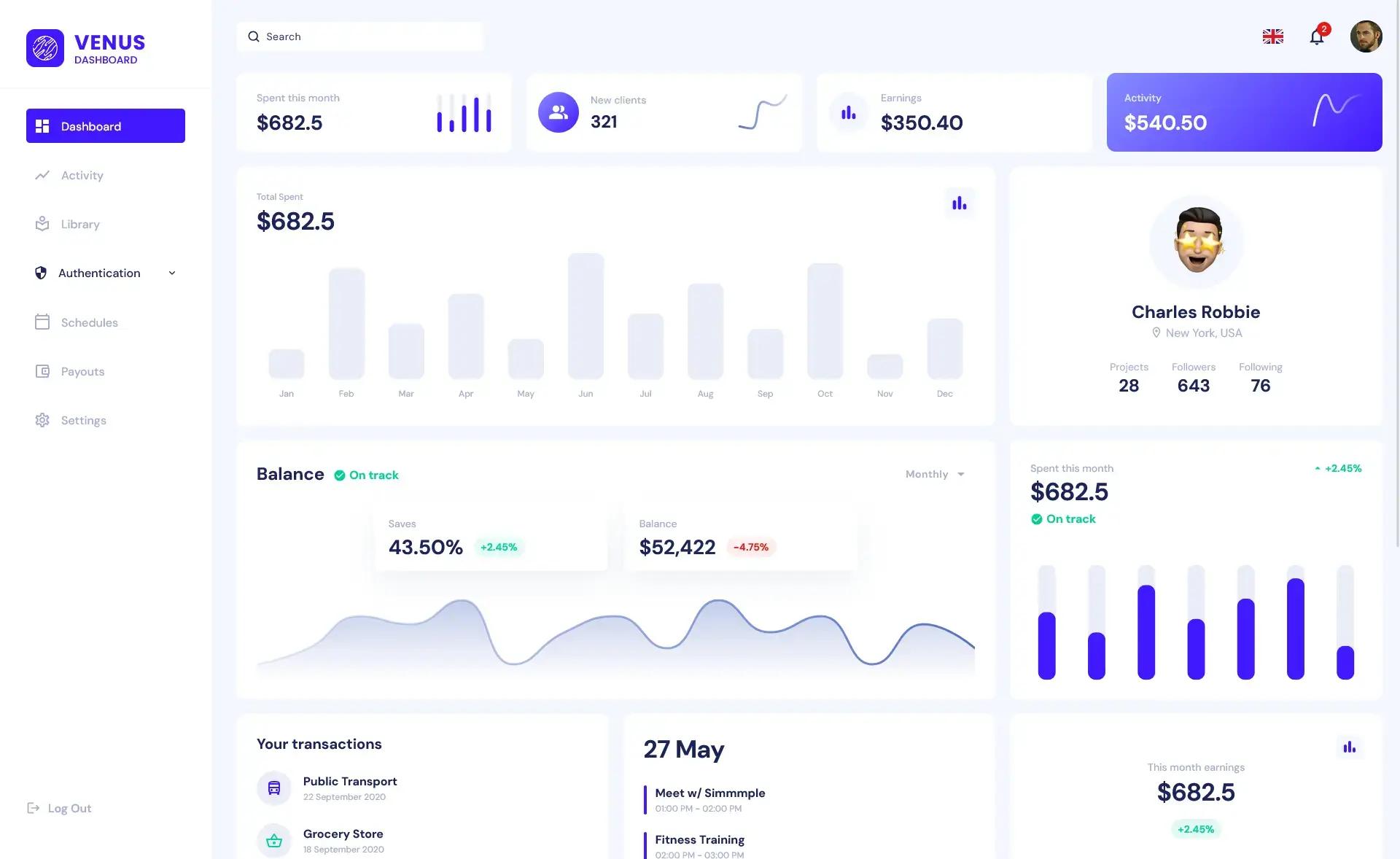
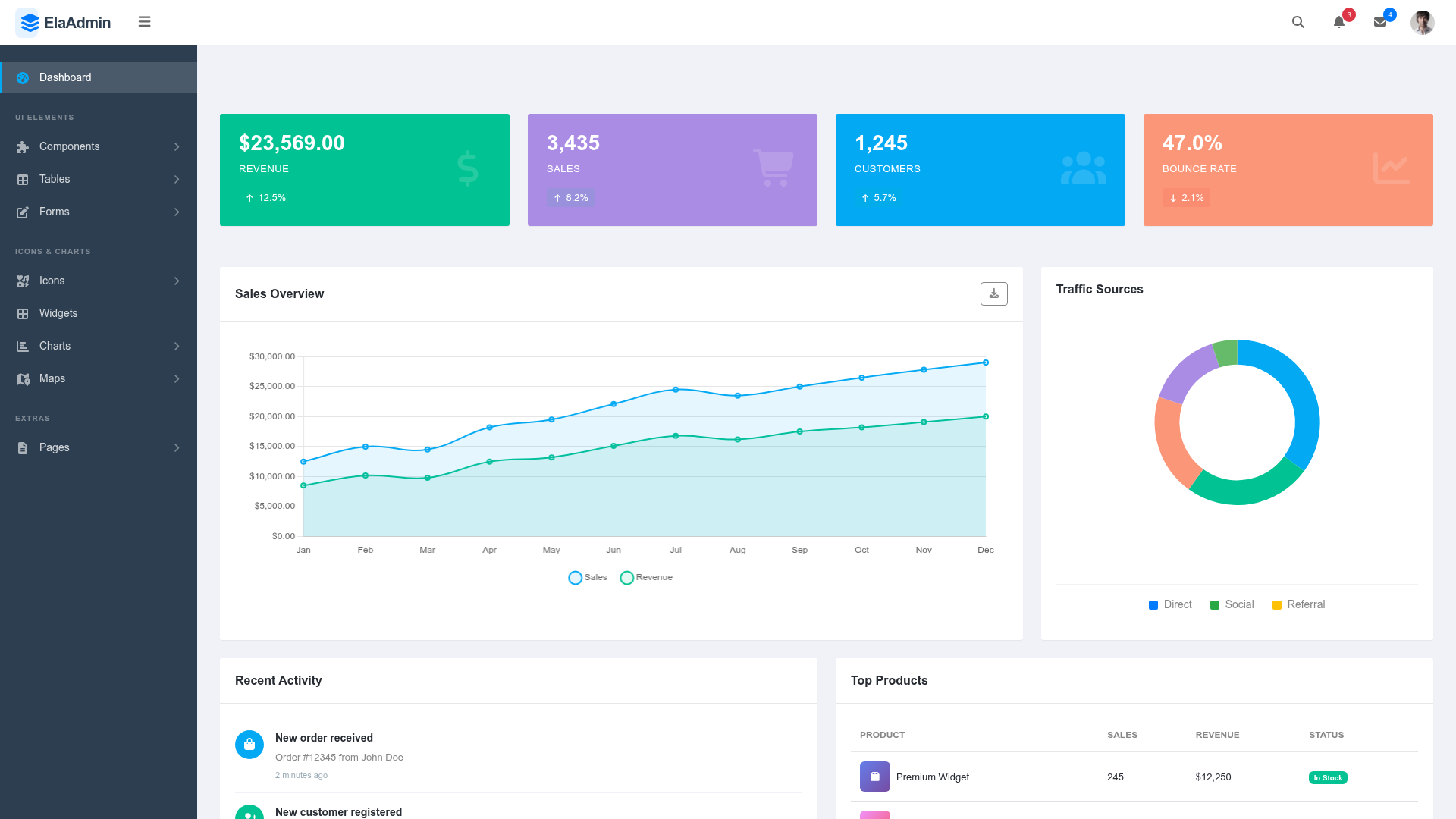
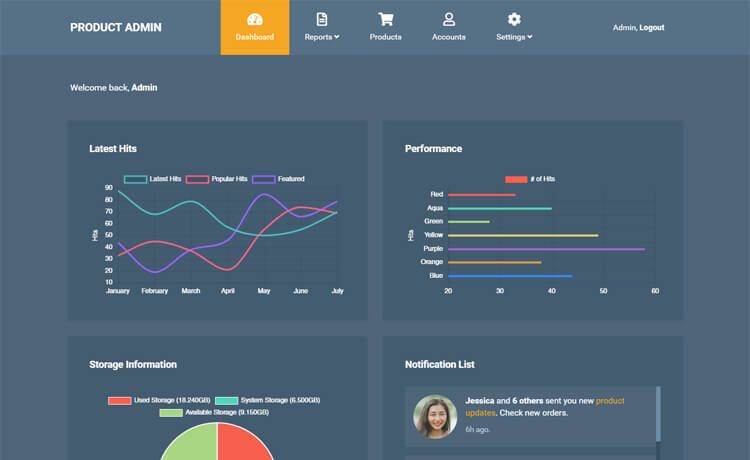
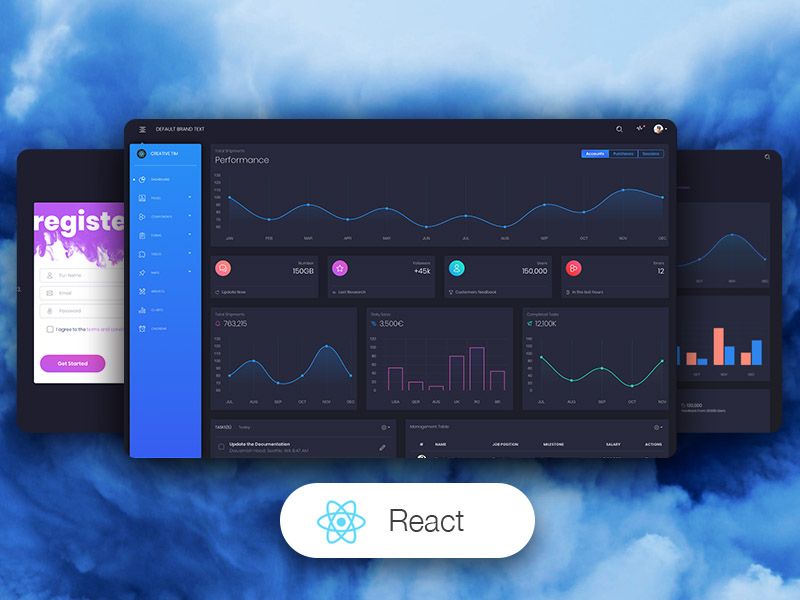
- Admin dashboard route — The app includes an admin dashboard accessible at /admin/dashboard, suggesting a dedicated interface for managing risk data.
- Vercel deployment — The application is deployed on Vercel at https://rm3.vercel.app, making it easy to preview and share.
- npm and yarn support — Dependencies can be installed with either npm install or yarn, and the dev server runs with npm run dev or yarn dev.
- Risk management domain — The repository topics include dashboard, project management, risk, and risk-management-framework, indicating a focus on risk management software.
- Public research code — The project is publicly available on GitHub, allowing researchers and developers to review and extend the prototype.
Who is it for?
This prototype is intended for researchers and academics in project management and risk management who need a reference implementation of the RM3 framework. It is also useful for developers looking to build risk management dashboards, since it demonstrates how to structure a Next.js app for risk data. Finally, IT project managers can explore the dashboard to understand how the RM3 framework might be applied to their own projects.
What can you do with RM3?
- Researchers: study how the RM3 framework is implemented in a live web application and use it as a basis for further academic work.
- Developers: fork the repository and extend the dashboard with additional risk management features, since it's a Next.js project with a clear structure.
- IT project managers: preview the dashboard at /admin/dashboard to see how risk management data can be presented for IT projects.
How does RM3 work?
The README gives getting-started steps: install dependencies with npm install or yarn, then run the development server with npm run dev or yarn dev, and open http://localhost:3000 in a browser. The application is also deployed on Vercel for direct access.
Pros and cons
- Pros: Uses the widely adopted Next.js framework, runs locally with a simple command, and is deployed on Vercel for easy preview.
- Cons: As a research prototype, it may lack production-ready features, and the documentation is minimal, covering only setup and deployment.
FAQ
What is RM3?
RM3 is a prototype web application that implements the RM3 risk management framework for IT projects. It was developed by Paulo Andrade as part of his Ph.D. studies at the University of Regina and is built with Next.js.
Is RM3 free to use?
The repository is publicly accessible on GitHub, so the source code can be viewed and downloaded. However, the README does not specify a license, so you should contact the author for permission if you plan to use it in other projects.
How do I run RM3 locally?
First, install Node.js on your computer. Then, in the project directory, run npm install or yarn to install dependencies, followed by npm run dev or yarn dev to start the development server. Finally, open http://localhost:3000 in your browser.
Where is RM3 deployed?
RM3 is deployed on Vercel at https://rm3.vercel.app/admin/dashboard. This URL provides direct access to the admin dashboard of the prototype.