Template details
Sciter SDK
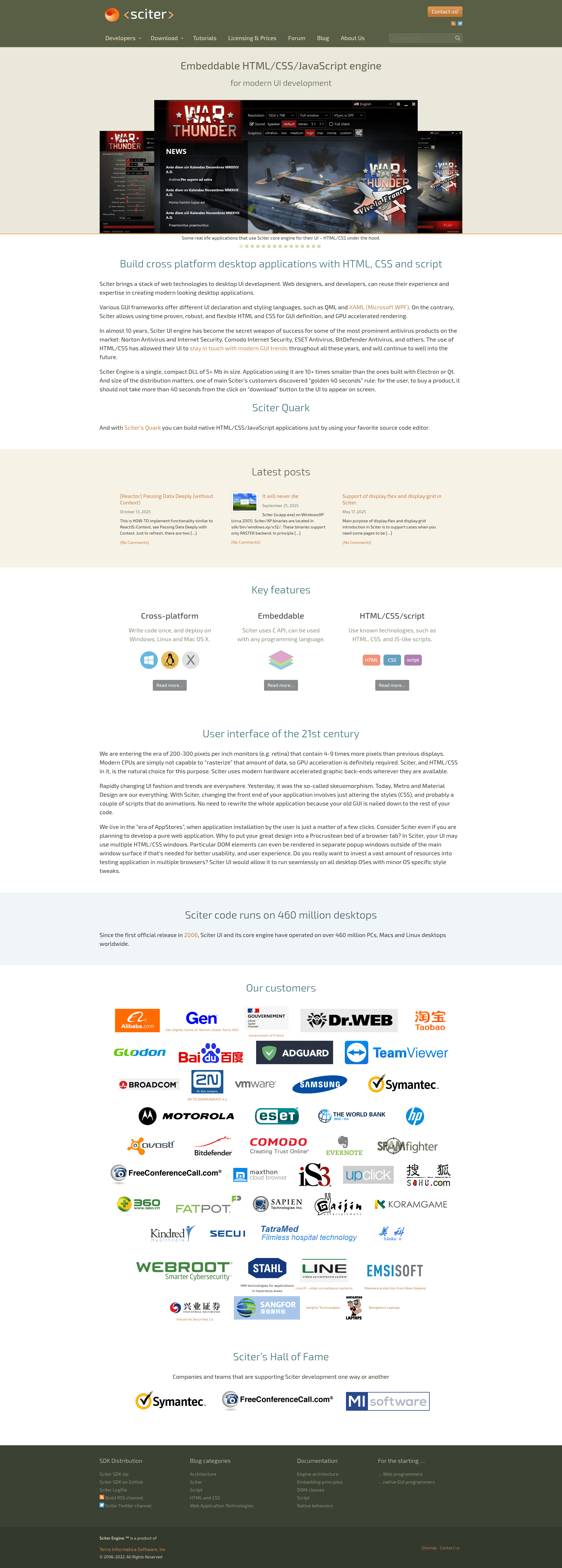
Sciter is an embeddable HTML/CSS/scripting engine for Windows, Mac OSX and Linux.
About this template
Sciter SDK is an embeddable HTML/CSS/scripting engine that lets native desktop applications render web-style user interfaces across Windows, macOS, and Linux.
What is Sciter SDK?
Sciter SDK is a cross-platform library that takes HTML, CSS, and scripting files as input and produces a rendered UI inside a native window for desktop applications. It provides C++ integration headers, a resource-packing utility, sample applications, and documentation. The project is authored by c-smile and is open source. The current branch in this repository uses TIScript as its scripting language, while the actively developed Sciter.JS variant runs modern ES2020 JavaScript.
Key Features
- Cross-platform support — Runs on Windows, Mac OSX, and Linux from the same codebase.
- HTML/CSS rendering engine — Parses and renders HTML5 content and CSS styles for application UI.
- C++ headers for DOM and window control —
sciter-x-dom.hppexposes the DOM as a C++ class;sciter-x-window.hppmanages the window on every supported platform. - Host callback and behavior interfaces —
sciter-x-host-callback.hhandles resource loading and script-call methods;sciter-x-behavior.hreceives DOM events like clicks and input changes. - Resource embedding tool —
bin/packfolder[.exe]compresses an entire folder of HTML/CSS/script files into a static byte array included via a generatedresource.cppfile. - Sample applications — The SDK includes usciter (a demo browser for all platforms), uminimal (a minimal integration sample), notepad (source of https://html-notepad.com), and notes (source of https://notes.sciter.com).
- Real-world adoption — The README shows screenshots of War Thunder, Norton Internet Security, Avast, and a cardio monitor built with Sciter UI.
Who is it for?
- C++ desktop developers who want to build application UIs with HTML/CSS instead of traditional widget toolkits.
- Web frontend developers — The repository includes a dedicated guide on embedding principles aimed at programmers coming from the web ecosystem.
- Software vendors shipping cross-platform apps — The shipped demos and resource-packing workflow support creating installer- or game-style interfaces.
What can you do with Sciter SDK?
- Build a lightweight HTML/CSS shell for native tools — Use the usciter sample to load any HTML file from the /samples/ folder or your own content.
- Create a minimal integration — Start from uminimal to get the smallest possible multi-platform embedding example.
- Package UI resources into an executable — Use packfolder to compress your HTML/CSS/script assets and embed them into a static byte array, then call native C++ functions from script as shown in the hello C++ world tutorial.
Pros and cons
- Thin and embeddable — Sciter renders its own HTML/CSS without shipping a full web browser.
- Ready-made demos — The SDK ships complete notepad and notes applications that are actively published as products.
- The TIScript branch is deprecated — The README clearly states that development stopped in favor of Sciter.JS; any new code should use the JavaScript version.
Alternatives
- Electron — Bundles Chromium and Node.js for desktop apps; Sciter uses a lighter, purpose-built engine.
FAQ
What scripting language does Sciter use?
This branch of Sciter SDK uses TIScript. The newer Sciter.JS branch uses modern JavaScript (ES2020) and the project recommends migrating to it.
Is Sciter only for Windows?
No. The README lists Windows, Mac OSX, and Linux as supported platforms, and the usciter demo runs on all of them.
Are there complete application sources available?
Yes. The SDK includes the full source for HTML Notepad and Sciter Notes, which are real published applications, plus the minimal uminimal sample.