Template details
Jobpare CV Generator
Open-source, local-first CV generator that turns JSON data and HTML templates into print-ready PDFs via a web editor and CLI.
About this template
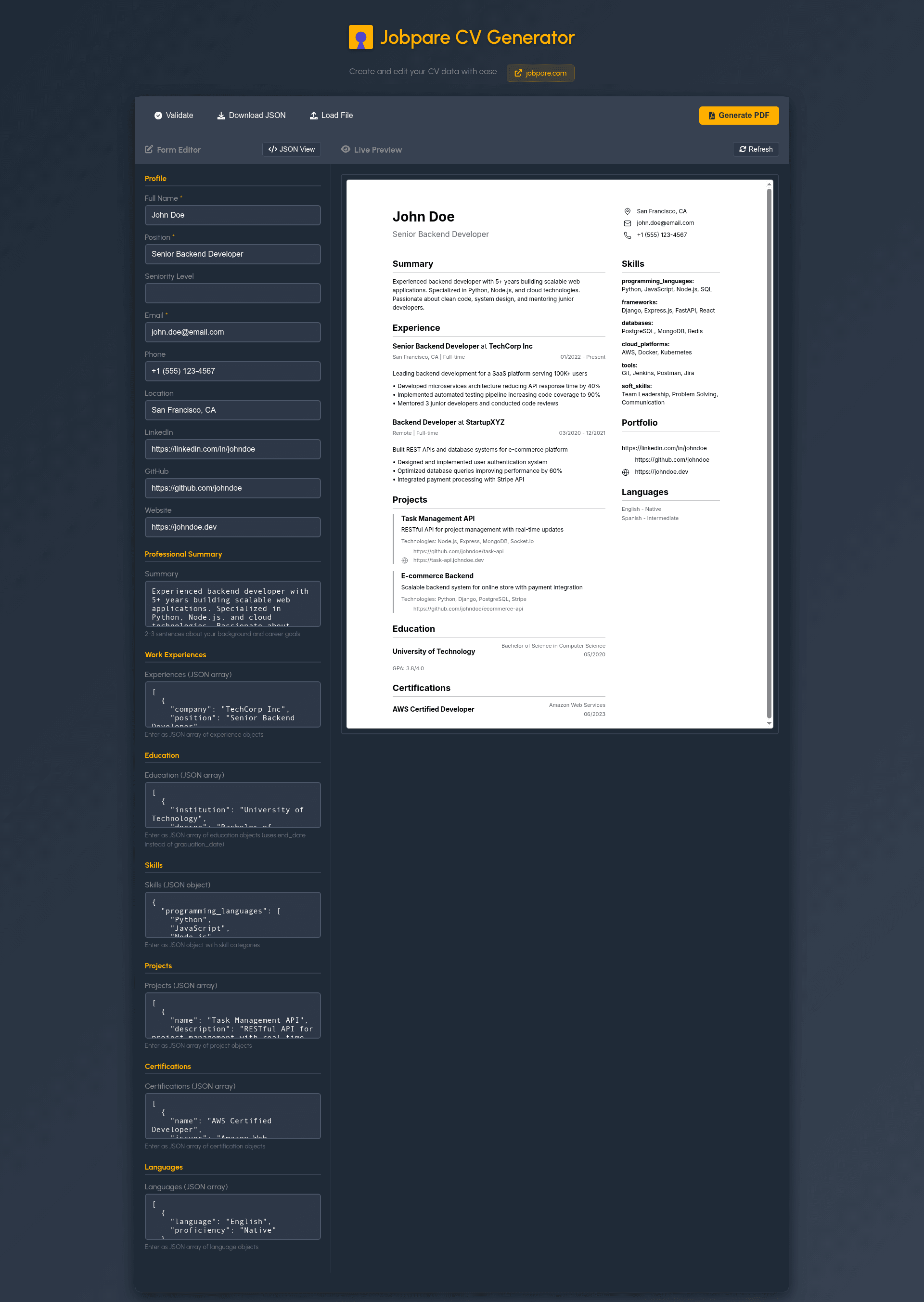
Jobpare CV Generator (cvgen) is an open-source, local-first resume builder that converts JSON CV data through Handlebars HTML templates into print-ready PDFs, offering both a web editor and a Node.js CLI.
What is Jobpare CV Generator?
Jobpare CV Generator is a developer tool that generates professional CVs from structured JSON input and HTML templates. It takes a JSON object following a defined schema (profile, experiences, education, skills, projects, etc.) and renders it through Handlebars templates, outputting either HTML or a print-ready PDF via Puppeteer. The project is MIT-licensed and maintained under the Jobpare GitHub organization.
Key Features
- JSON-based data input — CV data lives as JSON, making it easy to version control, diff, and edit programmatically.
- PDF output — Generates high-quality, print-ready PDFs using Puppeteer, with automatic fallback to HTML when Chrome/Chromium is not installed.
- Local-first — No cloud dependencies; data stays on your machine and works offline.
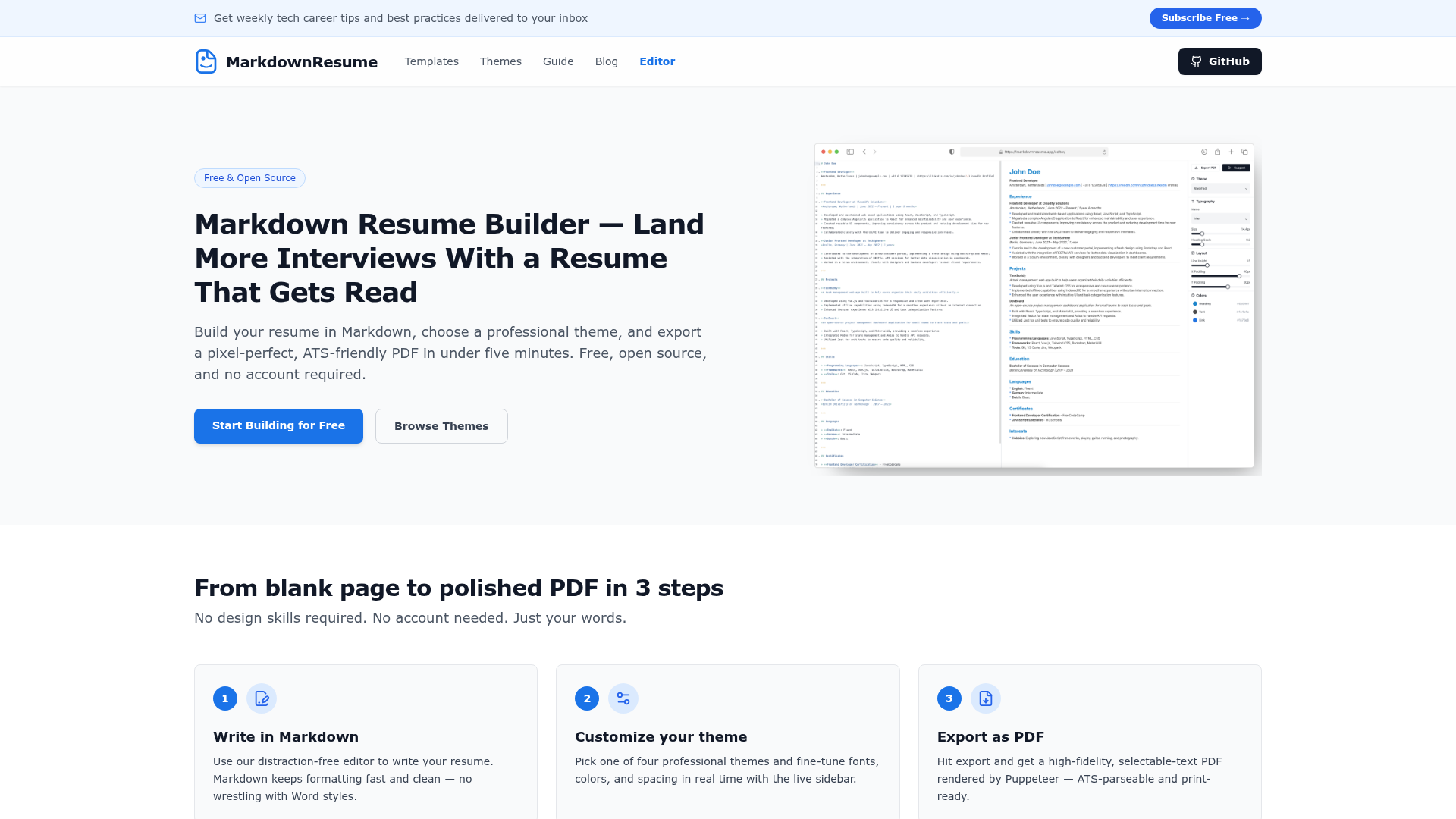
- Web-based editor — A visual editor at jobpare.github.io/cvgen/ with live preview, form and JSON views, and automatic localStorage persistence.
- CLI tool — A command-line interface built with Commander.js for scripted or automated CV generation.
- Role-specific guidance — Curated lists of skills and action verbs for backend, frontend, and other roles.
- URL-driven data loading — Load CVs from localStorage IDs, external URLs, or preloaded examples using the
?data=parameter. - PostMessage API — Allows embedding the editor in other applications and sending CV JSON securely with origin checking.
Who is it for?
- Software developers who want a version-controlled, JSON-based resume that can be regenerated from code.
- Designers and professionals who prefer visual editing with live preview over LaTeX's compile–view cycle.
- Job seekers targeting tech roles who need role-specific skill suggestions and clean, print-ready PDFs.
- Developers building resume tools who can integrate the editor via postMessage or reuse the CLI in their own pipelines.
What can you do with Jobpare CV Generator?
- Automate resume generation: Run
node src/generate.js generatewith a template and JSON input to produce an HTML or PDF CV. - Customize with a visual editor: Open the online editor, tweak data in form or JSON view, and see an instant live preview.
- Load CVs from external URLs: Fetch JSON data from any API endpoint to populate the editor using the
?data=parameter. - Integrate into your own app: Open the editor in a new window and send CV data via
postMessagewith theSET_CV_JSONmessage type.
How does Jobpare CV Generator work?
- Install Node.js dependencies with
npm install. - Edit CV JSON — either via the web editor (which saves to localStorage) or by writing a JSON file that matches the documented schema.
- Pick the included template (template-1.html) and choose an output format: HTML or PDF.
- Run the CLI command
node src/generate.js generate -t <template> -i <input.json> -o output. - The tool validates the data, renders the Handlebars template, and optionally converts it to PDF with Puppeteer when Chrome/Chromium is available.
Pricing
Jobpare CV Generator is free and open source under the MIT License.
Alternatives
- Traditional LaTeX CV templates (e.g., Awesome-CV) — require a full LaTeX distribution and a compile–view cycle, but offer excellent typographic control; cvgen provides simpler setup and live preview.
FAQ
Is Jobpare CV Generator free?
Yes, the project is open source under the MIT License, so it is free to use, modify, and distribute without restrictions.
How do I generate a PDF with Jobpare CV Generator?
Run the CLI command node src/generate.js generate -t docs/cv-templates/template-1.html -i docs/cv-json-example/backend-cv-schema.json -o output/my-cv.pdf. PDF generation requires Chrome/Chromium installed; otherwise the tool falls back to HTML output.
What data format does it use?
CV data is provided as JSON following a schema that includes profile, summary, experiences, education, skills, projects, certifications, and languages. Example files for backend and frontend developers are included in the repository.
Does the web editor work offline?
The editor is hosted on GitHub Pages and preloads example CVs into localStorage on first load, allowing fast access and offline availability of example data. Your own edits are saved locally in the browser.
Can I load CV data from an external API?
Yes, use the URL parameter ?data=https://api.example.com/cv/123 to fetch data from an external URL each time the editor loads. The editor fetches the JSON fresh on every page load.