Template details
Steve for Jekyll
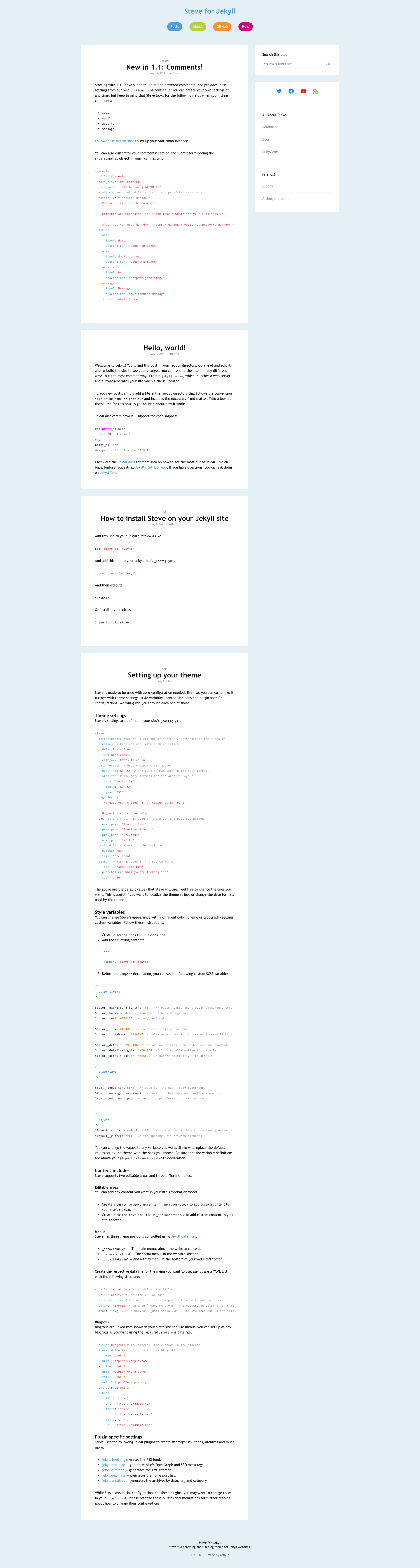
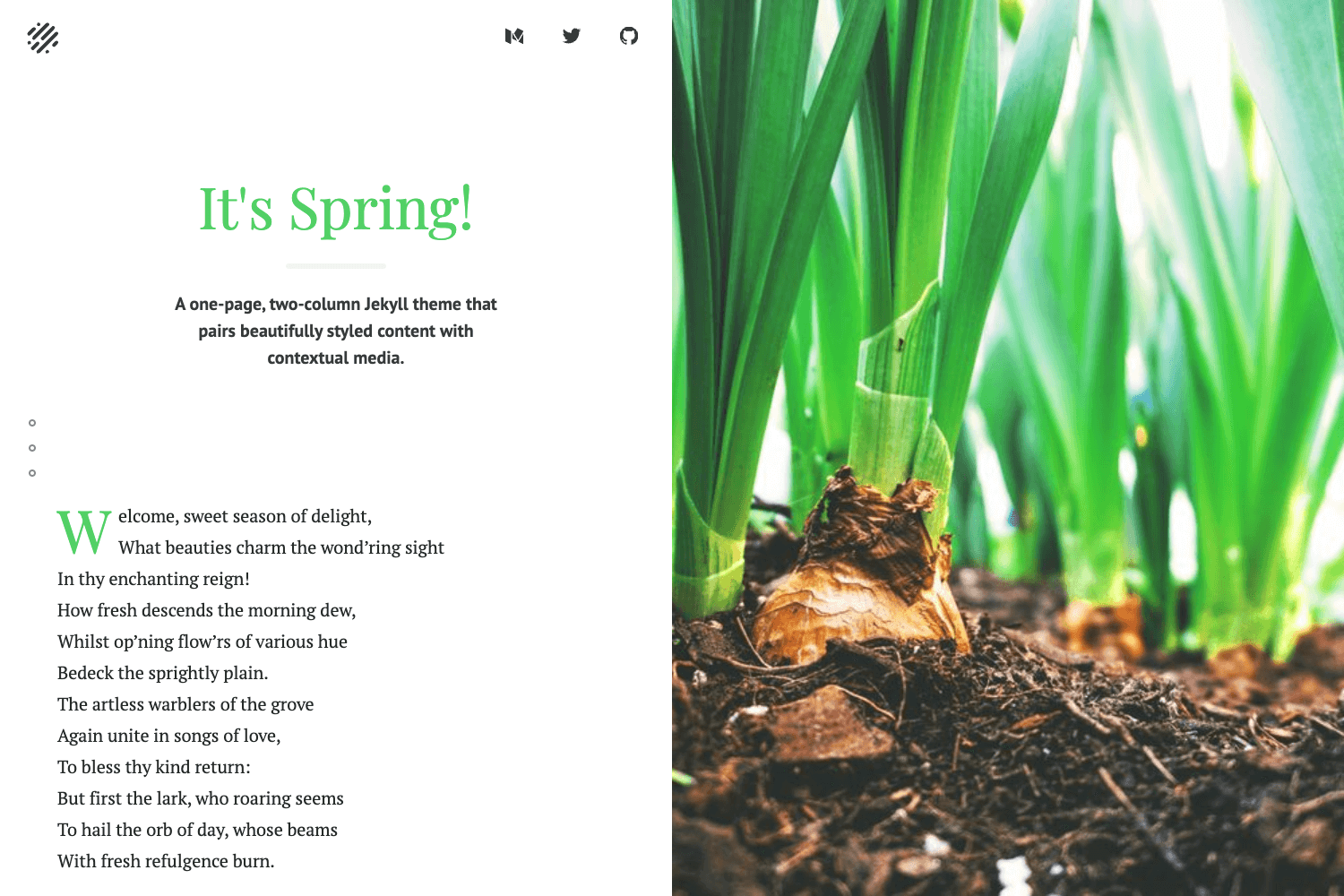
A charming and fun two-column blog theme for Jekyll, distributed as a Ruby gem.
About this template
Steve is a two-column blog theme for Jekyll, distributed as a Ruby gem named steve-for-jekyll, that provides a ready-to-run blog layout for static sites generated from Markdown content.
What is Steve for Jekyll?
Steve is a Jekyll theme created by GitHub user @arthrfrts for use on the Esporo network of websites, and released as open source under the MIT License. As a Jekyll theme, it takes standard Jekyll site content — pages, posts, data files, and configuration — and renders it into a static HTML site using Liquid templates and Sass stylesheets. The theme is installed by adding steve-for-jekyll to a site's Gemfile and setting theme: steve-for-jekyll in _config.yml, then running bundle. It works out-of-the-box and offers documented options for menus, comments, and theme style.
Key Features
- Packaged as a Ruby gem — Install with
gem install steveor via Bundler, then activate it in_config.yml; no manual file copying is required. - Out-of-the-box operation — The theme works immediately after installation, with optional configuration for menus, comments, and theme style documented in the project wiki.
- Two-column blog layout — The repository's topic tags identify Steve as a two-column theme, giving posts a sidebar for widgets or navigation.
- Standard Jekyll directory structure — Theme files live in
_layouts,_includes,_sass, andassets, so customizations follow normal Jekyll conventions. - Documentation via wiki — The GitHub wiki covers adding menus, enabling comments, changing the theme style, and setting other options.
- MIT License — Free to use, modify, and redistribute in personal or commercial projects.
- Live demo — A preview is hosted at https://esporo.github.io/steve to see the default appearance before installing.
Who is it for?
- Jekyll bloggers — People who want a pre-built, two-column blog design without writing their own Liquid layouts and Sass.
- Developers building sites for Esporo — The theme was created specifically for the Esporo platform, so it matches that project's design conventions.
- Open-source contributors — Developers interested in extending a small, MIT-licensed Jekyll theme; bug reports and pull requests are welcome on GitHub.
What can you do with Steve for Jekyll?
- Launch a personal blog — Install the gem, add Markdown posts, and get a styled, two-column blog with minimal configuration.
- Customize the appearance — Use the documented options to change theme style, add menus, and integrate comments.
- Develop and test the theme — Run
bundle exec jekyll servelocally and adjust files in_layouts,_includes, and_sass; the site regenerates automatically on each refresh.